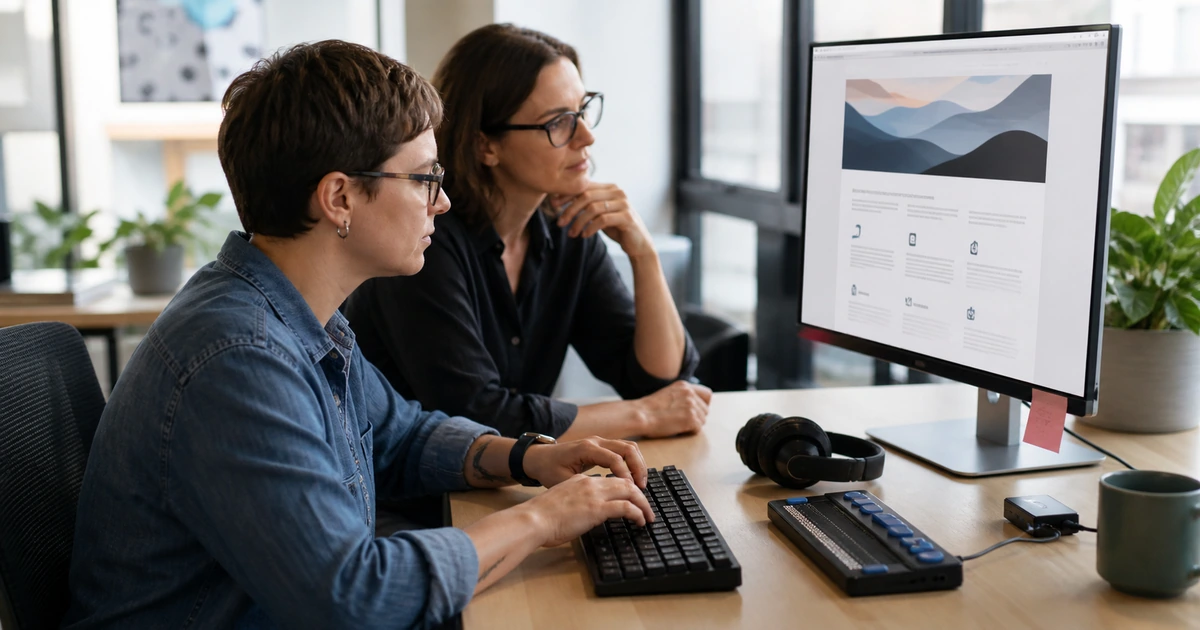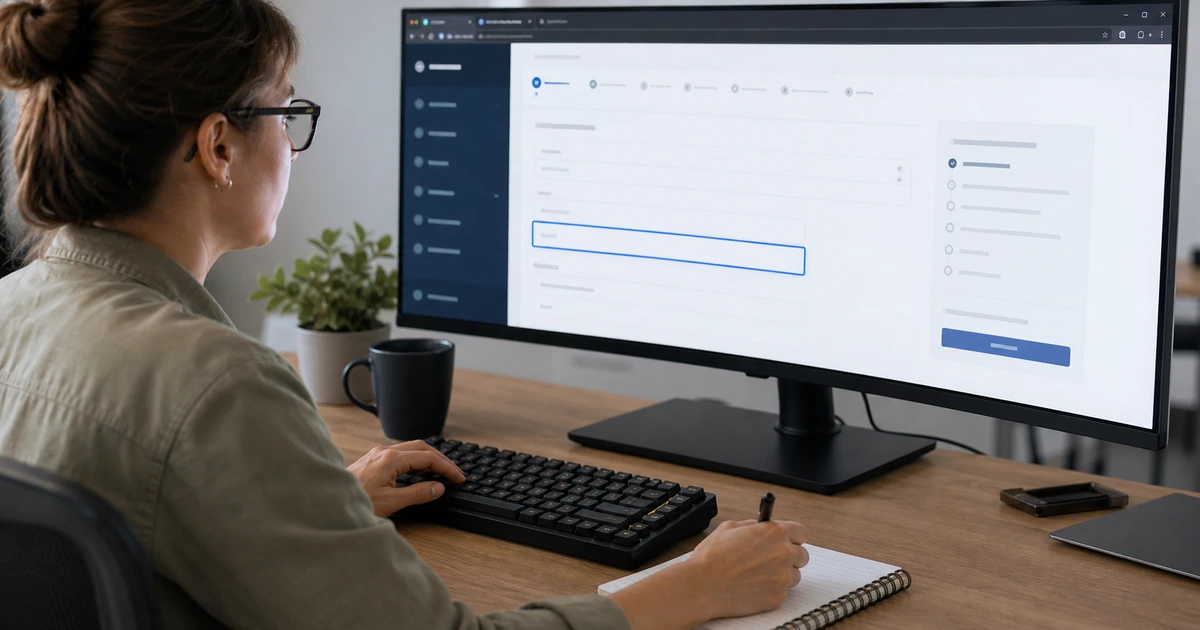
An accessible service page lets people understand the offer, compare options, complete a form, call the business, and recover from mistakes using the technology that works for them. That includes a keyboard, screen reader, voice input, zoom, high contrast settings, captions, touch controls, and small screens. Accessibility therefore belongs in the page structure, content, interaction design, development, and acceptance process from the beginning.
The Web Content Accessibility Guidelines organize accessibility around content that is perceivable, operable, understandable, and robust. WCAG 2.2 provides testable success criteria, but a successful project still requires human evaluation. Automated tools can find some missing labels, contrast problems, and code errors. They cannot reliably decide whether link text explains its destination, focus order follows the task, alternative text communicates an image’s purpose, or a form error gives a person a workable next step.
ALLMSP designs and improves business websites for organizations in Lawrenceville, Suwanee, Gwinnett County, Metro Atlanta, and throughout Georgia. Our in-house team can plan the page, write the content, build reusable components, configure forms, improve keyboard and screen-reader behavior, test responsive layouts, document findings, train publishers, and maintain the site without treating accessibility as a one-time scan or an unsupported legal promise.
Design accessibility around the complete customer task
- Define the task: Identify what a visitor must understand, compare, choose, submit, download, schedule, or confirm on the page.
- Create clear structure: Use a descriptive page title, logical headings, concise sections, lists, landmarks, and meaningful reading order.
- Support every input: Make links, buttons, menus, dialogs, forms, and media controls work by keyboard, pointer, touch, and supported assistive technology.
- Explain every state: Provide visible focus, clear labels, instructions, validation, status messages, errors, confirmation, and recovery.
- Adapt without loss: Test zoom, reflow, text spacing, orientation, contrast, motion, responsive layouts, and content on hover or focus.
- Verify the journey: Combine automated checks with keyboard review, assistive technology tests, mobile inspection, and representative user tasks.
Start with semantic structure, readable content, and meaningful alternatives
Begin with the customer question and the action the page should support. Write a specific title and opening that identify the service, intended customer, supported location, and next step. Divide the content with headings that describe the sections beneath them. Use real lists for related items, table markup only for tabular relationships, and a reading order that remains logical when styling is removed. A screen reader user should not have to infer structure from font size, color, or visual position alone.
Keep language direct and explain technical terms when they are necessary. Link text should make sense out of context, especially for repeated calls to action. Replace vague phrases such as click here with the destination or result. Instructions must not depend only on location, shape, sound, or color. If a required field is red, it still needs a programmatic and written indication. If a comparison depends on color, add labels, patterns, values, or another way to understand the difference.
Treat images according to purpose. Informative photographs, diagrams, charts, and icons need concise alternatives that communicate the information needed for the surrounding task. Decorative images should be ignored by assistive technology. Complex graphics may need nearby explanation or a data table. Avoid putting essential words inside an image when live text can provide better zoom, contrast, translation, selection, and search. Captions, transcripts, audio description needs, controls, and autoplay behavior must be planned for audio and video before publishing.
- Page identity: Use a unique title, descriptive main heading, useful opening, service context, location relevance, and clear next action.
- Heading outline: Keep one understandable hierarchy that reflects the content rather than choosing heading levels for appearance.
- Reading order: Confirm that source order, visual order, focus order, responsive order, and spoken order support the same task.
- Link purpose: Name the destination or action clearly and distinguish links that download files, open documents, or leave the site.
- Text alternatives: Describe the useful purpose of informative images and leave truly decorative media out of the accessibility tree.
- Plain communication: Use concise sentences, defined terms, specific instructions, descriptive labels, and more than color or position alone.
Good structure reduces cognitive effort, improves assistive technology navigation, and gives search engines a clearer understanding of the page without turning the copy into keyword repetition.
Build keyboard operation, visible focus, forms, and interactive states
Every action available with a mouse should have an operable keyboard path unless the task inherently depends on freehand or path-based movement. Test from the browser address bar through the page using Tab, Shift plus Tab, Enter, Space, Escape, and arrow keys where the interaction pattern calls for them. Focus must be visible, follow a sensible sequence, and remain unobscured by sticky headers, cookie notices, chat buttons, or dialogs. A visitor must never become trapped inside a menu, carousel, modal, date picker, or embedded tool.
Use native links for navigation, buttons for actions, and labeled form controls for input. Custom components need an accessible name, role, value, state, keyboard behavior, and reliable announcements when content changes. A visual placeholder is not a durable field label. Group related controls, explain required formats before entry, preserve user input after errors, identify the specific problem, and connect the message to the affected field. Confirmation should state what happened and what the customer should expect next.
Authentication and conversion steps deserve special attention because failure blocks access or revenue. Review password rules, one-time codes, CAPTCHA, document uploads, calendars, payments, address lookup, consent controls, and third-party scheduling. Avoid memory tests and unnecessary repeated entry. Allow password managers and copy and paste where security permits. If an embedded service creates an inaccessible barrier, document the limitation, provide an effective alternative path, and address replacement or correction with the product owner.
- Keyboard path: Reach, operate, dismiss, and leave every control in a sequence that follows the visitor’s intended work.
- Visible focus: Use a strong focus indicator that remains visible against each background and is not hidden behind persistent interface elements.
- Control semantics: Choose native elements first and verify name, role, value, state, instructions, and keyboard behavior for custom controls.
- Form labels: Associate labels and instructions with inputs, identify required fields, describe formats, and group related choices.
- Error recovery: Name each problem, move attention appropriately, retain valid entries, suggest correction, and provide a clear confirmation state.
- Third-party paths: Test scheduling, chat, maps, video, forms, payments, consent tools, and other embeds as part of the complete customer journey.
A page is not accessible because its text can be read. The visitor must also be able to complete the intended work, understand changing states, and recover when something goes wrong.
Test reflow, assistive technology, media, and real customer journeys
Inspect the page at common desktop, laptop, tablet, and phone widths, then test text enlargement and browser zoom. Content should reflow without forcing two-direction scrolling for ordinary reading. Text must not overlap, disappear, clip, or become hidden behind fixed elements. Controls need adequate visual separation and usable target sizes. Test portrait and landscape orientation, high contrast or forced colors where practical, reduced motion preferences, light and dark interface conditions, and increased text spacing.
Run automated checks early and often, but use them as evidence rather than a verdict. Add manual review for headings, landmarks, reading order, keyboard access, focus visibility, link purpose, alternative text, forms, errors, status messages, responsive behavior, media, and complete processes. Test with representative screen-reader and browser combinations based on the audience and project requirements. Record the browser, device, assistive technology, version, scenario, expected result, actual result, severity, evidence, owner, and retest outcome.
Acceptance testing should follow real journeys such as finding a service, comparing options, locating contact information, submitting a request, receiving confirmation, downloading a document, or completing a purchase. Include edge cases like validation errors, expired sessions, slow connections, long text, magnification, no audio, no pointer, and third-party content. WCAG conformance claims require defined scope and supporting evidence. Organizations should obtain qualified legal guidance for obligations that apply to their industry, contracts, funding, and jurisdiction.
- Responsive review: Check reflow, zoom, orientation, text spacing, fixed elements, overflow, touch targets, contrast, motion, and content visibility.
- Automated evidence: Run reputable scanners during development and before release, then investigate each result in context.
- Manual evidence: Review structure, content meaning, keyboard use, focus, forms, errors, media, status changes, and complete processes.
- Assistive technology: Test prioritized journeys with supported screen readers, browsers, zoom, voice input, or other relevant tools.
- Issue record: Capture criterion, page, component, scenario, environment, severity, evidence, owner, correction, retest, and residual limitation.
- Release decision: Require acceptance for critical journeys, document exceptions, provide alternatives, and avoid unsupported claims of compliance.
Accessibility becomes dependable when the team can show how the page was tested, what was corrected, which limitations remain, and who owns the next review.
Accessible website design and testing from ALLMSP
ALLMSP can plan service journeys, organize content, design responsive layouts, build semantic components, configure forms, improve keyboard behavior, prepare image alternatives, address media needs, test pages, document findings, train publishers, and maintain the finished website with one in-house team.
We provide accessible web design and improvement services for businesses and organizations in Lawrenceville, Suwanee, Gwinnett County, Metro Atlanta, and throughout Georgia. Each project is scoped around the site’s actual content, technology, audience, critical tasks, third-party tools, and applicable requirements.
- Design: Define journeys, structure content, select components, plan responsive behavior, and establish testable accessibility requirements.
- Build: Create pages, navigation, forms, media, interactions, alternatives, and reusable publishing controls with accessible behavior.
- Verify: Run automated, keyboard, responsive, content, and assistive technology tests, correct findings, and preserve evidence.
Primary website accessibility design and testing guidance
Use current authoritative guidance to establish requirements and tests. Apply it to the complete experience, including content, custom components, third-party tools, responsive states, and customer tasks.
- W3C Web Content Accessibility Guidelines 2.2. Defines testable success criteria for perceivable, operable, understandable, and robust web content.
- W3C Easy Checks. Introduces useful checks for titles, headings, contrast, text alternatives, keyboard access, forms, and media.
- Section 508 Accessibility Testing. Provides practical testing resources and reinforces the role of both automated and manual evaluation.
- ALLMSP Web Design. Website planning, design, development, accessibility improvement, conversion paths, hosting, maintenance, and support.
Accessible website design FAQs
What is the best time to address website accessibility?
Start during discovery and design so content, structure, components, forms, media, and testing requirements are built into the project. Existing sites can still be improved through a prioritized remediation plan.
Is an automated accessibility score enough?
No. Automated tools find only part of the problem set. Human review is needed for meaning, reading order, keyboard behavior, focus, alternative text, forms, errors, and complete customer journeys.
What should be tested with only a keyboard?
Test navigation, menus, links, buttons, dialogs, forms, calendars, carousels, media controls, embedded tools, error recovery, and the ability to reach and leave every interactive element.
How should images be handled on an accessible page?
Informative images need useful text alternatives. Decorative images should be ignored by assistive technology. Complex visuals may also need a nearby explanation or equivalent data.
What makes a website form accessible?
Use persistent labels, clear instructions, programmatic relationships, understandable required states, keyboard operation, specific error messages, retained input, correction guidance, and meaningful confirmation.
Does responsive design automatically make a site accessible?
No. Responsive behavior helps, but teams must still test reflow, zoom, text spacing, orientation, touch targets, focus, reading order, contrast, content visibility, and every critical task.
Should third-party widgets be included in accessibility testing?
Yes. Scheduling, chat, maps, consent tools, payments, video, forms, and other embedded services can block the customer journey even when the surrounding page is well built.
Can ALLMSP guarantee legal compliance?
ALLMSP can design, test, remediate, document, and maintain accessible technology. Legal obligations and formal claims should be reviewed by qualified counsel for the organization’s jurisdiction and circumstances.
Can ALLMSP rebuild an inaccessible business website?
Yes. Our in-house team can assess the current site, prioritize barriers, redesign templates, rewrite content, correct interactions, improve forms, test the result, train staff, and provide ongoing support.
Where does ALLMSP provide accessible web design services?
ALLMSP serves Lawrenceville, Suwanee, Gwinnett County, Metro Atlanta, and organizations across Georgia through local and remote delivery.