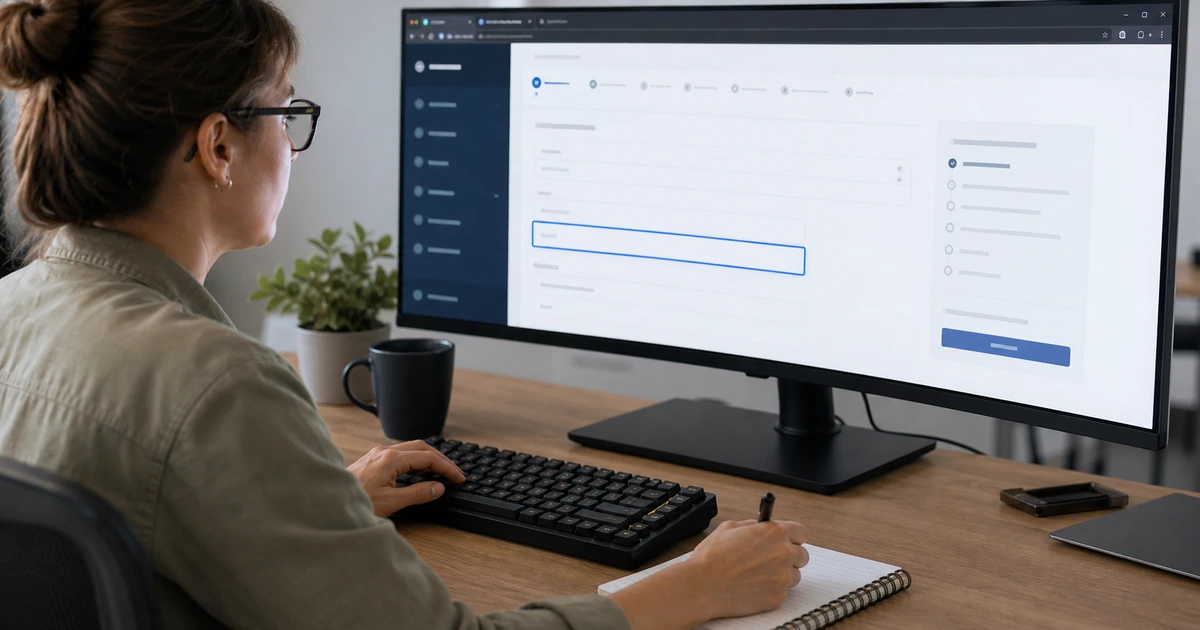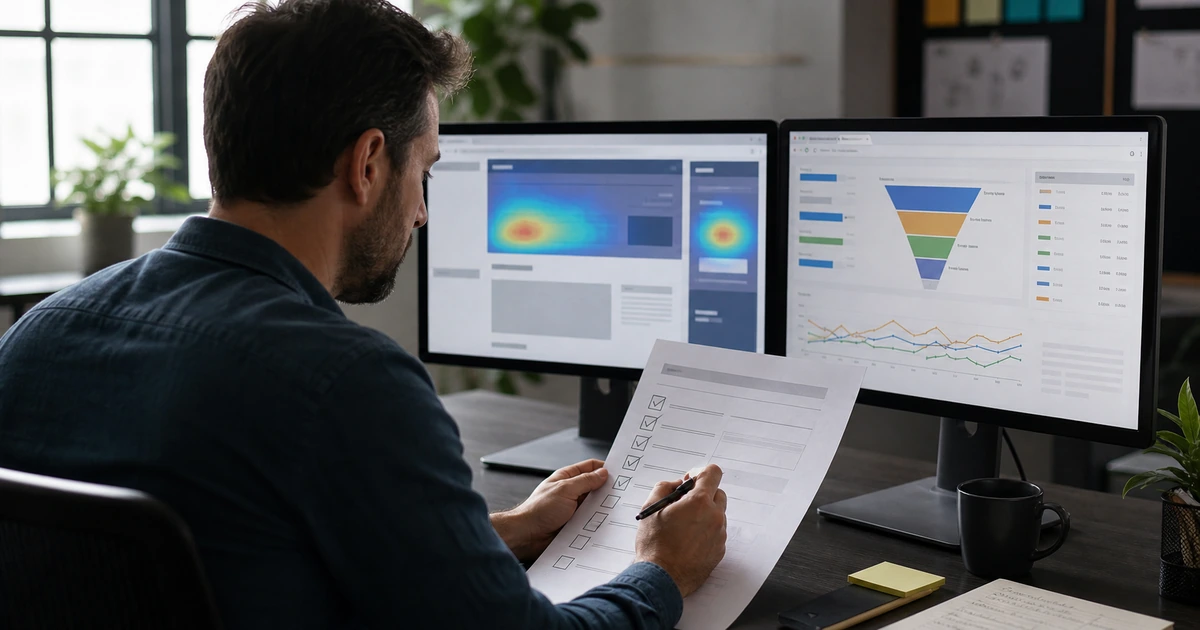
Website accessibility changes whenever the site changes. A new campaign page can introduce an unclear heading outline. A plugin update can alter keyboard behavior. A publisher can upload an image without a useful alternative. A redesigned form can hide errors from assistive technology. A new scheduling or payment tool can create a barrier outside the team’s template library. Maintaining access therefore requires ownership and release controls, not an annual scan that produces a forgotten report.
The operating model should make the accessible choice the easiest choice. Approved components need reliable behavior. Templates need sensible defaults. Publishers need short checks at the moment they add content. Developers need acceptance criteria and regression tests. Product owners need a way to evaluate third-party services. Support staff need a clear response path when a customer reports difficulty. Leaders need evidence about open blockers, aging exceptions, and whether critical journeys still work.
ALLMSP helps organizations in Lawrenceville, Suwanee, Gwinnett County, Metro Atlanta, and throughout Georgia build accessible publishing and maintenance practices. Our in-house team can establish standards, configure templates, train staff, test releases, monitor important pages, remediate issues, manage website technology, and document progress as part of ongoing web design and support.
Make accessibility a routine part of publishing and change management
- Assign ownership: Name business, content, design, development, quality, support, procurement, and decision responsibilities.
- Control components: Maintain approved templates and interactions with documented behavior, states, usage, limitations, and tests.
- Guide publishers: Build concise checks for headings, links, images, documents, media, tables, forms, and plain language into the workflow.
- Gate releases: Require automated, keyboard, responsive, content, and journey tests proportionate to the change.
- Respond to barriers: Provide an accessible feedback route, assistance process, issue owner, severity target, and verified closure.
- Review the program: Track critical journeys, repeated root causes, aging findings, exceptions, training, third parties, and improvement work.
Define ownership, standards, publishing checks, and accessible defaults
Assign responsibility to the roles that can change the experience. A business owner sets priorities and accepts material exceptions. Content owners manage accuracy, structure, link meaning, images, documents, and media. Designers define contrast, focus, target size, layout, motion, and component states. Developers implement semantics, keyboard behavior, announcements, and responsive interaction. Quality staff test the complete journey. Support staff help customers and capture barriers. Procurement owners evaluate third-party technology before it becomes required.
Create a concise standard tied to current authoritative guidance and the organization’s actual technology. Define target criteria, supported browsers and assistive technology, critical journeys, required tests, evidence, severity, release authority, exception handling, and review frequency. Avoid vague policy language that promises universal access without explaining the work. Separate technical conformance targets from legal conclusions and obtain qualified counsel when formal obligations or public claims need interpretation.
Configure accessible defaults in the content management system. Provide approved page structures, heading patterns, buttons, links, forms, alerts, tables, galleries, video blocks, and document practices. Require useful image alternatives or a deliberate decorative setting. Prevent publishers from choosing heading levels only for size. Offer prepared color combinations, visible focus, readable spacing, and responsive behavior. A short publishing checklist should cover the choices that editors can actually control at the moment of release.
- Program owner: Set scope, target, priorities, funding, decision authority, metrics, exception rules, and reporting.
- Content owner: Maintain structure, language, links, images, documents, media, tables, instructions, forms, and review dates.
- Technical owner: Manage semantics, components, keyboard behavior, focus, status messages, integrations, responsive states, and regression tests.
- Support owner: Provide assistance, capture reported barriers, preserve context, route urgency, communicate status, and confirm resolution.
- Approved defaults: Offer tested templates, colors, headings, controls, forms, media blocks, document patterns, and accessible error handling.
- Publishing check: Confirm title, headings, links, alternatives, captions, tables, documents, readability, mobile behavior, and final task.
Clear roles and accessible defaults prevent routine publishing from recreating the same barriers that a previous remediation project removed.
Add accessibility to procurement, development, releases, and training
Evaluate third-party technology before purchase or renewal. Ask for current accessibility documentation, supported standards, testing methods, known limitations, product roadmap, customer configuration responsibilities, support escalation, and evidence for the exact product and version. Demonstrate the organization’s critical tasks with keyboard and relevant assistive technology. Marketing claims and a generic conformance document do not replace testing of the scheduling, chat, payment, learning, document, map, or account workflow the customer must use.
Include accessibility in definition of done. A change request should identify affected components and journeys. Design review should cover every state, including focus, error, empty, loading, disabled, expanded, selected, timed, and responsive behavior. Development should favor native controls and preserve names, roles, values, relationships, and status announcements. The release gate should combine automated scans with the manual tests relevant to the change, then include a full journey check for critical releases.
Train by role and provide examples from the real site. Publishers need to practice headings, descriptive links, image alternatives, tables, files, captions, and form instructions. Designers need contrast, focus, target size, reflow, state, and motion examples. Developers need component patterns and test expectations. Quality and support teams need reproducible scenarios and issue severity guidance. Refresh training after repeated defects, platform changes, new standards, new tools, or role transitions rather than relying on a single annual presentation.
- Procurement evidence: Request product-specific documentation, testing scope, known limitations, roadmap, support, and customer configuration responsibilities.
- Product demonstration: Test critical tasks, keyboard access, focus, errors, responsive behavior, and relevant assistive technology before commitment.
- Design acceptance: Review structure, color, contrast, focus, size, spacing, motion, layout, instructions, errors, and all interactive states.
- Development acceptance: Verify semantics, names, roles, values, relationships, keyboard use, announcements, reflow, and robust state changes.
- Release evidence: Retain automated results, manual scenarios, environments, defects, corrections, exceptions, approver, version, and rollback.
- Role training: Teach the decisions each role controls, use site-specific examples, provide checklists, and refresh after real failure patterns.
Accessibility remains stable when purchasing and release decisions require evidence before a tool or change reaches every customer.
Monitor critical journeys, respond to feedback, and improve recurring failures
Set a risk-based review schedule. Scan frequently changed templates and high-traffic pages after releases. Manually test critical customer journeys on a defined cadence and after material design, theme, plugin, content, authentication, or third-party changes. Sample new articles, campaigns, forms, files, and media. Review at multiple breakpoints and with the supported input and assistive technology combinations. A stable homepage does not prove that a newly embedded booking tool or downloadable form works.
Create an accessible feedback and assistance path that does not depend on the barrier being reported. Capture the page, task, device, browser, input method, assistive technology where volunteered, expected result, actual result, urgency, and contact preference. Do not require a person to disclose a disability. Acknowledge the report, help complete the immediate task, assign the technical issue, communicate progress, protect personal information, and ask the reporter to confirm the outcome when appropriate.
Use program measures that support action. Track critical blockers, time to assistance, time to correction, aging findings, recurring components, defects by source, release escapes, pages sampled, third-party limitations, training completion, and verified journey results. Do not present an automated score as proof of accessibility. Review recurring root causes and update templates, controls, procurement criteria, training, and release tests. Keep evidence and exceptions current so progress can be explained honestly.
- Review cadence: Schedule scans, manual samples, journey tests, assistive technology checks, third-party reviews, and policy refreshes by risk.
- Change trigger: Retest after templates, themes, plugins, forms, navigation, media, authentication, integrations, or major content changes.
- Feedback intake: Capture the task and environment, provide immediate assistance, protect privacy, assign ownership, and communicate progress.
- Useful metrics: Track blockers, response, correction, age, recurrence, source, release escapes, samples, exceptions, and verified journeys.
- Root-cause review: Use repeated defects to improve components, defaults, documentation, training, procurement, tests, and decision controls.
- Evidence record: Maintain scope, versions, environments, tests, findings, fixes, reviewers, exceptions, decisions, and next review dates.
An ongoing program earns confidence by helping customers quickly, correcting barriers at their source, and showing measurable improvement without overstating what has been tested.
Ongoing website accessibility support from ALLMSP
ALLMSP can establish accessibility ownership, improve publishing defaults, review third-party products, train content and technical staff, add release checks, test critical journeys, respond to reported barriers, remediate findings, maintain evidence, and support the website through one in-house team.
We provide ongoing website accessibility support for businesses and organizations in Lawrenceville, Suwanee, Gwinnett County, Metro Atlanta, and throughout Georgia. The service can fit a new website, an existing WordPress environment, an active marketing program, or a broader managed technology relationship.
- Govern: Define scope, owners, standards, approved patterns, publishing controls, exceptions, evidence, and program measures.
- Operate: Review purchases, train roles, test releases, sample content, monitor critical journeys, and respond to barriers.
- Improve: Correct findings, analyze repeat causes, update components and training, retire weak tools, and document verified progress.
Primary guidance for an ongoing accessibility program
Build the operating program around current technical guidance, defined tests, real customer journeys, and documented responsibility. Formal legal interpretation should come from qualified counsel.
- W3C Web Content Accessibility Guidelines 2.2. Provides the current W3C Recommendation and testable success criteria that can inform standards and acceptance.
- W3C Easy Checks. Offers approachable checks that can support publisher training and early review while not replacing a full evaluation.
- DOJ Guidance on Web Accessibility and the ADA. Provides federal guidance on access to web-based goods and services and links to technical accessibility resources.
- ALLMSP Website Maintenance. Ongoing website design, content, development, accessibility improvement, performance, security, hosting, and support.
Ongoing website accessibility support FAQs
Why does website accessibility need ongoing maintenance?
Content, templates, plugins, forms, media, third-party tools, and browser behavior change. Any release can introduce a new barrier or restore an old one.
Who should own accessibility inside a business?
Use shared responsibility with named business, content, design, development, quality, support, and procurement owners. One accountable program owner should coordinate priorities and evidence.
What should a publisher check before releasing a page?
Check title, headings, reading order, link meaning, image alternatives, documents, media, tables, instructions, form behavior, mobile layout, keyboard access, and the intended customer task.
How often should a website be tested for accessibility?
Use a risk-based schedule and test after material changes. Frequently updated pages and critical journeys need more attention than stable low-use content.
What accessibility evidence should a software vendor provide?
Request product-specific scope, standards, test methods, supported technology, known limitations, customer responsibilities, remediation plans, release changes, and support escalation.
What belongs in an accessibility release gate?
Include affected journeys, automated results, relevant manual tests, keyboard behavior, responsive states, error paths, assistive technology where appropriate, defects, exceptions, approver, and rollback.
How should a customer accessibility report be handled?
Acknowledge it, help with the immediate task, capture reproducible context, protect privacy, assign ownership, communicate progress, verify correction, and address the root cause.
Which accessibility metrics are useful?
Track critical blockers, response and correction time, aging issues, recurring sources, release escapes, tested journeys, third-party limitations, training, exceptions, and verified outcomes.
Can ALLMSP provide the complete accessibility maintenance program?
Yes. ALLMSP can manage standards, templates, publishing controls, training, testing, remediation, monitoring, documentation, and website support through its in-house team.
Where does ALLMSP provide ongoing accessibility support?
Organizations in Lawrenceville, Suwanee, Gwinnett County, Metro Atlanta, and throughout Georgia can use ALLMSP for ongoing website accessibility support and publishing controls.