





























































































































































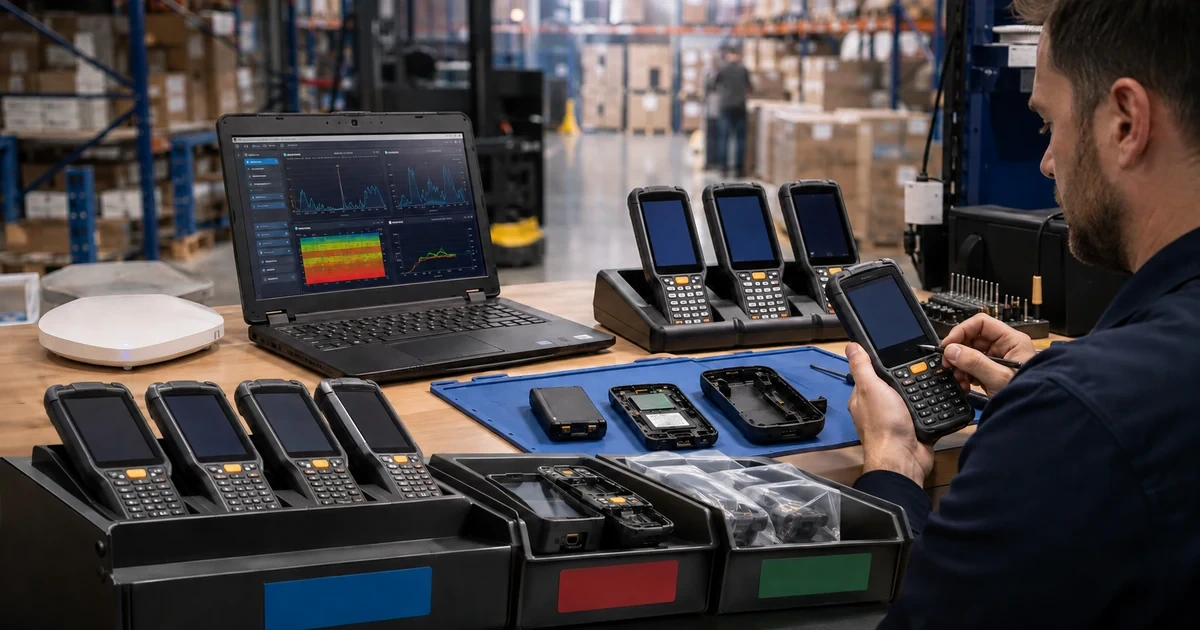
Zebra fleet reliability is a moving target. Android security levels advance, firmware fixes change scanner or radio behavior, cradles may require their own updates, certificates expire, batteries age, Wi-Fi designs change, and repaired units return with a different operating baseline. If inventory, update policy, diagnostics, and repair live in separate spreadsheets, a support team cannot quickly tell whether an incident is local, systemic, already fixed, or nearing end of support.
A useful Zebra device lifecycle joins technical state with operational evidence. The record should identify the device and accessories, installed software and firmware, site and role, network experience, battery condition, incidents, diagnostics, repair entitlement, depot history, returned configuration, and planned replacement. The process then turns those facts into update rings, troubleshooting decisions, spare levels, RMA packages, and retirement criteria.
This guide is written for Georgia retail, restaurant, and distribution fleets that depend on Zebra mobile computers and scanners. Use it with ALLMSP’s [Zebra hardware resource center](https://www.allmsp.com/category/hardware-support/hardware-support-zebra/), [Retail and Restaurants](https://www.allmsp.com/category/retail-and-restaurants/), and [Hardware Support](https://www.allmsp.com/category/hardware-support/) resources. Model-specific Zebra release notes and support pages remain authoritative for every change.
Key decisions at a glance
- Maintain a model-and-build support matrix that distinguishes Android, GMS or non-GMS, LifeGuard level, scanner firmware, cradle firmware, application compatibility, and end-of-sale status.
- Deploy updates through lab, pilot, and production rings with release-note review, battery and storage prerequisites, recovery instructions, and measurable acceptance tests.
- Use Zebra Wireless Analyzer and current diagnostic tooling to separate device, radio, coverage, roaming, authentication, application, and network causes.
- Attach serial, entitlement, symptom, timestamps, diagnostic results, logs, reproduction steps, and sanitization status to every repair decision.
- Reconcile repaired or replacement devices to the approved baseline before returning them to a store, and use repair and incident trends to drive retirement.
Build a Model-Specific Firmware and LifeGuard Policy
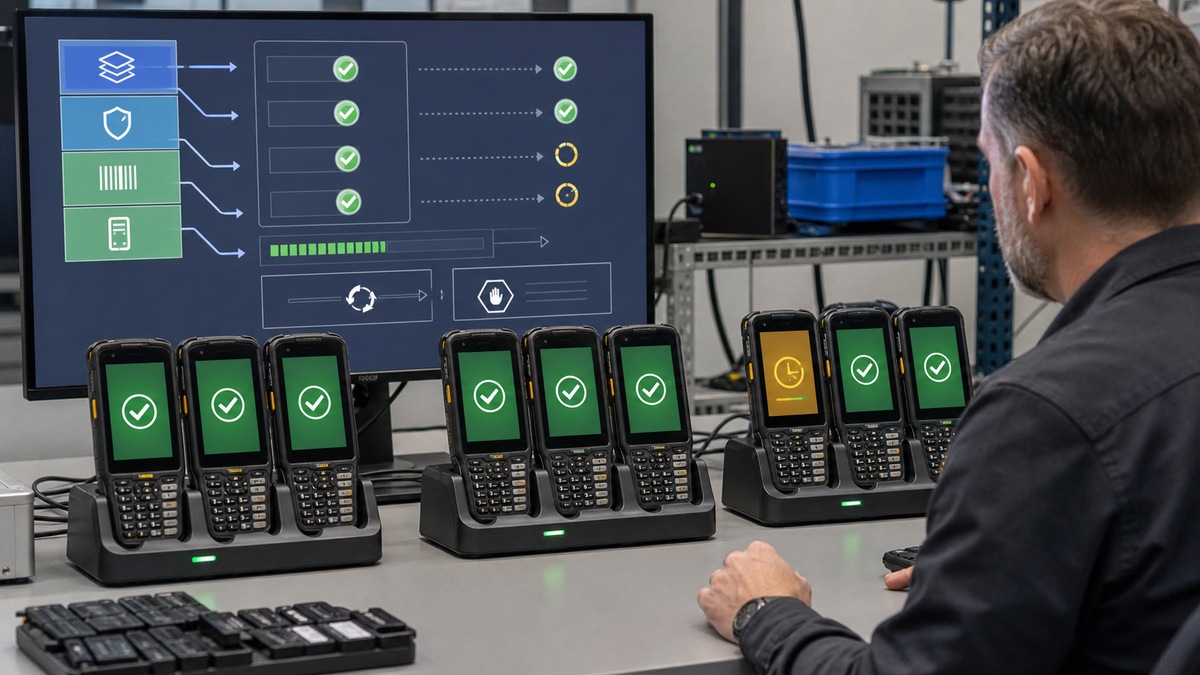
Inventory by full Zebra configuration, not broad product family. Record model, serial, hardware configuration, Android version, GMS or non-GMS image, build or BSP, LifeGuard level, security patch level, bootloader where relevant, DataWedge and MX versions, application releases, scanner or ring-scanner firmware, cradle firmware, battery status, EMM identity, site, role, and service entitlement. Link each device group to its official Zebra support page and current release notes.
Zebra’s LifeGuard program provides extended and predictable security updates for supported Android enterprise mobile computers, but availability and timing vary by model, region, component supplier, and installed maintenance release. Zebra notes that an OS may need the latest maintenance release before a security update. Separate full operating-system updates, maintenance builds, security-only LifeGuard patches, application updates, scanner firmware, and cradle updates in the change plan. A security bulletin does not prove that one package fits every configuration.
Use deployment rings: lab devices, representative pilot sites, a limited production wave, then the broader fleet. For each release, review prerequisites, dependencies, required free storage, battery state, network load, expected downtime, reset risk, migration notes, rollback or recovery, and known issues. Test boot, enrollment, Wi-Fi authentication, roaming, scanning, peripherals, printing, charging, suspend and resume, critical applications, and management telemetry. Record success criteria and stop conditions before the first production push.
- Maintain a support matrix for model, Android, GMS state, BSP, LifeGuard, security patch, MX, DataWedge, apps, peripherals, cradles, and entitlement.
- Subscribe to Zebra notifications and review the exact device support page and release notes before approving any firmware or OS package.
- Separate lab, pilot, limited production, and broad production rings with named owners, dates, sample sizes, acceptance, and rollback triggers.
- Reconcile deployed versions after each wave so offline, failed, swapped, repaired, or factory-reset devices do not silently remain behind.
Diagnose Wi-Fi From the Zebra Device Perspective
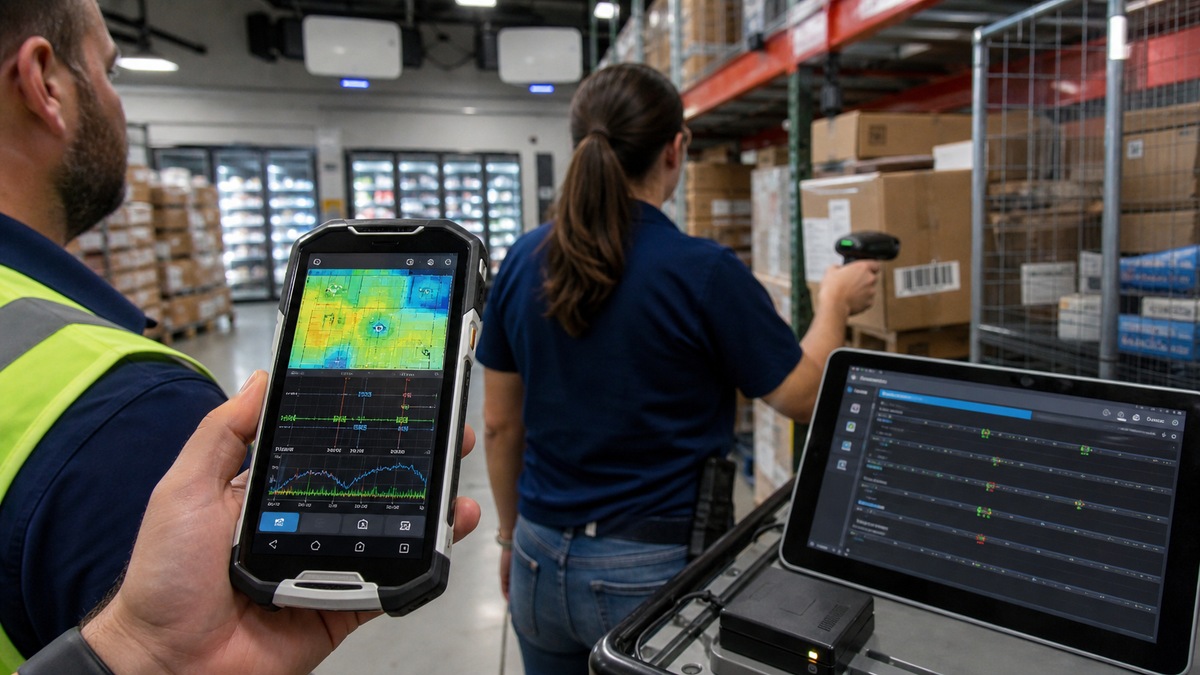
A report that the scanner drops Wi-Fi is not yet a diagnosis. Capture device serial and build, site, access point area, SSID, authentication method, timestamp, user action, application state, signal, roam event, IP information, battery, dock or handheld state, and whether nearby devices failed. Compare a known-good Zebra unit of the same configuration. That evidence helps separate a single radio, stale certificate, coverage gap, access-point behavior, DHCP or DNS issue, application timeout, and widespread network event.
Zebra Wireless Analyzer is designed for real-time device-side Wi-Fi analysis. Zebra lists RF scanning, coverage monitoring, end-to-end connectivity analysis, roaming analysis, voice analysis, logging, and packet capture among its capabilities on supported devices. Use it under an approved troubleshooting plan, protect logs because they may contain network identifiers, and correlate the device timeline with controller, authentication, DHCP, DNS, application, and switch evidence. A strong signal alone does not prove successful roaming or application reachability.
Build a repeatable walk test for each important workflow. Follow receiving doors, sales floor aisles, freezers, kitchens, pickup areas, stockrooms, elevators, loading docks, and outdoor handoff points while scanning and transacting. Measure association, authentication, DHCP, DNS, latency, packet loss, roam interruptions, reconnect time, and application recovery. Re-run after access-point, RF, certificate, firmware, or Zebra build changes. Never solve a network-design problem by endlessly swapping otherwise healthy devices.
- Capture exact device, build, location, time, SSID, access-point area, user action, application, symptom, and peer comparison for every Wi-Fi case.
- Use Wireless Analyzer on supported Zebra units to collect RF, coverage, connectivity, roaming, and packet evidence from the affected device.
- Correlate Zebra logs with wireless controller, RADIUS or identity, DHCP, DNS, firewall, application, and switch records on one timeline.
- Repeat a documented walk test through every operational zone after network, certificate, OS, LifeGuard, radio, or application changes.
Use Current Zebra Diagnostics Before Authorizing Repair
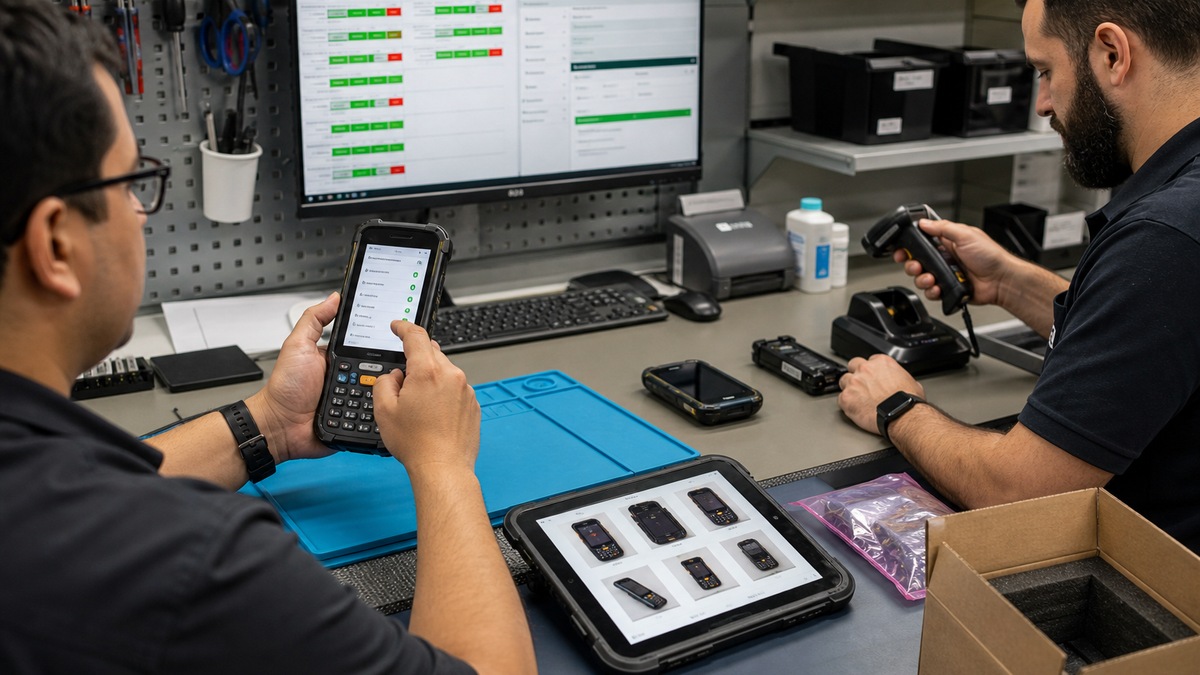
Zebra’s Device Diagnostic Tool can test hardware, battery, software, and connectivity on supported Android mobile computers, including scanner, buttons, touch, Bluetooth, network, Wi-Fi, USB, audio, storage, and other device-dependent functions. Zebra now states that DDT version 3 functionality has migrated into Zebra Services Agent and that DDT remains supported but will not receive new operating-system or feature updates. Standardize the current tool by model and Android level rather than telling every user to launch the same legacy app.
Zebra Services Agent consolidates service functions and supports diagnostic capabilities on covered Zebra Android devices, subject to its current requirements. Decide which tests a store associate may run, which require help-desk control, and which logs can leave the site. Zebra DDT documents separate admin and user modes, with user mode restricted to running tests. Package a simple intake workflow: inspect, reboot if safe, reproduce, run approved tests, capture results, compare a known-good accessory and battery, and escalate with evidence.
Interpret results in context. A passed scanner test does not prove the business app receives correctly formatted data, and a passed Wi-Fi radio test does not prove roaming, authentication, DNS, or server availability. Conversely, a failed battery, trigger, touch, USB, or scan test can prevent an unnecessary factory reset or network escalation. Record tool and version, test configuration, time, build, charger or cradle, battery, connected peripherals, result, log path, corrective action, and retest.
- Publish a model-and-Android matrix showing when to use Zebra Services Agent, supported DDT, Wireless Analyzer, or another approved tool.
- Run visual inspection, safe reboot, reproduction, approved diagnostics, known-good battery or accessory swap, remediation, and retest in order.
- Preserve tool version, device build, test configuration, timestamps, results, logs, screenshots, and chain of custody for escalated incidents.
- Distinguish component health from end-to-end workflow health, validate the line-of-business application after hardware tests pass.
Control Repair, Return Configuration, and Retirement
Before opening a repair, verify serial number, warranty or Zebra OneCare entitlement, physical condition, accessory scope, reproducible symptom, diagnostics, prior repairs, and whether the incident affects a larger lot. Zebra’s Repair Order Portal supports repair authorization and tracking, while the repair-status service and VisibilityIQ OneCare can expose lifecycle information for eligible contracts. Confirm current coverage and turnaround from the actual entitlement instead of assuming every unit has the same service level.
Prepare the unit according to the firm’s data-handling and Zebra repair instructions. Back up authorized operational data, remove site credentials or perform the approved wipe when required, record management state, photograph condition, include only requested accessories, package safely, and track custody and shipping. Deploy a known-good spare with its own asset assignment rather than temporarily changing the broken unit’s record. When a repaired or replacement device returns, inspect it, update ownership, re-stage, apply the approved build, retest Wi-Fi and scanning, and close the loop with the user.
Use lifecycle evidence to decide when repair no longer makes sense. Review failure rate, repeated no-fault-found returns, battery replacements, repair cost, turnaround, lost productivity, accessory availability, update eligibility, end-of-sale status, application compatibility, and security support. Zebra says operating-system and firmware updates for EPEAT 2.0-certified mobile computers, tablets, and integrated desktops are available for at least five years after end of sale, but each model still needs an explicit plan. Use ALLMSP’s [Cybersecurity](https://www.allmsp.com/category/cybersecurity/) resources for secure handling or [contact ALLMSP](https://www.allmsp.com/contact-us/) for a scoped Zebra lifecycle assessment.
- Attach serial, entitlement, condition, symptom, reproduction, DDT or ZSA results, logs, prior repairs, sanitization state, and requested service to the repair.
- Track authorization, carrier, custody, receipt, diagnosis, parts, status, return shipment, turnaround, cost, and user-impact duration.
- Quarantine every returned unit until asset identity, physical state, approved OS and LifeGuard, staging, scanning, Wi-Fi, battery, and accessories pass.
- Set retirement criteria from supportability, security, repair economics, failure trend, accessory supply, application roadmap, and operational risk.
Official product documentation and ALLMSP resources
- Zebra: Mobile Computers Support
- Zebra: Software Support and Device Downloads
- Zebra: LifeGuard for Android Updates
- Zebra: Wireless Analyzer Support
- Zebra: Device Diagnostic Tool Support
- Zebra TechDocs: Using Device Diagnostic Tool
- Zebra: Zebra Services Agent
- Zebra: Request a Repair
- Zebra: Repair Status Information
- Zebra: OneCare Support and Service
- ALLMSP Zebra Hardware Support
- ALLMSP Retail and Restaurants
- ALLMSP Hardware Support
- ALLMSP Cybersecurity
- Contact ALLMSP
Frequently Asked Questions
What should a Zebra device lifecycle record contain?
Record full model and configuration, serial, Android, GMS state, build or BSP, LifeGuard and security patch, MX, DataWedge, applications, peripheral and cradle firmware, battery, EMM identity, certificate, site, role, incident and repair history, entitlement, and planned replacement.
Is a Zebra LifeGuard update the same as a full operating-system update?
Not necessarily. Separate full OS releases, maintenance builds, security-only LifeGuard patches, applications, scanner firmware, and cradle firmware. Read the exact model’s release notes, prerequisites, dependencies, and known issues before assigning a package to a deployment ring.
Why use firmware deployment rings for Zebra devices?
Lab, pilot, limited production, and broad production rings expose compatibility or workflow issues before the entire fleet changes. Define representative models and sites, acceptance tests, sample size, observation time, stop conditions, rollback, and version reconciliation for each ring.
What does Zebra Wireless Analyzer help investigate?
On supported devices, Zebra lists RF scanning, coverage monitoring, end-to-end connectivity, roaming analysis, voice analysis, logging, and packet captures. Use it to add device-side evidence and correlate that evidence with controller, identity, DHCP, DNS, firewall, application, and switch logs.
What information should be captured for a Zebra Wi-Fi incident?
Capture serial, model, build, site and precise location, SSID, access-point area, authentication, timestamp, application and user action, signal, IP details, roam or reconnect behavior, battery and cradle state, peer-device comparison, and relevant device and network logs.
Is Zebra Device Diagnostic Tool still current?
Zebra says DDT version 3 functionality has migrated into Zebra Services Agent. DDT remains supported but will not be updated for new operating systems or enhancements. Maintain a model-and-Android tool matrix so staff use the appropriate current diagnostic path.
What can Zebra device diagnostics test?
Available tests vary, but Zebra documents hardware, battery, software, and connectivity checks such as scanner, buttons, touch, Bluetooth, network, Wi-Fi, USB, storage, audio, and other device-dependent functions. Record tool version, configuration, build, results, and retest.
Does a passed scanner diagnostic prove the retail application is working?
No. A component test may show that the scan engine operates, while DataWedge association, decoder settings, formatting, output, application focus, network, or server processing still fails. Complete an end-to-end transaction after component diagnostics pass.
What should be included with a Zebra repair request?
Include serial and entitlement, physical condition, symptom, timestamps, reproduction steps, approved diagnostic results and logs, battery and accessory comparisons, prior repair history, sanitization status, contact and shipping details, requested accessories, and the operational impact.
What must happen when a Zebra device returns from repair?
Quarantine it until asset identity and condition are reconciled, the approved Android and LifeGuard baseline is applied, management and certificates are restored, scanner and Wi-Fi workflows pass, battery and accessories are checked, repair notes are recorded, and the assigned user accepts it.


