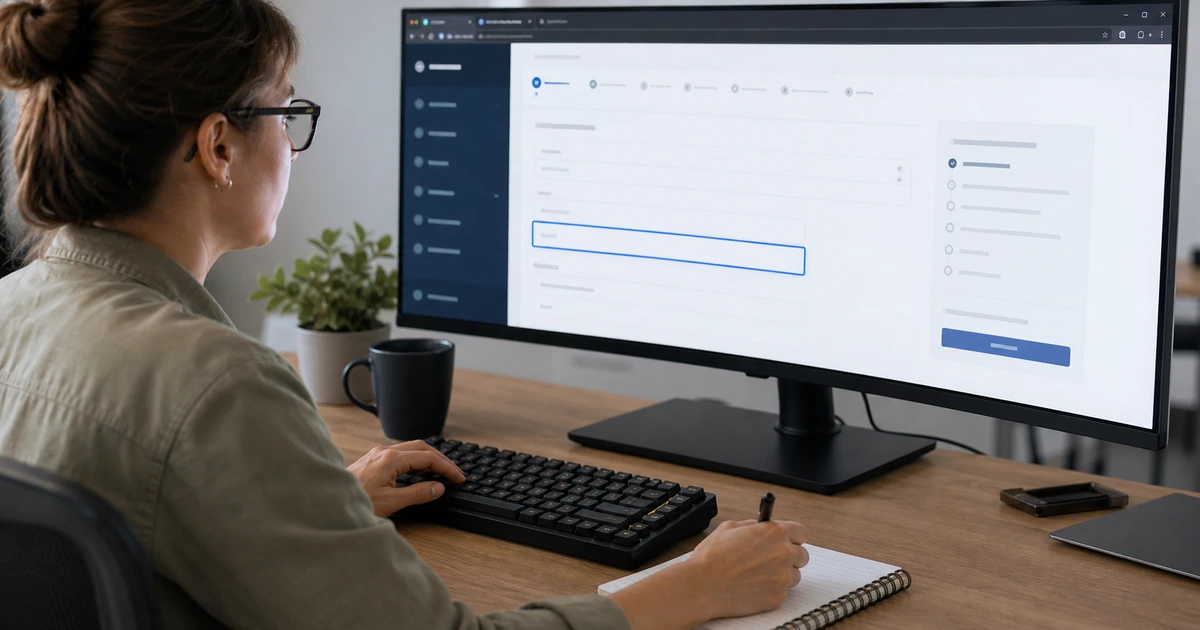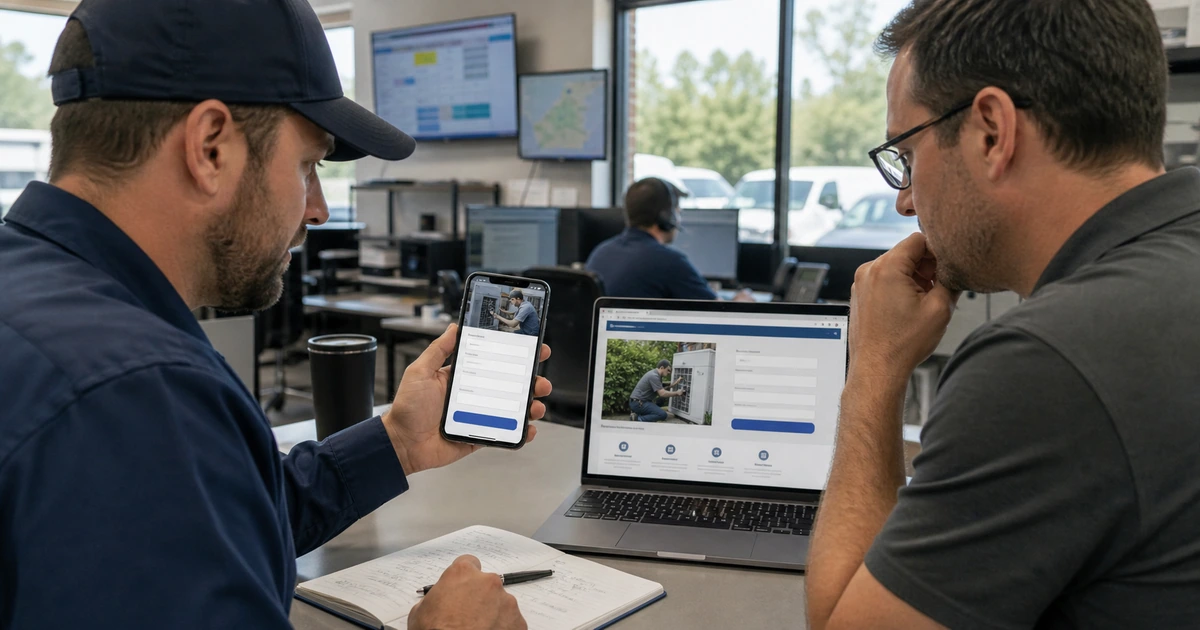
A visitor who clicks a specific campaign expects the destination to continue the same conversation. When the headline changes the subject, the offer becomes vague, or the form asks for information that was never explained, confidence falls quickly. Mobile visitors have even less patience for mismatched promises, tiny controls, hidden errors, and forms that discard their work.
Fixing a landing page requires coordination among campaign content, page design, form technology, privacy decisions, notification systems, and the employee who responds. A successful submission that reaches an abandoned inbox is still a failed customer experience. A high form count filled with spam or low-quality inquiries is not meaningful campaign performance.
ALLMSP fixes landing page and mobile form workflows in house for organizations across Lawrenceville, Suwanee, Gwinnett County, Metro Atlanta, and Georgia. We connect the source message to the page, simplify the action, improve accessible form behavior, protect data, verify delivery, and measure qualified outcomes rather than superficial clicks.
Create one continuous experience from the campaign to the response
- Preserve the promise: Carry the same service, audience, offer, location, qualification, urgency, and next action from source to page.
- Reduce uncertainty: Explain what happens, who responds, required information, expected timing, scope, price context, and important limitations.
- Design for phones: Use readable layouts, suitable keyboards, visible labels, simple choices, generous controls, and preserved entries.
- Prevent errors: Validate at the right time, identify the exact problem, suggest a correction, and keep all unaffected answers.
- Protect the request: Collect only necessary data, explain use, secure transmission, control access, limit retention, and filter abuse.
- Close the loop: Route valid inquiries, acknowledge receipt, assign ownership, measure response, and connect results to the source.
Align the campaign, headline, proof, offer, and requested action
Create a message map for every campaign group. Record the audience, problem, exact search or targeting theme, source headline, supporting promise, offer, geographic context, qualification, final URL, page headline, proof, action, and expected outcome. Google recommends that landing pages closely match ads and keywords and mirror the action promoted in the ad. If several campaigns make meaningfully different promises, one generic destination may not serve all of them well.
Make the first screen answer the visitor’s immediate questions. Identify what is offered, who it is for, where it is available when relevant, why the visitor should trust it, and what action to take. Use proof that supports the decision, such as authentic work, product images, specific capabilities, certifications, review context, case results with proper permission, or clear process details. Avoid unsupported superlatives, false urgency, hidden conditions, and stock imagery that does not represent the service.
Set expectations before collecting information. Explain whether the action requests a call, estimate, consultation, appointment, download, purchase, or support response. State normal response timing and business hours where they matter. Identify necessary preparation and important exclusions. If a campaign promises a quote, the form and follow-up should support that outcome rather than quietly changing it into a broad newsletter signup.
- Message map: Document audience, intent, source wording, offer, location, qualification, page promise, proof, action, and outcome.
- First-screen answer: State the service, intended customer, relevant area, differentiator, trust signal, and next step without delay.
- Proof quality: Use authentic work, product, interface, credential, review, process, or measured-result evidence that fits the claim.
- Action clarity: Name what the visitor is requesting, what information is needed, who responds, and what happens afterward.
- Promise control: Review ads and pages together whenever price, availability, service area, staffing, policy, or fulfillment changes.
Message match works when the visitor never has to reinterpret the offer between the click, the page, the form, and the first human response.
Build mobile forms that are clear, accessible, private, and resilient
Start by challenging every field. Collect information needed to respond, route, qualify, schedule, calculate, or meet a legitimate requirement. Move optional discovery questions to the conversation when possible. Group related fields, use visible labels, explain required formats, provide appropriate autocomplete and input types, and offer choices that fit on small screens. Avoid placeholder-only labels because the instruction disappears as soon as the visitor types.
Implement errors as guidance. WCAG 2.2 requires detected errors to be identified and described in text, and it calls for labels or instructions when input is required. Validate entries without repeatedly interrupting the user, place a concise message next to the affected control, move focus appropriately after submission, and provide a summary when several issues exist. Preserve correct entries, avoid clearing the entire form, and make status messages available to assistive technology.
Protect form data from collection through disposal. Use encrypted transport, controlled administration, appropriate spam defenses, documented integrations, least-privilege access, retention rules, and secure deletion. Review whether analytics, advertising tags, session recording, chat, embedded scheduling, or form vendors receive field values or sensitive context. Provide accurate privacy and consent language based on the organization’s requirements. Security controls should not create an impossible puzzle for legitimate customers.
- Necessary fields: Tie every required answer to response, routing, qualification, scheduling, pricing, safety, or another documented need.
- Mobile input: Use the right keyboard, autocomplete, visible label, concise instruction, generous spacing, and logical question order.
- Error recovery: Identify the field, describe the issue, suggest correction, preserve valid entries, and announce the result accessibly.
- Data protection: Secure transmission, restrict access, audit integrations, limit retention, document consent, and remove unnecessary collection.
- Abuse control: Combine quiet automated checks, rate limits, validation, monitoring, and alternate contact paths without punishing people.
A good mobile form asks the minimum necessary questions, helps people recover from mistakes, and delivers a protected request without surprise.
Verify delivery, response, attribution, and lead quality after submission
Map the system after the submit button. Document the form service, email or API delivery, CRM or ticket destination, field mapping, deduplication, owner assignment, notification, acknowledgment, service target, escalation, and reporting. Test common submissions, unusual characters, long entries, duplicate requests, attachment limits, after-hours behavior, and vendor outages. Monitor delivery failures instead of assuming the absence of complaints means the form works.
Define conversions according to business value. A button click can diagnose interest, but it should not automatically carry the same value as a valid submitted request. Separate form starts, validation failures, submissions, accepted leads, qualified opportunities, scheduled appointments, sales, and spam. Google’s website conversion guidance warns about duplicate measurement when more than one data source or tagging method is used. Test browser behavior, consent states, duplicate events, thank-you URLs, calls, and imported outcomes before using the data for bidding or budget decisions.
Measure response as part of conversion design. Track when the request arrived, when it was acknowledged, when a knowledgeable employee attempted contact, whether the visitor was reached, whether the inquiry fit the offer, and what outcome followed. Review lost leads with campaign and service owners. Changes may belong in targeting, page content, form questions, staffing, phone routing, scripts, scheduling, or the offer itself. Page optimization ends at the business outcome, not at the browser event.
- Delivery test: Confirm receipt, field accuracy, attachments, deduplication, ownership, notification, acknowledgment, and escalation.
- Event ladder: Separate view, engagement, form start, error, submit, valid lead, qualified outcome, sale, cancellation, and spam.
- Duplicate control: Check tags, imported analytics events, thank-you URLs, browser reloads, consent changes, and repeated submissions.
- Response measure: Record acknowledgment, first qualified attempt, connection, disposition, next step, and final business result.
- Quality review: Compare search term or source, promise, page, submitted need, qualification, response, and outcome for useful patterns.
The reliable measure of a form is not how many times it fires, but how consistently it creates an appropriate, protected, and actionable business conversation.
Landing page message and mobile form improvement from ALLMSP
ALLMSP can map campaign promises, rewrite page content, improve responsive layouts, rebuild forms, correct accessibility, configure spam protection, secure integrations, verify notifications, connect CRM or ticket workflows, and validate conversion events with one accountable in-house team.
Our work supports companies in Lawrenceville, Suwanee, Gwinnett County, Metro Atlanta, and other Georgia markets. We can coordinate the website, advertising, analytics, phone system, automation, and employee response process so customers receive a consistent experience from search to resolution.
- Align: Connect audience, source message, page promise, proof, form request, and employee response.
- Repair: Improve mobile layout, fields, labels, errors, privacy, spam controls, integrations, notifications, and confirmations.
- Validate: Test delivery, attribution, deduplication, response, qualification, and business results across real campaign paths.
Official message match, form, and conversion references
Apply platform guidance to the organization’s actual offer and measurement design, then test accessibility, privacy, delivery, and response using realistic submissions and devices.
- Google guidance for ads and landing pages. Recommends close alignment among keywords, ads, page content, and the action promised to visitors.
- Google website conversion setup. Explains website data sources, conversion actions, tags, Analytics imports, and duplicate measurement concerns.
- Google Ads Quality Score. Frames landing page experience as one diagnostic component alongside expected click-through rate and ad relevance.
- Web Content Accessibility Guidelines 2.2. Includes requirements for form labels, instructions, error identification, suggestions, focus, and target size.
Landing page message and mobile form FAQs
How closely should a landing page match its ad?
The page should accurately continue the ad’s service, audience, wording, offer, location, qualifications, conditions, and requested action without forcing the visitor to reinterpret the promise.
Should one landing page serve several different campaigns?
It can when the audiences and promises are genuinely aligned. Distinct intent, offers, locations, or actions usually need tailored content or separate destinations.
What information belongs above the fold on a mobile landing page?
Show the offer, intended audience, important location context, meaningful differentiator, trust evidence, and a clear primary action in a readable order.
Are placeholder labels enough for mobile forms?
No. Use persistent visible labels and any necessary instructions so people can understand the field after typing and assistive technology can identify it correctly.
How should a form explain validation errors?
Identify the exact field, describe the problem in text, suggest a correction when known, preserve valid answers, move focus logically, and announce status accessibly.
How can a landing page reduce spam without hurting conversion?
Use layered automated detection, validation, rate limits, monitoring, and safe alternate contact methods while avoiding difficult challenges for legitimate users.
What should happen after a landing page form is submitted?
Provide confirmation, deliver complete data, assign an owner, send notifications, acknowledge the visitor, track response, escalate delays, and record the final disposition.
Is a form submission always a primary conversion?
Only when it represents meaningful progress. Separate diagnostic interactions from valid inquiries and connect campaign reporting to qualification and downstream outcomes where possible.
Can ALLMSP fix both the page and its response workflow?
Yes. ALLMSP can handle design, development, content, forms, accessibility, analytics, CRM or ticket routing, automation, notifications, and workflow testing in house.
Which areas does ALLMSP serve for landing page projects?
ALLMSP works with organizations in Lawrenceville, Suwanee, Gwinnett County, Metro Atlanta, and across Georgia through local and remote delivery.