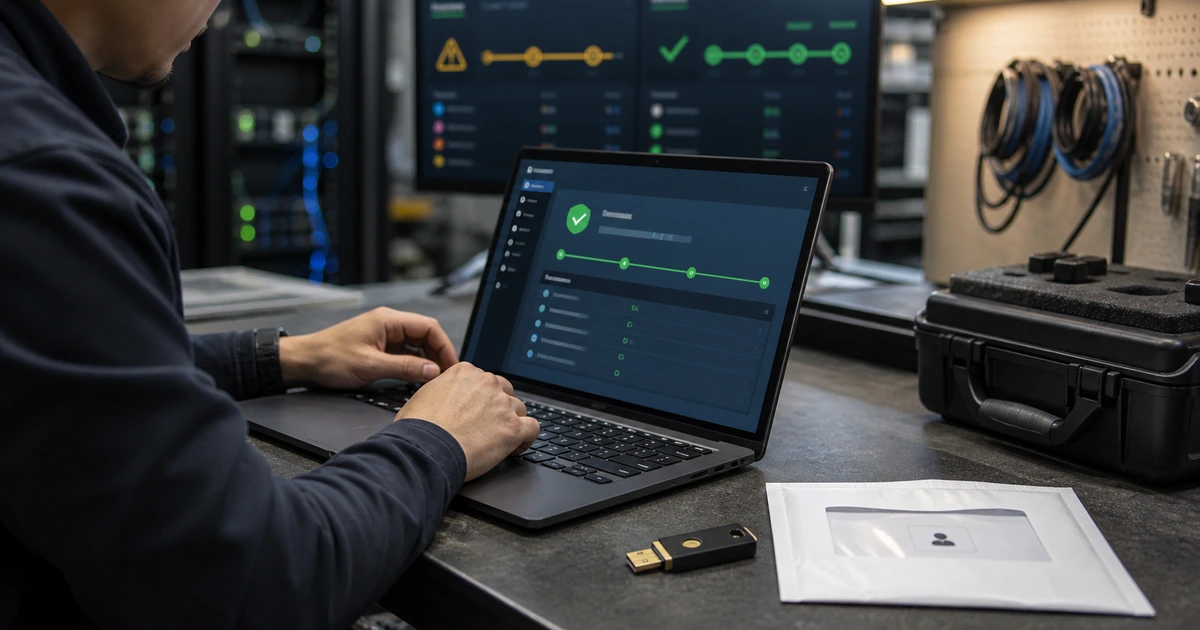
Ransomware protection should not be reduced to a debate over whether identity, endpoints, or backups come first. A stolen administrator can disable endpoint policy, an unmanaged server can expose credentials, and a reachable backup can fail at the moment recovery matters. The right priority is the shortest credible attack path to the business services the organization cannot afford to lose.
Begin by identifying critical operations and the accounts and systems that control them. Then establish a minimum viable protection set across administrator access, external entry points, endpoint visibility, known vulnerabilities, logging, backup isolation, and incident authority. Sequence deeper work only after this protective foundation covers the complete path.
ALLMSP helps Lawrenceville, Suwanee, Gwinnett County, Metro Atlanta, and Georgia businesses turn limited cybersecurity resources into an ordered ransomware plan. Our team can make the technical changes, train employees, run recovery tests, and maintain the controls after the initial project.
Prioritize complete attack paths instead of isolated technology categories
- Name critical services: Identify revenue, safety, customer, legal, payroll, communication, and operating processes with recovery targets.
- Protect control accounts: Secure identity, cloud, network, endpoint, virtualization, backup, DNS, and remote-support administration.
- Close easy entry: Address exposed services, phishing, weak MFA, known exploited vulnerabilities, stale vendors, and unmanaged devices.
- Cover active systems: Deploy endpoint telemetry and policy to supported workstations, laptops, servers, and critical cloud workloads.
- Preserve recovery: Separate backup control, protect copies, document dependencies, and restore representative services.
- Enable action: Centralize important evidence and authorize containment, communication, and restoration decisions.
Start with critical services and the identities that control them
Ask business owners which services must continue or return first and what happens when they fail. Map each one to users, applications, data, servers or cloud resources, network paths, identity, vendors, licenses, keys, and recovery owners. This prevents a technically convenient system from consuming resources while a smaller dependency blocks payroll, customer delivery, production, or emergency communication.
Secure the accounts capable of changing those dependencies. Inventory directory and cloud administrators, endpoint and backup operators, virtualization, network and firewall access, DNS, remote support, service accounts, and break-glass identities. Require strong authentication, remove shared or stale access, limit standing privilege, separate administrative work where practical, protect registration and recovery, and monitor every sensitive change.
- Business service: Define owner, impact, maximum interruption, data tolerance, dependencies, and manual continuity.
- Control identities: Find accounts that can grant access, deploy software, alter networks, disable protection, or delete recovery.
- Recovery identities: Protect emergency, backup, domain, key, and vendor accounts independently from ordinary access.
- Privilege reduction: Remove unused roles, separate routine work, time-limit elevation, and monitor sensitive actions.
- Identity response: Prepare session revocation, account disablement, method removal, clean reset, and emergency recovery.
Critical-service mapping tells the organization which identities deserve the strongest protection and which recovery path must survive their compromise.
Close common entry paths and establish dependable endpoint visibility
Review email, VPN, remote desktop, remote-management products, firewalls, websites, internet-facing servers, vendor connections, and cloud administration. Remove unused exposure, patch known exploited vulnerabilities quickly, enforce MFA, restrict management access, and monitor sign-ins and configuration changes. Teach employees to report suspicious messages and unexpected prompts, then make sure those reports reach a responder.
Reconcile every supported endpoint with the security console. Prioritize domain controllers, servers, virtualization hosts, backup infrastructure, administrator workstations, finance devices, and remote laptops. Confirm the agent is current, policy is correct, tamper protection works, telemetry reaches monitoring, isolation is available, and the operating system and important applications receive updates. Address unmanaged and unsupported systems with isolation or replacement rather than hiding them from the metric.
- Internet exposure: Reduce services, patch quickly, require managed access, and retain authentication and configuration logs.
- Email and prompts: Layer filtering, account protection, employee reporting, and rapid investigation.
- Coverage match: Compare asset, network, directory, cloud, virtualization, and endpoint records.
- Protection health: Verify agent version, policy, signatures, telemetry, tamper resistance, isolation, and alert routing.
- Patch priority: Address exploitable internet-facing and high-privilege systems before ordinary low-impact devices.
Endpoint protection matters when all important systems are covered and the response team can use its telemetry to contain a real event.
Make backup recovery and incident authority part of the first protection phase
Do not defer recovery until every preventive control is mature. Create protected backups for critical data and systems using credentials and management paths that a compromised production administrator cannot easily reuse. Monitor deletion and policy changes, retain suitable isolated or offline copies, protect keys and documentation, and keep trusted rebuild material. Restore a representative business service, not just a file, and measure the time and dependencies involved.
Name the people who may isolate devices, disable accounts, stop services, take network segments offline, contact cyber insurance or counsel, communicate with customers, and approve restoration. Give them a current contact tree and an offline copy of essential procedures. Run a short tabletop around a realistic scenario and convert every uncertain decision into an owner and due date. Prevention, response, and recovery must advance together because an incident can occur during any stage of the roadmap.
- Protected copies: Separate administration, limit access, resist deletion, encrypt, monitor, and test retention.
- Service restore: Recover application, data, identity, permissions, network, keys, integrations, and user workflow.
- Containment authority: Preapprove actions and escalation for endpoint, identity, network, cloud, and backup containment.
- Offline information: Keep contacts, priorities, procedures, asset data, licenses, and recovery references available.
- Decision register: Turn exercise uncertainty into a named correction, deadline, test, and acceptance owner.
The first protection phase is complete when the organization can reduce likely entry, detect expansion, contain authority, and restore a critical service.
A risk-ordered ransomware program from ALLMSP
ALLMSP can facilitate critical-service mapping, identify the shortest attack paths, and build a priority register that leadership can fund and understand. We then implement identity, remote-access, endpoint, patching, network, monitoring, backup, and incident-readiness improvements through our own engineers.
For organizations in Gwinnett County, Metro Atlanta, and across Georgia, we can continue operating the controls through managed IT and cybersecurity support. That keeps roadmap decisions connected to real alerts, help desk cases, device changes, backup tests, and business needs.
- Map: Connect critical operations to identities, systems, entry paths, data, and recovery.
- Prioritize: Fund the controls that interrupt the most credible high-consequence paths first.
- Execute: Implement, test, document, monitor, and revisit the ordered improvement plan.
Primary guidance for setting ransomware priorities
Current ransomware guidance emphasizes coordinated governance, protection, detection, response, and recovery. Local priorities should follow business impact and observed attack paths.
- NIST IR 8374 Rev. 1 ransomware profile. Uses the Cybersecurity Framework to organize ransomware outcomes and supports risk-based prioritization across the full lifecycle.
- CISA ransomware prevention practices. Highlights asset management, phishing-resistant MFA, patching, remote-access controls, logging, segmentation, protected backups, and exercised response.
- NIST incident response recommendations. Connects preparation and improvement with organizational risk management rather than treating response as an isolated emergency document.
- Microsoft human-operated ransomware response playbook. Frames ransomware as a coordinated human intrusion and describes scoping, containment, identity recovery, and clean restoration priorities.
Ransomware protection priority FAQs
Should identity or endpoint protection come first?
Protect the complete high-risk path. Secure control accounts and exposed access while establishing endpoint coverage and recoverability for the critical services those identities manage.
How are critical business services identified?
Ask owners what must continue or return first, then document outage and data tolerance, dependencies, manual work, customers, legal duties, and restoration acceptance.
Which administrator accounts are most important?
Prioritize identity, domain, endpoint, network, virtualization, cloud, backup, security, remote-support, DNS, and emergency accounts that can change many systems.
Why prioritize internet-facing vulnerabilities?
They can provide direct initial access without requiring an attacker to reach an internal device first, especially when exploitation is known and authentication is weak.
What does complete endpoint coverage mean?
Every in-scope active device appears in inventory, receives the correct policy and updates, sends current telemetry, resists tampering, and can be investigated or isolated.
Why include backups in the first phase?
An incident can occur before prevention work is complete. Protected and tested recovery reduces the consequence of controls that fail or are still being improved.
What is a useful ransomware decision gate?
Require evidence that critical administrators, exposed services, priority endpoints, backup recovery, alert routing, and containment authority meet the agreed minimum before expanding.
How should a small business handle limited budget?
Concentrate first on high-consequence services and common entry paths, remove unused exposure and privilege, use existing controls fully, and fund remaining gaps in measured phases.
Can ALLMSP implement the priority plan?
Yes. ALLMSP can handle assessment, configuration, deployment, monitoring, training, exercises, recovery tests, and continuing support with its in-house team.
Which Georgia communities does ALLMSP serve?
ALLMSP provides local assistance in Lawrenceville, Suwanee, Gwinnett County, and Metro Atlanta, with remote service available throughout Georgia.