





























































































































































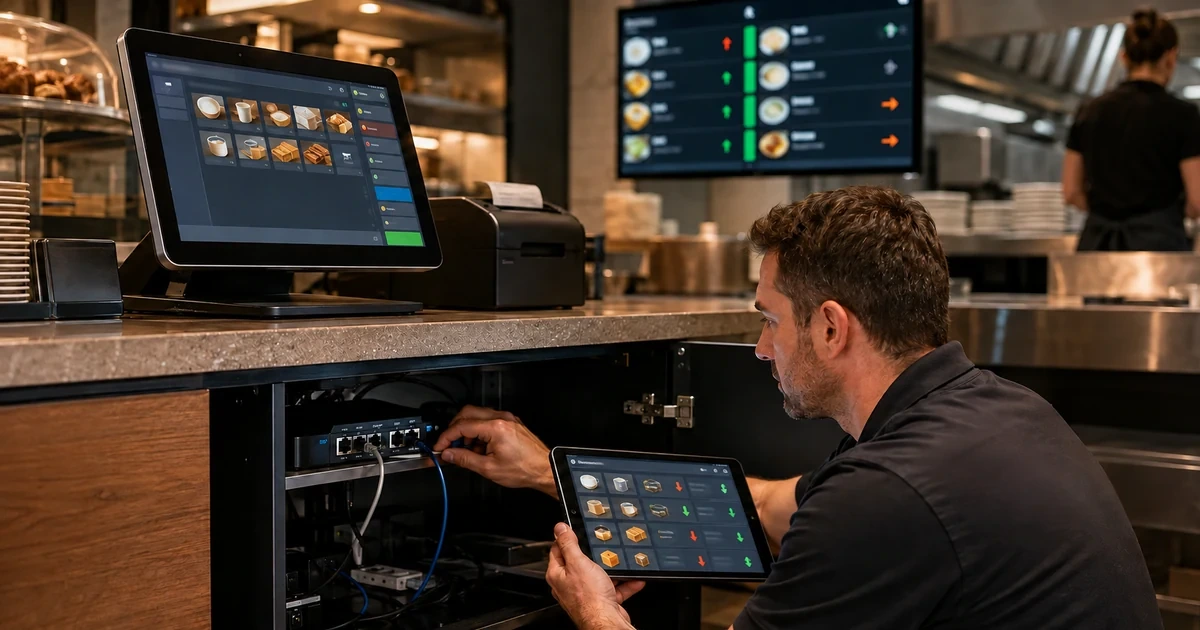
A Clover sync complaint can describe several different failures: a terminal cannot reach the network, a message is waiting in the device’s network queue, a printer is stalled, an inventory query omitted items, a webhook stopped arriving, or an external order was created with incomplete or mismatched data. Treating all of those as a single sync problem encourages unnecessary resets and repeated transactions.
Clover provides distinct evidence for each layer. Its REST Pay documentation includes a device ping, its device diagnostics expose connection and queue information, and its platform documentation describes inventory endpoints, merchant-specific access, and webhooks for inventory and order changes. A runbook should move through those layers in order and record what each check proved.
The operating goal is safe recovery with a usable audit trail. Staff need to know what they can check without changing payment or data state, technical support needs identifiers and timestamps, and the integration owner needs a controlled way to reconcile records after connectivity returns.
Key decisions at a glance
- Determine whether the symptom affects one Clover device, one location, one integration, or every checkout before changing configuration.
- Use device connectivity checks and Clover diagnostics to inspect connection state, print queues, network queues, and merchant-device context.
- Reconcile inventory with stable identifiers, pagination, filters, and merchant-location boundaries rather than comparing only visible item names.
- Use appropriately permissioned webhooks as change notifications and keep an independent reconciliation process for missed or delayed events.
- Preserve timestamps, item and order identifiers, transaction state, and the exact failed step so escalation can proceed without blind retries.
Prove Device and Network State Before Blaming the Integration
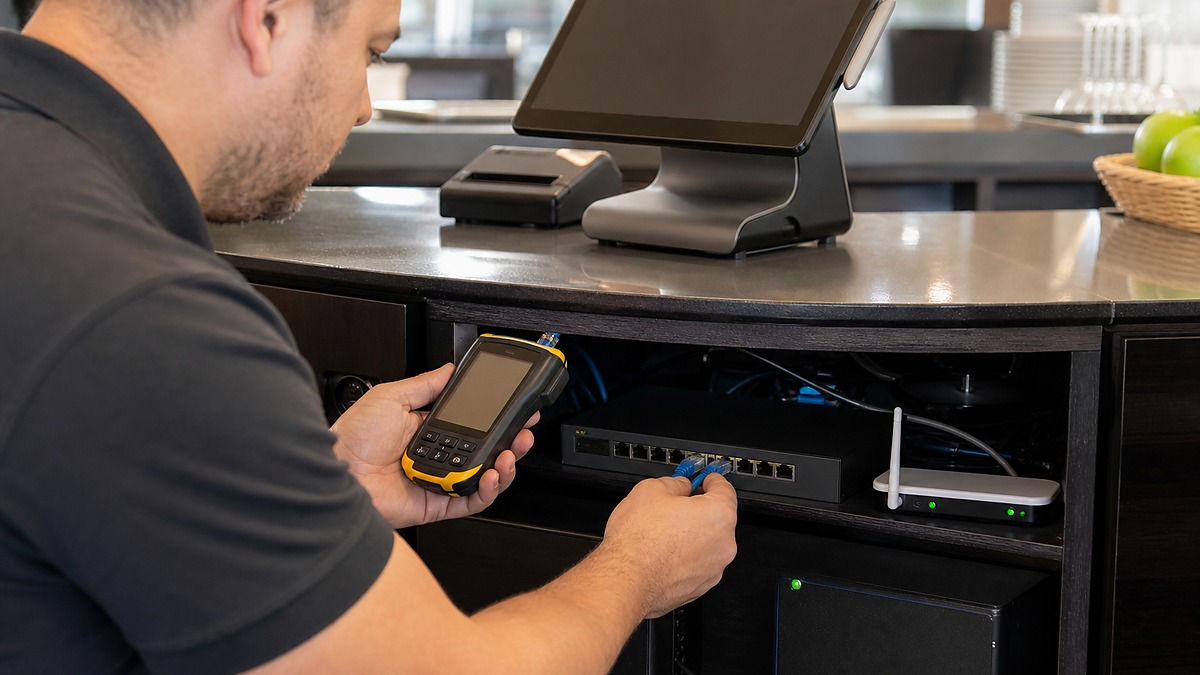
Begin by defining the scope. If every lane and cloud-dependent tool is affected, inspect the site’s internet, router, switch, wireless access, and power. If one Clover device is affected, compare its connection method, physical cabling, wireless signal, hub, and power state with a known-good lane.
For supported REST Pay Display integrations, Clover documents the `/v1/device/ping` endpoint as a way to check whether the connection to the device is live. Clover device diagnostics also show connection indicators and provide network and print queues that can reveal messages or jobs waiting for transmission.
Do not erase evidence with an immediate reset. Note the device, merchant and location context, the time of the last successful transaction, the visible connection state, affected peripherals, queue state, and whether another lane still works before restarting components according to the approved procedure.
- Classify the impact as one device, one lane, one site, one app, or multiple merchants and locations.
- Check power, approved cables, switch or wireless state, and the documented device connectivity test.
- Inspect Clover’s network and print queues and capture the status before clearing or retrying anything.
- Verify that the device is associated with the expected merchant and location before deeper data troubleshooting.
Reconcile Inventory With IDs, Pagination, and Location Context

When items appear on one screen but not another, compare stable item and category identifiers, active or hidden state, applied filters, modifiers, and the merchant location being queried. Similar names are not enough to prove two systems refer to the same inventory object.
Clover’s inventory FAQ notes that an items request can omit expected results because of visibility, filters, import inconsistencies, caching or sync delay, or incomplete pagination. The documented default is up to 100 items per request, so integrations must page through results with the supported limit and offset parameters instead of treating the first response as the complete catalog.
Multi-location work needs explicit boundaries. Clover states that selected items cannot be synchronized across multiple merchant locations with one API call, programmatic updates must be handled per merchant location. Record the source of truth, conflict rule, and last successful reconciliation for each location.
- Compare item, category, modifier, and merchant identifiers before comparing display names.
- Review filters, hidden or inactive state, import history, and complete pagination for missing items.
- Reconcile each merchant location separately and record which system is authoritative for each field.
- Test a small controlled item set before applying a broad inventory update.
Treat Webhooks as Signals and Orders as State
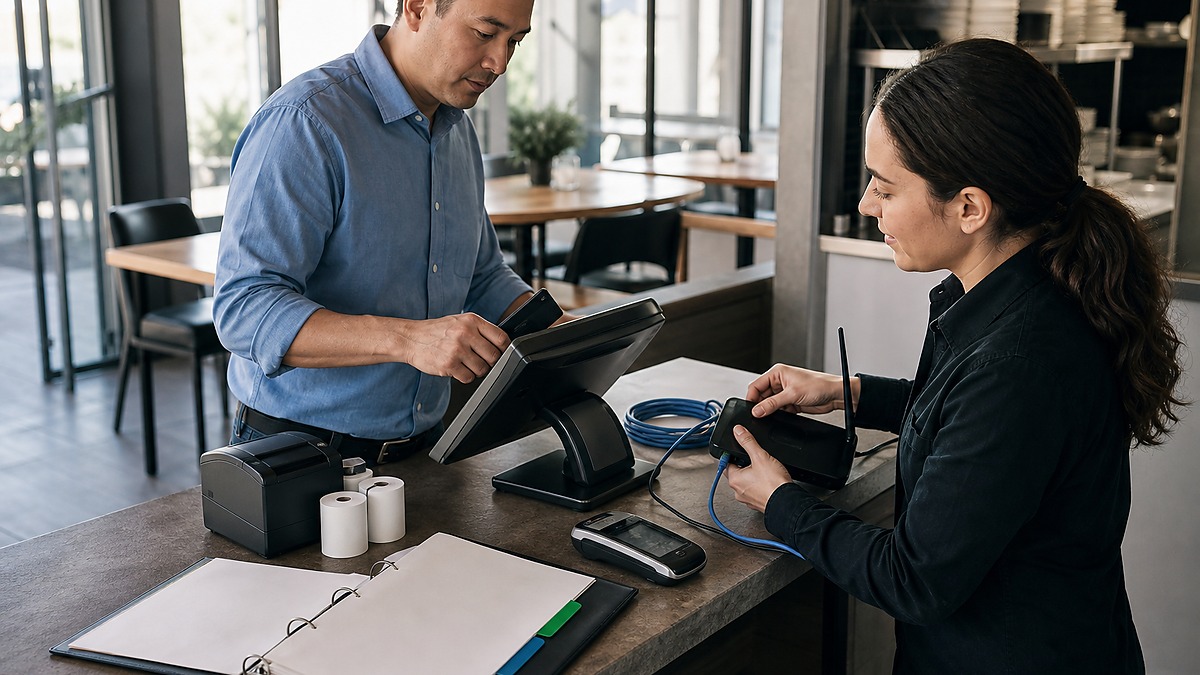
Clover webhooks can notify an integration when inventory or order objects are created, updated, or deleted, provided the app has the required read permission and a reachable HTTPS receiver. The event includes merchant context, an object identifier, an event type, and a timestamp that can anchor troubleshooting.
A webhook is a change signal, not a replacement for reconciliation. Log receipt and processing separately, fetch or compare the current Clover object using the permitted API, and make the handler safe when an event is delivered late, processed more than once, or arrives after a related change.
For order discrepancies, preserve the Clover order identifier, external order identifier, line items, modifiers, state, timestamps, and any related payment identifiers. Verify current state before replaying a create, payment, or fulfillment action so an attempt to repair synchronization does not create a duplicate business event.
- Confirm the webhook URL accepts HTTPS POST requests and has a valid certificate.
- Verify the app subscribes to the required inventory or order event and holds the corresponding read permission.
- Log receipt, processing outcome, merchant, object ID, event type, timestamp, and correlation identifier.
- Reconcile current Clover state before retrying any action that can create an order, payment, or inventory change.
Use a Runbook That Protects Checkout While Support Investigates
Split the runbook into staff-safe observation, manager-approved recovery, technical diagnosis, and vendor or developer escalation. Staff can identify the lane, note the time, check visible power and paper, and move to an approved alternate lane, they should not experiment with credentials, merchant association, or repeated payment attempts.
Define recovery evidence before the incident: device and merchant identifiers, last known-good time, network and print queue observations, sample affected item or order IDs, integration logs, webhook timestamps, and the exact action that failed. Redact customer and payment data from ordinary tickets and share sensitive details only through an approved support channel.
ALLMSP can help Georgia retailers and restaurants document Clover-related network dependencies, build opening and incident checklists, reconcile inventory and order integrations, monitor supporting infrastructure, and coordinate escalation with Clover and application developers.
- Publish a one-page staff response for moving checkout safely to an approved alternate lane.
- Give managers separate authority for printer queues, network checks, and documented restart procedures.
- Provide technical support with identifiers, timestamps, queue evidence, and integration logs rather than vague sync descriptions.
- After recovery, reconcile transactions, orders, inventory, receipts, and closeout records before declaring the incident complete.
Official product documentation and ALLMSP resources
Frequently Asked Questions
What should staff check first when Clover appears offline?
Determine whether one lane or the whole site is affected, note the time and last successful transaction, check visible power and connection state, and see whether another approved lane works. Preserve evidence before restarting equipment.
How can a REST Pay integration verify a Clover device connection?
Clover documents an empty POST to the `/v1/device/ping` endpoint for checking whether the device connection is live. Use the required headers and interpret the result within the supported integration’s connection design.
What can Clover device diagnostics show?
Clover documents connection indicators, a print queue, a network queue, and additional device details such as merchant and device information. These can help separate connectivity, printing, and provisioning symptoms.
Why might a Clover inventory request appear to miss items?
Clover’s inventory FAQ identifies factors including hidden or inactive state, unintended filters, incomplete pagination, import inconsistencies, and caching or synchronization delays. Compare stable IDs and query context before editing data.
How should an integration page through Clover inventory?
Do not assume the first items response is complete. Clover’s inventory guidance describes a default maximum of 100 items per request and the use of supported limit and offset parameters to retrieve additional pages.
Can one Clover API call synchronize selected items across all merchant locations?
Clover states that selected-item synchronization across multiple merchant locations is not supported through one API call. Application logic must handle the target merchant locations individually.
What permissions are required for Clover inventory or order webhooks?
Clover documents Read inventory for inventory events and Read orders for order events. The app must also be subscribed to the event and provide a publicly reachable HTTPS receiver.
Should a webhook be treated as the complete Clover record?
Use the webhook as a change notification and correlation point. Log its merchant, object ID, type, and timestamp, then retrieve or reconcile the current object through the appropriately permissioned API.
Why is blindly retrying an order or payment dangerous?
The original action may have succeeded even when the response or downstream synchronization failed. Verify current Clover order and payment state and use the integration’s duplicate-prevention controls before sending another state-changing request.
How can ALLMSP help troubleshoot Clover connectivity and sync problems?
ALLMSP can document network and device dependencies, inspect supporting infrastructure, build staff and manager runbooks, review integration evidence, reconcile inventory and order records, and coordinate escalation with Clover and application vendors.


