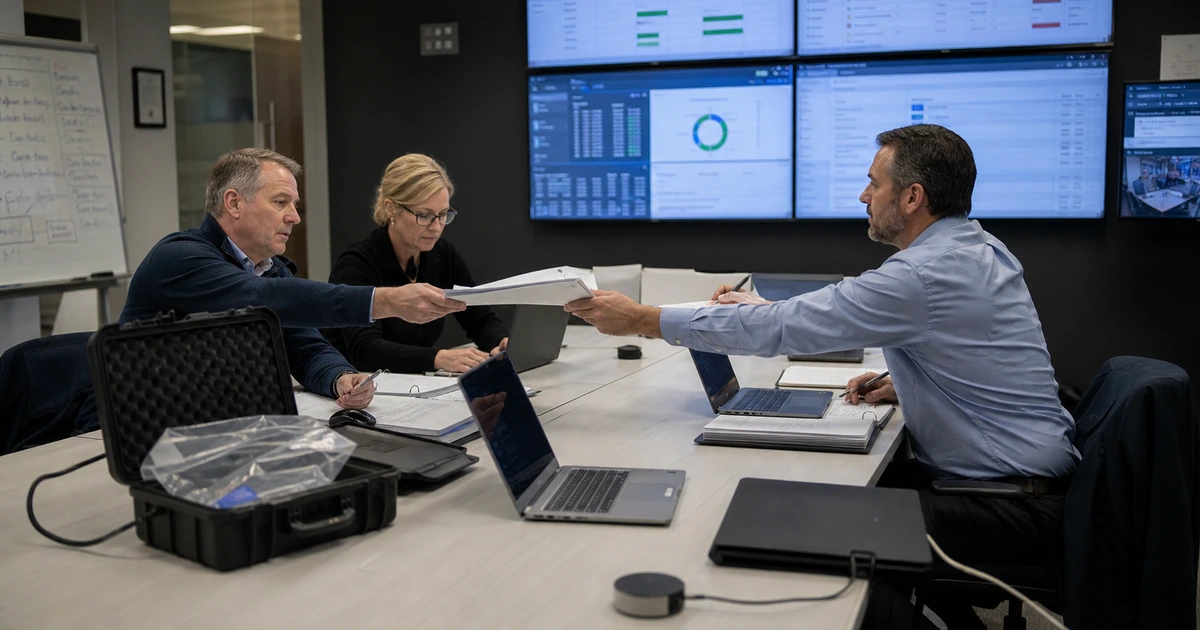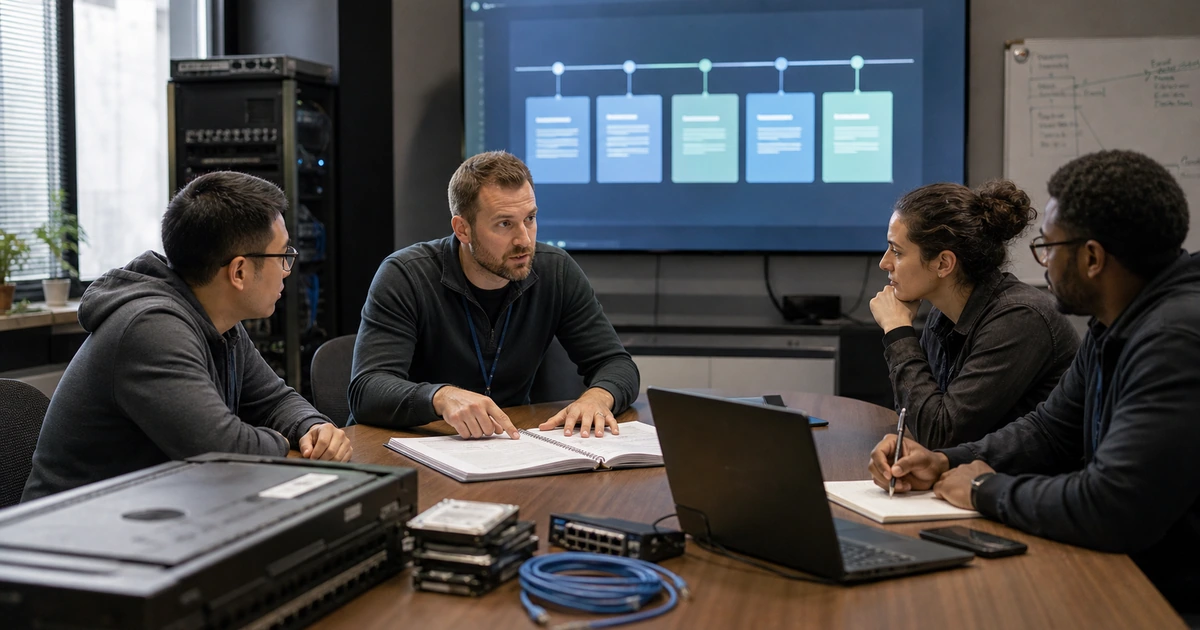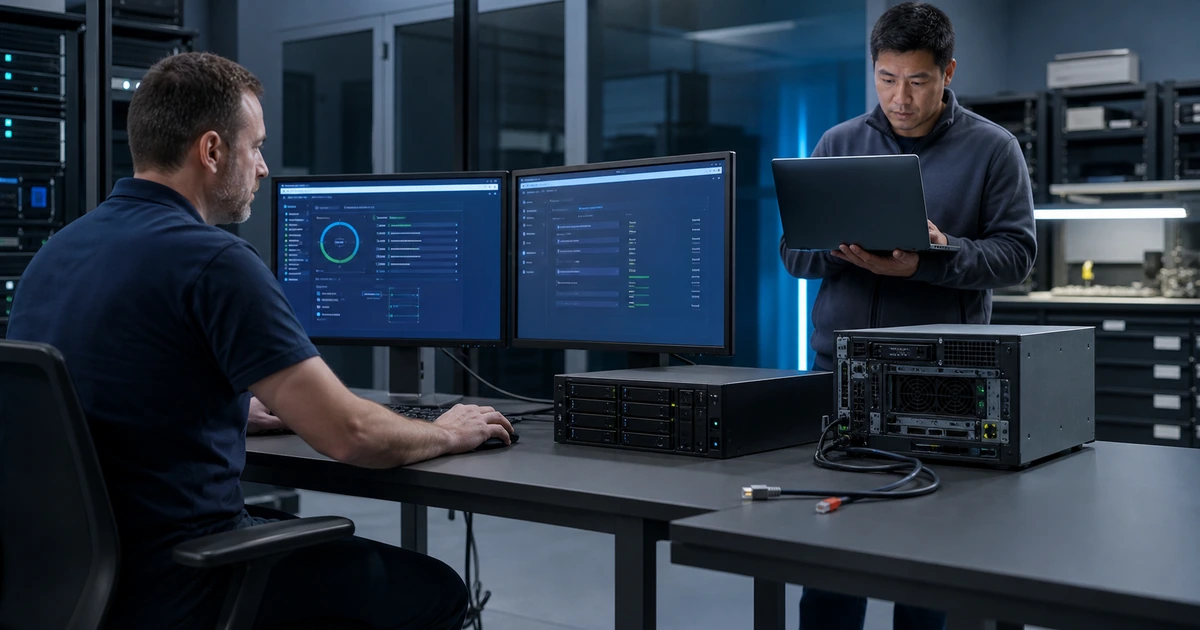
A ransomware recovery exercise should assume that ordinary conditions are unavailable. Administrator credentials may be compromised, directory services may be offline, remote tools may be untrusted, backup consoles may be targeted, the newest restore point may contain malicious persistence, and several business systems may need recovery at once. Testing only a convenient file restore leaves those decisions and dependencies unexamined.
The exercise must protect production while creating enough pressure to reveal weaknesses in authority, evidence handling, communications, clean administration, backup isolation, recovery-point selection, infrastructure rebuild, integrity checks, business priorities, and return-to-service criteria. Participants should know which actions are simulated and which technical steps will actually occur in a contained environment.
ALLMSP plans and conducts ransomware recovery exercises in house for businesses in Lawrenceville, Suwanee, Gwinnett County, Metro Atlanta, and throughout Georgia. We connect incident response, cybersecurity, backup, identity, networking, cloud, servers, applications, communications, and business validation so the exercise tests the recovery system as a whole.
Exercise the decisions and technical controls that ransomware makes difficult
- Set boundaries: Define production protections, simulated events, live technical actions, observers, communications, evidence, abort conditions, cleanup, and legal or privacy constraints.
- Remove assumptions: Treat primary identity, email, remote access, documentation, backup consoles, networks, and latest restore points as potentially unavailable or untrusted.
- Protect recovery assets: Test access to isolated or offline copies, emergency credentials, encryption keys, software, configurations, clean devices, and alternate communications.
- Prioritize recovery: Use predefined critical services and dependencies to choose systems, points, sequence, minimum states, and validation owners.
- Verify trust: Inspect restoration assets, rebuild clean infrastructure, review compromise evidence, validate restored systems, and control reconnection.
- Improve from findings: Capture decision and technical gaps, assign remediation, update plans and architecture, and retest the corrected scenario.
Design a contained ransomware scenario with clear rules and objectives
Choose objectives before writing the event narrative. The organization may need to prove that it can obtain protected backups without production credentials, prioritize critical services, establish clean administration, select a trustworthy point, rebuild identity and networking, restore one application, communicate during email loss, or validate that immutable retention cannot be changed by a compromised role. Limit the live technical scope so it can be performed safely while simulating broader pressure through injects and decision prompts.
Create an exercise charter with sponsor, facilitator, operators, observers, participants, systems, locations, data handling, live actions, simulated actions, production exclusions, schedule, communications, success criteria, stop authority, rollback, cleanup, and report. Use sanitized or appropriately protected data in the recovery environment. Block restored systems from sending real messages, processing live transactions, synchronizing stale records, reaching customers, or connecting to production until explicitly approved.
Build a plausible timeline from initial detection through recovery. Inject compromised privileged accounts, unavailable directory services, lost remote access, suspicious backup-console activity, a rejected recent restore point, limited clean capacity, executive questions, customer impact, and competing department priorities according to the objectives. CISA provides ransomware and other cybersecurity exercise scenarios, while NIST’s testing guidance emphasizes designing, conducting, and evaluating events that prepare personnel and validate systems and plans.
- Exercise objectives: State the decisions, access paths, protected copies, recovery actions, validation, communications, and metrics to prove.
- Live versus simulated: Mark every real technical action, discussion-only step, injected event, production exclusion, and safety boundary.
- Participant roles: Include incident authority, security, recovery, infrastructure, application, business, communications, legal, and observer functions as appropriate.
- Scenario injects: Introduce identity, backup, network, point-selection, capacity, priority, communication, and trust complications deliberately.
- Evidence plan: Preserve timelines, decisions, logs, screenshots, recovery outputs, validation, deviations, findings, and cleanup proof.
The scenario is ready when it can expose important recovery assumptions without creating uncontrolled production, privacy, security, or data risk.
Practice evidence preservation, clean administration, point selection, and prioritized restoration
Begin by declaring who has authority and what evidence must be preserved. Record the known timeline, affected systems, privileged activity, backup changes, alerts, endpoints, identities, network events, and data impact. Protect surviving recovery copies from automated expiration or attacker access. Avoid resetting, deleting, or reconnecting systems reflexively when those actions could erase evidence, spread compromise, or contaminate clean recovery capacity.
Obtain trusted administrative access without relying on the assumed-compromised identity path. Use protected emergency credentials, clean devices, alternate communications, offline runbooks, repository information, encryption keys, software sources, licenses, and configuration records. Establish a contained recovery network and supporting identity, DNS, storage, monitoring, and security controls. CISA advises prioritizing critical services on a clean network and taking care not to reinfect systems during reconnection.
Evaluate candidate recovery points against business data loss and compromise risk. Check backup integrity and review available threat evidence before use. Restore in dependency order, beginning with the minimum trusted foundation needed by the selected business service. Validate operating-system state, accounts, persistence, patches, endpoint protection, logging, network policy, application data, permissions, integrations, and representative transactions. Do not reconnect a restored system solely because it boots successfully.
- Incident authority: Name who declares the event, protects copies, approves the point, accepts data loss, reconnects service, and ends recovery.
- Evidence preservation: Retain relevant logs, alerts, configurations, identities, network state, backup activity, timelines, and recovered artifacts.
- Clean control: Use trusted devices, emergency access, alternate communications, protected keys, offline plans, and contained infrastructure.
- Point decision: Balance evidence of compromise, data age, integrity, business impact, dependencies, and available alternatives.
- Controlled reconnection: Require security and business validation, monitored network paths, changed credentials, and explicit approval before production access.
The technical portion succeeds when the team can protect recovery assets, establish trust independently, choose a defensible point, restore a priority workflow, and prevent unsafe reconnection.
Test communications, business decisions, return to service, and post-exercise correction
Exercise communications without assuming normal email, file sharing, phones, or collaboration are available. Verify offline contacts, alternate channels, employee instructions, executive updates, customer and vendor messaging, insurance contacts, legal guidance, and government reporting decisions appropriate to the organization. Control sensitive technical and personal information and assign message approval. Participants should distinguish confirmed facts, working hypotheses, business decisions, and next update times.
Ask business owners to validate the minimum operating state. Confirm users, locations, identities, records, transactions, reports, output, security, and manual reconciliation needed to resume limited work. Document data that falls between the selected recovery point and incident time and assign reconstruction or customer-remediation ownership. Define the criteria for broader service, for declaring recovery complete, and for continuing security monitoring. NIST CSF 2.0 includes verification of restored assets, confirmation of normal operating status, completion criteria, and coordinated recovery communication.
Conduct a structured debrief while details are fresh. Separate scenario-design limitations from real capability gaps. Rate findings by business impact and likelihood, then assign architecture, backup, security, identity, network, documentation, training, staffing, vendor, and communication actions with owners and dates. Update the incident plan, recovery runbooks, critical-asset list, clean-room design, protected copies, emergency access, monitoring, and test schedule. Repeat focused technical tests for failed controls and rerun the exercise when major assumptions change.
- Alternate communication: Test contacts, channels, approval, confidentiality, executive cadence, employee guidance, and external coordination.
- Minimum operations: Define the people, systems, data, locations, security, output, and manual work needed to resume priority service.
- Data reconstruction: Identify the recovery-point gap and assign transaction replay, reconciliation, validation, and customer follow-up.
- Completion criteria: Require technical stability, security validation, business acceptance, communications, monitoring, and incident documentation.
- After-action plan: Document strengths, gaps, root causes, owners, deadlines, retests, residual risk, and scenario improvements.
The exercise creates readiness when it changes architecture and behavior, not when participants simply finish the meeting and file an after-action report.
Ransomware recovery exercises led by ALLMSP
ALLMSP can define exercise objectives, create a safe scenario, facilitate decision making, prepare an isolated recovery environment, test protected backups, restore a representative workload, validate security and business function, and produce an evidence-based after-action report with our in-house team.
We can then remediate identity, backup, network, cloud, server, endpoint, monitoring, documentation, communication, and recovery gaps. Focused retests confirm technical corrections, while future exercises keep priorities and procedures current as the business changes.
- Prepare: Set objectives, boundaries, roles, injects, evidence, safe live actions, success criteria, and cleanup.
- Exercise: Protect assets, establish clean control, select a point, restore priorities, validate trust, and communicate.
- Remediate: Turn findings into owned technical and procedural work, retest controls, and update future scenarios.
Ransomware recovery exercise references
Use current response and exercise guidance to build a safe scenario, then tailor assumptions, roles, recovery assets, and validation to the organization’s actual environment.
- CISA StopRansomware guide. Covers protected and tested backups, critical-service prioritization, clean recovery, reinfection risk, communications, and post-incident improvement.
- CISA cybersecurity exercise scenarios. Provides scenario resources for ransomware and other cyber threats that organizations can adapt for exercises.
- NIST test, training, and exercise guide. Explains design, conduct, evaluation, tabletop exercises, functional exercises, tests, and training.
- NIST cybersecurity event recovery guide. Emphasizes recovery priorities, playbooks, realistic scenarios, metrics, and lessons from exercises and events.
- NIST Cybersecurity Framework 2.0. Includes recovery prioritization, integrity verification, restoration confirmation, completion criteria, and stakeholder communication outcomes.
Ransomware recovery exercise FAQs
Can a ransomware exercise be run without disrupting production?
Yes. Clearly separate simulated events from controlled technical actions, use isolated infrastructure and protected test data, block production integrations, define stop conditions, and approve cleanup in advance.
Who should participate in a ransomware recovery exercise?
Include incident authority, cybersecurity, backup, identity, network, systems, applications, business owners, communications, and other legal, insurance, facilities, or vendor roles appropriate to the objectives.
What should a ransomware recovery exercise test?
Test authority, evidence, alternate communications, protected copies, emergency access, clean infrastructure, point selection, recovery priorities, integrity, security validation, business acceptance, reconnection, and improvement.
Why should the latest backup not be selected automatically?
The newest point may contain encrypted data, malicious persistence, compromised configuration, or incomplete application state. Compare threat evidence, integrity, age, business data loss, and dependencies.
What is a clean recovery environment?
It is a controlled foundation built from trusted administration, devices, identity, networks, storage, software, configuration, security controls, and monitoring that is separated from the suspected compromise.
How are restored systems checked before reconnection?
Validate backup and system integrity, remove persistence, apply required security changes, review identities and network policy, test applications and data, enable monitoring, obtain owner approval, and reconnect gradually.
Should the exercise include business communications?
Yes. Test alternate channels, employee guidance, executive updates, customer and vendor messages, approval, confidentiality, facts versus assumptions, and scheduled update cadence.
What should an after-action report contain?
Record objectives, scenario, participants, timeline, decisions, technical evidence, strengths, failures, business impact, root causes, corrective actions, owners, dates, retests, residual risk, and exercise limitations.
Can ALLMSP facilitate and technically execute the exercise?
Yes. ALLMSP can design, facilitate, restore, validate, document, remediate, and retest the recovery exercise with its in-house technical and security team.
Where are ALLMSP ransomware exercises available?
ALLMSP supports ransomware recovery exercises for Lawrenceville, Suwanee, Gwinnett County, Metro Atlanta, and other Georgia businesses based on objectives and environment.