Technology delays are often blamed on old equipment when the larger problem is an unmanaged process. Requests arrive through personal email, approvals have no owner, exceptions become permanent, departments buy tools without integration planning, and the help desk receives too little context to act. Employees create workarounds because the official path cannot handle ordinary urgency.
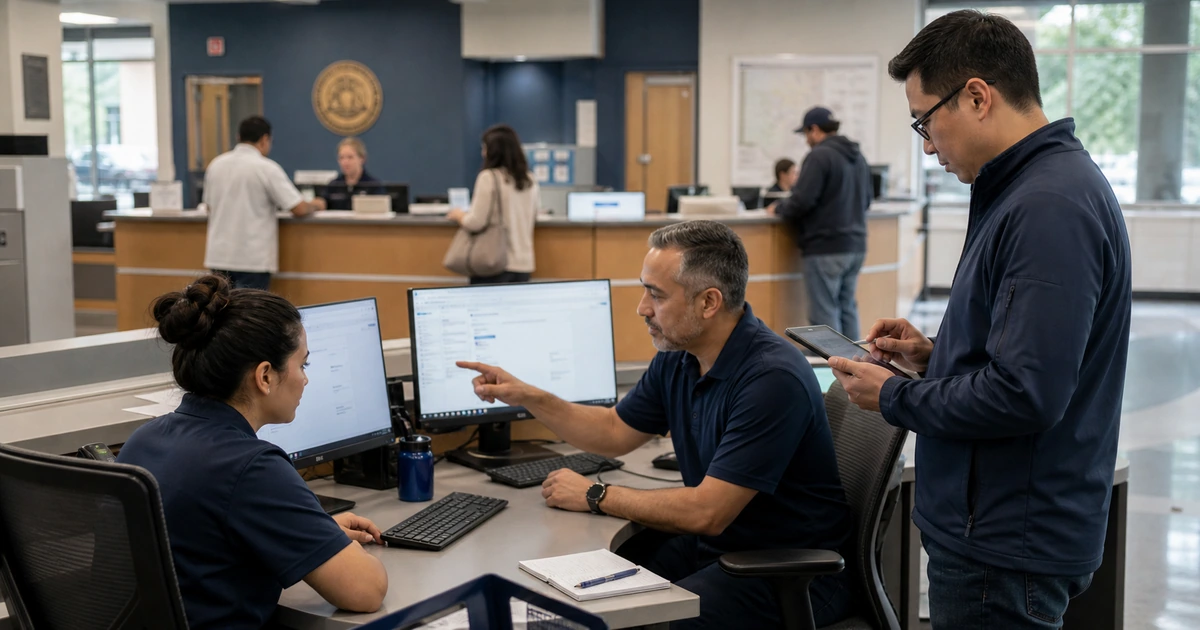
A useful improvement effort follows real work from request through closure. It identifies where information is retyped, decisions wait, ownership changes, permissions are unclear, systems disagree, and users leave the process to complete the task elsewhere. The solution may combine a better form, clearer service standard, configured automation, system integration, documentation, training, or a supported technology replacement.
ALLMSP helps government teams in Lawrenceville, Suwanee, Gwinnett County, Metro Atlanta, and across Georgia reduce recurring IT friction. We map the workflow, correct technical causes, integrate systems, standardize support, train users, document ownership, measure results, and maintain the improved process through one in-house team.
A repeatable way to remove government IT bottlenecks
- Choose a service outcome: Define the public or employee task, current delay, business impact, required completion, accountable owner, and evidence that improvement worked.
- Observe real cases: Review recent normal, urgent, incomplete, failed, and unusual requests across every channel instead of designing from the written procedure alone.
- Find the constraint: Separate delays caused by missing information, approval, capacity, ownership, integration, access, hardware, software, vendor response, or policy.
- Standardize the common path: Create one intake, required fields, categories, priority rules, approvals, service expectations, notifications, documentation, and closure evidence.
- Control exceptions: Define which conditions justify an exception, who approves it, when it expires, how risk is reduced, and how the team returns to the supported standard.
- Measure after release: Compare cycle time, aging, rework, escalations, support demand, failure rate, user effort, and service outcome with the pre-change baseline.
Trace the complete request rather than one department's step
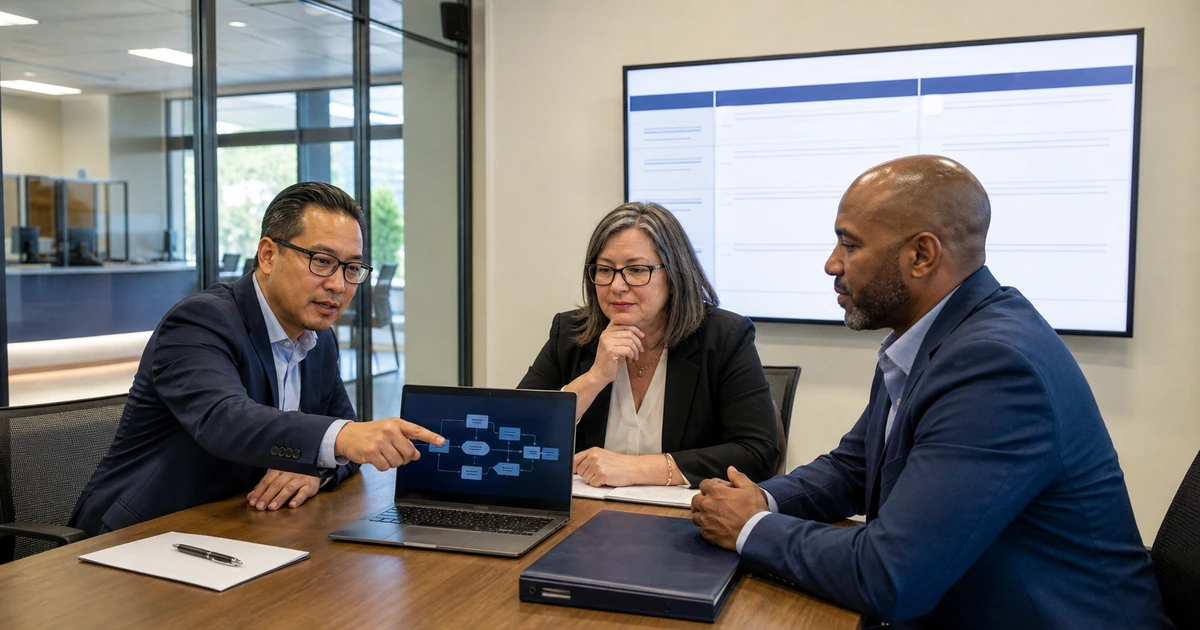
Select a recurring problem such as new software access, device replacement, permit-system trouble, shared-file permissions, employee onboarding, public meeting support, or a field connectivity issue. Gather recent examples and reconstruct the timeline from the first request through final validation. Include conversations, approvals, purchases, vendor tickets, credentials, shipping, configuration, training, and reopened work.
Ask each participant what information they needed, when they received it, what decision they made, what system they used, and what they did when the official route failed. Compare timestamps with the story. A long delay may be only a few minutes of active technical work surrounded by days of waiting for a manager, purchase, asset detail, user response, or vendor entitlement.
- Demand: Measure volume, seasonality, requester groups, locations, channels, urgency, repeat contact, and the services that create the most avoidable support.
- Handoffs: Record sender, receiver, required information, decision, system, timestamp, queue, notification, and proof that the next person accepted ownership.
- Wait states: Distinguish active work from waiting on approval, data, user availability, shipment, scheduling, vendor response, another department, or an unavailable system.
- Failure demand: Count requests caused by unclear instructions, poor training, unsupported variations, repeated incidents, bad data, incomplete implementation, or an earlier unresolved problem.
- Workarounds: Document personal spreadsheets, shared passwords, local files, direct messages, unapproved apps, manual reentry, skipped controls, and other signs that the normal process is not usable.
The process map should show where responsibility and information actually move, including the paths employees use when the documented one breaks.
Build a supported standard and a controlled exception path
Design the common path for speed and clarity. Use a structured request that collects the asset, user, location, business need, desired date, impact, approval, attachments, and contact information required for the service. Publish understandable categories and priority definitions, then route automatically to a queue with a named owner and visible service expectations.
Exceptions should be temporary decisions rather than undocumented technical debt. Record the reason, requester, risk, approver, affected systems, compensating control, cost, expiration, support limits, and plan to return to standard. Review open exceptions before renewals and projects because the same workaround may be creating risk in several departments.
- Service catalog: Describe what is supported, who is eligible, what information is required, expected timing, approval, cost responsibility, security rules, and how to request help.
- Priority model: Base urgency on service and user impact, safety, security, legal or public deadline, available workaround, scope, and restoration need rather than requester title alone.
- Standard configurations: Maintain approved devices, software, access roles, network patterns, integrations, naming, monitoring, backup, support records, and replacement paths.
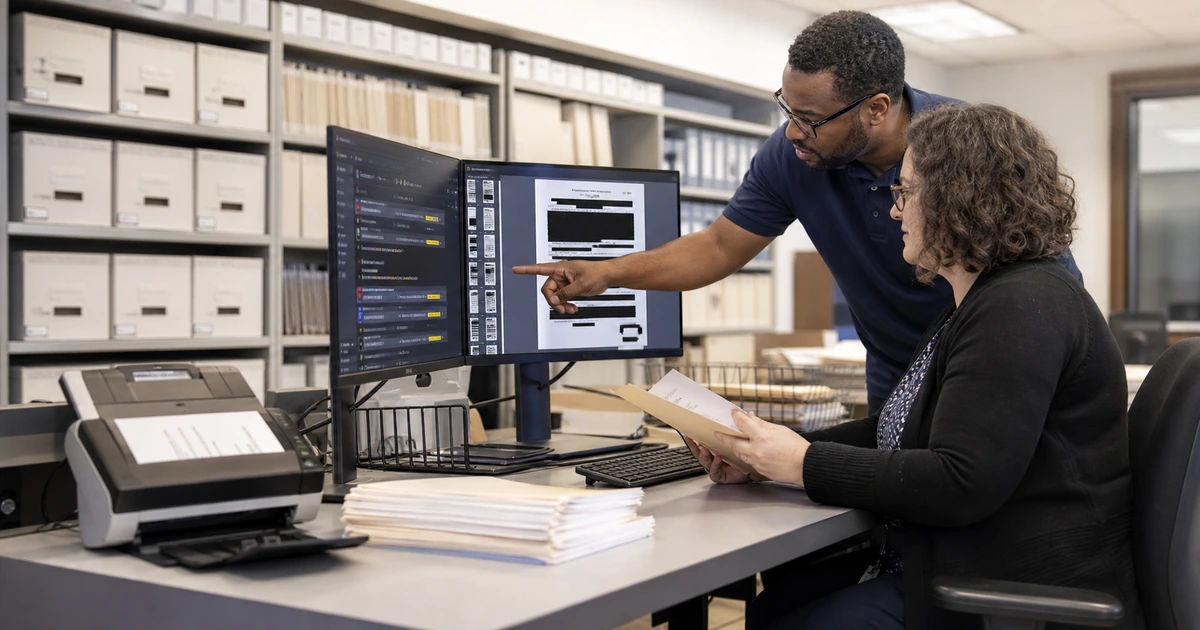
- Knowledge: Write short procedures for the tasks staff perform repeatedly, including evidence, escalation, rollback, validation, and the owner responsible for keeping each instruction current.
- Exception register: Review active departures from standard by risk, age, owner, repeated support cost, dependency, upcoming change, and expiration.
A strong standard makes the normal request easier while giving unusual needs a visible decision path instead of forcing hidden shortcuts.
Implement changes with testing, adoption, and operational evidence
Pilot the improved process with representative users and cases. Include heavy users, remote and field staff, mobile devices, accessibility needs, difficult permissions, urgent deadlines, new employees, and people who built historical workarounds. Test notifications, approvals, integrations, rejected requests, unavailable owners, failed automation, reporting, and the manual fallback.
Monitor the first weeks closely. If users avoid the new form, determine whether it asks for information they cannot know or adds steps without value. If routing is wrong, correct category definitions and ownership. If cycle time improves while reopened tickets increase, strengthen acceptance testing and user confirmation before closure.
- Acceptance: Define who confirms that the request is complete, the service works in the intended environment, required records exist, and any temporary access has been removed.
- Adoption: Track channel use, incomplete submissions, workarounds, training questions, bypass requests, and the points where employees leave the supported path.
- Quality: Measure correct assignment, first-contact resolution, reopened work, repeated incidents, change failures, documentation use, and successful user validation.
- Flow: Review queue aging, blocked reason, approval time, vendor wait, active work, escalation, completion, and the percent of requests meeting the stated service expectation.
- Improvement backlog: Keep evidence, impact, proposed correction, owner, priority, dependency, target date, test result, and release outcome for every accepted change.
The improvement is finished when the new process works under realistic conditions and the operating team can support it without the original project members.
Government IT process improvement from ALLMSP
ALLMSP can analyze service demand, map cross-department workflows, redesign intake, configure service desks, automate routing and approvals, integrate systems, standardize devices and access, document support, train employees, and build useful operational reports. We correct the technology and the process around it as one project.
Our team serves Lawrenceville, Suwanee, Gwinnett County, Metro Atlanta, and public organizations throughout Georgia. Managed IT, help desk, cybersecurity, networking, cloud platforms, AI automation, procurement, and ongoing optimization are handled in house.
- Process review: Case sampling, demand analysis, workflow map, wait-state measurement, workaround discovery, risk review, and prioritized opportunities.
- Implementation: Service catalog, forms, routing, approvals, integrations, configurations, documentation, dashboards, testing, and training.
- Managed improvement: Support, monitoring, quality review, exception cleanup, reporting, user feedback, change control, and measurable follow-through.
Resources for improving government technology services
Use service evidence and current technical guidance to build processes that employees can follow and the agency can support consistently.
- ALLMSP Managed IT Services. Help desk, systems management, cloud, security, projects, procurement, documentation, and strategy.
Government IT process improvement FAQs
How can a government team identify its biggest IT bottleneck?
Sample recent cases and separate active work from waiting. Compare volume, aging, public or employee impact, repeated contact, rework, workarounds, security risk, and the number of services that share the same dependency.
What information should an IT request form collect?
Collect the requester, affected user or service, location, device or system, business need, symptoms, impact, desired date, contact route, approval when required, relevant attachments, and any troubleshooting already completed. Ask only for information the requester can reasonably provide.
How should government IT ticket priority be determined?
Use public-service and user impact, number affected, safety, security, legal or public deadline, data risk, available workaround, service dependency, and restoration urgency. Document definitions so similar incidents receive consistent treatment.
Why do employees bypass the service desk?
Common causes include slow acknowledgment, confusing categories, forms that demand unknown details, unclear ownership, weak escalation, poor mobile access, past unresolved requests, or a belief that direct messages receive faster attention. The process should address the cause rather than only prohibit the workaround.
What is a managed technology exception?
It is an approved temporary departure from a supported standard with a business reason, owner, risk, compensating control, support boundary, cost, expiration, and plan to remove or replace it. An undocumented workaround is not a managed exception.
Which metrics help improve a government IT help desk?
Use demand by service, acknowledgment, assignment accuracy, queue age, blocked reason, resolution, first-contact success, reopened work, repeated incidents, change failures, user validation, workaround volume, service impact, and completion against stated expectations.
When should an old application be replaced instead of repaired?
Consider replacement when support has ended, security cannot be maintained, recovery is unreliable, integrations repeatedly fail, data cannot be governed, service needs cannot be met, workarounds dominate, or the full operating cost exceeds a credible supported alternative.
How should a new IT workflow be piloted?
Use representative users and real cases, including urgent, incomplete, mobile, accessible, cross-department, permission-heavy, failed integration, staff absence, and fallback scenarios. Compare quality and cycle time with the baseline before broad release.
Can ALLMSP redesign and operate the government help desk process?
Yes. ALLMSP maps demand, configures intake and routing, integrates systems, defines service standards, documents procedures, trains users, provides support, reviews metrics, and implements recurring improvements in house.
Where does ALLMSP provide government IT consulting?
ALLMSP supports Lawrenceville, Suwanee, Gwinnett County, Metro Atlanta, and public organizations across Georgia. Engagements can address one bottleneck, modernize a department process, or provide complete managed IT operations.
Sources
- NIST Cybersecurity Framework. A flexible structure for connecting governance and risk decisions to technical outcomes. ↩
- Digital.gov customer experience resources. Government-focused guidance for designing and measuring services around user needs. ↩
- CISA Cybersecurity Performance Goals. Prioritized practices that can guide security work inside broader process improvement. ↩