





























































































































































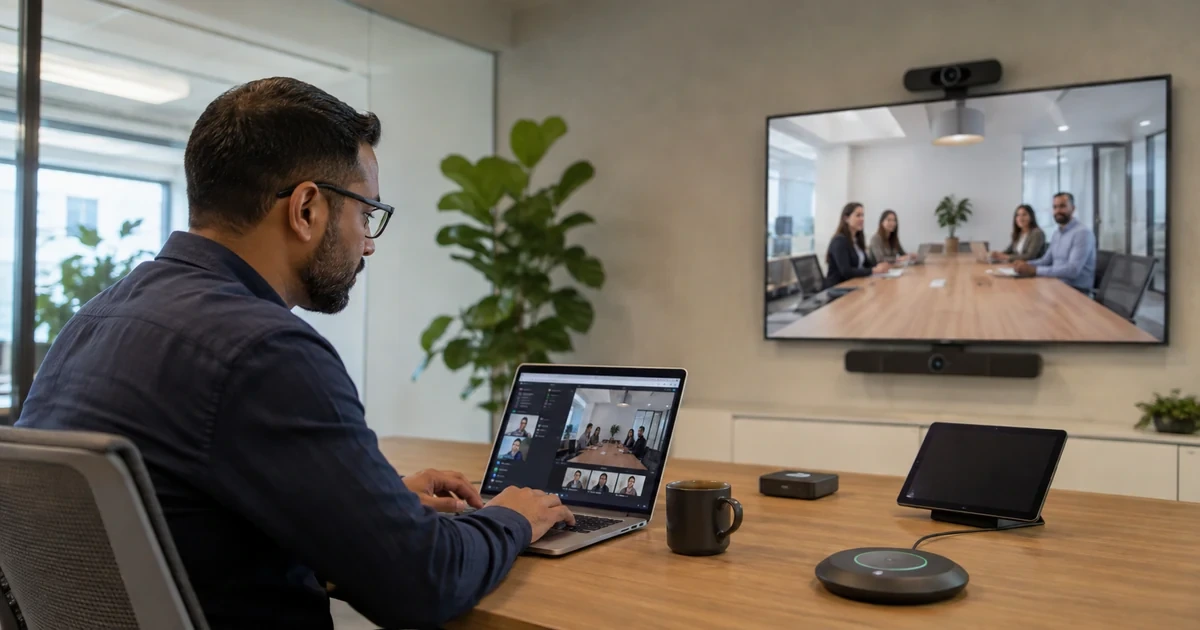
Recordings, transcripts, attendance reports, and hybrid meeting rooms can make Google Meet much more useful, but only if the business decides how those artifacts should be handled. Otherwise, sensitive conversations can end up in the wrong folder, shared too widely, or forgotten when they should become project evidence.
Hybrid rooms add another layer. A meeting can look fine to the people in the conference room while remote participants struggle with audio, camera framing, screen visibility, or side conversations they cannot hear. Equipment choices and room habits both matter.
This guide helps Georgia businesses manage Google Meet recordings, transcripts, attendance reports, and hybrid room readiness. ALLMSP can help configure controls, improve Drive storage habits, test meeting rooms, and document support procedures.
Key decisions at a glance
- Google Meet recordings should have a business purpose, owner, storage location, audience, and retention expectation before they become a default habit.
- Transcripts and attendance reports can improve follow-up, but they may also contain sensitive names, decisions, client details, and internal discussion.
- Hybrid meeting rooms should be designed for remote participants, not only for the people sitting at the table.
- Important recordings and transcripts usually belong in approved shared drives or project spaces rather than unmanaged personal folders.
- A post-meeting artifact workflow helps turn recordings, transcripts, notes, and attendance into useful business records instead of clutter.
Decide Who Can Record and Why
Meet recordings can be valuable for training, client follow-up, internal announcements, and project handoffs. They can also create risk if every meeting is recorded without a purpose. The business should decide which teams can record, what kinds of meetings should not be recorded, who owns the file afterward, and how long recordings should remain accessible.
Recording settings should be paired with Drive sharing rules. A recording that lands in the wrong folder or is broadly shared can expose sensitive discussions. The organizer, department, and IT support team need a predictable way to find, share, restrict, and retire recordings.
ALLMSP can help align Meet recording controls with Drive governance, user training, and practical support procedures.
- Define approved recording use cases for training, client work, HR, sales, and internal announcements.
- Limit recording ability where sensitive meetings do not need permanent artifacts.
- Document who owns recordings and where they should be stored.
- Review sharing behavior so recordings do not spread beyond the intended audience.
- Train organizers on consent, client expectations, and follow-up handling.
Treat Transcripts and Attendance Reports as Business Records
Transcripts and attendance reports can improve follow-up, but they may include names, discussion details, decisions, and sensitive topics. The question is not only whether the feature is available. The business needs to decide when the artifact is appropriate, who can access it, and whether it belongs in a client record, training folder, HR file, or project workspace.
If transcripts are enabled without guidance, users may assume the transcript is private, complete, or safe to forward. A supportable policy explains when transcripts are useful, when they should be avoided, and how to correct sharing mistakes.
For teams that use AI meeting notes or automated follow-up, this governance becomes even more important. The output needs context, owner review, and secure storage.
- Choose which departments can use transcripts and attendance reports by default.
- Explain where meeting artifacts should be stored after the meeting.
- Train users not to forward transcripts or recordings without checking audience and content.
- Review artifacts for HR, legal, client, and security implications before broad rollout.
- Create a support process for removing access when a recording or transcript is overshared.
Design Hybrid Rooms for the People Not in the Room

Hybrid meetings fail when the room is designed only for the people sitting at the table. Remote participants need to hear side conversations, see the right screen, identify speakers, and participate without feeling like observers. That requires camera placement, microphone coverage, display layout, lighting, room etiquette, and a host who watches the remote experience.
Google Meet hybrid best practices are easier to follow when the room has a standard. Decide which rooms are official hybrid spaces, what equipment belongs there, how it is tested, who supports it, and what users should do before important meetings. A single owner should know whether the camera, microphone, speakers, display, network, and cables are ready.
ALLMSP can help evaluate rooms, standardize equipment, and create a support checklist so hybrid meetings do not depend on last-minute troubleshooting.
- Prioritize microphone coverage and camera framing for remote participants.
- Test screen sharing, room audio, camera angle, lighting, and network before important meetings.
- Define which rooms are approved for client, executive, training, or interview use.
- Create a room checklist with owner, equipment, cables, support contact, and test cadence.
- Train hosts to include remote participants instead of only managing the in-room conversation.
Review Storage, Sharing, and Support After Meetings
The meeting is only one part of the workflow. Afterward, recordings, transcripts, attendance reports, notes, action items, and shared files may need to move into the right Drive location. If no one owns that step, meeting artifacts pile up in personal folders and become hard to find or secure.
A post-meeting workflow should state who reviews the artifact, where it is stored, who receives it, and how long it remains useful. This does not need to be heavy for every internal call, but client, HR, training, and executive meetings deserve clear expectations.
ALLMSP can help connect Meet artifacts to shared drives, access controls, and support procedures so the value of a meeting does not disappear after the call ends.
- Move important recordings and transcripts into approved shared drives or project spaces.
- Confirm access before sending meeting artifacts to clients, vendors, or large internal groups.
- Review storage impact and retention expectations for recurring recordings.
- Create a support path for missing recordings, wrong owners, and overshared artifacts.
- Use meeting artifacts to improve follow-up, training, and accountability without creating clutter.
Official product documentation and ALLMSP resources
Frequently Asked Questions
Who should be allowed to record Google Meet meetings?
Recording should be allowed for teams with a business need, such as training or client follow-up, while sensitive meetings may need stricter controls.
Where do Google Meet recordings belong?
Important business recordings usually belong in an approved shared drive or project location rather than an individual’s unmanaged personal folder.
Are Google Meet transcripts a security concern?
They can be. Transcripts may include sensitive discussion, names, decisions, and client information, so access and sharing need policy.
What makes a good hybrid meeting room?
A good room has reliable network, clear microphones, proper camera framing, readable displays, good lighting, tested cables, and a host who includes remote participants.
Should all meetings be recorded?
No. Recording should have a purpose, audience, owner, storage location, and retention expectation.
Can attendance reports help with training?
Yes. Attendance reports can help training and communications teams confirm participation, but they should be handled as business records.
How can ALLMSP help with hybrid meeting rooms?
ALLMSP can assess rooms, recommend equipment, test Google Meet behavior, document support steps, and standardize room readiness.
What should users know before recording a client call?
They should know consent expectations, who receives the recording, where it will be stored, and how to restrict access afterward.
How should overshared recordings be handled?
Support should remove or reduce access quickly, document what happened, notify the right owner, and update training or settings if needed.
Do recordings and transcripts affect storage planning?
Yes. Recurring recordings can consume storage and create clutter, so retention and folder ownership should be reviewed.


