





























































































































































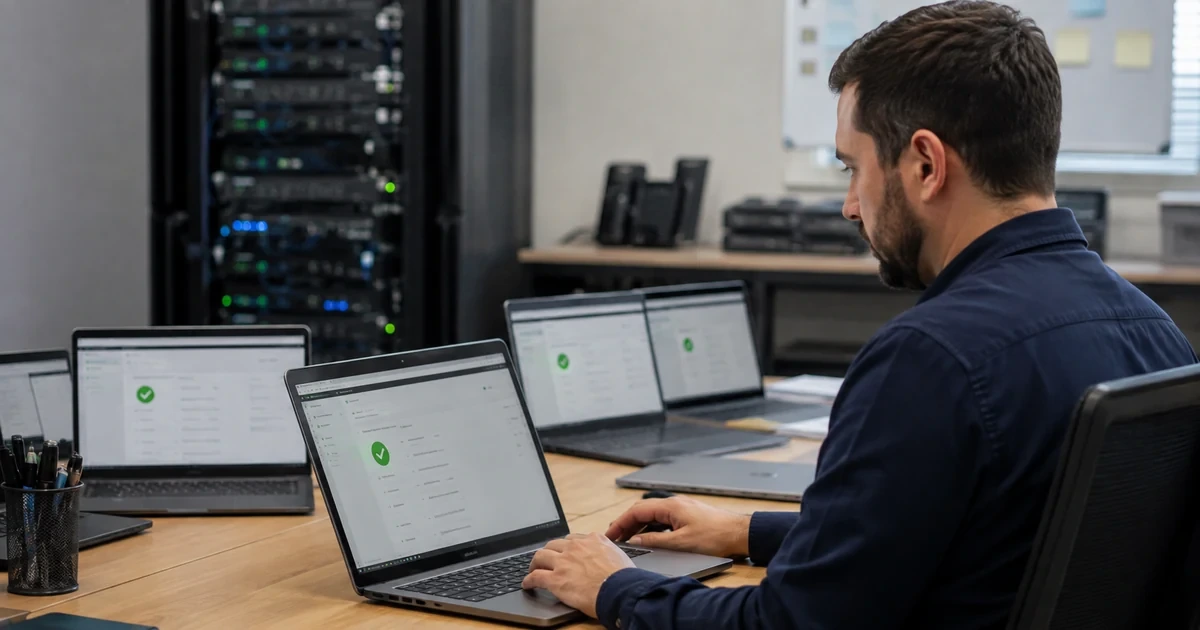
Backblaze Business Backup is easiest to govern when the rollout starts with a workload map rather than an installer. Backblaze Computer Backup is the endpoint service for supported data on Windows and Mac computers and selected directly attached drives. Network-mounted storage, NAS appliances, remotely mounted volumes, and servers are not the same workflow. Those systems generally use Backblaze B2 object storage through an appropriate integration such as Synology Hyper Backup, QNAP Hybrid Backup Sync, Veeam, or MSP360.
The second decision is how identities and administrative access will be organized. A Business Group can centralize payment and membership, while a managed group also lets administrators browse member data, create restores, and change account settings. An unmanaged group keeps administrators focused on payment and membership without that content access. Backblaze states that the administrative privilege selected at group creation cannot later be changed, so privacy, support, legal, and continuity owners should approve the design before anyone clicks Create Group.
Deployment should then proceed through a representative pilot that proves both installation and backup behavior. Include current Windows and macOS devices, laptops that sleep or travel, an external drive owner, large and frequently changing files, locally stored email, and at least one unsupported workload that must be routed to B2 instead. The rollout is accepted only when the organization can show which devices are enrolled, which data is eligible, whether the initial backup is progressing, and whether selected files can actually be restored.
ALLMSP handles Backblaze Business Backup deployment and configuration to teams near Lawrenceville and Suwanee, elsewhere in Gwinnett County and Metro Atlanta, and throughout Georgia, with planning, configuration, testing, and support completed by the same in-house team.
Key decisions at a glance
- Classify every workload before licensing because Computer Backup covers supported local Windows and Mac endpoint data, while NAS and server protection generally use Backblaze B2 with an integration.
- Decide managed versus unmanaged administration before creating the Business Group because the administrative-privilege choice cannot be changed afterward.
- Select centralized or decentralized endpoint ownership deliberately, choose the correct data region, and store Group ID and Group Token values only in secured deployment tooling.
- Pilot current Windows and macOS clients with required permissions, stable network access, awake endpoints, attached external drives, and realistic open-file behavior.
- Accept a rollout from device inventory, client state, backup progress, alert resolution, sampled-file evidence, and restore results rather than installer exit codes alone.
Separate Computer Backup endpoints from B2, NAS, and server workflows
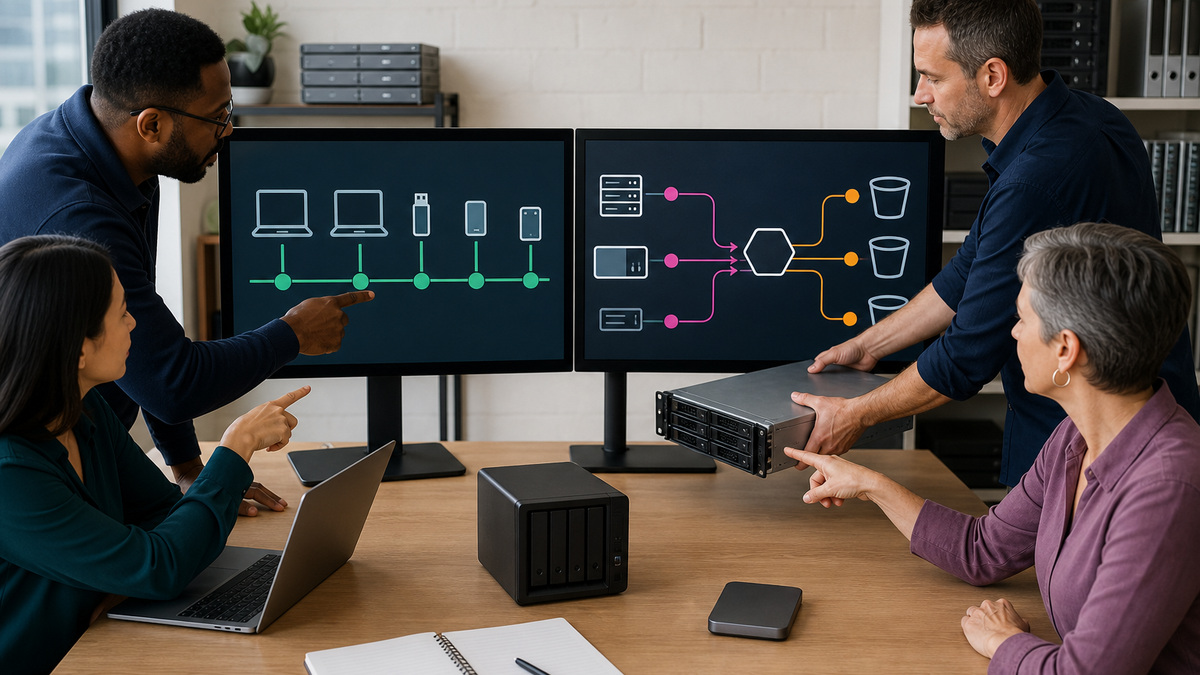
Build a source inventory with one row per computer, external drive, server, NAS share, network volume, SaaS export, and application database. For each row, record the owner, operating system, physical location, data region requirement, data volume, growth rate, sensitivity, recovery objective, network path, and authoritative source. Route local Windows and Mac user data to the Computer Backup evaluation. Route NAS, server, network-mounted, and remotely mounted sources to a separate B2 integration design instead of implying that installing the endpoint client will protect them.
Review supported and excluded data on the pilot machines. Backblaze Computer Backup operates as a background service and can protect local data across user profiles, along with internal and selected USB or FireWire drives. Operating-system files, applications, caches, temporary files, empty directories, many virtual-drive formats, Time Machine data, symlinks, and network shares have documented limits or exclusions. An eligibility register should identify any business-critical data that lives in those areas and assign an alternate protection method before rollout approval.
Keep the B2 path operationally distinct. Backblaze B2 is object storage reached through its web interface, APIs, command-line tools, and integrations, it does not include the Computer Backup endpoint client. A NAS or server workflow therefore needs its own bucket, application key, integration configuration, retention, immutability, monitoring, cost, and restore tests. The Computer Backup project may reference that parallel design, but its endpoint license count and coverage reports must never be presented as evidence that B2-protected systems are healthy.
- Inventory local endpoints, direct-attached drives, network storage, NAS devices, servers, and application data as separate workload classes.
- Map every unsupported Computer Backup location or file type to an approved alternate protection method and accountable owner.
- Keep B2 buckets, application keys, integrations, retention, monitoring, billing, and recovery evidence outside the endpoint coverage register.
- Do not license or deploy until recovery objectives and data-region requirements are recorded for each in-scope endpoint population.
Lock the Business Group, administration, account, and region decisions
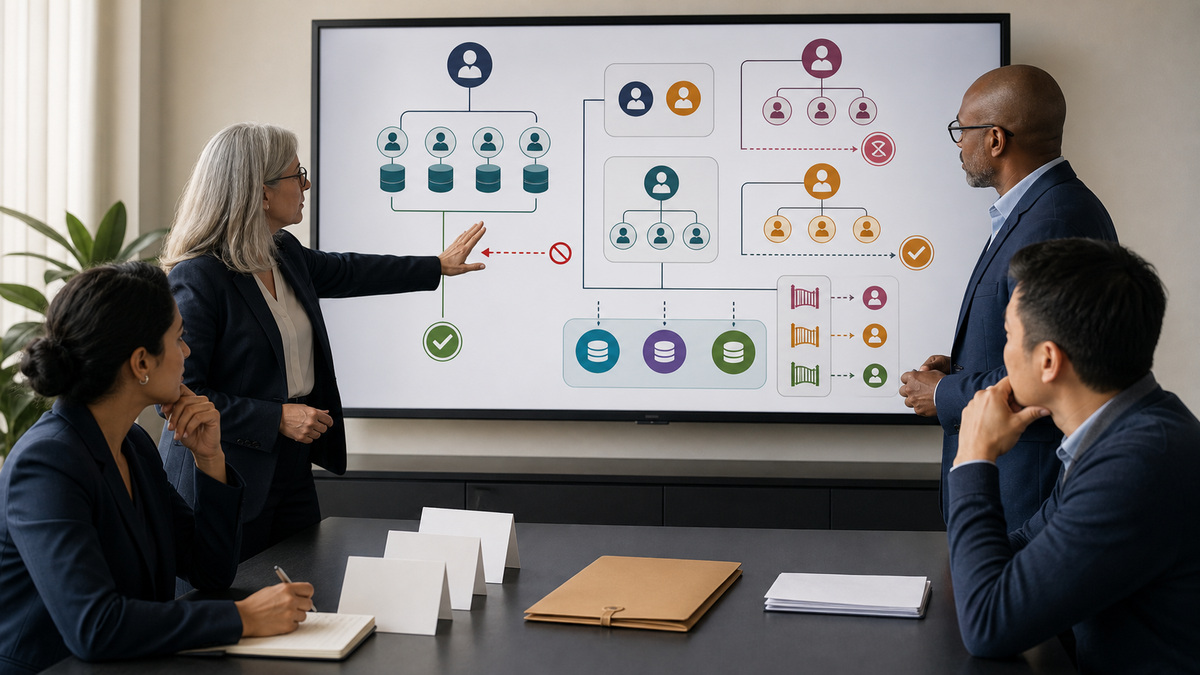
Decide whether each population needs a Business Group and whether that group should be managed. A small business with several computers under one account may not require multiple user accounts or a group, while organizations with separate users often value central billing, invitations, and reporting. In a managed group, administrators can browse data, create restores, and act on a member’s account. Record the lawful business purpose, least-privilege rationale, privacy notice, approvers, and recovery use case for that authority.
Treat group creation as a control gate. Backblaze documents that the administrative-privilege setting cannot be changed after creation, and a product added to a group cannot later be removed. Choose Computer Backup, B2, or both only after the service boundary is approved. Also select a restricted or domain-based join policy that matches identity governance. A publicly exposed automatic-approval invitation can create unexpected members and charges, so keep invitation links in approved channels and reconcile every accepted account.
Choose centralized or decentralized endpoint ownership and region deliberately. In a decentralized deployment, each endpoint uses its own related account and the user can access their data, subject to group administration. In a centralized deployment, endpoints share an IT-managed account and users must request their data from its manager. Record which model applies per population, how email values are supplied, who can initiate restores, and how the chosen region is passed and verified before production data begins uploading.
- Obtain written approval for managed administrator access because it includes browsing and restoring member data.
- Freeze administrative level, enabled products, invitation policy, naming convention, billing owner, and recovery owner before group creation.
- Document centralized and decentralized account behavior so users know who can reach their backup and who must perform a restore.
- Verify the intended region during pilot enrollment and preserve evidence without exposing Group IDs, Group Tokens, or account credentials.
Pilot secure silent deployment on current Windows and macOS devices
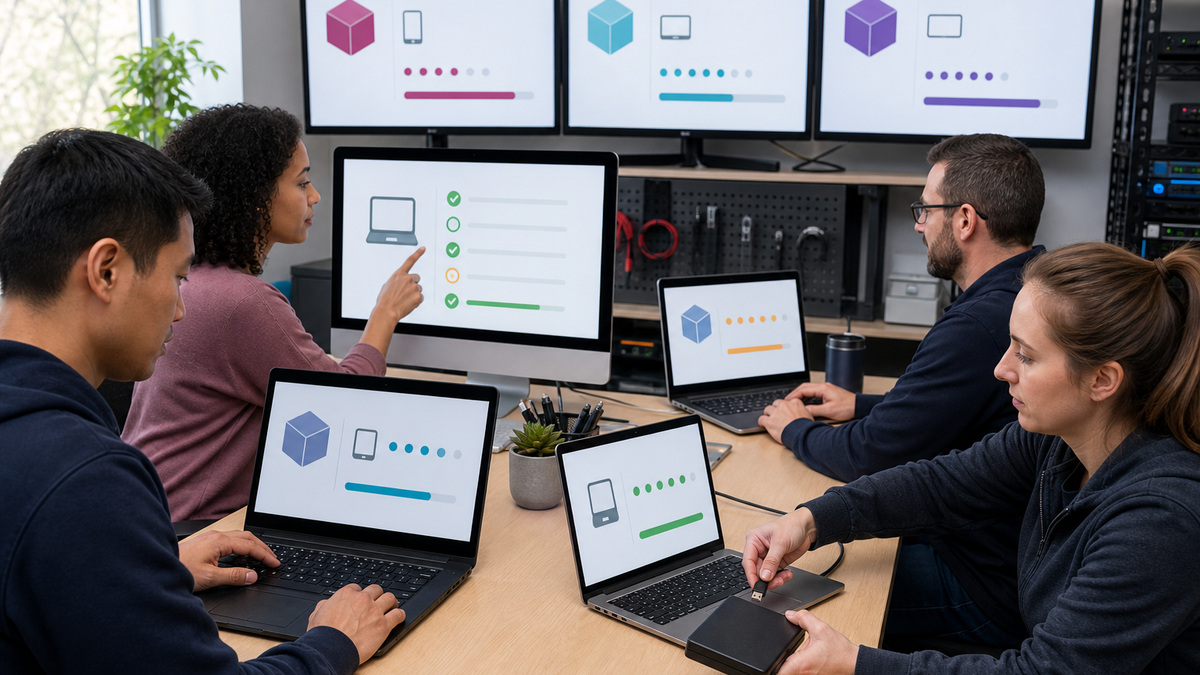
Use the current Backblaze silent-install guidance rather than copying an old command from a ticket. Windows deployments can use the MSI and a management script, while macOS can use the supported installer and command-line workflow. Both approaches rely on group authorization values that can enroll devices. Store the Group ID and Group Token in encrypted deployment variables, restrict who can read or edit them, avoid printing them in logs, rotate them after suspected exposure, and never place real values in documentation screenshots.
On macOS, pre-stage the current privacy and background-service profiles. Backblaze’s centralized Jamf guidance identifies Full Disk Access, a background or menu component profile, Managed Login Items for newer macOS versions, and optional environment-specific profiles. The current v10 workflow uses a Jamf policy, a JSON bootstrap configuration, `bzCLI`, extension attributes, and Smart Computer Groups to report state and trigger remediation. Validate those artifacts on each supported macOS release and confirm that the service remains active after reboot and update.
Pilot both ownership models where they are required. Confirm installation, assignment to the intended group and region, displayed computer identity, service state, client version, privacy permissions, backup schedule, exclusions, encryption state, and uninstall behavior. A successful installer message is only deployment evidence. The acceptance record must also show that the correct account owns the computer, no duplicate computer was created unexpectedly, all intended drives appear, and management telemetry agrees with the endpoint.
- Retrieve current installers only from official Backblaze locations and validate deployment scripts in a limited ring.
- Protect Group ID and Group Token values as enrollment secrets in the endpoint-management platform and deployment logs.
- Pre-approve macOS privacy, background service, and Managed Login Items settings before silent client installation.
- Verify account, group, region, client, service, permissions, drives, encryption, schedule, and telemetry on every pilot endpoint class.
Prove initial-backup readiness and convert rollout data into coverage evidence
Prepare endpoints for the initial backup. Backblaze recommends keeping the computer powered on, awake, and connected to a stable internet service. Files locked by another application cannot be backed up at that moment, so pilot locally stored email, finance databases, design files, and other frequently open content with the responsible application closed. Backblaze says the initial backup should be able to complete within thirty days, if the estimate exceeds that window, engage support instead of silently accepting permanent backlog.
Handle external drives as active sources, not archives. Confirm that each intended USB or FireWire drive is selected, attach it during the pilot, and allow the client time to scan. Backblaze’s best-practice guidance calls for connecting external drives and running continuously for four hours at least once every two weeks. Version-history choices change retention behavior, but no rollout should tell a user to delete source data after it appears online. Computer Backup mirrors current supported data, it is not an extra storage tier.
Create an acceptance dashboard from the Business Group Users/Computers view, client state, endpoint-management telemetry, and sampled restores. Track expected and discovered devices, account owner, region, last backup, remaining files, alerts, selected external drives, exclusions, version-history setting, encryption state, first successful sample restore, and exception owner. Backblaze can email administrators summary information and attach a User Stats CSV. Reconcile that report with the authoritative endpoint inventory so a missing computer cannot disappear from the denominator.
- Keep pilot computers awake and online, close applications that lock critical files, and measure progress toward initial completion.
- Escalate an initial-backup estimate beyond thirty days and document the accepted remediation or alternate design.
- Connect selected external drives regularly, observe their scan and backup state, and prohibit source deletion based only on an online listing.
- Accept coverage from an authoritative device denominator, current status evidence, resolved alerts, and successful sampled restores.
Official product documentation and ALLMSP resources
- Backblaze create a Business Group
- Backblaze Business Groups overview
- Backblaze silent installation overview
- Backblaze silent installation for Windows
- Backblaze silent installation for Mac
- Backblaze centralized Jamf Pro deployment
- Backblaze Computer Backup best practices
- Backblaze supported backup data
- Backblaze B2 integration boundary
- ALLMSP software support
- ALLMSP IT consulting
- ALLMSP managed IT services
- ALLMSP cloud services
- ALLMSP data backup and recovery
Frequently Asked Questions
What should a Backblaze Business Backup rollout decide first?
Classify workloads before selecting licenses. Confirm which supported Windows and Mac computers and direct-attached drives belong in Computer Backup, then route NAS, server, network-mounted, and application-specific data to a separate Backblaze B2 integration or another approved protection method with its own recovery evidence.
Is Backblaze Computer Backup the same product as Backblaze B2?
No. Computer Backup is the managed endpoint backup service for supported local Windows and Mac data. Backblaze B2 is object storage accessed through a web console, APIs, command-line tools, and integrations. NAS and server designs generally use B2 with compatible backup software rather than the endpoint client.
Can Backblaze Computer Backup protect a NAS or network drive?
No. Backblaze lists network-mounted drives, NAS devices, remotely mounted computers or volumes, and shared volumes as excluded from Computer Backup. Use a supported Backblaze B2 integration for those workloads, then design bucket access, credentials, monitoring, retention, cost controls, and restore testing separately.
What is the difference between a managed and unmanaged Backblaze group?
A managed group allows administrators to manage member accounts, including browsing backed-up data and creating restores. An unmanaged group’s administrators handle payment without that content access. Treat managed authority as a material privacy and least-privilege decision, and secure approval before creating the group.
Can a Backblaze group's administrative level be changed later?
Backblaze states that the administrative privilege selected during group creation cannot be changed afterward. The group design should therefore document managed or unmanaged status, products, privacy expectations, administrators, invitation method, billing owner, and recovery authority before the irreversible choice is submitted.
What is the difference between centralized and decentralized Backblaze deployment?
A decentralized deployment relates a distinct account to each endpoint, allowing the user to reach their data subject to group controls. A centralized deployment signs endpoints into one IT-managed account, so users request restores from that account’s manager. Choose and document the model for each population.
How should Backblaze Group Tokens be handled during silent deployment?
Treat the Group ID and Group Token as protected enrollment values. Store them in encrypted endpoint-management variables, restrict access, prevent logging, keep them out of screenshots and tickets, rotate after suspected exposure, and verify that each use assigns the device to the intended account, group, and region.
What must be configured before silently deploying Backblaze on Mac?
Current centralized Jamf guidance requires appropriate macOS privacy and background-service profiles, including Full Disk Access and Managed Login Items where applicable. Validate the current v10 installer, bootstrap configuration, service state, extension attributes, Smart Computer Groups, update behavior, and backup result on every supported macOS release.
How long should a Backblaze initial backup take?
Backblaze says Computer Backup should be able to complete the initial backup within thirty days. Keep the computer awake and online, close applications that lock important files, observe upload progress and selected drives, and contact Backblaze Support when the estimate exceeds that window rather than normalizing a permanent backlog.
What evidence proves a Backblaze rollout is complete?
Use an authoritative device inventory reconciled to group and endpoint telemetry. Retain account and region assignment, client state, last backup, remaining files, alerts, selected drives, exclusions, encryption, version history, exception ownership, and a successful sampled restore. An installer success code by itself does not prove protected data.


