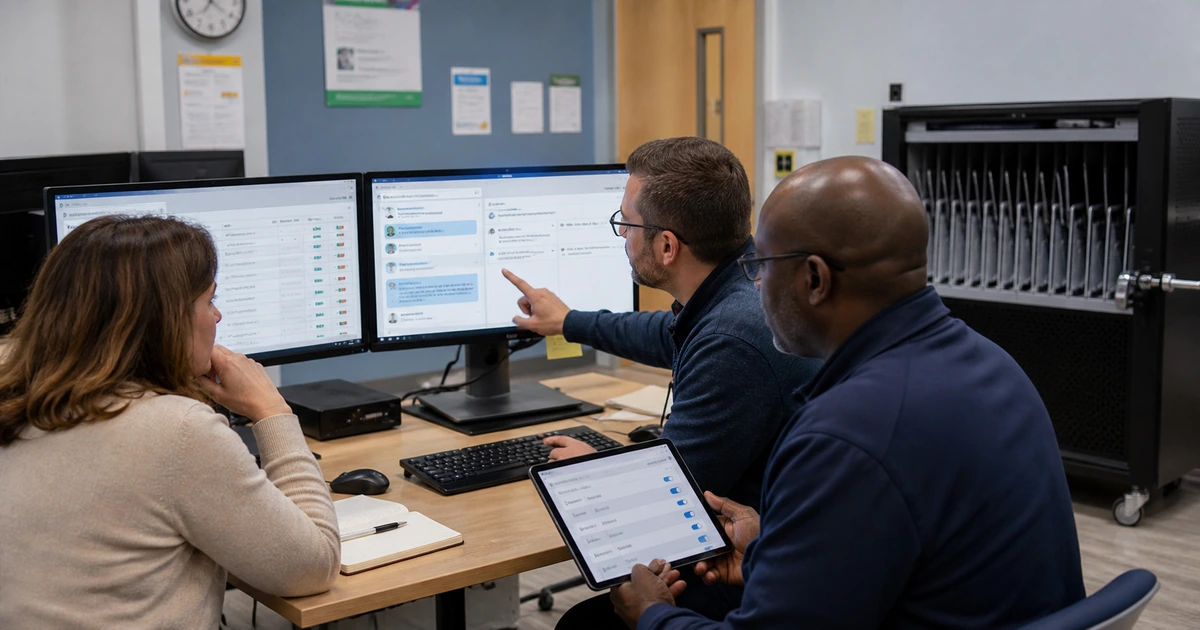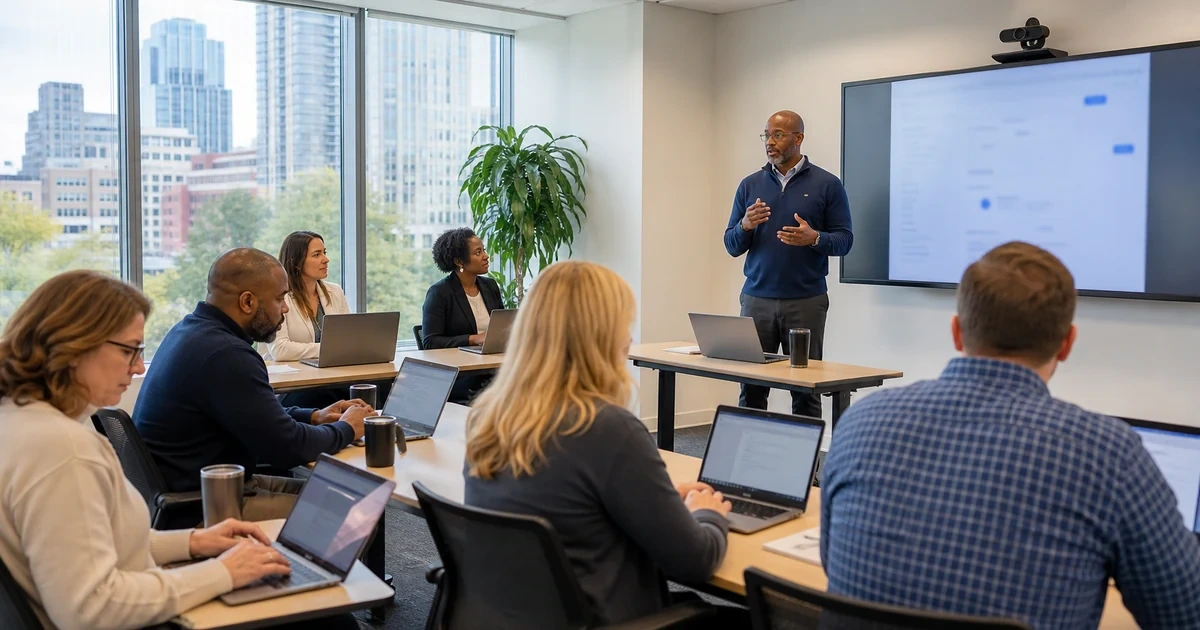
Useful AI training teaches employees how to complete approved work, protect company information, judge the result, and know when to stop. A tour of product features may create initial interest, but it does not prepare a salesperson to verify a customer summary, an analyst to inspect a calculation, or an administrator to recognize that a confidential record belongs outside the tool. Training should be designed around roles and consequences.
Begin with the exact managed services the company has approved and the tasks each audience performs. Use safe examples that resemble real work without exposing customer, employee, financial, security, or regulated information. Let participants practice, make corrections, compare results, and handle difficult cases. Record what each role must demonstrate before broader access or automated action is allowed.
ALLMSP designs and delivers AI tool training for Lawrenceville, Suwanee, Gwinnett County, Metro Atlanta, and organizations across Georgia. Our in-house team can configure the technology, create role-based exercises, train employees and managers, support questions, measure adoption, and improve the program as tools and work change.
Teach employees to produce a verified business result
- Use approved accounts: Show the correct service, sign-in, application context, licensed features, and support route.
- Practice real tasks: Build exercises around drafting, summarizing, retrieving, analyzing, classifying, or automating approved work.
- Protect information: Teach data classes, minimization, masking, source permissions, connected content, and prohibited inputs.
- Structure instructions: Give the tool a clear role, task, context, source boundary, output format, and quality criteria.
- Verify the result: Check facts, calculations, sources, completeness, tone, policy, bias, and required human approval.
- Escalate uncertainty: Provide examples of when to correct, reject, use a manual process, report an incident, or ask for help.
Design the curriculum around roles, tools, and business risk
Create an audience map before building slides. Group employees by the tasks they perform, information they handle, decisions they make, and AI features they may use. A general foundation can cover approved services, data handling, verification, and incident reporting. Role modules should then use realistic work from sales, customer service, operations, finance, marketing, leadership, IT, or another relevant function. Administrators and agent builders need separate training on configuration, permissions, connections, testing, publishing, logs, and change control.
Define learning outcomes as observable actions. An employee might need to sign in to the managed account, choose an approved use case, remove restricted details, write a complete instruction, identify unsupported claims, compare an answer with an authoritative source, correct the draft, and record human approval. A manager may need to decide whether the task is suitable for AI and review business impact. Avoid making prompt cleverness the primary goal. Reliable work depends on context, source quality, judgment, and controls as much as wording.
- Foundation: Cover approved tools, sign-in, capabilities, limitations, information rules, verification, reporting, and support.
- Role module: Teach the tasks, sources, output standards, exceptions, and decisions relevant to each audience.
- Manager module: Teach use-case approval, workload design, review responsibility, measurement, coaching, and escalation.
- Builder module: Teach environments, data, permissions, testing, agents, integrations, logging, release, and rollback.
- Proficiency rule: State what the learner must complete independently before receiving expanded capability.
Role-based design makes the training shorter and more useful because each participant practices the decisions and risks they will actually encounter.
Teach a repeatable method for prompts, sources, and verification
Give employees a simple instruction pattern they can reuse. State the role or perspective needed, the exact task, relevant context, approved source material, desired format, audience, constraints, and how uncertainty should be handled. Break complex work into stages so the employee can inspect an outline or extracted facts before asking for a finished deliverable. Treat conversation history as part of the working context and start a clean session when earlier instructions or data no longer belong.
Verification must be part of every exercise. Ask the learner to identify the authoritative source, compare names and numbers, check dates and citations, examine missing context, review tone and commitments, and look for sensitive information. For analysis, reproduce important calculations or compare them with known values. For customer-facing material, require owner review before release. For automation, test ordinary inputs, difficult exceptions, denied access, and downstream records before any production action is allowed.
- Role and task: Explain what the tool should do and the business purpose of the result.
- Context and sources: Provide necessary facts and point to approved authoritative material rather than relying on guesswork.
- Output contract: Define format, audience, length, required fields, tone, exclusions, and treatment of uncertainty.
- Verification: Check facts, sources, calculations, completeness, policy, privacy, bias, and customer commitments.
- Human decision: Identify the person who may accept, edit, send, publish, approve, or trigger the next action.
A good instruction is not the finish line. The employee remains responsible for determining whether the result is accurate, suitable, permitted, and ready for its intended use.
Run hands-on sessions and build support after class
Use a brief demonstration followed by supervised practice. Give participants a normal case and an edge case, then let them explain their reasoning. Include a deliberately flawed result so learners practice finding mistakes rather than assuming polished writing is correct. Evaluate the completed business outcome, not how closely the prompt matches an instructor example. Provide a restricted route for confidential questions and never require employees to expose real sensitive data during training.
Training continues after the session. Publish approved examples, short task guides, office hours, a support queue, and a process for proposing new use cases. Ask managers to coach verification and appropriate use, not only adoption volume. Review support questions, failed exercises, unsafe attempts, usage reports, license activity, employee feedback, correction patterns, and business measures. Refresh training after important feature, model, policy, data, permission, or workflow changes.
- Practice design: Use safe normal work, ambiguity, incorrect output, sensitive context, and an escalation scenario.
- Independent demonstration: Require learners to complete, verify, correct, and explain a task without hidden coaching.
- Job aids: Provide approved examples, data rules, verification steps, decision boundaries, and help contacts.
- Support loop: Track questions, mistakes, incidents, feature gaps, confusing guidance, and requested use cases.
- Refresh cycle: Update exercises when platforms, permissions, policies, processes, sources, or observed risks change.
The program is working when employees can complete useful tasks independently, recognize unsafe or unreliable conditions, and obtain help before a mistake spreads.
AI platform setup, training, and adoption from ALLMSP
ALLMSP can configure approved AI services and build the training program around the same environment. We create audience maps, curricula, safe exercises, job aids, proficiency checks, manager guidance, support intake, usage review, and refresher sessions. Technical controls and employee expectations remain aligned.
Our team supports Microsoft Copilot, Google Workspace with Gemini, AI agents, workflow automation, and other approved business platforms. Companies in Gwinnett County and throughout Georgia can rely on one internal team for licensing, identity, security, integration, instruction, and continuing support.
- Configure: Prepare managed accounts, permissions, applications, data sources, policies, monitoring, and support.
- Teach: Deliver role-based instruction, hands-on practice, verification, information handling, and proficiency checks.
- Improve: Measure adoption and outcomes, answer questions, correct patterns, and refresh training as work changes.
Primary resources for practical AI training
Use current vendor learning material for product behavior and recognized risk guidance for the decisions, controls, and verification surrounding business use.
- Microsoft Copilot learning hub. Collects product documentation, adoption resources, training modules, security guidance, and role-focused learning for Copilot and agents.
- Google Workspace with Gemini Prompt Guide. Provides practical prompting guidance organized by business role and Google Workspace use case.
- NIST AI Risk Management Framework. Supports workforce roles, accountability, risk awareness, measurement, and responsible operation across the AI lifecycle.
- NIST Generative AI Profile. Identifies generative-AI risks that employees, managers, reviewers, and system owners should understand and test.
AI tool training FAQs
What should employee AI training cover?
Cover approved services and sign-in, permitted tasks, information handling, instruction structure, source use, verification, human approval, prohibited actions, incident reporting, and support.
Why should AI training be role based?
Different roles use different information, make different decisions, and face different consequences. Role-based exercises make the guidance relevant and let proficiency be evaluated against real work.
Should employees train with real customer data?
Use sanitized or synthetic examples unless the approved managed environment, task, permissions, agreement, and training design explicitly permit the information. Never expose sensitive data merely to make an exercise realistic.
What makes a useful business prompt?
State the role, task, context, approved sources, audience, output format, constraints, quality criteria, and how the tool should respond when information is uncertain or unavailable.
How should employees verify AI output?
Compare facts, names, dates, calculations, citations, source context, completeness, tone, policy, privacy, bias, and commitments with authoritative information and qualified human judgment.
What should managers learn about AI?
Managers should learn use-case selection, data and decision boundaries, review responsibility, workload design, business measurement, employee coaching, support, escalation, and incident response.
How is AI proficiency measured?
Have the learner independently choose the approved tool, protect information, complete a representative task, verify and correct the result, explain limitations, and handle an exception.
How often should AI training be refreshed?
Refresh after major tool, model, policy, data, permission, workflow, risk, or regulatory changes, and whenever support or evaluation evidence shows a recurring misunderstanding.
Can ALLMSP deliver both technical setup and employee training?
Yes. ALLMSP can license, configure, secure, integrate, document, teach, evaluate, monitor, and support approved AI tools through its in-house team.
Where is ALLMSP AI training available?
ALLMSP provides AI training in Lawrenceville, Suwanee, Gwinnett County, Metro Atlanta, and throughout Georgia for local, remote, and multi-location teams.