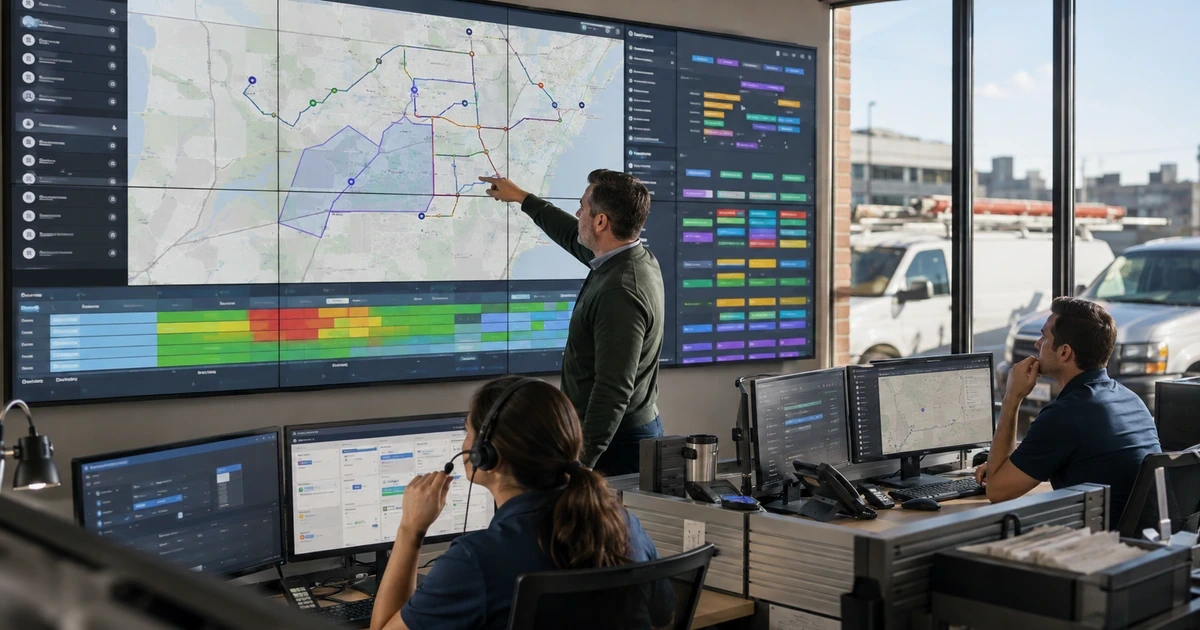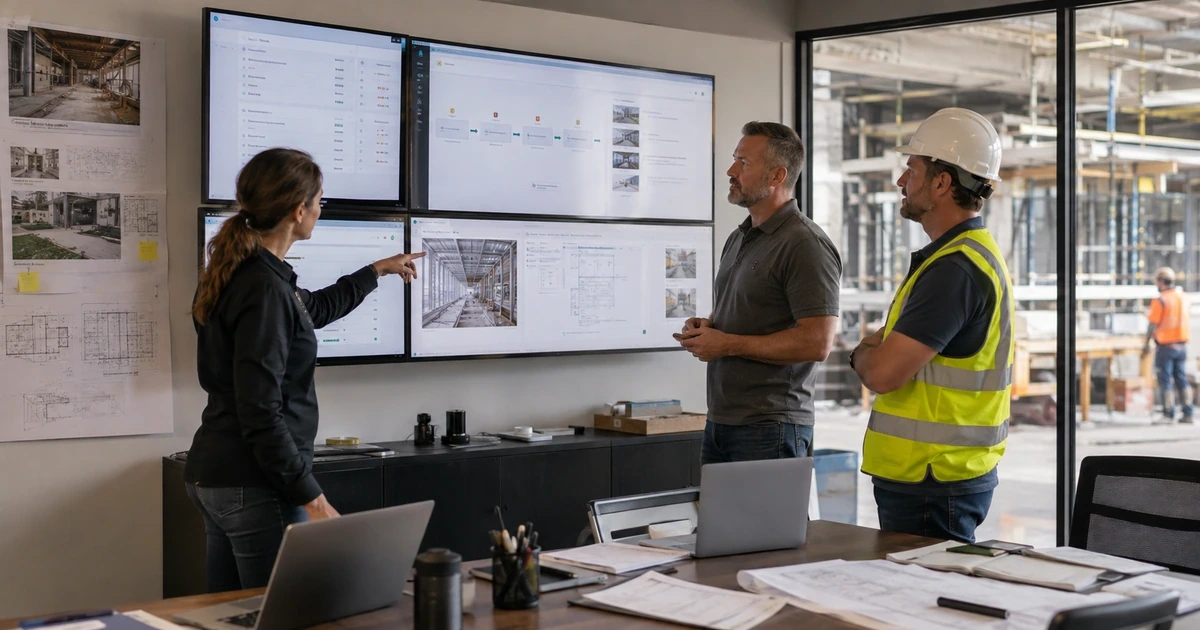
Construction workflow automation is most valuable where information repeatedly changes hands between the field, office, customer, subcontractor, designer, and accounting team. AI can help classify an incoming request, extract details from a document, summarize a record, find related project information, draft a response, or route an exception. The benefit comes from moving reliable information to the right person sooner while preserving the approval that gives the action authority.
The workflow must be designed around construction reality. A daily log can arrive late from a phone with weak connectivity. An RFI may reference a superseded sheet. A service request can lack equipment history. A change may affect scope, schedule, cost, contract notice, and downstream accounting at the same time. Automation that ignores those dependencies can accelerate the wrong work and make the final record harder to defend.
ALLMSP designs, builds, secures, and supports AI workflows for contractors across Lawrenceville, Suwanee, Gwinnett County, Metro Atlanta, and Georgia. Our in-house team can connect construction platforms, Microsoft 365, Google Workspace, accounting, CRM, cloud storage, forms, email, mobile devices, reporting, and approved AI services into a controlled operating process.
A controlled method for automating construction work
- Start at a real handoff: Select a delay or rework point where the source, next owner, required decision, and completion evidence can be named.
- Separate assistance from authority: Decide which steps may be classified or drafted by AI and which require qualified review, approval, or direct human action.
- Preserve project context: Carry project, company, location, discipline, revision, status, cost code, due date, contract, and permission information through the workflow.
- Make every transition visible: Record inputs, extracted values, model output, confidence, exceptions, reviewer changes, approvals, system updates, and notifications.
- Design failure paths first: Handle missing records, contradictory data, low confidence, unavailable systems, invalid permissions, offline work, and rejected output without losing the request.
- Measure the downstream result: Track response time, correction effort, rework, approval delay, field interruption, closeout quality, and user support rather than counting automated steps alone.
Select construction workflows that are worth automating
Begin with process evidence from tickets, email, project logs, meeting notes, overdue items, duplicate entry, reconciliation work, and user interviews. Look for bounded tasks that occur frequently and have an identifiable correct next state. Avoid starting with an executive forecast or safety-critical decision when the company has not yet proven simpler extraction, routing, and review behavior.
Write the current process as a sequence of states. For each state, name the accountable owner, source record, required fields, approval, notification, deadline, exception, and evidence of completion. This exposes where an ordinary rule or native platform feature is sufficient and where AI is useful because the input is unstructured, varied, or difficult to classify with fixed logic.
- Document intake: Classify incoming drawings, specifications, RFIs, submittals, invoices, proposals, warranties, and closeout files before routing them to a named reviewer.
- Field records: Extract project, location, activity, trade, date, equipment, issue, and follow-up information from approved notes, forms, voice records, and photos.
- Search and summarization: Help authorized users find current supporting records and create a draft summary with links to the exact source evidence.
- Estimate intake: Organize customer or project requests, identify missing qualification details, and prepare a complete package for an estimator without pricing the work automatically.
- Service dispatch: Categorize requests, retrieve asset history, suggest required information, and flag conflicts while a dispatcher retains control of promises and assignments.
- Closeout preparation: Check required documents, photos, approvals, training records, warranties, and unresolved items before an authorized person releases the final package.
The right automation target removes repeated administrative effort while keeping the construction decision and its evidence in the hands of the responsible person.
Build the workflow as an auditable state machine
Define the technical contract for every transition. Specify the trigger, accepted input, source identity, required context, model or rule, confidence threshold, output format, review queue, system update, notification, timeout, retry, and escalation. Use stable identifiers instead of relying on names in free text. Write drafts to a controlled location and prevent duplicate actions when a connector retries the same event.
Human approval should be an actual system state, not an informal expectation. The reviewer needs the original input, linked evidence, proposed action, important uncertainty, and a clear choice to approve, correct, reject, or request more information. Preserve the reviewer’s changes and reason. For cost, contract, schedule, design, safety, payment, or public communication, require the person who already owns that authority in the operating process.
- Trigger: Use an explicit event such as an approved upload, form submission, status change, monitored mailbox, scheduled review, or authorized user request.
- Context assembly: Retrieve only current and permitted project records, then retain links, identifiers, versions, and access decisions with the workflow run.
- AI task: Constrain extraction, classification, drafting, or comparison to a defined output structure with clear unavailable and uncertain responses.
- Validation: Check required fields, source support, duplicates, project boundaries, confidence, prohibited actions, and consistency before the output reaches a reviewer.
- Approval: Route to a named role with the original evidence, proposed result, correction controls, deadline, and escalation when no decision is made.
- Commit and notify: Write the approved result once, record the system response, update status, notify affected users, and preserve the complete audit trail.
Visible states and evidence make an automated workflow supportable, testable, and recoverable when data, users, providers, or project conditions change.
Pilot, monitor, and improve the construction automation
Test the workflow with a controlled group across representative projects and devices. Include clean cases, incomplete records, unusual project roles, large attachments, superseded documents, changed cost codes, unavailable integrations, and the poor connectivity that field users experience. Run the automated and current methods in parallel long enough to compare results without making the pilot the only path for time-sensitive work.
Operate a review cadence that joins technical and business evidence. Examine failures, low-confidence output, reviewer corrections, missed deadlines, duplicate actions, user bypass, security events, cost, and downstream outcomes. Change one meaningful component at a time and rerun the affected test set. Retire automation that cannot produce a dependable improvement or that creates more review effort than it removes.
- Functional tests: Verify triggers, permissions, field mappings, document limits, required context, output structure, approvals, system writes, notifications, retries, and rollback.
- Quality tests: Measure factual support, completeness, correct classification, reviewer edits, false positives, missed exceptions, and performance across important project conditions.
- Security tests: Attempt cross-project access, unauthorized requests, malicious document instructions, secret exposure, unapproved exports, and actions beyond the service account’s role.
- Field tests: Use managed phones and tablets with slow networks, interrupted uploads, offline capture, small screens, and real shift handoffs.
- Operational measures: Track queue age, completion time, correction effort, escalation, field delay, rework, support demand, provider cost, and the business result.
- Change control: Review model, prompt, source, mapping, provider, permission, application, workflow, or policy changes before they affect production records.
Continuous evidence keeps automation useful after launch and gives leadership a defensible basis for expanding it to another construction workflow.
End-to-end construction AI automation from ALLMSP
ALLMSP can document the current workflow, select a practical automation target, configure the approved AI service, build integrations, secure service accounts, design human approval, create tests, migrate the process, train users, monitor performance, and provide support. We also correct the surrounding identity, network, cloud, device, backup, and software issues that often determine whether the workflow works outside a demo.
Construction and field-service companies throughout Lawrenceville, Suwanee, Gwinnett County, Metro Atlanta, and Georgia can use ALLMSP for one focused automation or a connected program across project delivery, service operations, finance, customer communication, and reporting. The work stays measurable and accountable from discovery through daily support.
- Workflow design: Current-state evidence, automation boundary, source systems, roles, decisions, exceptions, controls, measures, and implementation plan.
- Technical delivery: AI configuration, connectors, APIs, service identities, data mapping, approval queues, logging, alerts, testing, documentation, and rollout.
- Managed operation: Monitoring, user support, quality review, security response, provider updates, cost control, change validation, and continuous optimization.
Primary resources for secure construction AI automation
Combine AI risk guidance with the exact project systems, human authority, data rights, field conditions, and support responsibilities of the construction workflow.
- ALLMSP AI Workflow Automation. Workflow discovery, integration, automation, approval, testing, monitoring, and ongoing support.
Construction AI workflow automation FAQs
Which construction workflows are good candidates for AI automation?
Strong candidates are frequent, bounded handoffs with clear sources and owners, such as document intake, field-record classification, current-record search, draft summaries, estimate qualification, service request routing, or closeout completeness checks.
What should remain under human approval?
Qualified people should approve safety, contract, design, scope, schedule, cost, payment, personnel, customer promises, public claims, and other consequential actions. AI can prepare evidence or a draft without receiving final authority.
How is AI automation different from ordinary workflow rules?
Fixed rules are preferable when inputs and decisions are structured and predictable. AI is useful for varied text, documents, images, classification, search, or drafting, but it needs stronger testing and review because output is probabilistic.
How can an automated workflow avoid using outdated drawings?
Retrieve from an authoritative document source, filter by project and current status, preserve revision and approval metadata, link the exact source, detect superseded records, and require review when the controlling version is uncertain.
What happens when an AI integration fails?
The workflow should retain the request, record the failure, alert a named owner, avoid duplicate writes, retry only when appropriate, and route users to a documented manual path that preserves the project record.
How should service accounts be secured?
Use a dedicated managed identity, least privilege, protected secrets, limited project and data scope, short-lived credentials when supported, logging, access review, rotation, and immediate revocation when the integration is retired.
Can AI automate construction field reports?
AI can help organize approved notes, forms, voice records, and photos into a draft. The field leader should verify project, date, location, work performed, labor, equipment, issues, safety relevance, attachments, and required follow-up before submission.
What metrics show whether construction automation is working?
Track completion time, queue age, correction effort, missed exceptions, duplicate work, review delay, rework, field interruption, support tickets, security events, operating cost, and the business outcome tied to the workflow.
Does ALLMSP build and support the complete automation?
Yes. ALLMSP handles process design, AI services, integrations, cloud, identity, security, testing, documentation, training, monitoring, user support, and continuous improvement through one in-house team.
Where can Georgia contractors obtain AI workflow automation support?
ALLMSP provides local and remote AI automation services for contractors in Lawrenceville, Suwanee, Gwinnett County, Metro Atlanta, and throughout Georgia.
Sources
- NIST AI RMF Playbook. Suggested actions for governing, mapping, measuring, and managing AI risk throughout the lifecycle. ↩
- Autodesk construction AI software overview. Current examples of connected data, embedded automation, AI-assisted insights, and human review in construction workflows. ↩