






























































































































































A ServiceTitan integration can touch customer records, call booking, dispatch, invoices, payments, accounting, marketing, and management reporting. The risk is not limited to a broken API call. An over-privileged employee role, untracked app approval, leaked client secret, duplicate transaction, or untested feature change can disrupt both office and field work.
ServiceTitan documents two approved integration paths: Certified Marketplace applications and customer-built applications for eligible packages. Its developer guidance covers app registration, tenant approval, scopes, client credentials, access tokens, application keys, and integration environments. Separate help content addresses roles, sensitive permissions, multifactor authentication, audit trail, feature configurations, Next, and the Release Hub.
A strong operating model brings those controls together. The account owner knows who can change access, the integration owner can explain every scope and data flow, business teams can reconcile failures, and a release is accepted only after a CSR, dispatcher, technician, invoice reviewer, and finance process have completed their actual work in a safe test path.
Key decisions at a glance
- Inventory employee and technician profiles separately, reduce role permissions to job need, identify sensitive controls, pilot MFA, and retain audit evidence for changes.
- Use a ServiceTitan Certified Marketplace application or an eligible customer-built application as documented, do not rely on prohibited tunneling or shared user credentials.
- Separate tenant and environment credentials, approve only necessary API scopes, keep secrets out of code and tickets, and design token renewal, throttling, retry, and revocation behavior.
- Test integrations in the ServiceTitan integration environment with representative data, then reconcile every business transaction from source event through destination and exception queue.
- Review release notes, feature configurations, and ServiceTitan Next limitations, run role-based acceptance tests and retain a go-live, rollback, ownership, and communication record.
Reduce Employee and Technician Access to Defined Job Duties

Build an access matrix from duties rather than existing permissions. ServiceTitan supports role-based permissions and individual customization, and its documentation distinguishes employee and technician profiles. List who books, dispatches, adjusts capacity, changes Pricebook records, issues refunds, exports data, manages users, approves apps, changes feature configurations, or sees sensitive financial and customer information. Then map each duty to the minimum role.
Sensitive permissions can require MFA, and ServiceTitan documents both SMS and time-based one-time password methods, including authenticator applications and recovery considerations. Pilot MFA with representative office and field profiles, confirm personal-phone and company-device policy, validate recovery and administrator reset procedures, and schedule enforcement so technicians are not surprised at the first call of the day.
Use ServiceTitan’s audit trail where available to review role and permission creation, updates, and deletion, including actor, time, and before-and-after values. Some security features require account configuration or particular permissions, so record prerequisites and test evidence. Export or retain an approved access review with unresolved exceptions and due dates rather than treating a successful sign-in as proof of good access design.
- Separate employee, technician, contractor, integration, and emergency administrator access instead of cloning a powerful role for convenience.
- Identify sensitive permissions, enforce MFA through a staged plan, and test enrollment, recovery codes, lost-device response, and administrator reset.
- Review terminated, transferred, inactive, seasonal, and duplicate profiles against HR and payroll records on a fixed schedule.
- Capture role and permission changes with requestor, approver, reason, before-and-after state, effective time, and audit-trail evidence.
Approve Integrations by Path, Tenant, Environment, and Scope
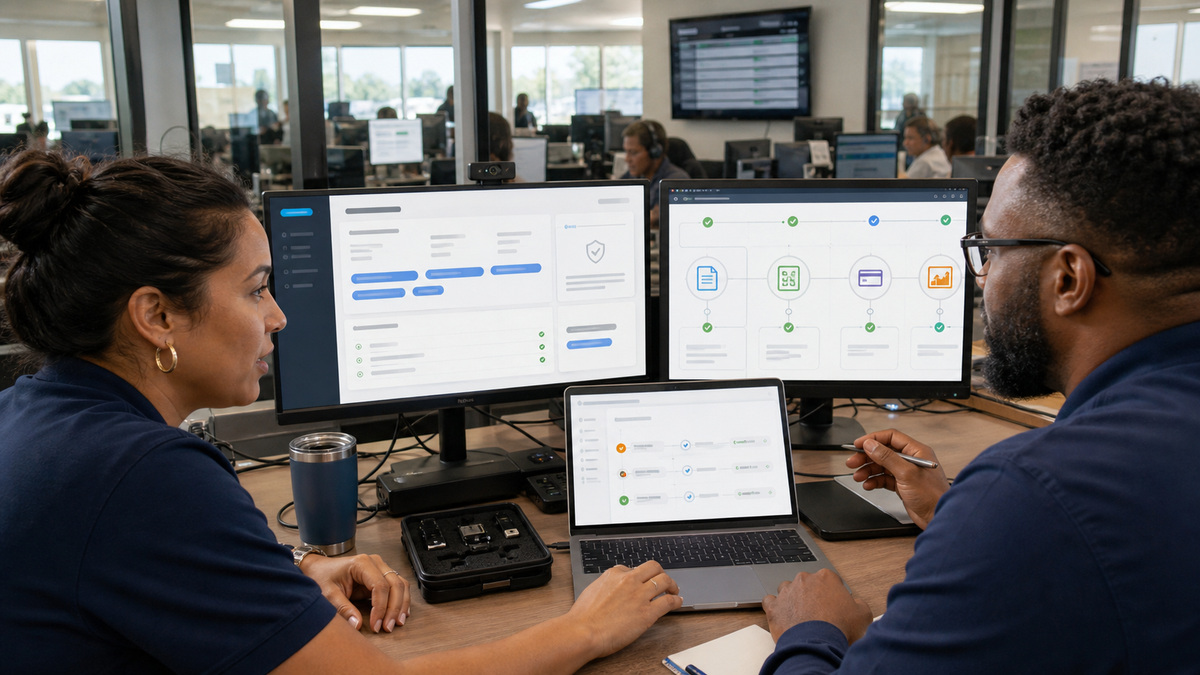
Inventory every system that receives or sends ServiceTitan data: accounting, phones, payments, financing, marketing, inventory, data warehouse, reporting, and custom automation. For each connection, record the business owner, technical owner, approved path, application identity, tenants, environments, scopes, data objects, direction, frequency, support contact, renewal date, and shutdown method. Unknown connections should be investigated before new work is approved.
ServiceTitan’s approved-path guidance directs customers to Certified Marketplace apps or customer-built apps, with customer-built access tied to qualifying packages and policy requirements. A private customer-built app still needs registration, scope selection, and tenant-administrator approval. Do not tunnel through an ordinary user session or share an employee’s credentials with automation, those designs weaken attribution and can violate the supported integration model.
The developer documentation calls for unique client credentials per tenant and environment, plus the application key where required. Treat the client secret as a recoverable enterprise secret: store it in a managed vault, restrict retrieval, prevent it from entering source control or tickets, log use, rotate on ownership change or suspected exposure, and verify that disabling the app actually stops access. Approve only scopes the documented transactions need.
- Reconcile the ServiceTitan app list with contracts, vendor inventory, network flows, source repositories, automation tools, and finance-owned exports.
- Document whether each connection is a Certified Marketplace app or an eligible customer-built app and retain the approval evidence.
- Issue distinct credentials for every tenant and environment, prohibit credentials shared across customers, production, and integration testing.
- Review requested API scopes against named endpoints and business transactions, then remove obsolete versions and access when the workflow changes.
Test API Transactions and Reconcile Their Business Effects
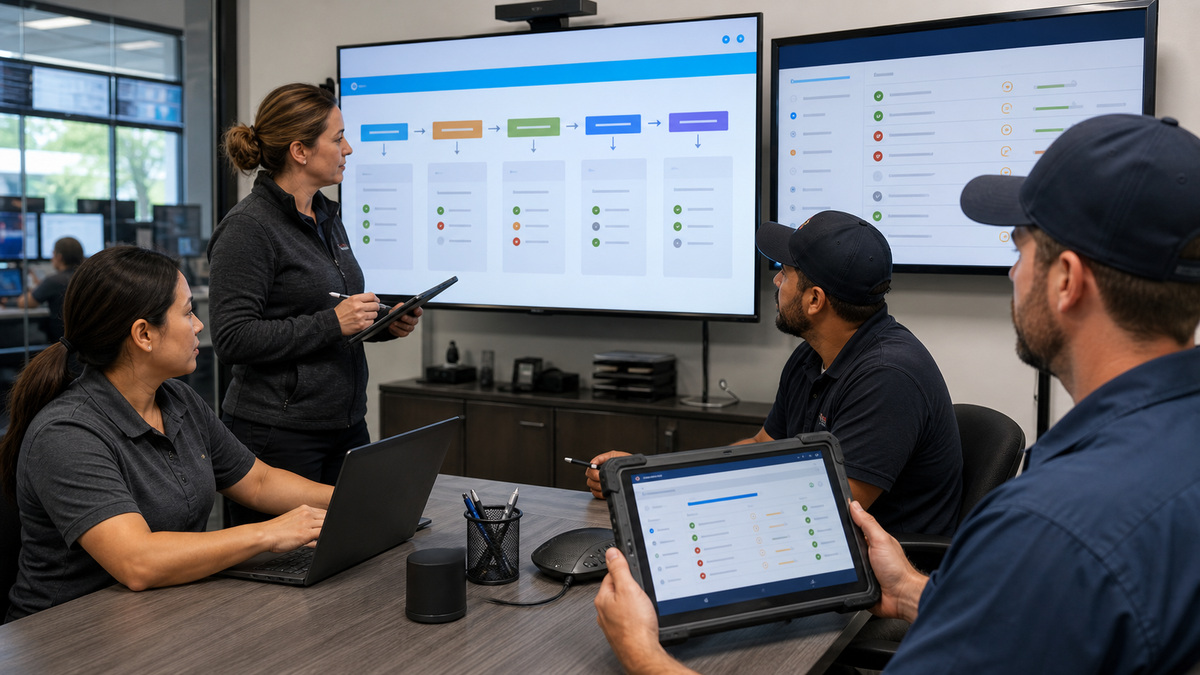
Use the ServiceTitan integration environment as the proving ground. The developer FAQ explains that a customer has one integration environment and may request production data copies or refreshes under the documented process. Define who may request a refresh, how copied sensitive data is protected, which test records are safe to alter, and how external test systems remain separated from live accounting, messages, or payments.
ServiceTitan’s API examples use OAuth client credentials, short-lived access tokens, HTTPS, and the ServiceTitan application key. Build token acquisition and renewal without exposing secrets, honor documented rate and version behavior, and use bounded retries with backoff. For write operations, define an idempotency or duplicate-prevention strategy at the business layer and retain a correlation identifier that connects the ServiceTitan record, integration event, and destination result.
A technical success response is not an accounting or customer-service success. Reconcile representative events end to end: a booked job, reschedule, dispatch status, estimate, invoice adjustment, payment, refund, customer update, and accounting export. Confirm field names, time zones, identifiers, totals, tax, status transitions, deletion or cancellation behavior, and error recovery. Route failures to an owned queue with age, business impact, replay rule, and manual correction record.
- Use synthetic or approved test customers and prevent the test path from sending real messages, charging payment methods, or posting live accounting entries.
- Record request correlation, source and destination identifiers, timestamps, outcome, retry count, and sanitized error detail without logging secrets.
- Test expired tokens, revoked apps, missing scopes, throttling, partial outages, duplicates, out-of-order events, malformed data, and destination downtime.
- Require business owners to sign reconciliation results for totals, status, customer communication, financial effect, and exception recovery.
Rehearse Feature and Release Changes Across Every Affected Role
ServiceTitan’s Feature Configurations page distinguishes instantly changeable options from features that require access or removal requests. Maintain a feature register with owner, status, package or account dependencies, affected business units, expected benefit, test evidence, and rollback conditions. A toggle that looks isolated can change dispatch, mobile, invoice, reporting, or integration behavior downstream.
ServiceTitan Next is a useful pre-release environment, but it is not a permanent QA platform. Current guidance says credentials synchronize from Go to Next, changes in Next expire after a week, and Go-to-Next synchronization occurs weekly. Messages are generally suppressed, yet the documentation calls out an Intacct export warning that can reach production. Treat those limitations as test controls, do not store enduring setup only in Next, and verify every external side effect.
Before each relevant release, use the Release Hub and notes to identify impacted workflows and test one complete job with the real roles: CSR booking, dispatch assignment, technician mobile execution, estimate or invoice, payment, accounting or reporting, and integration monitoring. ALLMSP can help Georgia contractors build this register, acceptance pack, communication plan, rollback decision, and post-release watch so updates become managed operational changes.
- Review current and upcoming release notes, enabled feature configurations, API versions, Marketplace dependencies, and vendor notices together.
- Run role-based acceptance cases in Next or the appropriate safe environment and document known environment limitations beside each result.
- Approve go-live with owners for support coverage, integration monitoring, customer communication, rollback, and time-bound post-release observation.
- Recheck the audit trail, high-risk permissions, app access, failed-event queues, and key business totals after a material change.
Official product documentation and ALLMSP resources
- ServiceTitan: Approved integration paths
- ServiceTitan Developer: Client ID and secret
- ServiceTitan Developer: Register an app
- ServiceTitan Developer: Make your first API call
- ServiceTitan Developer: Environment FAQ
- ServiceTitan: Manage feature configurations
- ServiceTitan: Use ServiceTitan Next
- ServiceTitan: Release notes
- ServiceTitan: Manage audit trail
- ServiceTitan: Enable multifactor authentication
- ALLMSP ServiceTitan Software Support
- ALLMSP Software Support
- ALLMSP Cybersecurity
- ALLMSP Construction and Contracting
- Contact ALLMSP
Frequently Asked Questions
Which ServiceTitan permissions should an administrator review first?
Prioritize user and role administration, app approval, feature configuration, Pricebook changes, refunds or financial controls, exports, dispatch or capacity overrides, and sensitive customer or employee information. Map each permission to a job duty and capture approved exceptions.
Does ServiceTitan support multifactor authentication for office and field users?
ServiceTitan documents MFA for identity services, including SMS and time-based one-time-password options. Employee and technician profiles may need separate setup. Pilot enrollment, recovery, administrator reset, device policy, and enforcement timing before a broad requirement.
What can the ServiceTitan audit trail show?
Where enabled and permitted, ServiceTitan’s audit trail can record creation, update, or deletion of roles and permissions with the actor, time, and before-and-after values. Confirm account configuration, access, retention needs, and a regular review process.
What are ServiceTitan's approved integration paths?
ServiceTitan documents Certified Marketplace applications and eligible customer-built applications. A customer-built app requires the appropriate package and registration, scopes, tenant approval, and policy compliance. Avoid unsupported tunneling or automation that impersonates an ordinary user.
Should one ServiceTitan API credential be reused across environments?
No. ServiceTitan’s developer guidance calls for unique client credentials per tenant and environment. Keep production and integration credentials in managed secret storage, restrict retrieval, rotate deliberately, and test that revocation or app disabling stops access.
What does a ServiceTitan tenant administrator approve for an app?
The administrator reviews the application and requested scopes for the tenant. Approval should be tied to specific endpoints and business transactions, with an owner, supported environment, data classification, vendor or developer contact, and a documented way to remove access.
How should a ServiceTitan API integration be tested?
Use the integration environment with approved test data and isolated external systems. Test authentication, scopes, reads, writes, duplicates, ordering, throttling, outages, retries, revocation, reconciliation, and exception recovery before connecting production credentials or business processes.
Is ServiceTitan Next the same as a permanent sandbox?
No. ServiceTitan’s current guidance describes Next as a pre-release environment with weekly Go-to-Next synchronization and changes that expire after a week. It also has communication and integration caveats. Use it for documented acceptance tests, not durable configuration.
What should be tested before a ServiceTitan release reaches operations?
Run the affected end-to-end workflow with the real roles: booking, dispatch, Field Mobile, estimate or invoice, payment, accounting or reporting, and integrations. Record environment limits, result evidence, owners, communications, monitoring, and rollback conditions.
How can ALLMSP govern ServiceTitan security and integrations?
ALLMSP can inventory roles and applications, reduce permissions, plan MFA, review audit evidence, document approved integration paths, protect credentials, test API transactions, build reconciliation and exception queues, and run release-readiness exercises for Georgia contractors.


