





























































































































































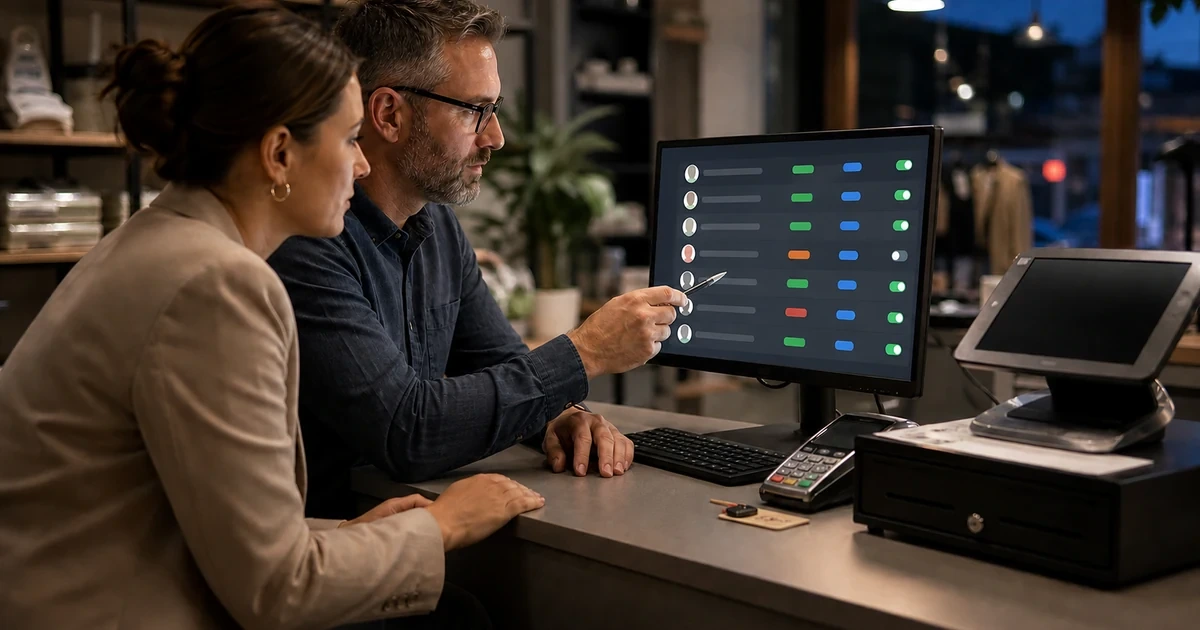
Clover access is broader than the PIN used at a checkout. A merchant may have owners, managers, employees, dashboard users, installed applications, OAuth credentials, merchant-specific API tokens, and outside support relationships that touch orders, inventory, customers, payments, or employee data.
Clover’s permission model separates read and write access by data category, and its documentation instructs developers to request only the permissions an app needs. Clover also describes access tokens as merchant-specific: one token can reach the APIs allowed by the scopes granted for that merchant, which makes permission selection and token custody business-critical decisions.
A useful access review connects every person and integration to a named business purpose, approver, merchant location, and removal trigger. That gives a retailer or restaurant a defensible way to add staff, approve apps, investigate unusual access, and close accounts promptly when a role or vendor relationship ends.
Key decisions at a glance
- Use individual employee access and the least capable role that supports each person’s real checkout and management duties.
- Treat Clover access tokens as merchant-specific credentials and grant only the read or write permissions the integration actually requires.
- Use Clover’s v2 OAuth flow for supported production app authorization and protect access and refresh tokens as secrets.
- Review permission changes carefully because updated app permissions may require the merchant to reinstall the app before they take effect.
- Offboarding is complete only when employee, dashboard, device, application, token, and third-party support access have all been reviewed.
Give Employees Individual Access That Matches Their Job

Start with the work performed at the counter and in the Merchant Dashboard. Cashiers, shift leaders, managers, owners, bookkeepers, and outside support staff do not need identical authority, and shared credentials make it difficult to determine who changed a setting or completed an action.
Clover’s APIs recognize employee role information and distinguish operations that read employee data from operations that create, update, or delete it. Even when a merchant manages roles through Clover’s interface rather than an API, the same principle applies: assign the least capable role that supports the approved task and reserve elevated access for named people.
Document who approves new employee access, how identity is verified, what the user should be able to do, and when the access must be reviewed. Do not place PINs or passwords on the terminal, under the cash drawer, or in a general shift binder.
- Create an individual employee record or supported account instead of circulating one shared credential.
- Match cashier, manager, administrative, and owner access to documented duties and approvals.
- Review elevated access after role changes, transfers, seasonal staffing, and management turnover.
- Keep PINs, passwords, recovery methods, and administrator sessions out of counter-side notes.
Scope Applications and Merchant-Specific Tokens Deliberately
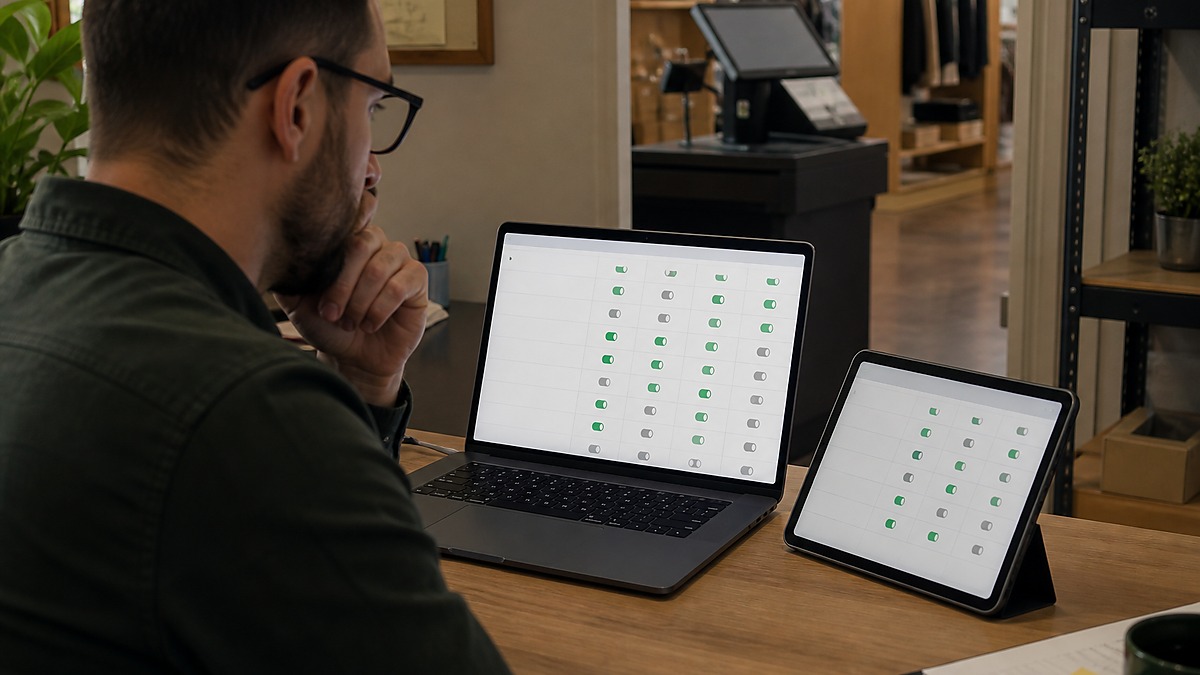
Clover states that access tokens are merchant-specific rather than API-specific. The effective reach of a token depends on the permissions granted to the app, so an integration that only reads inventory should not automatically receive write inventory, employee, customer, order, or payment access.
For production app authorization, Clover’s v2 OAuth flow requires the merchant to approve requested permissions and returns expiring access and refresh tokens. Keep token exchange on an appropriate server-side component, protect the client secret and tokens, and never put credentials or personal information in the OAuth state parameter.
Merchant-specific API tokens can be useful for controlled merchant contexts, but they are still bearer credentials tied to one merchant. Give each integration a clear name, owner, permission set, storage location, renewal or rotation process, and removal trigger instead of reusing one broadly privileged token across unrelated tools.
- List the exact Clover data categories each integration reads and writes.
- Remove permissions that are not required for a documented feature or support task.
- Store access tokens, refresh tokens, and client secrets in a protected credential system, never in source code or tickets.
- Track the merchant, application, owner, approval date, and review date for every integration credential.
Offboard People, Apps, and Credentials as One Coordinated Change

Employee departure is the obvious trigger, but access should also be reviewed when a manager changes roles, a location closes, an application is replaced, or a support vendor’s contract ends. The checklist should cover the employee record, dashboard access, device sessions, installed apps, integration credentials, and any physical keys or devices.
Clover notes that changing an app’s requested permissions after installation may require the merchant to uninstall and reinstall the app for the new permissions to take effect. Treat permission reduction or expansion as a planned change: confirm the expected business impact, use the vendor-supported process, and test the integration after authorization is refreshed.
For credentials associated with a departing person or discontinued integration, use Clover’s supported account and app controls to remove access, then rotate or replace stored integration credentials when continued access cannot be confidently excluded. Record who completed each step and verify the business function still works under the remaining approved access.
- Disable or remove the departing person’s Clover-related access on the effective date.
- Recover business-owned handheld devices, badges, keys, and documented support materials.
- Review installed apps, token owners, shared mailboxes, and third-party support access for hidden dependencies.
- Test checkout, reporting, inventory, and order integrations after access is removed or reauthorized.
Keep an Access Register That Can Answer Real Questions
A quarterly review is useful only if the register can answer who has elevated access, which apps can read or write each Clover data category, which merchant each credential belongs to, and who will respond when an integration stops refreshing its token. Exported lists are a starting point, not a substitute for an accountable owner.
Review failed sign-ins, unexpected permission prompts, app reinstalls, dormant employees, and credentials with no current business owner. If an app asks for more access than its documented function requires, pause and have the business owner and technical owner evaluate the request before approval.
ALLMSP can help Georgia retailers and restaurants inventory Clover-related identities and integrations, document permissions, improve credential handling, coordinate offboarding, and build an escalation process that respects the merchant’s payment and operational responsibilities.
- Review employee and manager access against the current roster and job duties.
- Map every installed app and token to a merchant, data scope, business owner, and technical owner.
- Investigate access that is dormant, overprivileged, shared, or missing a removal date.
- Keep evidence of approvals and completed offboarding without copying secrets into the review record.
Official product documentation and ALLMSP resources
Frequently Asked Questions
Why should Clover employees have individual access?
Individual access supports appropriate roles, cleaner accountability, faster offboarding, and better investigation when a setting or transaction needs review. Shared credentials make those tasks much harder.
Which Clover role should a cashier receive?
Use the least capable role that supports the cashier’s approved duties, then document any exception. Management, reporting, configuration, and owner functions should remain with the people responsible for those decisions.
Are Clover access tokens specific to one API?
No. Clover documents access tokens as merchant-specific, not API-specific. A token can reach the REST APIs allowed by the permissions granted to the app for that merchant.
What is least privilege for a Clover integration?
It means granting only the read or write permissions required for the integration’s documented function. For example, reading inventory does not by itself justify write inventory, employee, customer, order, or payment permissions.
Does a merchant need to approve Clover OAuth access?
Yes. Clover’s OAuth documentation requires the merchant to authenticate and approve the permissions requested by the app before the authorization code is issued.
Should Clover tokens be stored in a password manager?
Store integration credentials in a protected secrets or credential-management system appropriate to the application. Restrict access, avoid source code and ordinary tickets, and document the owner without copying the token into the access register.
What changes when Clover app permissions are updated?
Clover notes that permission changes after installation may require the merchant to uninstall and reinstall the app before the new permissions take effect. Plan the change, reauthorize through the supported process, and test the integration.
What belongs on a Clover offboarding checklist?
Review the employee record, dashboard and device access, installed apps, merchant-specific and OAuth credentials, third-party support access, business-owned devices, badges, keys, and the integrations the person maintained.
How often should Clover access be reviewed?
Quarterly is a practical baseline for many businesses, with immediate review after departures, role changes, location changes, app replacements, suspicious activity, or requests for expanded permissions.
How can ALLMSP help secure Clover access?
ALLMSP can inventory identities and integrations, map Clover permissions to business needs, improve credential handling, coordinate employee and vendor offboarding, document approvals, and build a repeatable access-review process.


