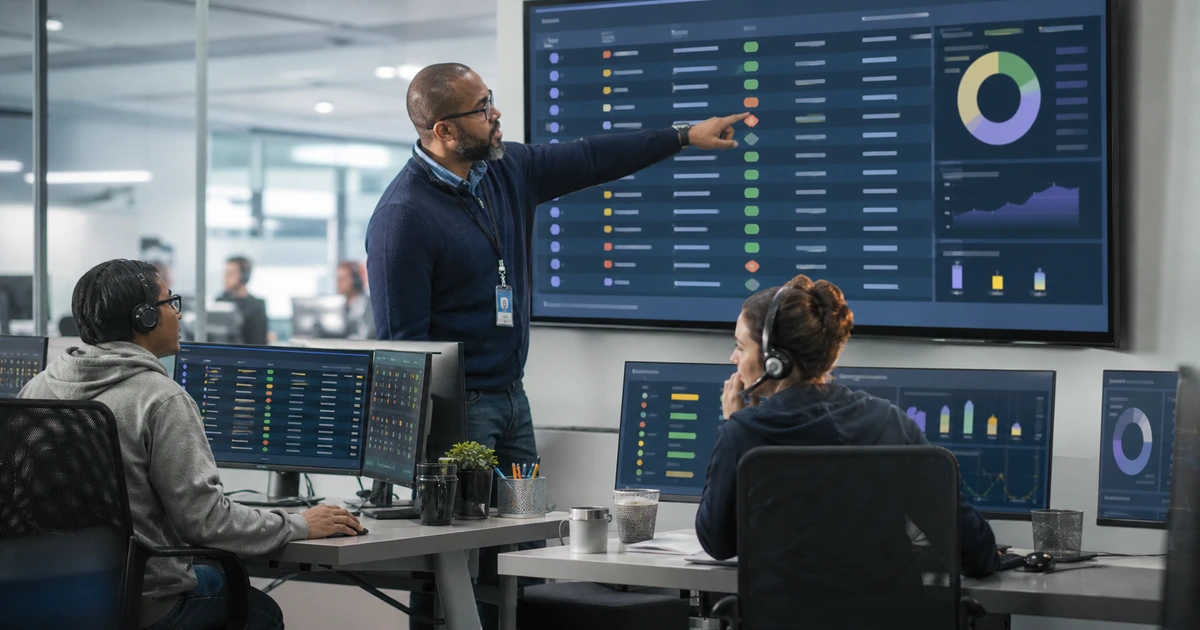
Most onboarding delays are handoff failures disguised as technical problems. The laptop may be available, but no one approved the accounting role. The account may exist, but the start date changed without reaching IT. The manager may expect a shared mailbox, phone number, building access, and customer system that were never included in the request. Fixing the process requires a shared operating workflow with clear inputs, owners, deadlines, exception paths, and completion evidence.
The goal is not to automate every click. It is to make routine hires predictable, surface missing decisions early, and keep unusual cases visible until they are resolved. A useful workflow connects the authoritative personnel record, manager request, identity platform, endpoint-management system, application owners, equipment inventory, facilities tasks, training, and service desk without allowing any one system to silently declare success for the entire onboarding.
ALLMSP improves employee onboarding workflows in house for businesses in Lawrenceville, Suwanee, Gwinnett County, Metro Atlanta, and throughout Georgia. We can map the current process, define accountable handoffs, configure Microsoft 365 or Google Workspace, prepare equipment, automate suitable steps, build dashboards, and operate the help desk that catches real first-day issues.
Replace scattered handoffs with one visible onboarding workflow
- Map the trigger: Identify the authoritative hire event, required fields, approval state, change notifications, cancellation path, and due dates.
- Assign ownership: Name the person accountable for manager inputs, accounts, access, equipment, facilities, training, validation, and closure.
- Set service targets: Define lead time and completion expectations for standard, remote, temporary, privileged, executive, and late requests.
- Control exceptions: Keep missing approvals, backordered hardware, license shortages, special software, and date changes visible with owners.
- Automate carefully: Automate stable, approved tasks while preserving validation, audit history, failure alerts, and a manual recovery path.
- Measure outcomes: Track readiness by start time, first-day incidents, reopened tasks, approval delays, access corrections, and employee feedback.
Map the current workflow from hiring decision through first-week support
Begin with recent hires, including one that went smoothly and several that did not. Follow each request from the approved hiring decision through HR entry, manager selections, budget or license approval, account creation, equipment ordering, device staging, application assignment, facilities preparation, credential delivery, employee orientation, role testing, and ticket closure. Record the actual systems, messages, spreadsheets, forms, people, waits, rework, and undocumented decisions. The observed process often differs from the policy that leadership believes is being followed.
For every handoff, define the trigger, required information, sending owner, receiving owner, expected response, due date, evidence, and escalation. A form submission is not a complete handoff when required fields are blank or the recipient does not know it arrived. Separate work status from hire status. For example, an account can be created while a privileged application remains pending, and a device can be staged while shipping is blocked by an unverified address. The workflow should show those distinctions instead of collapsing everything into an ambiguous open or complete label.
Identify the authoritative source for identity and employment dates. A small company may use an approved HR record or service request, while a larger organization may integrate an HR platform with its directory. Microsoft describes HR-driven provisioning and lifecycle workflows as complementary capabilities that can prepare accounts and automate joiner, mover, and leaver tasks. Whatever the platform, define how corrections, delayed starts, canceled hires, rehires, contractors, transfers, and urgent terminations change the downstream work.
- Trigger: Document which approved event starts work and how changes, postponements, cancellations, transfers, and rehires are communicated.
- Required fields: Mark identity, role, manager, date, location, equipment, subscription, application, access, and shipping data as complete or missing.
- Handoff contract: Name sender, recipient, expected action, evidence, target time, rejection reason, escalation, and completion condition.
- System boundary: Show what the HR record, request platform, identity directory, device system, application, inventory, and help desk each control.
- Failure history: Classify recent delays, duplicate work, incorrect access, late equipment, abandoned tasks, and first-week support incidents.
A reliable redesign starts with the workflow people actually use, including its waiting time, exceptions, corrections, and informal recovery steps.
Standardize routine work and automate only what can be governed
Build a service catalog for common employee types. Each entry should state required lead time, approvers, standard account and subscription, group-based access, device class, applications, peripherals, location tasks, training, and acceptance test. Keep the catalog understandable to managers. They should choose a meaningful role and answer business questions rather than guess at directory groups, device policies, or technical license names. Let IT map approved business selections to controlled technical actions.
Use automation where inputs are trustworthy and outcomes can be observed. Suitable tasks may include creating accounts, assigning baseline groups and subscriptions, sending manager reminders, preparing temporary sign-in methods, registering equipment, applying configuration, creating standard tickets, and scheduling follow-up. Microsoft Entra Lifecycle Workflows includes built-in tasks for groups, Teams, subscriptions, account state, notifications, and access packages. Automation still needs scope rules, service-account protection, change control, logs, failure alerts, retry behavior, and a manual way to complete the work when a connector or attribute is wrong.
Design an exception queue rather than hiding unusual work in comments. Track missing approvals, insufficient licenses, unavailable devices, shipping problems, specialized software, vendor delays, incompatible hardware, nonstandard access, legal review, and security concerns. Each exception needs a decision owner, business impact, next action, due date, and communication plan. Protect the scheduled start by resolving high-impact blockers first and giving the manager an honest readiness status instead of reporting a percentage that masks the one missing system the employee actually needs.
- Service catalog: Describe standard employee profiles in business language with lead times, approvals, equipment, access, training, and tests.
- Group-based assignment: Use governed role groups where appropriate and review inherited access, nesting, licensing, and removal behavior.
- Automation control: Define trigger, scope, credentials, action, expected result, log, failure alert, retry, rollback, and human owner.
- Exception queue: Show blocker, impact, decision, owner, next step, due date, employee communication, and temporary workaround.
- Change management: Test workflow edits with representative hires and exceptions before relying on them for a live start date.
Good automation removes predictable effort while making failures easier to see, diagnose, and recover from before they affect a new employee.
Operate onboarding with readiness measures that reflect the employee experience
Create a readiness view that separates identity, access, equipment, applications, facilities, training, delivery, and validation. Report whether each critical item is complete, blocked, not required, or accepted with a documented temporary plan. The most useful headline measure is the percentage of employees who can perform their essential role by the agreed start time. Supplement it with request lead time, manager response time, device readiness, shipping performance, first-day incidents, access corrections, reopened tasks, and completion time for unresolved exceptions.
Review failures by cause, not only by team. A late laptop might trace to a manager’s late request, an unapproved model, depleted spare stock, a purchasing delay, an enrollment failure, or an incorrect address. An access ticket might reveal a missing role profile, inaccurate department data, excessive group nesting, a broken connector, or an owner who did not respond. Assign corrective actions to the process component that caused the delay and confirm the improvement in later hires.
Hold a short recurring operations review with HR, IT, and relevant business owners. Examine upcoming hires, at-risk start dates, exceptions, failed automation, recurring incidents, role-profile changes, license capacity, hardware lead times, and employee feedback. Remove unnecessary steps, but retain approvals and evidence that protect sensitive systems. Use transfer and offboarding results to improve onboarding because the same identity attributes, owners, group assignments, device records, and application inventories must remain accurate throughout employment.
- Start-time readiness: Measure whether the employee can complete essential work at the agreed start time, not merely whether tickets were closed.
- Leading indicators: Monitor request lead time, incomplete fields, approval age, stock, license capacity, staging failures, and shipping risk.
- Experience signals: Track employee and manager feedback, first-day contacts, repeated questions, access corrections, and training needs.
- Root cause: Connect each failure to its originating decision, data field, owner, system, automation, supplier, or control.
- Governance review: Review exceptions, role standards, workflow changes, audit logs, privileged access, metrics, and corrective actions.
The workflow is improving when employees reach productive work on schedule, exceptions are visible earlier, and repeat failures decline for a documented reason.
Employee onboarding workflow improvement from ALLMSP
ALLMSP can map the existing onboarding path, analyze recent failures, define role profiles, rebuild request forms, assign handoff ownership, configure account and device tasks, create exception queues, and establish readiness reporting. Our in-house team can also operate the technical workflow, including procurement, device staging, Microsoft 365 or Google Workspace administration, security setup, access changes, shipping, orientation, and first-week support.
We design the process around the customer’s people and platforms rather than forcing every business into one template. Organizations in Lawrenceville, Suwanee, Gwinnett County, Metro Atlanta, and across Georgia can use the engagement to improve a single troublesome handoff or develop an accountable onboarding service from request through employee acceptance.
- Map: Trace real hires, systems, decisions, waits, owners, exceptions, recovery steps, and completion evidence.
- Improve: Create clear requests, role profiles, controlled automation, exception queues, service targets, and readiness dashboards.
- Operate: Run account, equipment, access, validation, support, and continuous-improvement work through one in-house team.
Official onboarding workflow and identity lifecycle references
These sources describe current platform capabilities and security outcomes that can support a governed workflow, but business ownership and validation still need to be designed locally.
- Microsoft Entra employee lifecycle deployment guide. Covers HR-driven provisioning and joiner, mover, and leaver automation patterns across employee events.
- Microsoft Entra Lifecycle Workflow planning. Explains scenarios, attributes, tasks, timing, audiences, tests, and deployment considerations.
- Windows Autopilot device preparation workflow. Describes a user-driven process that can join, enroll, configure, and prepare supported Windows devices.
- NIST Security and Privacy Controls. Includes account-management and access-control considerations relevant to governed employee identities.
- CISA Cybersecurity Performance Goals. Provides a prioritized baseline for access, authentication, inventory, logging, and other protective practices.
Employee onboarding workflow FAQs
Why do new hire onboarding requests get delayed?
Common causes include late notice, missing manager decisions, unclear role profiles, unavailable equipment, licensing shortages, owner approval delays, incorrect dates, shipping problems, failed policies, and tasks spread across systems without one accountable status.
Who should own the employee onboarding workflow?
Assign one accountable process owner while keeping task ownership explicit across HR, the hiring manager, IT, security, facilities, application owners, training, procurement, and the employee. Shared responsibility should not mean unclear responsibility.
What is an onboarding handoff contract?
It defines the trigger, required information, sender, recipient, expected action, target time, completion evidence, rejection reason, escalation, and recovery path for work moving between people or systems.
Which onboarding tasks are good candidates for automation?
Automate stable tasks with trusted inputs and observable outcomes, such as account creation, baseline groups, standard subscriptions, reminders, managed-device configuration, ticket creation, and scheduled follow-up.
Which onboarding decisions should remain human controlled?
Keep business approval, unusual or privileged access, exception acceptance, identity verification, regulated-data decisions, employee accommodation, and final workflow validation under accountable human review.
How should onboarding exceptions be tracked?
Record the blocker, business impact, decision owner, next action, due date, temporary plan, employee communication, security conditions, and final resolution in a visible queue.
What is the best employee onboarding performance metric?
Measure whether the employee can perform essential approved work at the agreed start time. Add lead time, first-day incidents, access corrections, reopened tasks, approval delays, and unresolved exceptions for diagnosis.
How can managers make the process faster?
Submit complete requests early, choose an approved role profile, identify equipment and location needs, respond to access decisions, confirm changes immediately, and participate in the role acceptance test.
Can ALLMSP improve onboarding across both Microsoft 365 and Google Workspace?
Yes. ALLMSP can redesign and operate onboarding for Microsoft 365, Google Workspace, managed devices, cloud applications, local systems, remote employees, and mixed environments using its in-house team.
Where does ALLMSP provide onboarding workflow support?
ALLMSP serves organizations in Lawrenceville, Suwanee, Gwinnett County, Metro Atlanta, and across Georgia with remote administration and onsite assistance based on the workflow and equipment needs.