






























































































































































Check Point Harmony Email administration joins two permission layers. Portal users receive a Global Role and may also receive service-specific Email Security roles. The current guide states that service roles add to global permissions rather than overriding them and that, when multiple roles conflict, the strongest applicable permission wins. An administrator who appears read-only in one assignment can therefore retain action rights through another global, individual, or group-based role.
The data behind those permissions is sensitive. Depending on role configuration, an operator may view event entities, message bodies, EML files, shared files, sent messages, and strings flagged by DLP, change policy, act on events, quarantine mail, or approve restoration. Design roles around explicit tasks and escalation routes instead of broad job titles. A help-desk analyst who processes restore requests does not automatically need to see every clean email in the tenant.
Policy governance must also preserve the difference between detection stage and workflow. Prevent Inline can stop or transform mail before delivery and supports features that Detect and Remediate does not. Engine-specific exceptions affect only their stated engine, while Anti-Phishing allow and block interactions have documented precedence. Treat every rule, exemption, and role grant as a change to business communications with an owner, test, expiry, and review trail.
ALLMSP provides Check Point Harmony Email access, ownership, and security review for Lawrenceville and Suwanee businesses, the wider Gwinnett County and Metro Atlanta area, and organizations across Georgia, with practical coordination across managed IT, cybersecurity, software support, backup, and employee operations.
Key decisions at a glance
- Calculate effective privilege across Global and service-specific roles because Check Point grants the highest applicable permission when assignments conflict.
- Keep sensitive message bodies, EML downloads, shared files, messages, and DLP strings inaccessible unless an approved job function requires them.
- Stage Monitor Only, Detect and Remediate, and Prevent Inline changes as distinct delivery controls rather than interchangeable severity settings.
- Make every exception engine-specific, narrow, owned, evidenced, and expiring, an Anti-Phishing allow rule can force a clean phishing verdict even when another block rule matches.
- Review role membership, policy changes, alerts, exceptions, and offboarding on a fixed cadence with a second person capable of detecting privilege drift.
Build least-privilege roles from effective permission, not role labels
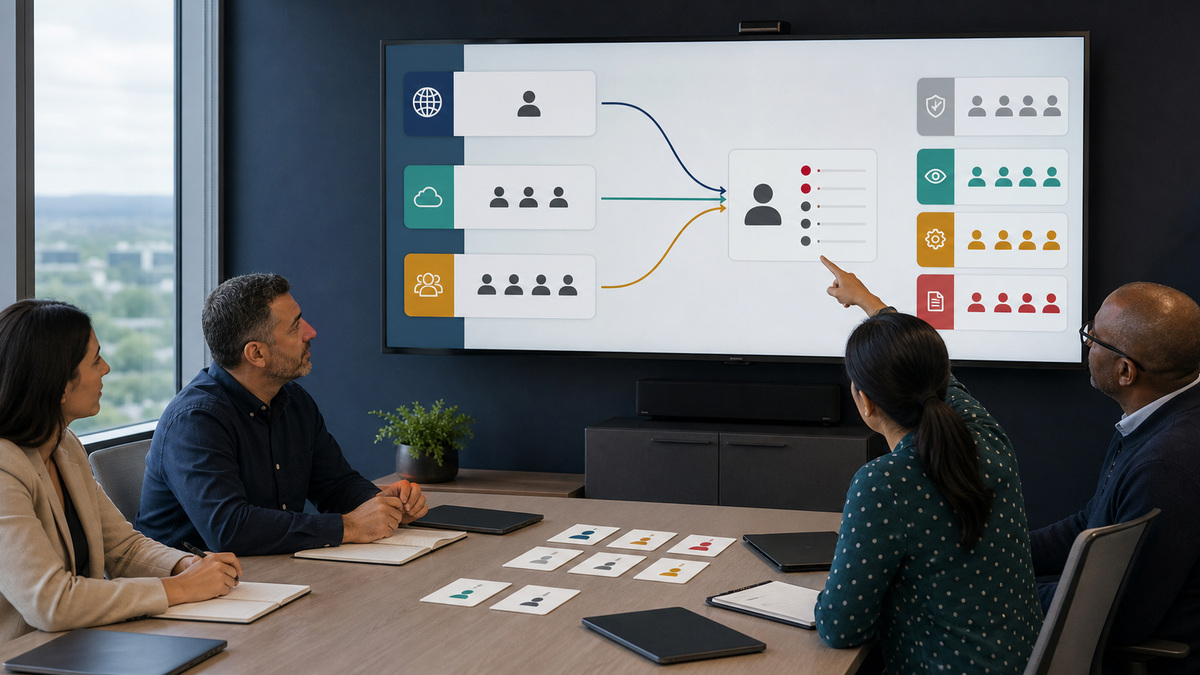
Export the current Check Point Portal users, global roles, Email Security service roles, custom roles, and identity-provider group assignments into a restricted entitlement matrix. For each person, compute the strongest permission that results from all assignments. The current role model includes Admin, Read-Only, and Operations service roles plus custom roles, only an Admin Global Role can add or delete portal users or modify their permissions. Record who can change identities, SaaS connections, security engines, policies, custom queries, events, quarantine, exceptions, notifications, and system settings.
Separate visibility from action. Custom roles can hide a page, permit viewing and export, or allow actions, with more granular choices for entity data. A user may be allowed to see sensitive data only when a detection exists, or may be granted broader visibility even without detections. Require a documented reason for message-body access, EML download, DLP-string visibility, and clean-message inspection. Review downstream handling because exported message content leaves the controls of the portal.
Design operational roles for actual queues. A monitoring analyst may need event and dashboard view access but no policy edits. A quarantine analyst may need restore-request and quarantined-item actions without SaaS-application changes. A security engineer may edit threat policy but should not automatically administer portal identities. An emergency role can exist with stronger permissions, but activation, use, and removal should be ticketed, time-bounded, and independently reviewed.
- Enumerate every direct and group-derived Global Role, service role, and custom role for each administrator.
- Model the highest effective permission whenever assignments conflict instead of trusting the weakest visible label.
- Grant sensitive message and file access only to named functions with handling and export requirements.
- Create separate monitor, quarantine, policy, identity, and emergency duties with tested escalation between them.
Stage threat policies by mail direction, protection mode, and workflow
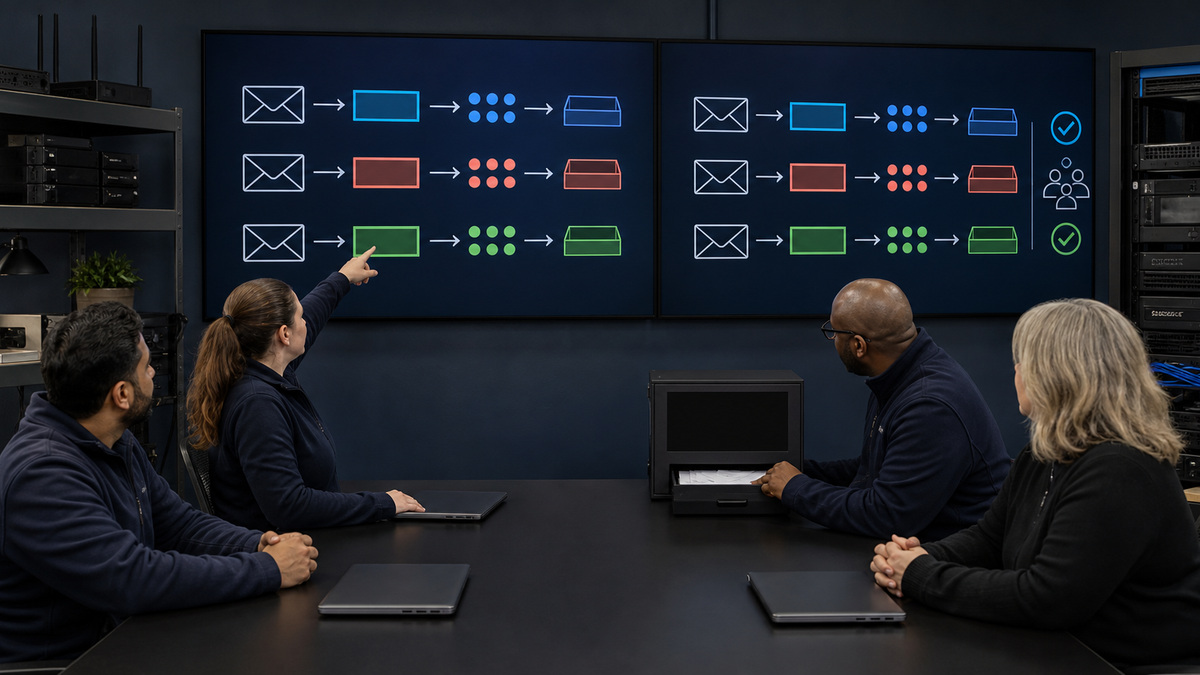
Maintain a policy register with a row for each incoming, internal, and outgoing rule. Capture scope, platform, mail direction, priority, protection mode, enabled engines, verdict threshold, workflow, notification, banner, exception dependency, policy owner, approver, last test, and rollback. Separate the product’s default threat policy from organization-specific controls, and remember that the current onboarding guide says there is no default DLP policy. Do not imply that connecting a tenant silently enables the organization’s intended data-loss controls.
Treat Monitor Only, Detect and Remediate, and Prevent Inline as different operating states. Detect and Remediate scans after delivery, while Prevent Inline scans before delivery and supports pre-delivery capabilities, attachment cleaning, click-time protection, internal and outgoing protection, and other options that are not identical across modes. Document the exact workflow for phishing, malware, password-protected attachments, spam, clean messages, and DLP rather than using a generic action label.
Use a controlled promotion sequence. Observe real traffic in monitor and learning states, classify false positives and false negatives, select a representative pilot scope, and schedule Prevent Inline activation with the business owners most affected by delays or blocked mail. Check Point notes that a mode change can take up to an hour to protect in Prevent Inline. During that interval, verify actual messages and event evidence instead of assuming the saved policy is already enforcing every path.
- Register every rule by platform, direction, priority, scope, mode, workflow, owner, test, and rollback condition.
- Document threat, DLP, click-time, attachment, spam, banner, and notification behavior separately.
- Pilot prevention with benign examples that exercise expected allow, quarantine, modify, and block outcomes.
- Observe synchronization time and message evidence before marking a protection-mode change complete.
Constrain security exceptions and expose their real blast radius
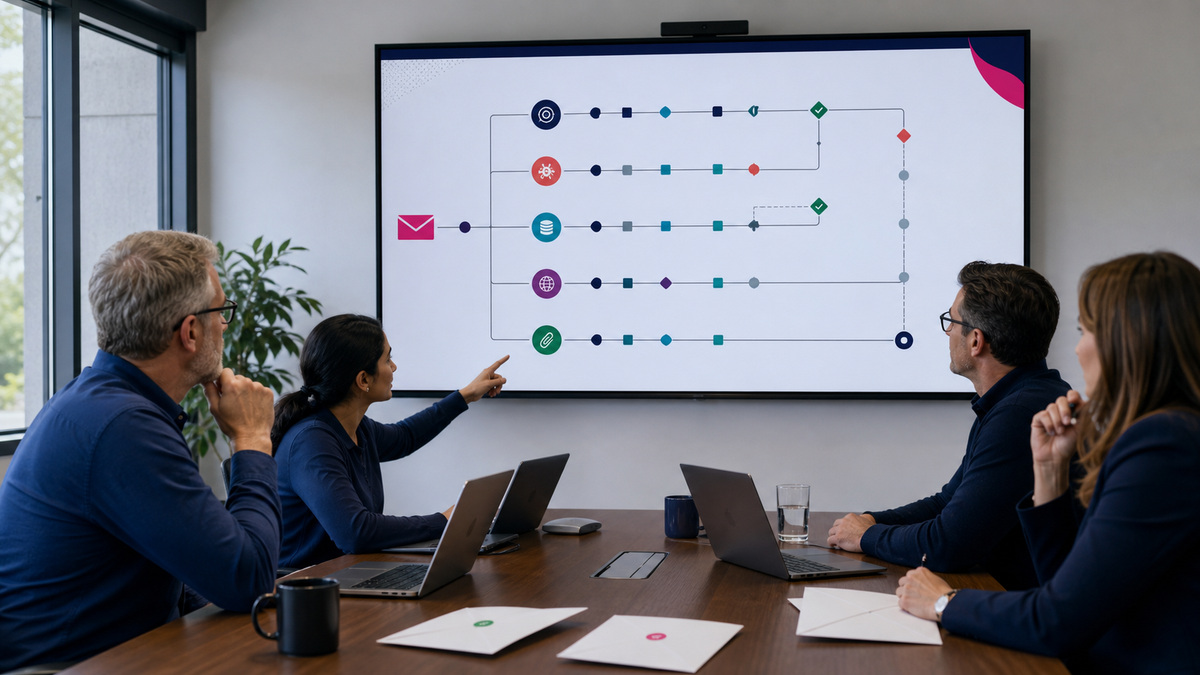
Choose the smallest exception mechanism that matches the diagnosed engine. Check Point distinguishes engine-specific exceptions for Anti-Phishing, Anti-Malware, DLP, Click-Time Protection, URL Reputation, and Threat Extraction from the Global IoC Block List, which can force a malicious verdict across engines. An exception should state the triggering event, business need, exact sender, recipient, domain, URL, file, or data pattern, applicable engine, scope, compensating control, owner, approver, creation time, expiry, and validation result.
Understand Anti-Phishing precedence before approving an allow entry. The current guide says the Anti-Phishing engine stops scanning a matching message and assigns a clean verdict for an allow rule or a phishing, suspected-phishing, or spam verdict for a block rule. Other engines still evaluate the message, but when both an Anti-Phishing allow and block rule match, the allow rule wins and the message is delivered. That behavior makes a broad allow rule materially riskier than a cosmetic false-positive fix.
Test the exception against the original sample and a negative-control sample that must remain protected. Avoid entire-domain allowances when a single sender, route, or workflow will solve the issue. Record event identifiers and sanitized evidence without copying sensitive message bodies into the change record. Set an expiry that removes the rule automatically or triggers an owner review, then search for unused, shadowed, overlapping, or permanent entries during the monthly policy review.
- Match the exception to one diagnosed engine and the narrowest sender, recipient, domain, URL, file, or data condition.
- Document Anti-Phishing allow precedence and require higher approval for broad or high-impact entries.
- Validate the intended message plus a negative control that confirms unrelated protection still works.
- Expire exceptions, review usage and overlap, and remove rules whose business case or owner no longer exists.
Recertify privileges, alerts, policy ownership, and departures
Review role assignments at least quarterly and after every administrator move or departure. Include Global Roles, service roles, custom roles, identity-provider groups, notification settings, sensitive-data permissions, emergency access, and tenant-approval identities. Because the strongest role wins, removing a direct assignment may not reduce access if a group or global role still grants it. Retest the account from the user’s perspective and preserve the reviewer, evidence date, disposition, and unresolved exceptions.
Check that the right people receive actionable alerts. The role guide notes that a notification permission alone does not guarantee security-event mail, the policy must also be configured to send alerts to administrators. Create a benign alert test for each operational queue, validate delivery and acknowledgment, and maintain an escalation route when the named owner is absent. A mailbox full of notifications without a response target is not monitoring.
Offboarding should remove the person from identity groups and direct roles, revoke sessions according to the portal and identity-provider procedure, rotate any shared operational material, transfer policy and exception ownership, and verify that at least two trained operators remain. Review pending quarantine and restore work before access disappears. Close the departure only when effective permissions are gone, alert coverage remains intact, and no active rule or exception points to an orphaned owner.
- Recertify all direct and inherited roles, sensitive-data rights, alerts, and emergency access on a fixed cadence.
- Test alert receipt with the policy’s administrator-notification setting enabled and an accountable response queue.
- Transfer policy, exception, and queue ownership before removing a departing administrator’s access.
- Verify the former administrator’s effective permission is gone and that operational coverage still has trained redundancy.
Official product documentation and ALLMSP resources
- Check Point users, roles, and permissions
- Check Point threat detection policy
- Check Point managing security exceptions
- Check Point Anti-Phishing exceptions
- Check Point managing security events
- Check Point onboarding next steps
- ALLMSP Check Point Harmony Email archive
- ALLMSP business software support
- ALLMSP managed IT services
- ALLMSP data backup and recovery
- Contact ALLMSP
Frequently Asked Questions
What roles are available for Check Point Harmony Email administrators?
The current service-specific model includes Admin, Read-Only, and Operations roles and supports custom roles. Portal users also have Global Roles. Build an entitlement matrix from both layers and any identity-provider group membership, because the name of one assigned role does not reveal the person’s complete effective permission.
Do service-specific roles override Check Point Portal Global Roles?
No. Check Point says service-specific roles add to Global Roles rather than overriding them. When assignments conflict, the user receives the highest permission. A Read-Only service role cannot neutralize a stronger Global Role, so access reviews must evaluate all direct and inherited assignments together.
Who can add or remove Check Point Portal users?
The current guide states that only users with an Admin Global Role can add users, delete users, or modify their permissions. Separate that identity-administration privilege from routine event, quarantine, and policy work, and retain at least two approved administrators for continuity without making the role universal.
What counts as sensitive data in Harmony Email role design?
Check Point identifies email bodies, EML downloads, shared files, sent messages, and strings flagged as DLP violations as sensitive data. Grant access only when a named task requires it, control exports, record the approver, and prefer detection-only visibility when clean-message access is unnecessary.
What is the difference between Prevent Inline and Detect and Remediate?
Prevent Inline inspects before delivery and supports workflows that post-delivery Detect and Remediate cannot provide. Detect and Remediate scans after the message reaches the user. Model each engine and workflow explicitly, because changing modes affects timing, available actions, internal and outgoing coverage, and user experience.
Does connecting Harmony Email create a default DLP policy?
No. The current onboarding guide says default threat policy is created for phishing and malware, but no default DLP policy is created. Define DLP requirements, data types, directions, scope, workflow, testing, exception handling, and ownership as a separate governed implementation.
Does an Anti-Phishing exception bypass malware and DLP scanning?
Check Point says messages that match an Anti-Phishing allow or block rule continue to be evaluated by other engines such as Anti-Malware and DLP. The Anti-Phishing engine itself stops scanning and assigns the rule’s verdict. Test the exact combined behavior instead of describing the message as globally trusted.
What happens when Anti-Phishing allow and block rules both match?
The current guide says the allow rule takes precedence and the message is delivered. That precedence makes overlapping or broad allow entries high impact. Require narrow scope, a negative-control test, an accountable owner, an expiry, and an independent review before approval.
Why might a Harmony Email administrator not receive security alerts?
A role can permit alert receipt, but Check Point notes that event alerts are sent only when the relevant policy also has Send alerts to admins selected. Test the role, policy setting, mailbox delivery, acknowledgment path, and escalation rather than assuming a configured recipient is being notified.
How should Harmony Email administrator offboarding be verified?
Remove direct and group-derived roles, revoke access through the identity lifecycle, transfer active policy and exception ownership, review pending quarantine work, and calculate effective permission again. Close the record only after the former administrator cannot act and trained operators still receive alerts and cover every queue.


