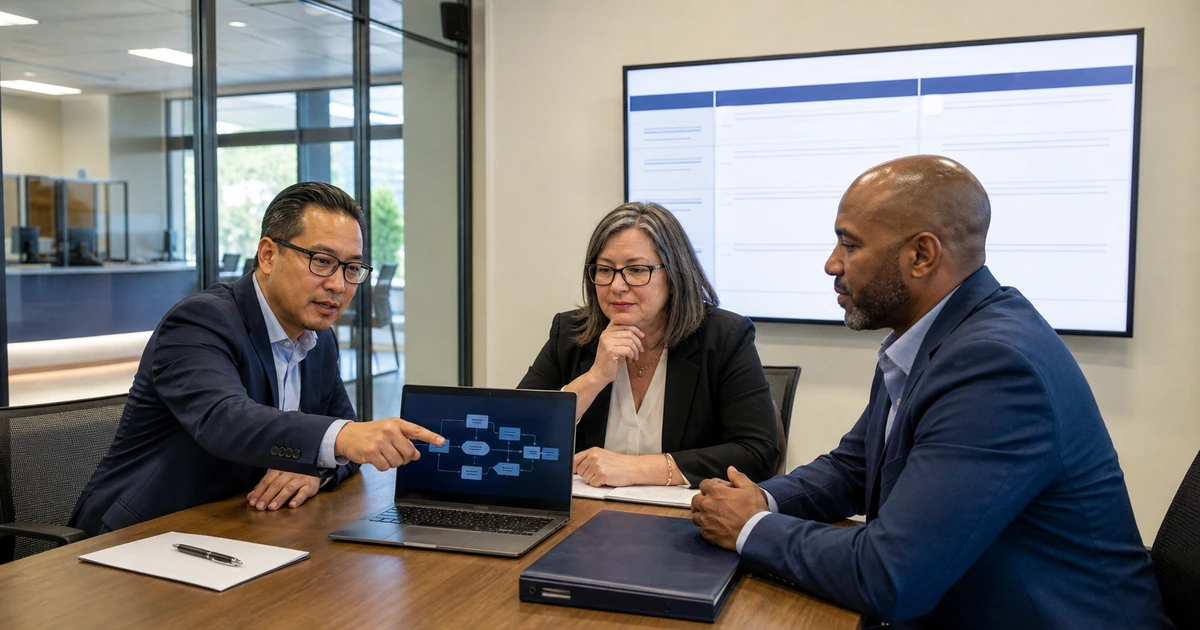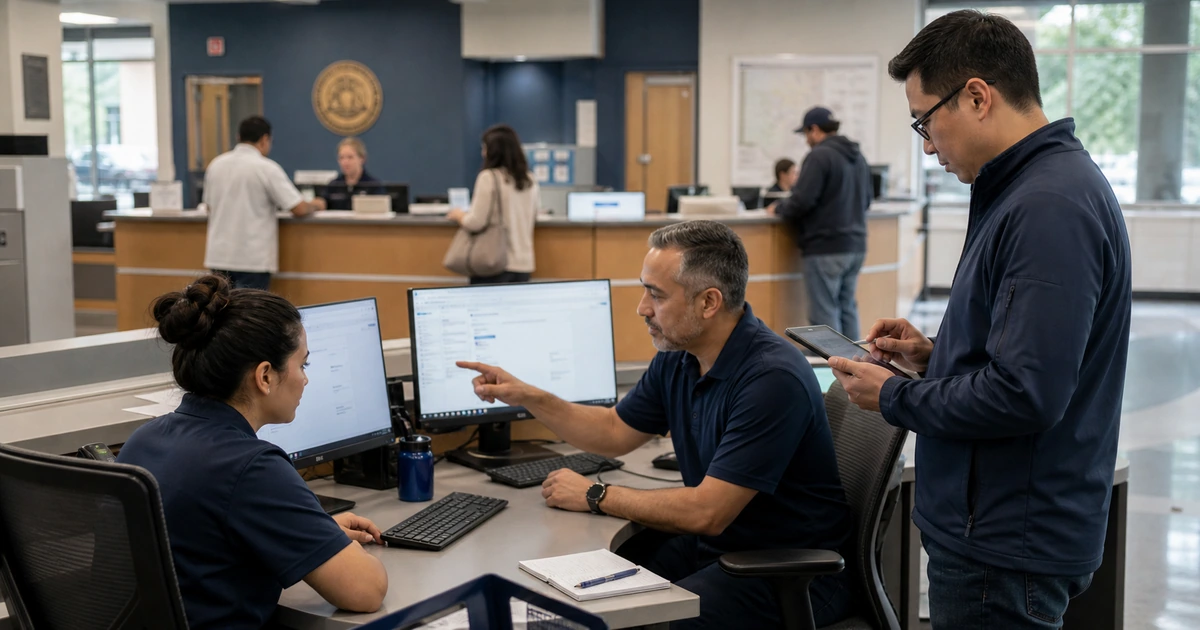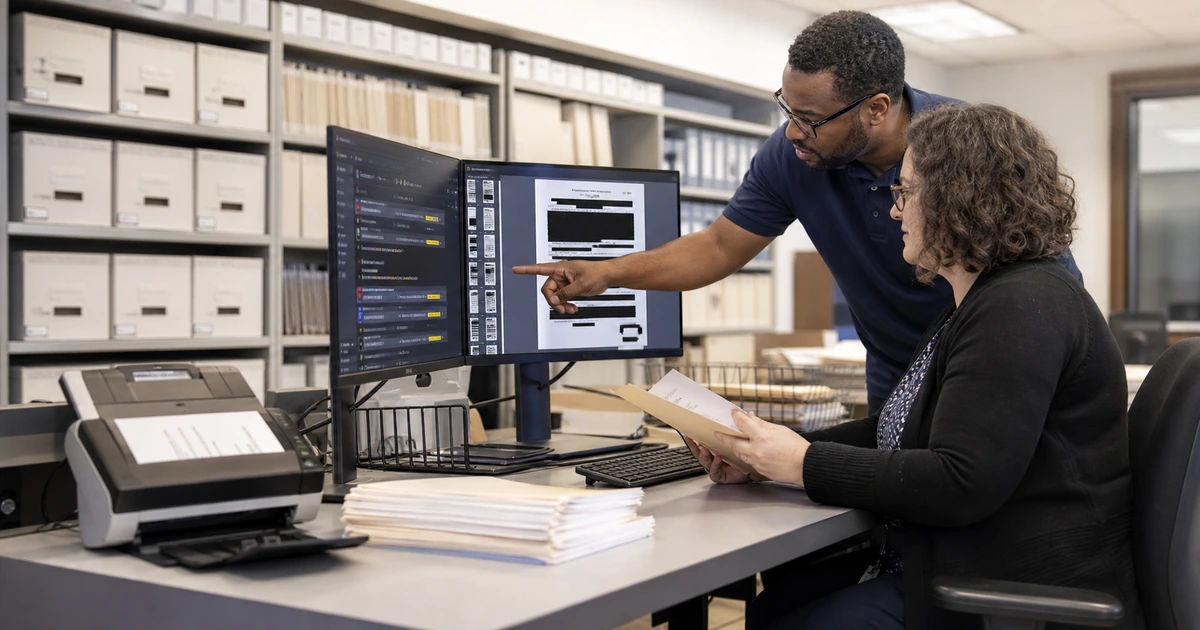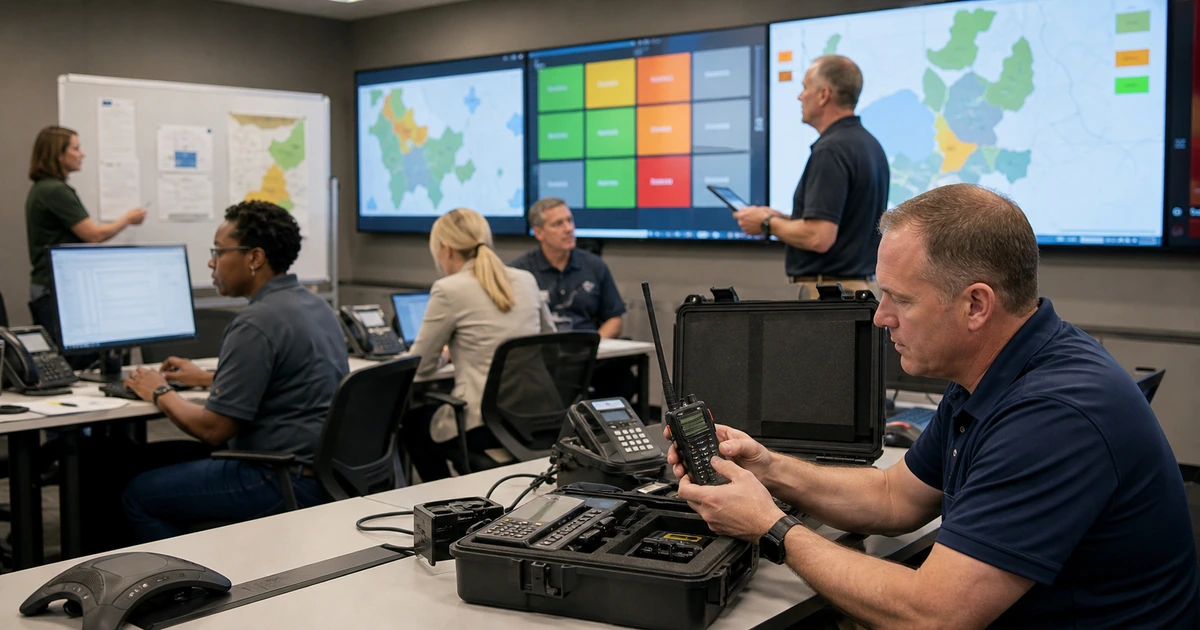
Government technology is an operating system for public service. Identity, endpoints, networks, cloud platforms, records, websites, facilities, communications, and specialized applications must work together across offices, field teams, public counters, meetings, emergencies, and remote access. A product list cannot show whether those dependencies are secure, supportable, or recoverable.
A practical IT blueprint starts with essential services and maps the technology needed to deliver each one. It defines ownership, supported standards, access, data handling, monitoring, backup, recovery order, vendor responsibility, lifecycle, budget, and measurable service expectations. The roadmap then sequences work by risk and public impact rather than by whichever renewal or complaint arrives first.
ALLMSP builds and operates technology roadmaps for public organizations in Lawrenceville, Suwanee, Gwinnett County, Metro Atlanta, and across Georgia. We handle strategy, procurement, projects, identity, networking, cloud, cybersecurity, backup, support, documentation, AI automation, and ongoing improvement through one accountable in-house team.
A service-centered government IT blueprint
- Map essential services: Identify the resident and employee outcomes that must continue, the departments involved, operating hours, acceptable interruption, dependencies, and manual alternatives.
- Establish standards: Define supported identities, devices, applications, cloud services, networks, data locations, configurations, integrations, security controls, backup, and support records.
- Clarify ownership: Assign business, technical, security, records, vendor, budget, recovery, and decision responsibility for every critical service and system.
- Plan the lifecycle: Track support dates, warranties, contracts, licenses, capacity, vulnerabilities, replacement windows, project dependencies, and the full operating cost.
- Design continuity: Document service priorities, backup scope, clean recovery, alternate communication, facility dependencies, vendor contacts, and practiced manual procedures.
- Build a funded roadmap: Sequence corrections and investments by public impact, risk, compliance, dependency, readiness, cost, staffing, and the evidence required to close each initiative.
Connect identity, devices, networks, cloud, and applications
Create an architecture map for each essential service. Follow the employee or resident from sign-in or public access through device, network, identity, application, integration, data, notification, support, and recovery. Include third-party portals, payment providers, cameras, facility systems, remote sites, public Wi-Fi, field connectivity, websites, and mobile devices where they affect delivery.
Use managed standards to reduce preventable variation. A supported workstation should have a known operating system, encryption, endpoint protection, patch policy, applications, identity enrollment, warranty, configuration, and retirement process. Network and cloud standards need the same clarity, including administrative access, monitoring, configuration backup, change approval, and tested restoration.
- Identity: Centralize managed accounts, multifactor authentication, role-based access, separate privileges, joiner and mover changes, offboarding, service accounts, recovery, and audit logs.
- Endpoints: Standardize procurement, enrollment, encryption, configuration, patching, endpoint detection, application delivery, support, replacement, secure disposal, and assignment records.
- Networks: Document internet, firewalls, switches, wireless, segmentation, remote sites, redundancy, public access, facilities connections, management paths, monitoring, and configuration recovery.
- Cloud and applications: Track tenant settings, licenses, owners, integrations, external access, data location, logs, retention, backup, support, change control, and exit options.
- Public platforms: Include domains, DNS, websites, forms, search, listings, emergency communication, analytics, payment handoffs, accessibility, hosting, security, and recovery.
The architecture should make shared points of failure and unsupported variation visible before they interrupt a public service.
Build support, security, records, and recovery into operations
A project is not complete when the system launches. Define who monitors it, how users request help, what information the queue collects, which alerts require action, how changes are approved, where documentation lives, how vendors participate, and what evidence proves closure. Service owners should review recurring incidents and unmet expectations with IT rather than treating each ticket as isolated.
Records and recovery need architecture-level decisions. Identify authoritative sources, access, retention, exports, integrations, backups, legal holds, and disposition. Protect multiple backup copies and test the restoration of data, configuration, identity, applications, and dependencies. The recovery plan should state what returns first and how the agency communicates while normal systems are unavailable.
- Support model: Publish contact routes, service hours, priority definitions, escalation, field support, after-hours handling, vendor coordination, user communication, and acceptance criteria.
- Security operations: Assign monitoring, vulnerability remediation, identity review, endpoint and email response, network changes, cloud alerts, incident authority, evidence, and lessons learned.
- Records operations: Connect systems and workflows to classification, ownership, access, retention, search, export, legal hold, backup, migration, and approved disposition.
- Recovery operations: Maintain service order, restoration targets, protected backups, clean credentials, configuration records, alternate communications, vendor contacts, and practiced validation.
- Documentation: Keep architecture, inventory, ownership, configurations, procedures, contracts, licenses, support history, recovery results, known risks, and planned changes current.
Operational ownership turns technology from a collection of purchases into a service the agency can maintain, explain, and recover.
Prioritize a realistic roadmap and verify every outcome
Score initiatives using public-service impact, cybersecurity exposure, records risk, support status, failure history, recovery readiness, staff effort, dependency, deadline, and total cost. Correct urgent identity, exposure, backup, and unsupported-system risks first while planning the foundational projects that make later work possible. Avoid launching several migrations that depend on the same small group at the same time.
Write a completion definition for every project. Buying licenses or installing equipment is not an outcome. The deliverable should include configured systems, migrated and validated data, protected access, integrated workflows, monitoring, backup, tested recovery, documentation, trained users, support readiness, retired legacy access, and business-owner acceptance.
- Current-state evidence: Use inventories, contracts, support trends, vulnerabilities, capacity, user observations, service outcomes, recovery tests, and lifecycle dates rather than assumptions.
- Dependencies: Identify identity, network, data, facilities, procurement, legal review, vendor work, training, staffing, budget, and change windows that determine sequence.
- Business case: State the public or operational problem, risk of delay, options, full cost, expected outcome, measurement, support model, and consequence of failure.
- Release gate: Require security, records, accessibility, recovery, integration, performance, user, documentation, and support checks before production acceptance.
- Quarterly review: Update risk, cost, progress, dependencies, service evidence, completed outcomes, new requirements, and the next set of funded decisions.
A good roadmap gives leaders a clear reason for each investment and gives operating teams enough time and evidence to deliver it well.
ALLMSP managed IT and technology planning for government
ALLMSP can assess the current environment, build the service and dependency map, establish standards, prioritize risk, prepare budgets, manage vendors, procure technology, deliver projects, document operations, train users, and provide ongoing help desk and systems management. Strategy and day-to-day support stay connected.
We serve Lawrenceville, Suwanee, Gwinnett County, Metro Atlanta, and public organizations across Georgia. Our team handles cloud, endpoints, networks, cybersecurity, backup, websites, AI automation, low-voltage infrastructure, support, and technology leadership in house.
- Technology assessment: Service map, inventories, ownership, architecture, lifecycle, contracts, security, records, recovery, support, costs, and risk priorities.
- Roadmap delivery: Business cases, budgets, procurement, project sequencing, implementation, integration, migration, testing, training, documentation, and acceptance.
- Managed operations: Help desk, monitoring, maintenance, cloud administration, security response, backup, vendor coordination, reporting, strategy, and continuous improvement.
Primary resources for government IT planning
Use established frameworks as organizing tools, then adapt priorities to the agency’s services, records, risks, budgets, and operating capacity.
- ALLMSP Managed IT Services. Technology strategy, help desk, cloud, networking, security, backup, projects, procurement, and support.
Government managed IT and planning FAQs
What should be included in a government IT strategic plan?
Include public services, business owners, architecture, identities, devices, networks, cloud, applications, data and records, vendors, support, cybersecurity, backup, recovery, facilities, lifecycle, staffing, budget, projects, dependencies, measures, and review dates.
How should a local government prioritize technology projects?
Rank them by public-service impact, cybersecurity and records risk, support status, failure history, recovery readiness, legal or operational deadline, dependency, staff capacity, full cost, and the evidence available to verify completion.
What is the difference between a technology inventory and a service map?
An inventory lists assets and attributes. A service map shows how people, systems, identities, networks, data, vendors, facilities, and support work together to deliver an outcome. Both are needed to understand risk and recovery order.
How can a small government standardize devices without ignoring special roles?
Create supported base profiles for common work, then document approved role-specific variations with business need, security controls, software, accessories, support owner, cost, lifecycle, and review. Avoid one-off purchases with no management or replacement plan.
What should a government IT budget include beyond licenses and hardware?
Include implementation, migration, integration, identity, security, backup, monitoring, training, documentation, support, connectivity, facilities, warranties, renewals, replacement, staff time, vendor transition, testing, contingency, and retirement of the old system.
How should cloud applications be evaluated?
Review business fit, accessibility, identity, roles, data handling, records, integrations, logging, security, backup, recovery, service commitments, support, cost growth, contract terms, administration, export, and the ability to leave the platform.
Why should recovery order be part of architecture planning?
Systems depend on identity, networking, security, data, integrations, facilities, and vendors. A documented order prevents teams from restoring an application that cannot authenticate, communicate, find its data, or operate safely.
What proves that a government technology project is complete?
Require configured and secured systems, migrated and validated data, working integrations, monitoring, backup, tested recovery, accessible user workflows, documentation, trained support, removed legacy access, user acceptance, and measured results against the stated objective.
Can ALLMSP provide both strategic planning and daily government IT support?
Yes. ALLMSP builds the roadmap and also provides help desk, systems administration, networking, cloud, security, backup, procurement, projects, documentation, reporting, and recurring strategy through one in-house team.
Where does ALLMSP deliver government managed IT services?
ALLMSP supports Lawrenceville, Suwanee, Gwinnett County, Metro Atlanta, and public organizations throughout Georgia. Service can supplement an internal team or provide complete managed technology operations.
Sources
- NIST Cybersecurity Framework. A risk-based structure that connects governance with protection, detection, response, and recovery. ↩
- CISA State, Local, Tribal, and Territorial resources. Cybersecurity services and guidance developed for public-sector organizations. ↩
- NARA electronic records management requirements. Lifecycle requirements that can inform records system planning and procurement. ↩