Residents visit a government website to complete a task. They may need to pay a bill, find a meeting, request a record, report a problem, apply for a permit, confirm a deadline, or reach the right department. A site can contain all of that information and still fail when labels follow the agency chart, pages compete in search, documents replace usable web content, or a mobile form becomes impossible to finish.
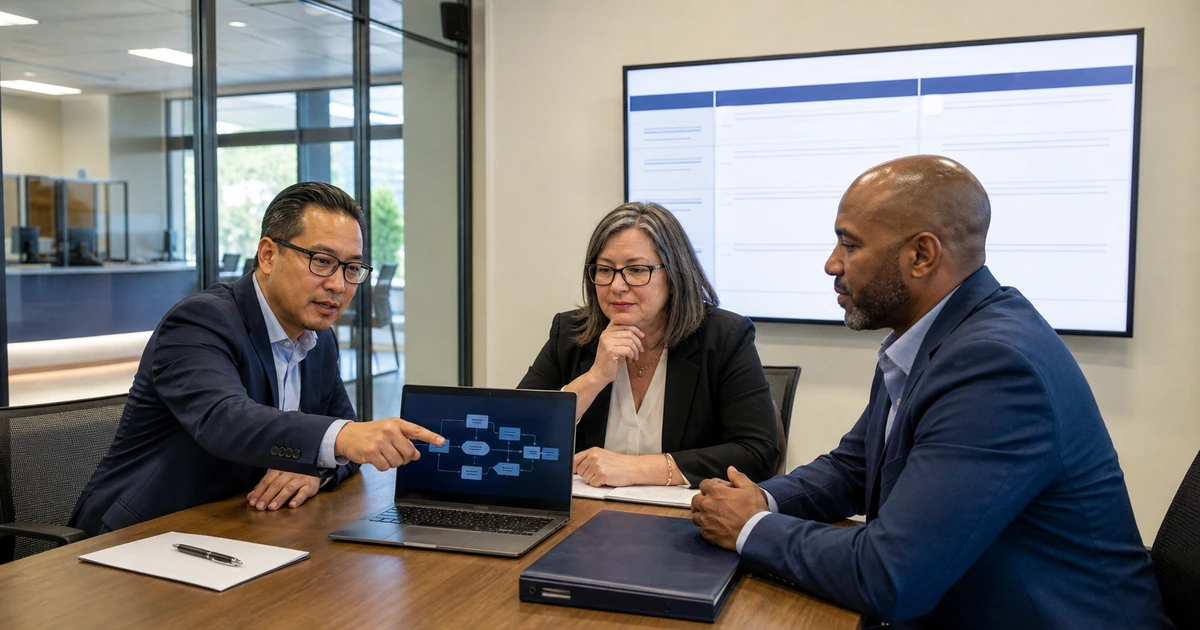
Effective government web design begins with the resident journey. Each high-demand service needs one clear starting page, plain-language eligibility and requirements, a visible next action, an accessible form or contact route, and confirmation that explains what happens after submission. Search, navigation, content, forms, analytics, and departmental follow-up must work as one service.
ALLMSP designs, rebuilds, secures, and supports public-sector websites for Lawrenceville, Suwanee, Gwinnett County, Metro Atlanta, and organizations across Georgia. Our in-house team combines web development, accessibility, search optimization, analytics, forms, cybersecurity, hosting, content, and ongoing technical support.
A resident-centered government website improvement plan
- Prioritize real tasks: Use search data, call reasons, form volume, support questions, public meetings, and frontline interviews to identify the services residents need most.
- Create one dependable path: Give each service a clear page with audience, requirements, cost, timing, documents, action, assistance, accessibility, and next-step information.
- Write for understanding: Use familiar terms, descriptive headings, short instructions, meaningful links, current ownership, and web content instead of inaccessible document-only explanations.
- Design for mobile and accessibility: Test keyboard use, screen readers, contrast, zoom, captions, error messages, focus, touch targets, forms, documents, and small screens.
- Connect every handoff: Verify that forms, payments, calls, emails, uploads, notifications, case systems, and acknowledgments reach the correct team with enough context to act.
- Measure completed service: Track successful tasks, form errors, unanswered searches, abandoned steps, repeat contact, response time, accessibility issues, and resident feedback.
Organize content around resident tasks rather than departments
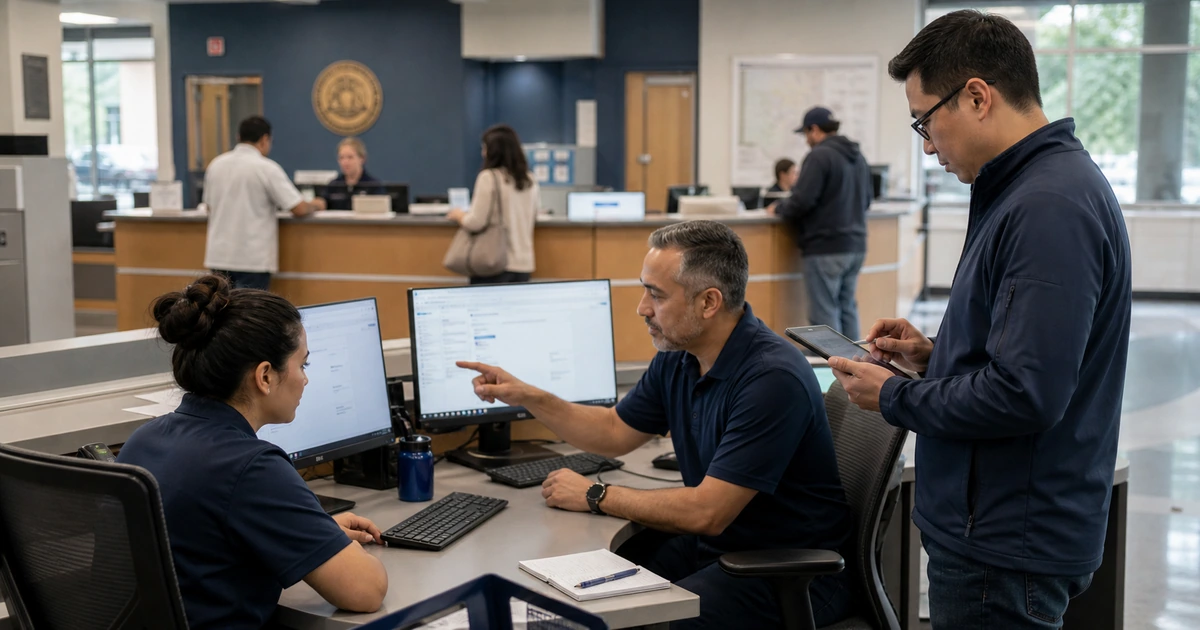
Collect the most common reasons people visit, call, email, or arrive at a counter. Group those needs by the words residents use, then compare them with site search, external search queries, analytics, form submissions, and support logs. Department names can remain as context, but the primary navigation should help a person recognize the task without knowing the organization chart.
Create a content owner and review date for every important service page. The owner should confirm requirements, fees, hours, locations, documents, contact routes, and linked systems. Remove or redirect duplicates so search engines and residents are not forced to choose among old and conflicting versions.
- Service inventory: List public tasks, audiences, current URLs, responsible departments, transaction systems, forms, documents, contact channels, and seasonal demand.
- Task language: Use the phrases residents search for and recognize, while preserving official terminology where it affects eligibility or legal meaning.
- Page essentials: Place the purpose, eligibility, required items, cost, deadline, processing time, action, assistance, and next step where a visitor can scan them quickly.
- Duplicate control: Select one current destination for each service, consolidate competing pages, update internal links, and redirect retired URLs rather than leaving contradictory archives indexed.
- Location clarity: Keep office names, addresses, service areas, phone numbers, hours, closures, parking, transit, accessibility, and map listings accurate across the site and search platforms.
A resident should be able to start from search or navigation and reach the correct action without learning how the agency is organized.
Make every service usable on mobile and accessible by design
Accessibility is part of service delivery, not a final scan. The Department of Justice’s Title II web rule generally uses WCAG 2.1 Level AA as the technical standard for state and local government web content and mobile apps, with limited exceptions and compliance timing based on entity size. Agencies should review the current official guidance and determine applicability with counsel.
Test the actual task with people and assistive technology. Keyboard navigation, screen readers, zoom, voice input, captions, mobile touch, color contrast, visible focus, form labels, instructions, validation, time limits, uploaded documents, and confirmation all matter. An accessible home page does not compensate for an inaccessible permit or payment flow.
- Keyboard: Complete navigation, menus, dialogs, forms, date controls, uploads, errors, and submission without a mouse while focus remains visible and logical.
- Screen reader: Verify headings, landmarks, link purpose, labels, instructions, tables, document titles, alerts, errors, status messages, and the reading order.
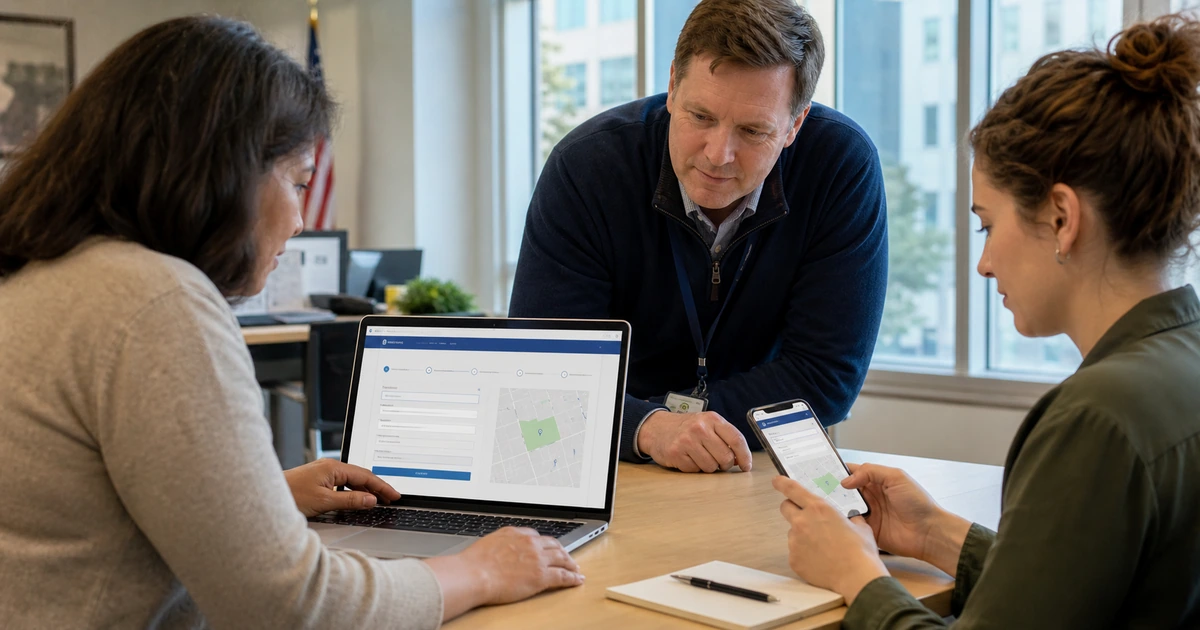
- Mobile: Test common phones with zoom, portrait and landscape views, large text, touch targets, slow connections, camera uploads, payment, and interrupted sessions.
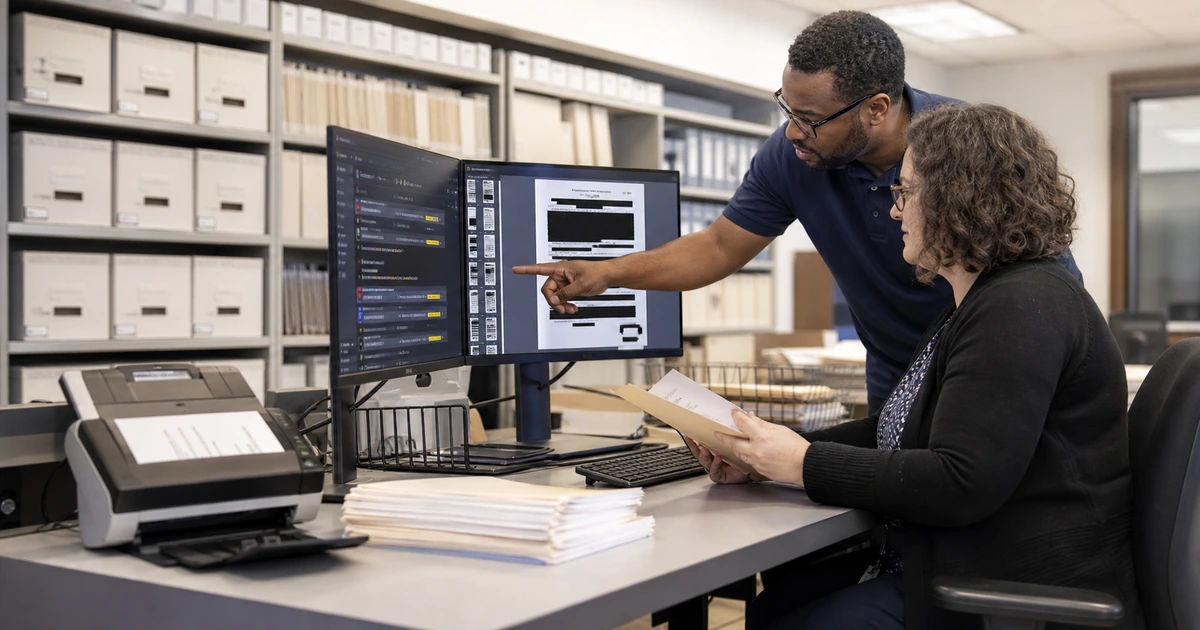
- Documents and media: Provide accessible files, captions, transcripts, audio description where needed, meaningful alternatives, and usable HTML when a document is not the best format.
- Assistance: Publish an accessible contact path for help and confirm that staff can deliver an equally effective service when a person reports a barrier.
The standard is not whether a scanner reports zero issues, but whether people can understand and complete the public service with comparable effort and privacy.
Connect search visibility, forms, and follow-through
Optimize pages for the specific service and geography they genuinely cover. Use a descriptive title, concise summary, clear headings, current location information, structured internal links, and indexable answers to common questions. Avoid creating near-duplicate city pages that add no local value because they weaken trust and make maintenance harder.
Instrument the full journey without collecting unnecessary personal information. Track arrival source, service-page engagement, form start, validation errors, completion, acknowledgment, routing, and resolved outcome using privacy-reviewed events. Pair analytics with site search, call reasons, support tickets, accessibility reports, and resident feedback so improvement is not driven by page views alone.
- Search intent: Match each page to a real resident question and include the answer, required action, location, timing, and assistance instead of repeating broad agency slogans.
- Internal links: Link related requirements, payments, records, contacts, accessibility support, locations, and next steps with descriptive words that make sense out of context.
- Form delivery: Verify validation, uploads, spam controls, notification, case creation, acknowledgment, routing, duplicate handling, privacy, retention, and failure alerts.
- Performance: Measure mobile loading, layout stability, interaction delay, broken links, server errors, document weight, third-party scripts, and availability during high-demand events.
- Improvement rhythm: Review high-demand services monthly, assign corrections, retest the complete task, record the outcome, and update the page owner and next review date.
Website success means a resident reached a trustworthy answer or completed a service and the responsible team received what it needed to respond.
Government website design and support from ALLMSP
ALLMSP can audit search and content, map resident tasks, redesign navigation, write service pages, rebuild accessible forms, correct local listings, configure analytics, improve performance, secure hosting, test backup recovery, and train content owners. We support the finished site instead of leaving departments with an unmanaged launch.
We serve Lawrenceville, Suwanee, Gwinnett County, Metro Atlanta, and public organizations throughout Georgia. Website design, online marketing, AI automation, accessibility work, cybersecurity, hosting, and managed IT are delivered through one coordinated in-house team.
- Discovery: Task inventory, search analysis, content ownership, analytics review, accessibility testing, technical audit, and prioritized roadmap.
- Delivery: Information architecture, content, design, development, forms, integrations, measurement, performance, security, and migration.
- Ongoing care: Hosting, monitoring, updates, backups, recovery, content support, accessibility checks, analytics reviews, and continuous improvement.
Official guidance for usable government websites
Use current official requirements and service-design guidance alongside direct testing with the people who need to complete each task.
- ALLMSP Website Design. Accessible design, development, forms, search optimization, hosting, security, and support.
Government website design FAQs
What should a government website homepage help residents do?
It should quickly expose high-demand tasks, urgent notices, service search, locations, contact options, accessibility help, meetings or deadlines, and a dependable route into the full site. The homepage should not require people to understand department names first.
How should government services be organized online?
Organize primary paths around resident tasks and life events, then identify the responsible department within the page. Use search data, call reasons, form volume, frontline interviews, and usability testing to choose labels and priorities.
What accessibility standard applies to local government websites?
The current Department of Justice Title II rule generally uses WCAG 2.1 Level AA for state and local government web content and mobile apps, subject to applicability, timing, and limited exceptions. Agencies should review ADA.gov guidance and obtain legal advice for their circumstances.
Are automated accessibility scans enough?
No. Scans catch only part of the problem. Combine them with keyboard testing, screen-reader review, zoom and mobile checks, form and document testing, contrast review, content inspection, and task-based testing by people with relevant access needs.
How can a government website rank for local service searches?
Publish one authoritative page for each real service, use descriptive titles and headings, maintain accurate locations and listings, answer requirements clearly, add useful internal links, keep content current, earn legitimate references, and make the mobile task work.
Should important instructions be posted only as PDFs?
Usually no. Put high-demand instructions and actions in accessible HTML so they work well on phones, in search, with assistive technology, and during updates. Offer an accessible document when users need a printable or official file.
What should be measured beyond page views?
Measure successful task completion, form starts and errors, search terms with weak results, repeat contact, acknowledgment and response time, accessibility reports, mobile performance, broken paths, resident feedback, and resolved service outcomes.
How often should service pages be reviewed?
Assign an owner and review date based on risk and change frequency. High-demand, deadline-driven, emergency, payment, election, permit, and public-safety content should be checked more often and whenever the underlying service changes.
Can ALLMSP rebuild forms and connect them to agency systems?
Yes. ALLMSP designs accessible forms, configures validation and uploads, secures delivery, connects approved systems, builds acknowledgments and routing, tests failures, configures analytics, and supports the complete service path in house.
Where does ALLMSP provide government website services?
ALLMSP provides government web design and support in Lawrenceville, Suwanee, Gwinnett County, Metro Atlanta, and across Georgia. Work can improve selected services or replace and maintain the full public website.
Sources
- ADA.gov state and local government web guide. Current Department of Justice guidance on Title II web and mobile app accessibility. ↩
- Digital.gov plain language guidance. Practical guidance for content people can understand and use the first time. ↩
- Digital.gov usability testing guide. A government-focused process for planning and conducting usability tests. ↩