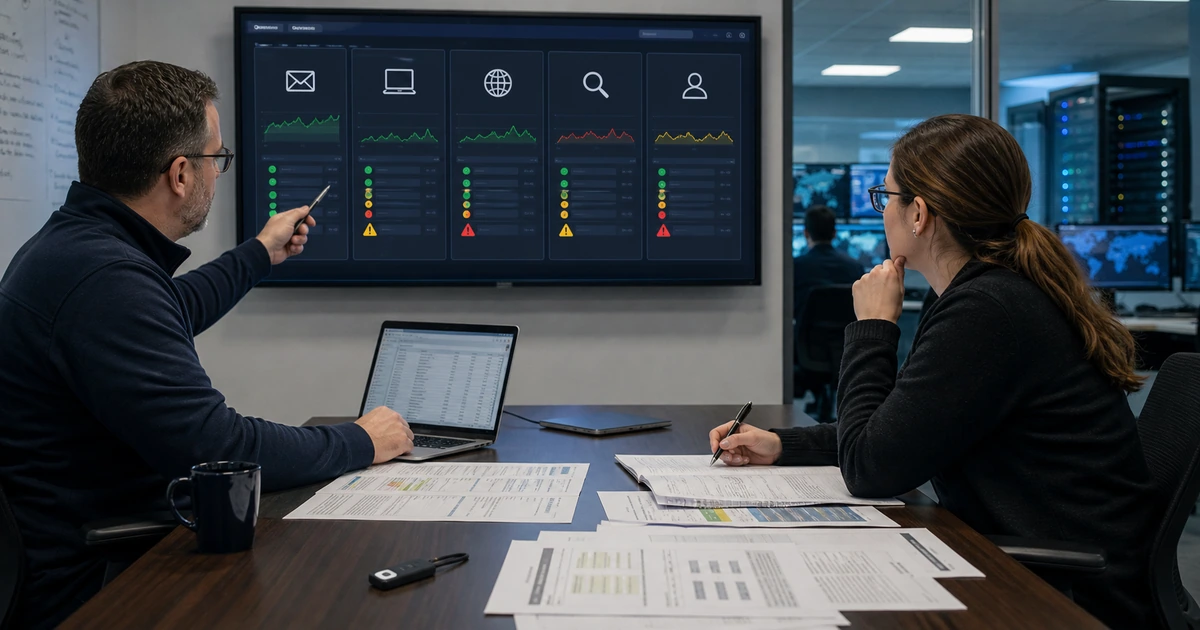
A green security dashboard does not prove that every business system is protected. Devices may be missing, sensors may be stale, policies may never have applied, exclusions may be too broad, alerts may reach an abandoned mailbox, and backup credentials may share the same weakness as production. A meaningful review reconciles tools with authoritative inventories and tests what happens when a safeguard detects a problem.
The review should answer three different questions. Coverage asks whether every relevant asset and entry point is represented. Effectiveness asks whether controls are configured, current, and capable of producing useful evidence. Operations asks whether alerts, exceptions, containment, recovery, communication, and recurring ownership work under realistic conditions. Treating those questions separately prevents a license count from being mistaken for risk reduction.
ALLMSP performs malware protection reviews in house for organizations in Lawrenceville, Suwanee, Gwinnett County, Metro Atlanta, and across Georgia. We can reconcile inventories, inspect configurations, test health and alert paths, evaluate exclusions, prioritize exposure, validate backup and response readiness, and turn findings into an owned improvement plan.
Verify coverage, control health, response readiness, and business outcomes
- Reconcile coverage: Compare asset, identity, email, cloud, server, mobile, browser, website, and network records with each protection console.
- Inspect policy: Review assigned configurations, inheritance, update state, tamper controls, exclusions, automation, notifications, and retention.
- Test detection: Use approved simulations and vendor tests to verify local action, telemetry, alerting, ticketing, ownership, and closure.
- Prioritize exposure: Rank active exploitation, internet-facing risk, unsupported technology, privilege, critical workflows, and weak recovery.
- Prove response: Exercise reporting, triage, containment, evidence, eradication, restoration, communication, and business decision paths.
- Measure health: Track covered and healthy assets, policy drift, detection quality, response time, recurring causes, exceptions, and corrective work.
Reconcile every protection console with authoritative business inventories
Collect inventories from endpoint management, directory services, cloud platforms, servers, network tools, purchasing, remote support, mobile management, virtualization, website hosting, and business application owners. Compare each source with the malware protection console. Investigate missing systems, duplicate records, retired devices, stale check-ins, unknown owners, unsupported platforms, disabled sensors, unmanaged contractors, and assets that appear only in one system. Establish a tolerance and deadline for resolving reconciliation differences.
Examine protection by role and asset type. Confirm that executives, finance, administrators, developers, field staff, remote workers, shared computers, servers, point-of-sale devices, kiosks, and specialized systems receive an appropriate policy. Review whether email, browser, mobile, web, and cloud controls cover the same population. A product may legitimately lack support for a particular platform, but the gap should have a documented safeguard, owner, monitoring method, and decision date.
Validate agent and service health rather than installation alone. Check versions, engine and intelligence updates, last scan or activity, connection, licensing, policy receipt, tamper state, reboot needs, operating-system support, cloud connectivity, and time synchronization. Create alerts for sensors that stop reporting and investigate why they disappear. Track deployment failures, reinstallation loops, incompatible software, duplicate identifiers, and systems that are repeatedly removed from management.
- Inventory sources: Compare directory, endpoint, mobile, server, cloud, network, purchasing, support, hosting, and owner records.
- Coverage exceptions: Document unsupported platforms, business need, exposure, compensating safeguard, owner, review, and expiration.
- Sensor health: Verify version, updates, check-in, policy, protection state, tamper control, license, reboot, and platform support.
- Stale threshold: Set role-based deadlines for missing telemetry and an escalation path for critical or internet-facing assets.
- Lifecycle link: Connect unsupported operating systems, hardware age, vendor support, replacement plans, and temporary risk treatment.
Coverage is trustworthy only when protection records can be reconciled with what the organization actually owns, uses, exposes, and depends on.
Review configuration, exclusions, alert quality, updates, and layered controls
Export or document effective policies and assignments. Review real-time protection, behavior monitoring, cloud analysis, tamper protection, network controls, script or macro safeguards, ransomware protections, scan schedules, automated investigation, remediation, isolation, sample submission, notifications, and evidence retention according to the platform. Check inheritance and conflicts so a setting shown in a parent policy is actually applied to the intended device. Record who can modify policy and whether administrative actions are logged.
Treat exclusions as risk decisions. Inventory excluded files, folders, extensions, processes, addresses, applications, users, devices, and alert suppressions. For each one, capture the originating error, affected workflow, requestor, approver, evidence, scope, date, version, temporary safeguard, and expiration. Replace broad path or process exclusions with the narrowest workable change. Retest after application updates because an old compatibility exception may remain long after the reason disappeared.
Review the surrounding layers and update process. Confirm email authentication and filtering, identity protection, multifactor authentication, browser policy, extension control, secure web or domain safeguards, network segmentation, remote access, application management, website updates, and protected backups. Compare vulnerability findings with CISA’s Known Exploited Vulnerabilities Catalog and vendor guidance. Measure patch success and failures, not merely deployment approval. Check whether security tools depend on the same identity or device they are expected to recover.
- Effective policy: Inspect the settings actually received by each representative device, server, role, and exception group.
- Exclusion register: Record type, scope, reason, evidence, approval, safeguard, owner, expiration, validation, and removal result.
- Alert routing: Verify severity, queue, notification, ticket creation, on-call path, acknowledgment, escalation, and closure evidence.
- Update evidence: Track target, deployment, restart, success, failure, exception, retry, verification, and active-exploitation priority.
- Layer alignment: Connect endpoint, email, identity, browser, web, network, cloud, application, backup, and user controls.
A review should reveal where configuration weakens protection, where exceptions quietly expanded, and where a neighboring control must carry the remaining risk.
Test detection and response, then report risk reduction instead of alert volume
Use approved vendor test files, attack simulations, or controlled exercises that do not endanger production. Verify local prevention, process termination, quarantine, console telemetry, identity and network context, alert severity, notification, ticket ownership, investigation, containment, remediation, and closure. Test at least one standard workstation, remote device, high-risk role, server class, and exception group. Document the expected behavior before the test so the team can distinguish an actual failure from an intentional configuration.
Exercise a lost or compromised device, malicious attachment, suspicious browser download, stolen session, ransomware precursor, and unavailable management console. Confirm the employee reporting path, alternate administration, containment authority, business-owner notification, evidence preservation, eradication decision, credential reset, restore, validation, return to service, and post-incident review. CISA’s logging guidance recommends enabling logs across servers, firewalls, endpoints, and cloud services and identifying crisis-response roles before an incident.
Report measures that management can act on. Useful indicators include inventoried assets, protected assets, healthy sensors, unsupported systems, stale check-ins, unresolved high-risk vulnerabilities, active exceptions, detection test success, alert acknowledgment, containment time, recovery test results, recurring infection causes, and overdue corrective actions. Explain data limitations and trends. A falling alert count can mean improvement, broken telemetry, or excessive suppression, so pair volume with coverage and controlled-test evidence.
- Controlled detection: Predefine test, device, expected safeguard, evidence, notification, owner, response, cleanup, and success criteria.
- Response exercise: Practice reporting, triage, isolation, evidence, credential action, eradication, restore, validation, and communication.
- Coverage metric: Show inventoried, protected, healthy, stale, unsupported, excluded, critical, and internet-facing asset populations.
- Outcome metric: Measure successful tests, response timing, recoverability, recurrence, user impact, and completed risk-reduction actions.
- Review decision: Assign each gap an impact, evidence, priority, owner, due date, safeguard, verification, and accepted-risk authority.
The review succeeds when leaders can see which systems are protected, which controls work, which gaps remain, and who owns every corrective decision.
Malware protection assessments and improvement planning from ALLMSP
ALLMSP can reconcile inventories, evaluate endpoint health, inspect policy, reduce exclusions, review email and identity safeguards, prioritize exploited vulnerabilities, test alert routing, exercise response, and build an accountable remediation plan with our in-house cybersecurity and support team.
Organizations in Lawrenceville, Suwanee, Gwinnett County, Metro Atlanta, and elsewhere in Georgia can use the review before a renewal, after an incident, during a managed-service transition, following rapid growth, or as a recurring security assurance process.
- Reconcile: Prove asset, identity, application, email, browser, cloud, server, website, and mobile coverage.
- Evaluate: Inspect health, policy, exclusions, updates, layered safeguards, alerts, administration, and evidence retention.
- Validate: Run controlled tests, exercise response, report risk, assign corrective work, and confirm closure.
Official malware review and operational assurance references
Use recognized guidance to structure the review while adapting test depth, safeguards, response, and reporting to the organization’s actual risk and business services.
- NIST malware prevention and handling guide. Covers preventive measures, awareness, vulnerability mitigation, and malware-specific response preparation.
- CISA Known Exploited Vulnerabilities Catalog. Supports risk-based prioritization using vulnerabilities with evidence of active exploitation.
- CISA logging guidance for businesses. Recommends useful logging and defined response roles for suspected cybersecurity incidents.
- CISA StopRansomware Guide. Provides prevention and response recommendations covering endpoints, patching, identity, logs, and backup.
- NIST Cybersecurity Framework 2.0. Provides a common outcome structure for governing and evaluating cybersecurity risk.
Malware protection review FAQs
How often should malware protection be reviewed?
Review coverage and health continuously, report meaningful measures monthly, and perform a deeper assessment at least annually and after major incidents, migrations, growth, or security-platform changes.
What is the difference between installed and healthy protection?
Installed means an agent or feature exists. Healthy means it is supported, current, checking in, receiving policy, enforcing controls, producing evidence, and connected to response.
Why should asset inventory be compared with the security console?
The console can only report systems it knows. Reconciliation finds missing, stale, duplicate, retired, unsupported, or unmanaged assets that a green dashboard may hide.
Are malware protection exclusions dangerous?
They can weaken inspection or response. Every exclusion should be narrow, supported by evidence, approved, monitored, time-limited, and removed when the compatibility need ends.
How can a company test malware protection safely?
Use approved vendor tests or controlled simulations on designated systems with defined expected behavior, authorization, monitoring, cleanup, and success criteria.
What should happen when a security agent stops reporting?
Create a time-based alert, identify the asset and owner, determine whether it is offline, retired, broken, tampered with, or unmanaged, then restore coverage or document disposition.
Which malware protection metrics are useful to leadership?
Report coverage, healthy sensors, unsupported assets, stale devices, exploited-vulnerability exposure, exceptions, test success, response time, recoverability, recurrence, and corrective-action status.
Does a lower alert count always mean lower risk?
No. It may reflect stronger prevention, reduced exposure, broken telemetry, broad suppression, or missing assets. Compare alerts with coverage, health, test results, and incidents.
Can ALLMSP review a security platform that another company installed?
Yes. ALLMSP can independently reconcile assets, inspect effective configuration, evaluate health and exclusions, test alerts, and produce an owned improvement plan.
Where does ALLMSP perform malware protection reviews?
ALLMSP supports organizations in Lawrenceville, Suwanee, Gwinnett County, Metro Atlanta, and throughout Georgia using onsite and secure remote methods.