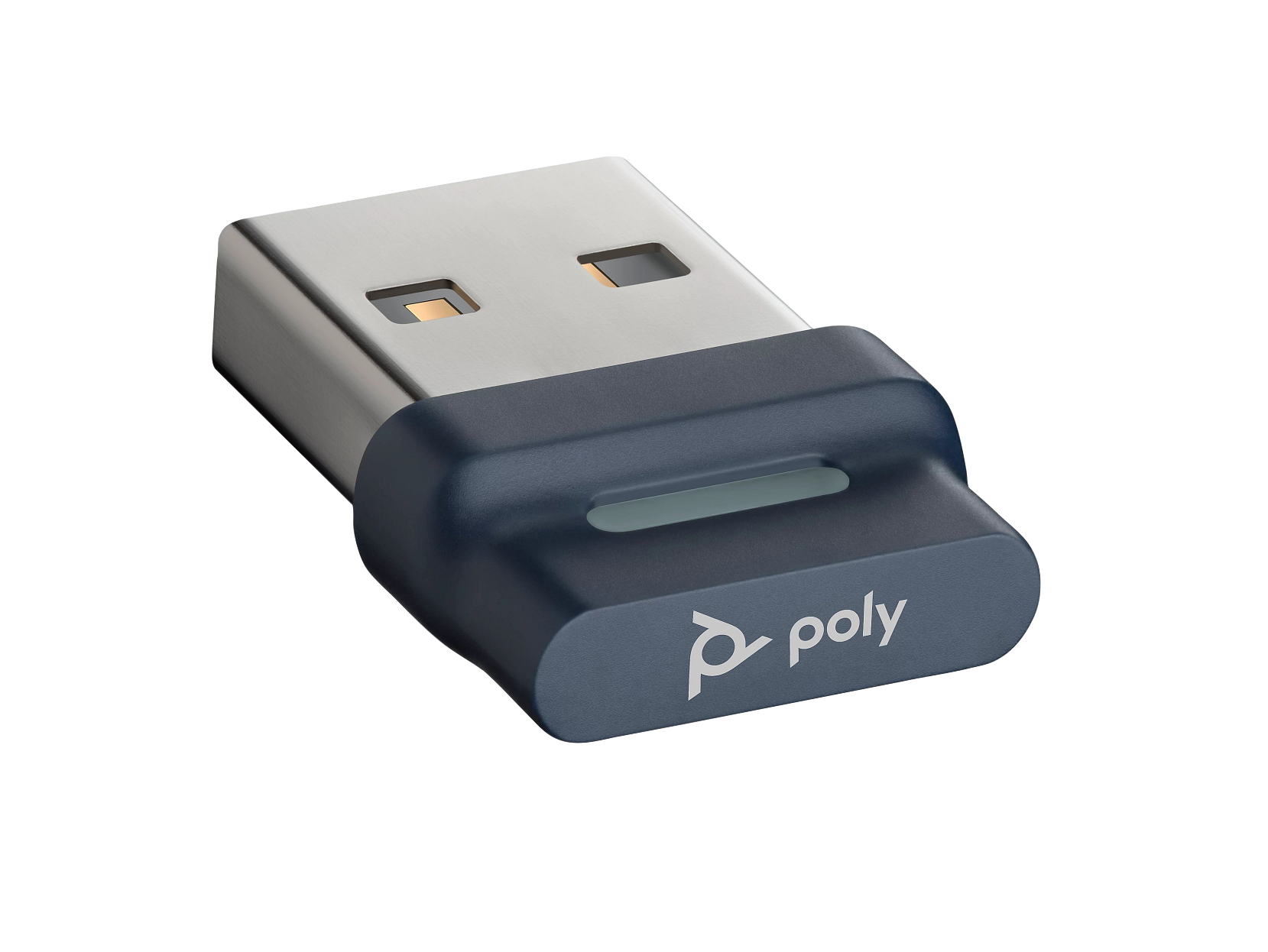
HP’s product image shows the USB-A version of the Poly BT700 adapter. In HP Poly Studio Desktop, identify the adapter and headset separately and check the supported connection for the exact model. This product image does not show pairing status or an installed app.[8]
Poly Lens Desktop is now HP Poly Studio Desktop, but a renamed app is only one possible reason a device is missing. Record whether the operating system can use the device, whether the current desktop app lists it, and whether cloud management is expected. Those are different results. Check the actual model and connection matrix before reinstalling: supported USB audio, native Bluetooth management, call controls and cloud ownership do not have identical requirements.[1]
The BT700 product image identifies the USB-A variant. It does not show a paired headset or a running app. Keep adapter identity, connected headset and software detection as separate observations. The USB-C variant and other Poly adapters should be identified from their own labels.[8]
Record the installed app, platform and exact device
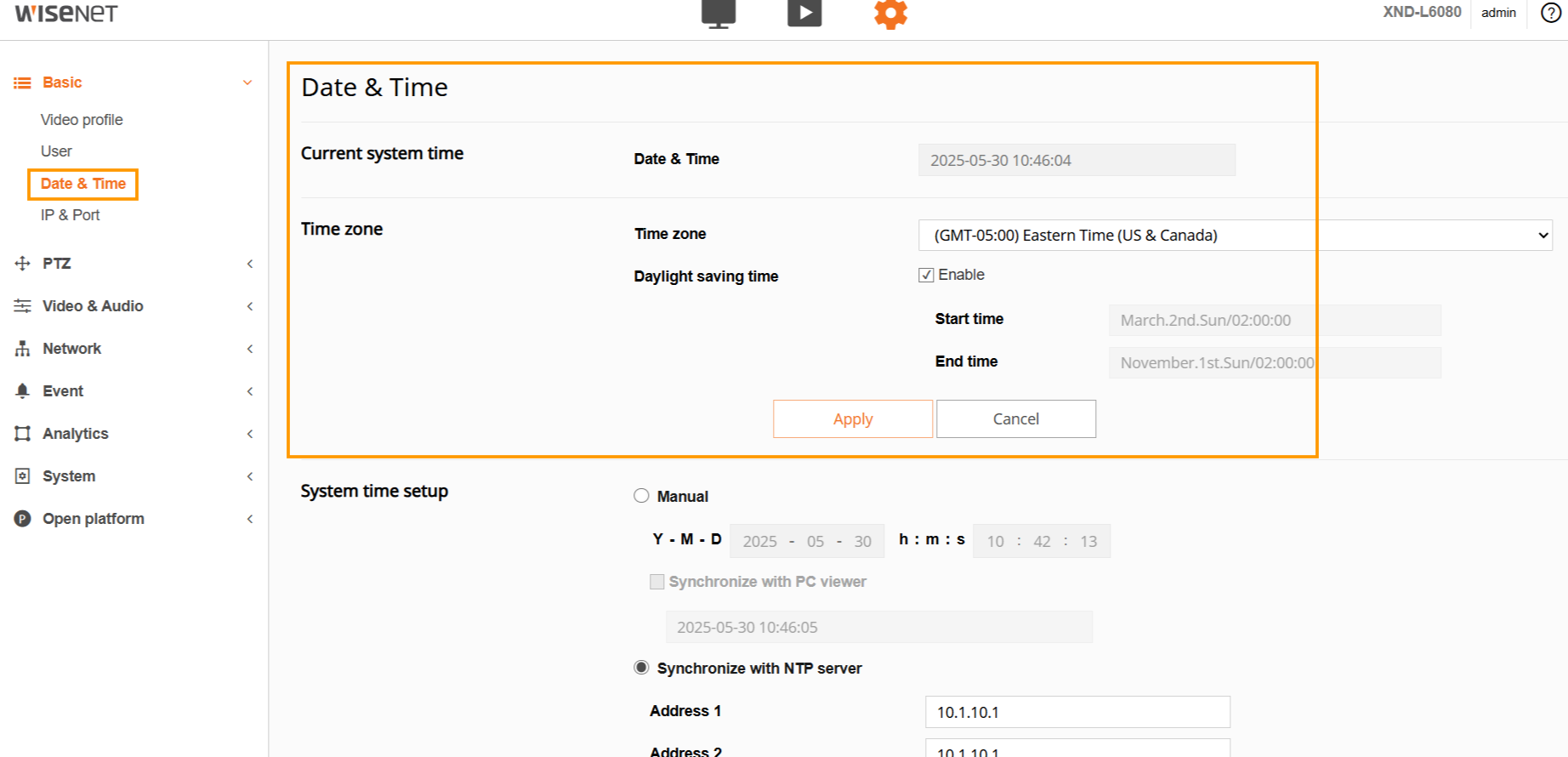
HP’s current documentation names HP Poly Studio Desktop, formerly Poly Lens Desktop. Use HP’s current app page and your organization’s deployment route, rather than an older third-party installer. Read the installed version before changing it. The current manual describes Account menu > Support > Application and Settings > Software Update as version views.[1][2][7]
Identify which layer is missing
| Observed state | Check next | Do not infer |
|---|---|---|
| The OS cannot see or use the device | Physical data/power path and exact model | Reinstalling the app fixes an absent hardware endpoint |
| OS works; Studio Desktop has no current device | App/OS architecture and model/connection support | Working audio proves full management through every transport |
| App lists a device; cloud inventory does not | Expected account association and managed onboarding | Deleting tenant configuration is a routine detection test |
| A shared device disappears after unplugging | Current active-connection-only shared-device behavior | The peripheral was deleted or firmware failed |
| A setting is unavailable or locked | Actual capability and policy ownership | The user should bypass management policy |
Test the operating system’s actual audio or camera endpoint first. If it is absent, investigate the model’s data and power path. If the OS can use it but Studio Desktop cannot manage it, keep that successful OS comparison and check the app’s device/connection matrix. A cloud-inventory problem is a further management layer; changing a tenant association does not repair a missing USB endpoint.[1][3][5]
Read the connection matrix, not just the product name
HP separates model support and connection-dependent capabilities. A device can be listed without every transport offering settings, updates and call controls. The current manual supports direct Bluetooth for specified headset models, including Focus 2; it does not make all computers equivalent. Its macOS direct-Bluetooth path supports specified management functions but not direct-Bluetooth call control. Windows call-control support also has app, model and driver conditions.[1][3]
For a camera, use the documented USB-cable management connection. Do not expect a webcam to become manageable through the headset’s Bluetooth adapter. For BT700 and a headset, record both entries separately: detecting the adapter is not proof that the intended headset is paired or exposed through that route.[1][3]
Use the Focus 2/BT700 pairing and audio checks when that link is failing. For a V12 with no camera endpoint, start with its separate computer-data and power connections.
Separate the app update from peripheral firmware
Record the Studio Desktop version, adapter firmware and headset or camera firmware in separate fields. Read the offered update’s target and prerequisites before approving it. Keep a stable approved connection and follow that device’s update instructions; do not unplug a device during an active update. A completed app installation does not establish that a headset update ran.[1]
The release-notes page checked on 18 October 2026 lists 5.2.0 dated 28 September 2026. Use the current deployment-approved release rather than treating this number as an evergreen target. That release removes the former Softphones & Media Players section for certain headsets; supported softphones and media players are enabled by default. An absent old menu can therefore reflect a documented change, not device failure.[4]
The release notes also mark earlier 5.0.1 false-upgrade-failure and BT700 DFU-banner issues as fixed in 5.1.0. Match an actual symptom and installed build to the current note before using a historical workaround. A remembered Lens screenshot is not sufficient reason to downgrade.[4]
Keep shared devices and company ownership intact
HP documents that shared devices are displayed in Studio Desktop while actively connected; they do not remain in its previously connected list after disconnection. That local visibility rule does not prove deletion from cloud inventory. Record which computer and account is expected to manage the shared peripheral.[5]
For an unavailable setting, check the device capability and assigned policy with the administrator. The current known-issues list says a previous loginless tenant ID can persist after reinstall. If the app associates with the wrong company, preserve the account/tenant observation and follow the approved administrator or HP support workflow. Reinstalling repeatedly or deleting registry configuration without that review is not a reliable account-correction test.[4][6]
Work through a detected adapter and missing headset
This is an illustrative support record.
| Record or controlled check | Illustrative result | What it proves |
|---|---|---|
| Read the app version in its supported version view | Installed app build recorded | The app version is known, not headset firmware |
| Record adapter and headset entries separately | BT700 appears; intended headset does not | Check pairing and connection support before retrying updates |
| After an approved app change, reopen device view | Intended device and reported version visible | Management detection passed for this path |
| Repeat the original audio or camera task | Recipient confirms the intended input/output | The work task passed; a version number alone did not prove success |
Collect evidence that explains the failed layer
Save the exact model, app and OS versions, processor architecture, cable/adapter path, account association where relevant, visible error and the original work task. The current manual documents application logs through Support and device logs through Resources > Device Support > Download Logs. Follow the approved support channel and remove unrelated personal or client information from what you share.[1]
Close with a task test: verify that the intended device is visible through the supported route, then repeat the actual call or camera workflow. A new version number alone does not show that a remote participant can hear or see the intended device.
If the hardware is Logitech, use the Logi Tune compatibility and update guide. A Jabra device belongs in the Jabra Direct update and recovery workflow; its reset or recovery instructions should not be applied to Poly.
Frequently asked questions
Is HP Poly Studio Desktop the same product as Poly Lens Desktop?
Why can Windows play BT700 audio while the app cannot find the headset?
Can I install the current Studio Desktop app on an Intel Mac?
Does a supported-device listing promise every call-control feature?
Why did a shared device disappear after I unplugged it?
HP documents shared devices as visible in Studio Desktop while actively connected; they do not remain in its previously connected list after disconnection. Check the active connection before treating the disappearance as deletion or a failed firmware update. Cloud inventory is a separate check.
[5]What if a reinstall connects the app to the wrong company account?
Record the unexpected association and contact the administrator. HP’s current known issues describe a previous loginless tenant ID persisting after reinstall. Use the approved account-correction or support procedure; repeated reinstalls or blind registry deletion are not evidence that the association is fixed.
[4][6]Is updating Studio Desktop the same as updating a headset or BT700?
No. The desktop application, USB adapter and headset each have their own version and possible update. Record the target and version offered, follow its prerequisites and test the original task afterward. An app installation alone does not prove a peripheral update completed.
[1]Where can I read the installed Studio Desktop version?
The current manual describes Account menu, then Support, then Application, and a Software Update view under Settings. Record the installed app version separately from device firmware. If labels differ, use the guide for that build rather than copying an old Lens screenshot.
[1]Why do older Lens screenshots show menus my app no longer has?
Menus change by release and device. The 5.2.0 notes checked on 18 October 2026 remove the former Softphones & Media Players section for certain headsets and enable supported players by default. Match your installed build to current release notes before treating a missing menu as failure.
[4]What should I send support when only Studio Desktop fails?
Provide the exact model, OS and architecture, app version, connection path, adapter/device versions, actual error and a separate OS-use result. Use the documented application or device log export if support requests it. Share only the relevant evidence through the approved channel.
[1]Sources
- HP: HP Poly Studio Desktop App user guide ↩
- HP Poly Studio Desktop: current app and support requirements ↩
- HP Poly Studio Desktop: device and call-control support ↩
- HP Poly Studio Desktop: release notes ↩
- HP Poly Lens: Shared Devices documentation ↩
- HP Poly Lens: policy settings documentation ↩
- HP Poly Studio App: current download and support page ↩
- HP: Poly BT700 USB-A adapter and original product image ↩