A crowded rack is not primarily a cosmetic problem. Unidentified cables, blocked airflow, unsupported equipment, overloaded power strips, abandoned hardware, buried ports, missing labels, and undocumented changes increase outage risk and make every repair slower. The cleanup must preserve live services while creating an installation that technicians can understand and maintain.
The safest approach begins with discovery. A cable that appears unused may support a camera, phone, access-control panel, internet circuit, Wi-Fi access point, alarm communicator, production device, or remote site. Equipment cannot be moved or disconnected based on appearance alone. Each service, dependency, power source, and configuration needs evidence before the physical arrangement changes.
ALLMSP performs rack assessment, cable tracing, remediation, testing, labeling, documentation, and post-cleanup support through its in-house team. We help organizations in Lawrenceville, Suwanee, Gwinnett County, Metro Atlanta, and across Georgia improve live infrastructure without turning an orderly project into an avoidable business interruption.
Clean a live rack through evidence and controlled change
- Freeze blind changes: Stop untracked patching, unplugging, moves, and additions until ownership and an approved change process are established.
- Map live services: Trace internet, switching, servers, storage, voice, wireless, cameras, access control, controllers, and management dependencies.
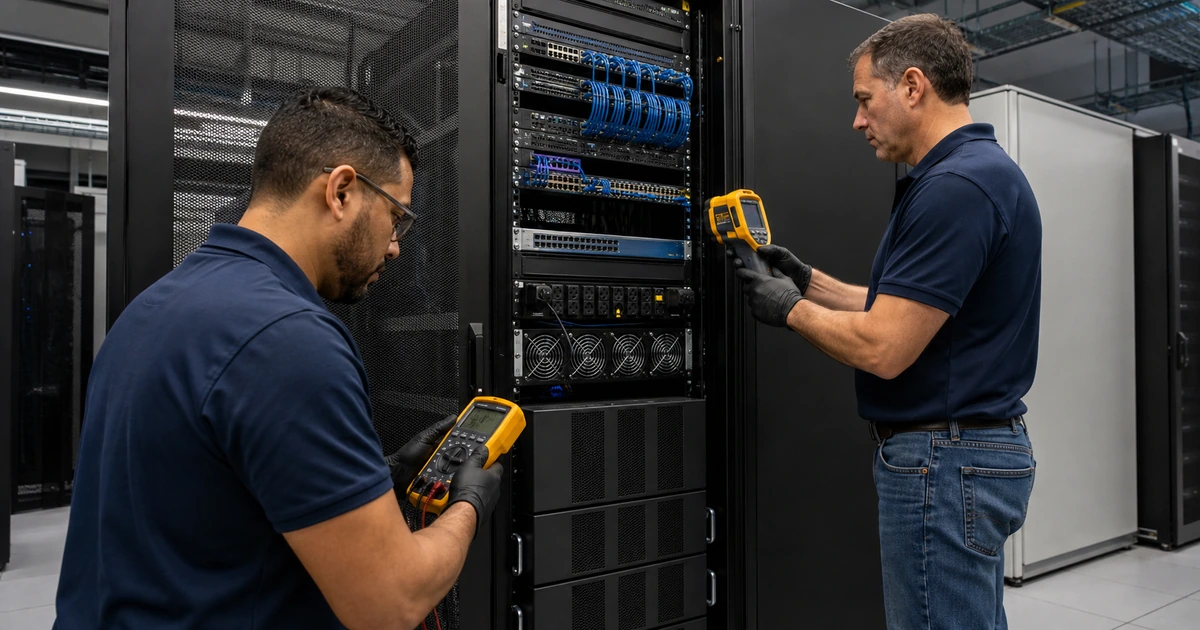
- Measure conditions: Record rack load, space, temperature, airflow, electrical use, UPS health, port status, cable condition, and room hazards.
- Design the target: Create a rack elevation, port map, cable plan, power map, maintenance sequence, rollback, and acceptance checklist.
- Move deliberately: Work in approved windows, change one bounded group, test service, update records, and retain rollback capability.
- Prevent relapse: Standardize patch lengths, labels, pathways, spares, access, documentation, monitoring, and change approval.
Trace services, equipment, cables, ports, and power before moving anything
Photograph the rack, room, front, rear, side pathways, power, patch panels, cable entrances, labels, and visible damage before work starts. Inventory every device with manufacturer, model, serial number, function, owner, rack location, management address, support status, connected ports, power supplies, circuit or UPS source, and business impact. Capture current alerts and configuration backups where supported. Identify equipment that is unsupported, unmounted, stacked, obstructed, or dependent on improvised power.
Trace connectivity from endpoint to patch panel, switch port, network role, and supported service. Use port status, MAC address tables, cable testing, tone and probe methods, endpoint inspection, controller records, camera or access-control systems, and employee confirmation as appropriate. Avoid disconnecting a cable merely because it shows no activity during a short observation. Seasonal systems, failover links, printers, phones, cameras, controllers, and dormant disaster-recovery paths may be quiet until needed.
Map power with the same care. Record receptacles, circuits, UPS units, power distribution, connected devices, redundant supplies, measured load, battery age, runtime, alarms, bypass, and single points of failure. Escalate damaged cords, overheating, unsupported adapters, uncertain grounding, obstructed electrical access, and apparent circuit concerns to qualified professionals. Define which equipment may be powered down, which requires graceful shutdown, and who authorizes each interruption.
- Condition record: Photograph and inventory equipment, mounting, cables, labels, pathways, power, environment, hazards, and active alerts.
- Service map: Connect endpoints, outlets, cables, panels, switch ports, network roles, devices, applications, locations, and owners.
- Power map: Trace circuits, receptacles, UPS units, distribution, device supplies, measured load, runtime, redundancy, and failure points.
- Unknown control: Quarantine unknown cables and devices for investigation rather than removing them based on appearance or brief inactivity.
- Approval matrix: Name who approves downtime for internet, network, server, voice, wireless, camera, access, and building systems.
Discovery turns an intimidating rack into a set of known services and prevents a cleanup from disconnecting infrastructure the business still relies on.
Rebuild layout, cable management, power distribution, and airflow in controlled stages
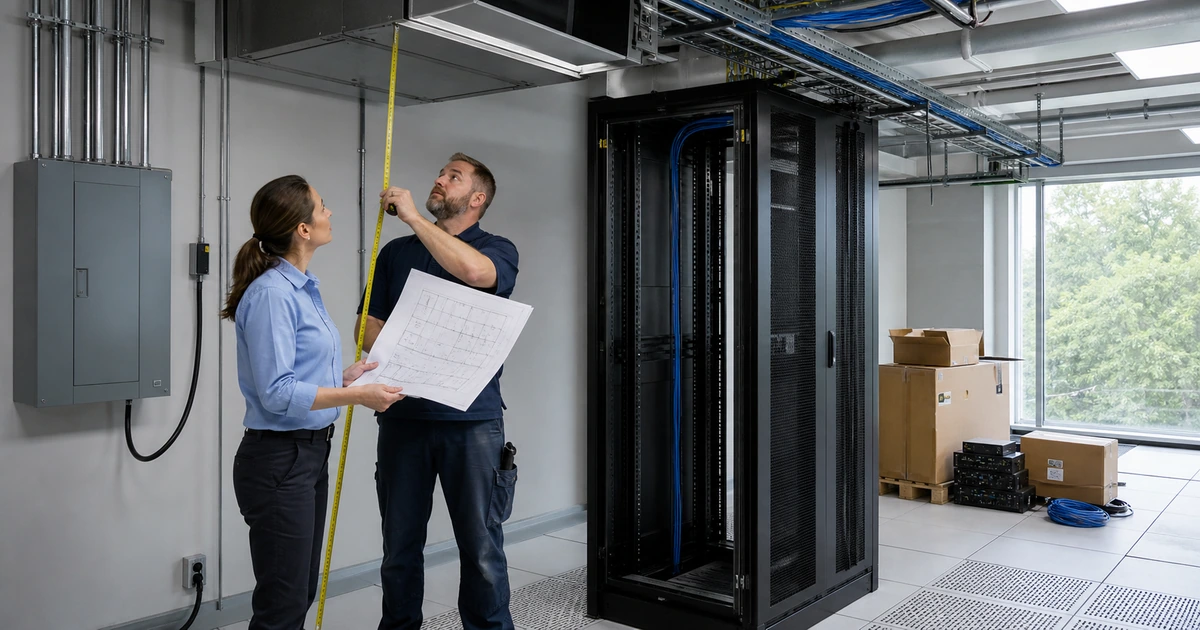
Create a target rack elevation before relocating equipment. Place patching and switching to minimize cable crossing, reserve horizontal and vertical management, keep heavy equipment low within manufacturer guidance, preserve rail and service clearances, and account for front-to-rear airflow. Keep power cords and data cabling organized in their intended pathways. Do not block vents, fans, doors, rails, handles, removable modules, labels, or maintenance access. Confirm the loaded enclosure and floor remain within approved limits.
Select patch cable lengths from measured routes through managers. Replace damaged, unlatchable, sharply bent, crushed, stretched, or unsupported cables with appropriate rated components. Remove abandoned patch cords only after tracing and approval. Dress bundles so individual cables can be followed and removed without dismantling the entire rack. Protect fiber connectors and bend radius, keep service loops intentional, use hook-and-loop management where suitable, and avoid compressing copper bundles so tightly that future changes become risky.
Sequence work into small change groups. Record scope, affected services, approver, maintenance window, prechecks, configuration backup, cable and port changes, power changes, expected interruption, test plan, rollback, and responsible technicians. After each group, verify link state, network reachability, internet, voice, wireless, servers, storage, cameras, access control, monitoring, and user workflows as applicable. Update labels and records immediately so documentation never falls behind the physical rack.
- Target elevation: Place panels, managers, switches, appliances, servers, storage, UPS, distribution, controllers, blanks, and reserve space.
- Cable standard: Define media, rating, color use, approved lengths, pathway, bend control, support, spare handling, labels, and tests.
- Power standard: Control circuits, UPS assignment, distribution, redundant supplies, cord routing, monitoring, labeling, and electrical escalation.
- Change packet: Document scope, services, window, approval, backups, steps, tests, rollback, communication, technicians, and result.
- Stage verification: Confirm physical condition, links, devices, applications, remote access, monitoring, documentation, and business operation.
Small verified stages keep the business operational and make it possible to reverse a change before uncertainty spreads across the rack.
Label the finished rack, reconcile records, and establish rules for future changes
Apply a consistent identifier system to rooms, racks, panels, ports, cables, outlets, pathways, equipment, power, and grounding elements that require administration. TIA-606 describes administration systems for telecommunications infrastructure across buildings and campuses. The exact scheme should suit the site’s scale while remaining unique and understandable. Use durable machine-printed labels, verify both ends, and avoid depending on color alone because colors fade, vary, and cannot communicate a complete identity.
Build a final documentation package from the verified installation. Include rack elevations, equipment inventory, network and power diagrams, panel and port schedules, cable test results, configuration locations, administrator and support ownership, circuit and UPS information, monitoring, warranties, vendor contacts, photographs, spare equipment, maintenance instructions, and known exceptions. Protect sensitive records and make an approved current copy available during an outage when normal cloud systems may not be reachable.
Prevent the rack from returning to its previous condition. Require approved equipment, patch cables, labels, change records, port assignments, power review, monitoring updates, and removal of abandoned materials. Keep useful spares organized outside live airflow and service paths. Schedule recurring inspection for dust, temperature, humidity, alarms, batteries, cable strain, door operation, unauthorized additions, failed fans, open rack units, water risk, pests, and room storage. Convert findings into assigned corrective work with evidence of completion.
- Identifier system: Use durable unique labels that connect rooms, racks, panels, ports, cables, outlets, equipment, power, and records.
- Final package: Deliver elevations, inventories, diagrams, schedules, tests, configurations, ownership, monitoring, photos, and exceptions.
- Change rule: Require approval, compatible equipment, assigned space, power and thermal review, labels, tests, records, and cleanup.
- Spare control: Store known good cables, modules, optics, hardware, keys, labels, and tools in an identified location outside the rack.
- Inspection cadence: Review environment, alarms, batteries, fans, cables, labels, access, storage, cleanliness, additions, and documentation.
The cleanup is complete only when the physical installation, monitoring, records, and future change process all describe the same environment.
Live network rack cleanup and remediation from ALLMSP
ALLMSP can photograph and inventory the current rack, trace services and cables, map power, design the target elevation, schedule controlled changes, rebuild cable management, replace unsuitable patching, label infrastructure, test services, update monitoring, and deliver final documentation. Our in-house team performs the assessment and technical work directly.
We provide rack cleanup for businesses in Lawrenceville, Suwanee, Gwinnett County, Metro Atlanta, and across Georgia. Projects can address one overloaded network closet or standardize multiple locations while preserving business services and establishing a maintainable operating standard.
- Discover: Inventory devices, cables, services, ports, power, conditions, ownership, risks, and unknown dependencies.
- Rebuild: Execute the approved elevation, cable, power, airflow, labeling, testing, rollback, and documentation plan.
- Maintain: Monitor environment, govern changes, inspect conditions, manage spares, update records, and resolve recurring findings.
Official references for rack cleanup and administration
Use applicable standards, current equipment instructions, and qualified professionals when changing live rack, electrical, cooling, grounding, fire, and building infrastructure.
- TIA-942 data center infrastructure standard. Covers coordinated infrastructure considerations for computer rooms and data centers.
- TIA-606 administration standard announcement. Describes administration systems for telecommunications infrastructure within and between buildings.
- ASHRAE data center handbook chapter. Provides technical context for equipment inlet conditions, airflow, heat, and data-center facilities.
- Eaton server rack buying guide. Explains enclosure factors including sizing, load, maintenance, power, cooling, and expansion.
Network rack cleanup FAQs
Why should technicians avoid unplugging apparently unused rack cables?
A quiet cable may support a seasonal device, failover path, camera, controller, phone, printer, remote site, or service that is not active during the observation.
What should be documented before a rack cleanup?
Capture equipment, rack positions, ports, cables, services, configurations, power, UPS, room conditions, alerts, owners, business impact, photographs, and known hazards.
How are unknown rack devices investigated?
Use identifiers, addresses, port data, cable tracing, management systems, configuration records, power observations, endpoint inspection, vendor information, and responsible employee confirmation.
Should every patch cable be replaced during cleanup?
No. Replace unsuitable, damaged, poorly sized, or unverified cables based on condition, rating, route, service, test results, and the approved target design.
How can rack cleanup avoid a long outage?
Use a service map, bounded change groups, maintenance windows, configuration backups, prechecks, immediate tests, current documentation, communication, and a proven rollback plan.
What belongs on a rack label?
Use a unique identifier tied to records that describe both endpoints, room, rack, panel or device, port, service, test, and change history as appropriate.
Why does cable management affect reliability?
Good routing protects connectors and bend radius, preserves airflow and service access, reduces strain, makes cables traceable, and lowers the chance of disturbing neighboring services.
How often should a cleaned rack be inspected?
Set a risk-based cadence and inspect after significant changes. Review environment, alarms, batteries, fans, cables, labels, doors, access, storage, additions, and documentation.
Can ALLMSP clean an active rack in house?
Yes. ALLMSP provides inventory, tracing, target design, change planning, cable remediation, labeling, testing, documentation, monitoring, and ongoing support through its own team.
Where does ALLMSP provide rack cleanup?
ALLMSP serves businesses in Lawrenceville, Suwanee, Gwinnett County, Metro Atlanta, and throughout Georgia with onsite rack remediation.