





























































































































































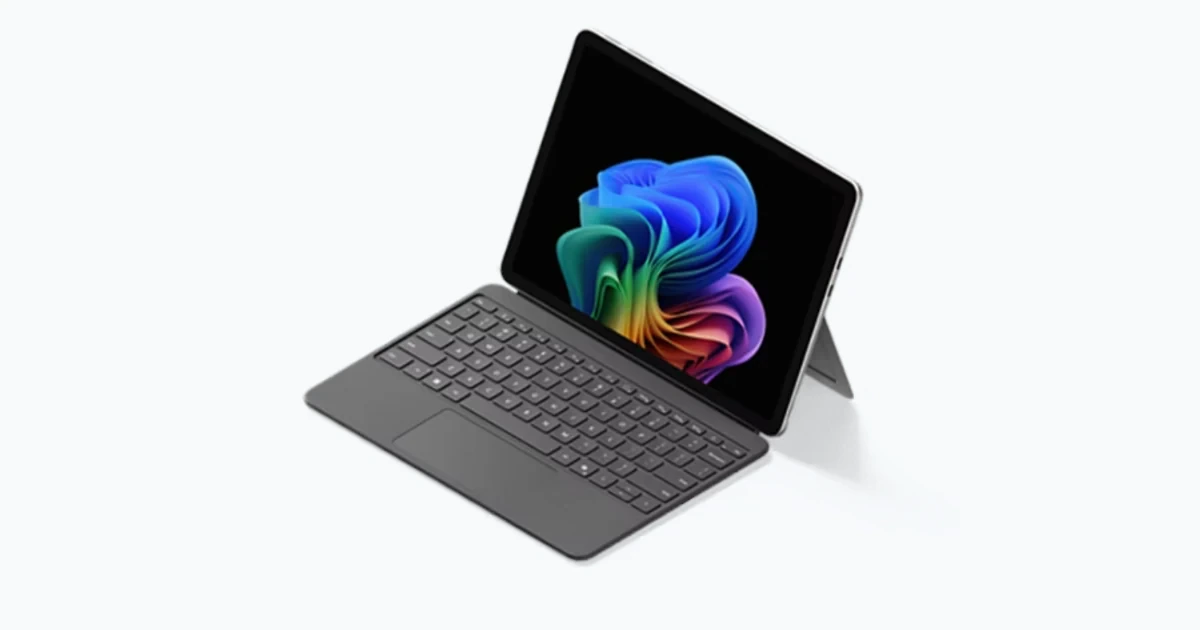
Surface security is not one setting applied after a laptop reaches the employee. Microsoft’s commercial security model spans Microsoft-built UEFI, Secure Boot, hardware roots of trust, Windows protections, cloud management, and response capabilities. The useful operational question is whether those layers are configured, measured, recoverable, and tied to the same physical device record.
Device Firmware Configuration Interface, or DFCI, can extend Microsoft Intune management into UEFI on eligible Surface devices deployed through Windows Autopilot. Microsoft describes controls for boot behavior and selected built-in peripherals, but DFCI depends on supported hardware and registration prerequisites. It should therefore be designed as a governed lifecycle, including enrollment, change approval, break-glass access, repair handling, and removal from service.
Drivers and firmware need comparable discipline. Microsoft’s Surface lifecycle page publishes servicing windows by model, and Intune driver policies support approval and reporting workflows for applicable updates. A security baseline that ignores pilot rings, maintenance timing, unsupported models, encryption recovery, and actual compliance data may look complete in a policy console while leaving the fleet exposed or unreliable.
Key decisions at a glance
- Inventory the exact Surface model, System SKU, processor architecture, Windows version, UEFI and firmware state, ownership, management record, encryption status, and assigned user before setting policy.
- Use DFCI only after confirming device eligibility, commercial-registration requirements, Windows Autopilot association, Intune enrollment, and a recovery or decommissioning procedure.
- Treat Secure Boot, TPM-backed protection, BitLocker, Windows Hello for Business, Defender, compliance, and Conditional Access as connected controls with named evidence owners.
- Deploy Surface drivers and firmware through controlled pilot and broad rings, because Intune does not provide a simple driver rollback button and an approved update can override a paused copy in another policy.
- Combine Surface Management Portal insights with help-desk and asset data so unencrypted, noncompliant, inactive, aging, or out-of-coverage devices lead to an assigned action.
Establish a Verifiable Surface Security Baseline
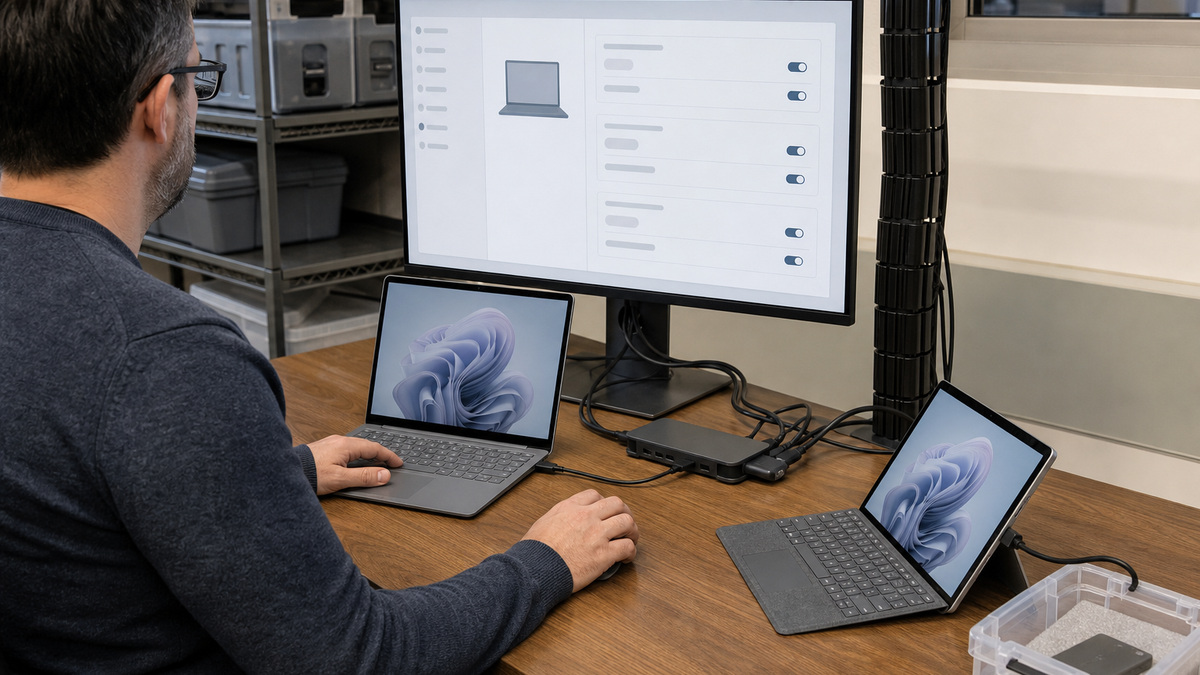
Begin with device identity. Reconcile the external serial, Surface model, System SKU, processor architecture, asset tag, purchase owner, assigned person, Windows edition and version, Intune managed-device ID, Microsoft Entra device object, and Autopilot record. Duplicated or stale identities make it difficult to know which policy result, BitLocker key, warranty entry, or support ticket belongs to the hardware in someone’s hands.
Measure security posture rather than assuming a factory feature is active. Confirm Secure Boot and TPM health, BitLocker protection and recovery-key escrow, Windows Hello for Business provisioning, antivirus and endpoint-detection state, firewall profile, compliance evaluation, and the last successful check-in. Record the accountable team and remediation path for every signal so an exception does not remain a colored dashboard tile indefinitely.
Review the supported operating-system and driver-firmware lifecycle for each model. Microsoft distinguishes the period in which Surface publishes model-specific driver and firmware updates from Windows operating-system servicing. A computer may continue receiving Windows updates after Surface firmware servicing ends, so replacement planning should consider both clocks instead of using a single generic age threshold.
- Deduplicate the physical asset, Entra device, Intune record, Autopilot identity, encryption key, and warranty entry.
- Export a baseline showing Secure Boot, TPM, BitLocker, Hello, Defender, firewall, compliance, check-in, and support status.
- Document why each compliance rule exists, who can approve an exception, and how long that exception remains valid.
- Flag models approaching driver and firmware end of servicing even when the installed Windows release remains supported.
Design DFCI Policy Around Eligibility and Recovery

Microsoft states that DFCI lets Windows pass management commands from Intune to UEFI for supported Autopilot-deployed devices. Its trust model also requires external attestation of commercial acquisition through an OEM or eligible partner registration path. Verify device support and the registration chain before promising remote firmware governance, a manually purchased or incorrectly registered endpoint may not satisfy the same prerequisites.
Translate business requirements into the smallest necessary firmware policy. Possible Surface DFCI settings vary by model and can include boot choices and built-in components such as cameras, microphones, radios, or other peripherals. Disabling a feature because it exists in a policy list can break accessibility, field capture, video meetings, recovery, or service procedures, so each restriction needs an owner, justification, affected population, and tested exception route.
Pilot enrollment, policy change, local UEFI verification, recovery, repair preparation, wipe, retire, and deregistration as one sequence. Document how authorized technicians will service a device when USB boot or a peripheral is restricted and how the organization removes management at end of life. Retain change evidence because a firmware control that survives ordinary operating-system changes is intentionally more persistent than a user preference.
- Confirm the Surface model and DFCI setting support, Autopilot commercial-registration path, Intune license, and assigned policy before deployment.
- Map every disabled boot option or hardware component to a stated risk and an approved business population.
- Keep a tested recovery and service procedure for devices whose firmware policy restricts alternate boot or peripherals.
- Validate DFCI removal, Autopilot deregistration, and ownership transfer before disposal, resale, or departure from the tenant.
Connect Identity, Encryption, and Endpoint Response
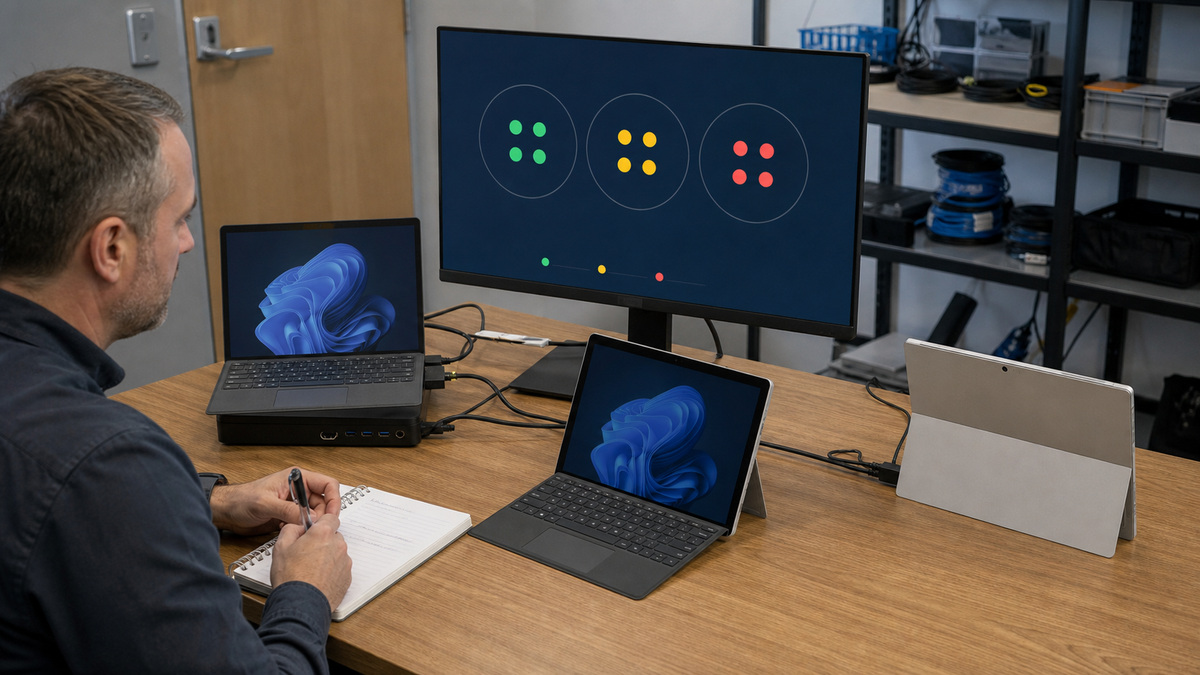
Windows Hello for Business changes the sign-in experience and recovery conversation. Define the approved authentication methods, enrollment conditions, help-desk identity proof, temporary-access or security-key procedure where applicable, and what happens when the camera, PIN, or biometric gesture fails. Test a standard user and the actual Conditional Access path rather than validating only with an administrator account.
BitLocker protection is useful only when the right recovery key can be found under pressure. Verify encryption state and the intended escrow location for each managed Surface, restrict access to recovery material, audit key retrieval, and test a documented recovery exercise on a pilot device. A screen that says encryption is expected does not prove the volume is protected or that the service desk can retrieve the matching key.
Link endpoint-detection, firewall, and compliance results to response actions. Decide which condition produces an alert, a user notice, Conditional Access restriction, containment, investigation, wipe, or replacement. Preserve the device identifier across security and support systems so analysts can relate a Defender event, a failed compliance check, a firmware version, and a physical repair without guessing.
- Test Hello enrollment, normal sign-in, lost-factor recovery, camera failure, and help-desk verification with a nonadministrator pilot user.
- Prove the BitLocker volume state, key escrow, authorized retrieval, audit trail, and recovery instructions on an identified Surface.
- Define graduated responses for noncompliance rather than blocking every device before the service desk can diagnose it.
- Use a common asset key to join endpoint alerts, Intune status, Autopilot identity, warranty, and service history.
Stage Firmware and Driver Updates With Observable Rings
Microsoft Intune driver update policies provide automatic or manual approval options for applicable drivers and firmware published through Windows Update. Build a small pilot ring with representative Surface models, docks, security agents, VPNs, and critical applications before a wider group. Keep each device’s policy assignment understandable, Microsoft’s guidance warns that an approved driver in one policy can win over the same update being paused elsewhere.
Define an update acceptance window because Windows driver policy does not offer a simple built-in rollback action. Monitor installation and restart behavior, boot, BitLocker prompts, network, camera, audio, touch, pen, battery and charging, dock and display stability, sleep and resume, VPN, and business applications. Pause broader approval when the pilot shows a credible issue, then record the exact update, model, symptom, and remediation.
Use the Surface Management Portal and Intune reporting as operational queues rather than passive dashboards. Assign owners to devices shown as unencrypted, noncompliant, inactive, low on storage, out of coverage, or approaching warranty expiration. ALLMSP can help Georgia businesses maintain those queues, review firmware and driver rings, investigate model-specific incidents, and keep the written security baseline aligned with the actual fleet.
- Place each Surface in one understandable driver-policy path and document automatic versus manual approval decisions.
- Include every active model and critical accessory bundle in the early validation ring before broad release.
- Collect preupdate and postupdate evidence for boot, encryption, network, peripherals, collaboration, power, and primary applications.
- Review security, update, warranty, and lifecycle exceptions on a fixed cadence with a named remediation owner.
Official product documentation and ALLMSP resources
- Microsoft: Surface security overview
- Microsoft: Manage DFCI on Surface devices
- Microsoft: Device Firmware Configuration Interface management
- Microsoft: Manage Windows driver updates in Intune
- Microsoft: Windows driver update policy FAQs
- Microsoft: Surface driver and firmware lifecycle
- Microsoft: Surface Management Portal overview
- ALLMSP Cybersecurity
- ALLMSP Managed IT Services
- ALLMSP Hardware Support
- ALLMSP Microsoft Surface Support
- Contact ALLMSP
Frequently Asked Questions
What is DFCI on Microsoft Surface?
Device Firmware Configuration Interface lets Intune send supported management settings into UEFI on eligible Windows Autopilot-deployed devices. It can govern selected boot and built-in-peripheral settings, extending policy below the operating-system layer.
Does every Microsoft Surface support every DFCI setting?
No. Eligibility and individual setting support vary by Surface model. Review Microsoft’s current DFCI device and policy references, confirm the commercial registration prerequisites, and test the exact model before assigning a production requirement.
Why does commercial registration matter for Surface DFCI?
Microsoft describes external attestation of commercial acquisition as part of the DFCI trust chain. Coordinate the OEM, reseller, Cloud Solution Provider, or supported registration process before deployment so the device is correctly associated with the organization’s Autopilot tenant.
Is DFCI the same as normal Intune device configuration?
No. Standard Intune policies manage Windows and its applications, while DFCI carries supported controls into Surface UEFI. They work together, but firmware settings need their own eligibility, change, recovery, repair, and offboarding plan.
Which Surface hardware settings can DFCI control?
Depending on model support, DFCI can control selected boot behavior and built-in components such as cameras, microphones, radios, or other peripherals. Apply only settings justified by the business risk, because an unnecessary restriction can interrupt legitimate work or recovery.
Should USB boot always be disabled on Surface devices?
Not automatically. Restricting alternate boot can reduce an attack path, but authorized recovery and service may need it. Document the risk decision, affected roles, approved exception, recovery owner, and tested procedure before enforcing a firmware restriction.
How should BitLocker recovery be tested for a Surface fleet?
Select a pilot Surface, verify the protected volume and matching escrowed recovery key, retrieve it through an authorized account, record the audit trail, and complete the approved recovery steps. Do not expose a real recovery key in general documentation or screenshots.
How should Surface firmware and driver updates be deployed?
Use a representative pilot ring, monitor installation and restart behavior, validate hardware and core applications, and then approve a wider ring. Keep policy assignment simple because an approval in one Intune driver policy can take precedence over a pause in another.
What should IT do if a Surface driver update causes a problem?
Pause wider deployment, identify the exact update and affected model, capture logs and symptoms, test the supported remediation, and communicate the service impact. Intune driver policies do not provide a universal rollback button, which makes early rings and evidence especially important.
How can ALLMSP strengthen Surface security operations?
ALLMSP can reconcile device identities, build a measurable security baseline, design eligible DFCI policy, test Hello and BitLocker recovery, organize firmware rings, monitor Surface and Intune exceptions, and document response and lifecycle procedures for Georgia businesses.


