Network cabling proposals are difficult to compare when one quote counts cable drops, another lists labor and materials, and neither defines pathways, testing, labels, patching, or documentation. The lowest number can become the most expensive project after change orders, failed links, missing rack work, incompatible components, or a move-in date with no usable network.
A buyer should issue one written scope that describes the building, devices, outlets, rooms, copper and fiber performance, Power over Ethernet demand, installation conditions, testing, handoff, schedule, and acceptance. Each bidder then prices the same result and states exclusions clearly. Product category alone is not enough. Component compatibility, workmanship, pathways, environmental rating, test limit, and the active network design all affect whether the completed link supports its intended application.
ALLMSP surveys, specifies, installs, tests, and supports commercial cabling in house for businesses in Lawrenceville, Suwanee, Gwinnett County, Metro Atlanta, and across Georgia. We can connect the cabling purchase with switches, Wi-Fi, phones, cameras, internet, racks, power, documentation, and user cutover so the proposal is judged by an operational result.
Compare every cabling proposal against the same buying criteria
- Defined outlets: Use drawings and a cable schedule with location, quantity, endpoint, media, performance, mounting, label, and serving room.
- Complete pathways: Include sleeves, trays, supports, penetrations, firestopping, access, transitions, protection, demolition, and restoration responsibilities.
- Matched components: Specify cable, jacks, panels, cords, fiber, connectors, enclosures, racks, and environmental ratings as a compatible system.
- Active requirements: State switch ports, uplinks, PoE demand, Wi-Fi, voice, cameras, internet, UPS, growth, and cutover dependencies.
- Measured acceptance: Require the correct permanent-link or channel certification, fiber tests, identifiers, result files, punch-list closure, and retest.
- Supportable handoff: Require as-built drawings, cable and port schedules, rack elevations, warranties, product records, photos, and change history.
Issue a scope that bidders can price without guessing
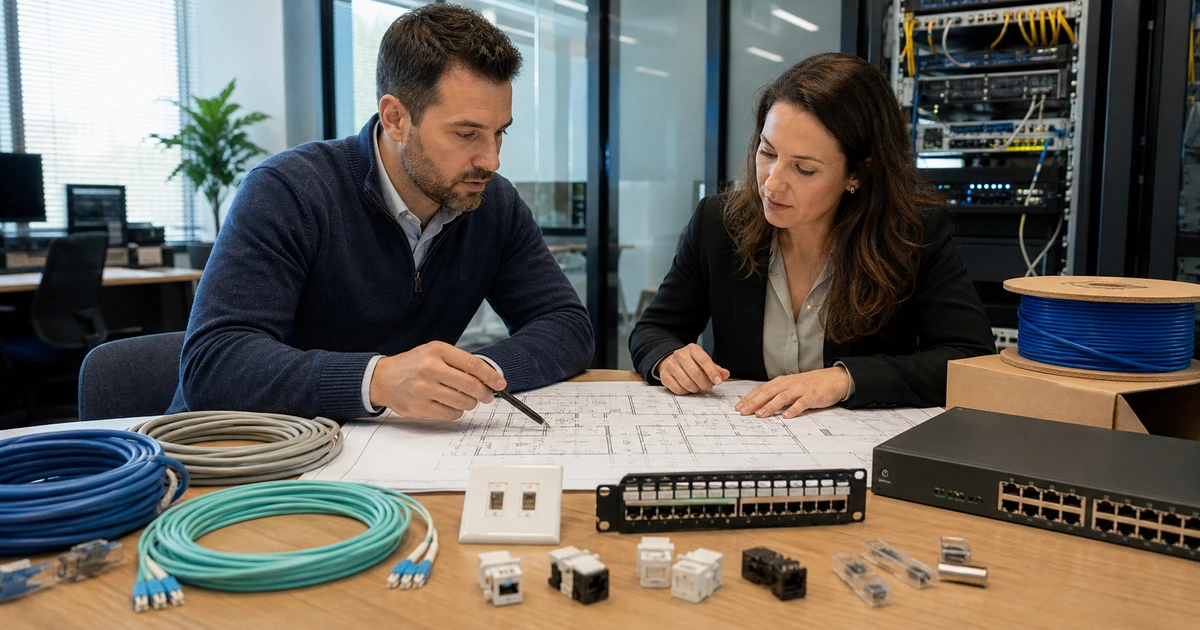
Start with scaled floor plans and an outlet schedule. Give every location a unique identifier and record room, wall or furniture position, mounting height, number of cables, endpoint type, copper or fiber media, intended speed, PoE need, serving telecommunications room, patch-panel destination, and special conditions. Include access points, cameras, phones, workstations, printers, conference systems, displays, access control, point-of-sale devices, building systems, spare outlets, backbone links, and future areas. State who provides racks, cabinets, panels, patch cords, switches, optics, UPS units, grounding, and electrical work.
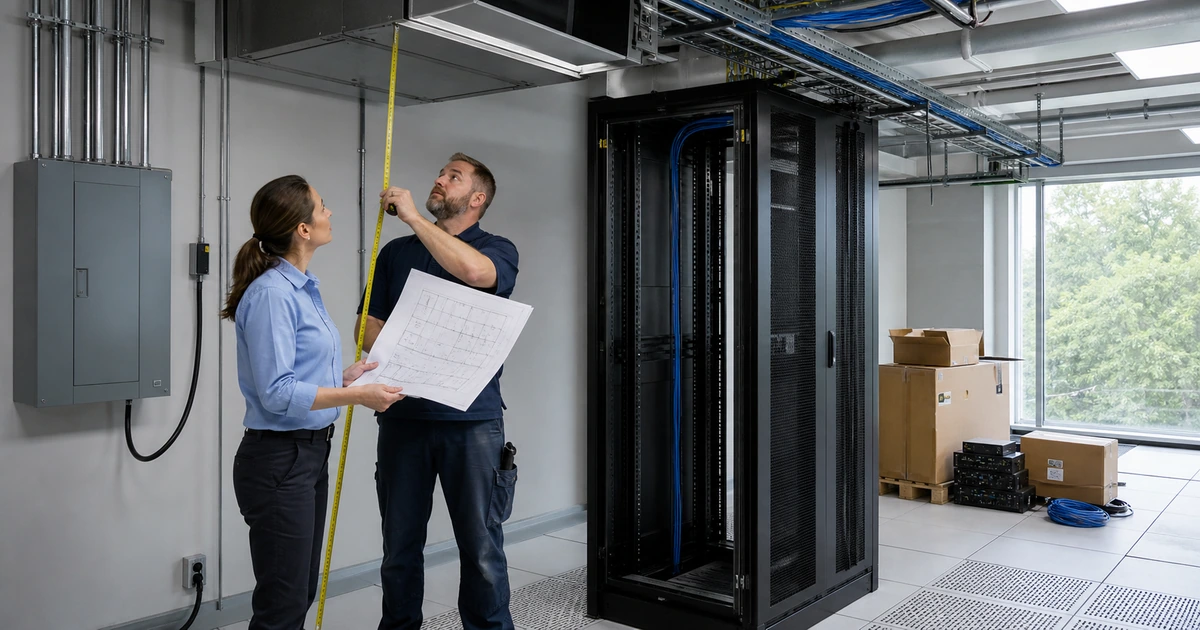
Describe pathways and building responsibilities. Identify accessible ceilings, hard ceilings, sleeves, conduit, cable tray, J-hooks or other approved supports, core drilling, fire-rated assemblies, outdoor or wet locations, hazardous or industrial spaces, furniture feeds, underground paths, lift access, work hours, occupied areas, dust control, restoration, removal of abandoned material, and final cleaning. Require bidders to walk the site and list assumptions. Verify permits, code, property, firestopping, electrical, and qualified-trade requirements with the appropriate local authorities and project professionals.
Define the technology outcome. State expected network speed, copper category, fiber type and strand count, connector and polarity requirements, backbone capacity, distance, switch interfaces, Power over Ethernet standard and peak demand, wireless models, camera or phone requirements, redundancy, and growth reserve. Fluke explains that the common standards-based four-connector copper channel includes a 90-meter permanent link and patching for a total of 100 meters. A proposal should identify any path that exceeds the chosen design and provide an engineered alternative such as a closer telecommunications room, fiber, or a supported extended-reach system with its own test limit.
- Drawing set: Show outlets, rooms, pathways, backbones, racks, panels, device locations, identifiers, and construction conditions.
- Cable schedule: List location, quantity, endpoint, media, performance, PoE, destination, mounting, label, and special requirements.
- Responsibility matrix: Assign pathways, firestopping, electrical, racks, patching, switches, optics, permits, access, restoration, and cleanup.
- Design criteria: State speeds, distances, category, fiber, connectors, PoE, uplinks, redundancy, environmental rating, and growth.
- Bid assumptions: Require site-visit findings, exclusions, alternates, unit prices, schedule constraints, and change-order rates.
A bid package is ready when a contractor can count, route, terminate, test, document, and schedule the same clearly defined result as every other bidder.
Evaluate materials, workmanship, testing, schedule, and total project risk
Compare components as a complete installed system. Review manufacturer, exact part family, performance category, conductor construction, jacket and environmental rating, jack and panel compatibility, patch cords, fiber type, connectors, enclosures, rack hardware, support system, labeling materials, grounding components, and warranty requirements. Confirm whether substitutions need written approval and whether they preserve performance and warranty. Be cautious when a quote names only a cable category but omits the connecting hardware, cords, test limit, and system relationship.
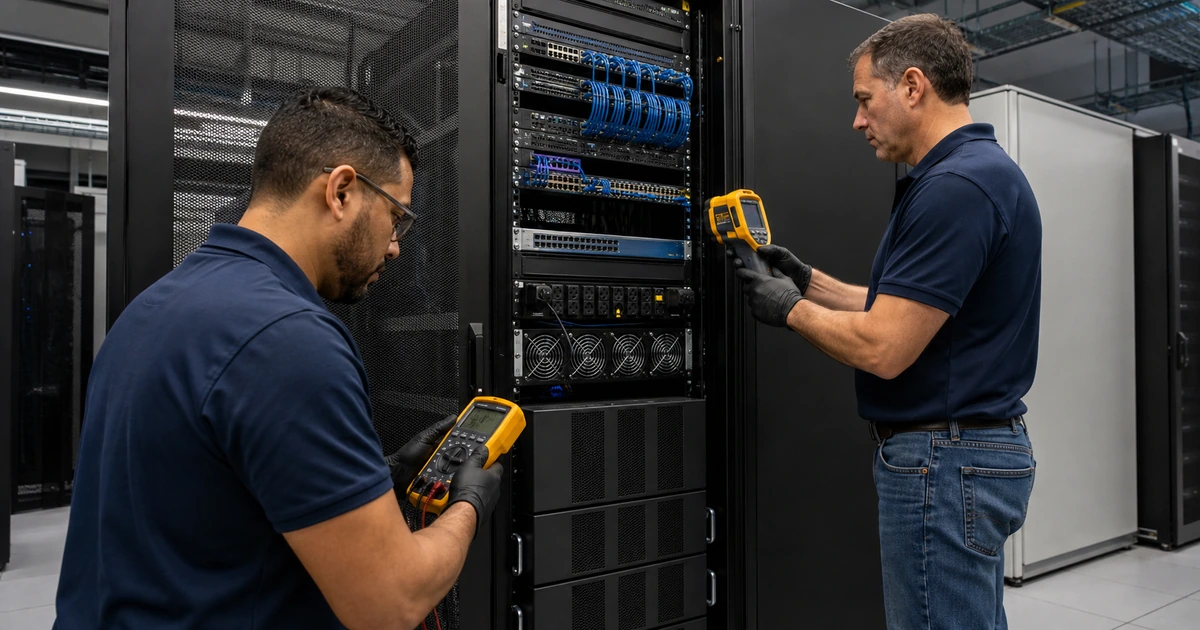
Review installer capability and quality controls. Ask who will supervise, terminate, splice, test, interpret failures, maintain firestopping, protect occupied areas, and update drawings. Require equipment calibration status and electronic certification results tied to final cable identifiers. A continuity tester or link light cannot replace standards-based certification when certification is part of the requirement. Permanent-link and channel tests answer different questions, so the proposal must name the required model and limit. Fiber acceptance may include polarity, length, loss, and inspection or reflectometry according to the specified design.
Compare schedule and risk, not only total price. Check lead times, mobilization, access windows, construction dependencies, inspection, lifts, coordination meetings, interim testing, change control, phased occupancy, temporary service, punch-list timing, and final cutover. Review unit pricing for added or deleted drops, difficult pathways, after-hours work, fiber splicing, rack changes, retesting, and waiting time. Confirm insurance, warranty response, ownership of test files, support after occupancy, and how hidden conditions will be documented before work continues.
- System materials: Compare exact cable, connectivity, cords, fiber, enclosures, racks, supports, labels, ratings, substitutions, and warranty.
- Workmanship plan: Review supervision, handling, bend control, termination, cleanliness, support, firestopping, protection, and quality checks.
- Test plan: Require correct adapters, limits, calibration, every-link results, failure diagnosis, repair, retest, and final electronic files.
- Schedule plan: Verify lead times, access, phases, dependencies, inspections, interim checks, punch list, cutover, and occupancy dates.
- Commercial terms: Compare exclusions, allowances, alternates, unit rates, change control, payment, warranty, support, and evidence ownership.
The strongest proposal explains how compatible materials, qualified workmanship, measured testing, documentation, and schedule control will produce the required service.
Tie payment and closeout to objective acceptance evidence
Inspect work during installation while pathways and cable handling remain visible. Confirm route, support, separation, bend radius, pull condition, penetrations, firestopping, room entry, rack placement, panel layout, service loops, fiber cleanliness, and identifiers before ceilings or walls conceal the work. Reconcile field changes with the cable schedule as they occur. A late visual inspection cannot recover evidence that should have been captured during construction.
Require a complete acceptance package before final approval. Review passing certification results under the final identifier, failed-link repairs and retests, fiber records, outlet and panel labels, patching, rack elevations, as-built floor plans, cable schedules, equipment and component records, warranties, photographs, deviations, and unresolved exceptions. Sample records against the physical installation. Confirm that the outlet, panel, test result, drawing, switch port, and endpoint use the same identifier. Test the actual network, PoE, phone, Wi-Fi, camera, or application workflow after active equipment is connected.
Close the project by assigning ongoing ownership. Record who controls spare ports, patching, moves and changes, new-cable standards, test records, warranty claims, room access, UPS maintenance, switch capacity, PoE budget, and documentation updates. Retain original result files rather than only a summary PDF. Train the local coordinator on identifiers and escalation. Hold final payment or retainage according to the contract until required evidence, punch-list corrections, and business acceptance are complete.
- Progress inspection: Check concealed pathways, supports, handling, penetrations, firestopping, rooms, racks, panels, fiber, and identifiers.
- Certification: Reconcile every required link with a passing result, correct limit, final identifier, repair history, and electronic record.
- As-built set: Collect floor plans, cable schedules, rack elevations, panel maps, fiber details, photos, deviations, and warranties.
- Service test: Verify switching, speed, PoE, Wi-Fi, phones, cameras, internet, applications, monitoring, and representative user tasks.
- Operational owner: Assign patching, moves, standards, rooms, records, warranty, capacity, support, and future-change responsibilities.
The cabling purchase is complete when the installed plant is measurable, traceable, documented, usable by the intended systems, and supportable after the construction team leaves.
Commercial cabling design, installation, and support from ALLMSP
ALLMSP can survey the property, develop the cable schedule, coordinate pathways, specify copper and fiber, install and terminate links, build racks, label and certify the system, configure active equipment, and deliver the closeout package with our in-house team.
Because we also support switching, Wi-Fi, VoIP, cameras, internet, endpoints, cybersecurity, and managed IT, the cabling scope can be tested against the business systems it must carry. That reduces gaps between the passive installation and the live network.
- Specify: Create drawings, schedules, pathways, performance criteria, active requirements, test limits, and acceptance terms.
- Install: Coordinate access, install copper and fiber, terminate, label, certify, patch, configure, and commission.
- Document: Deliver reconciled results, as-builts, inventories, warranties, exceptions, training, and ongoing support.
Commercial network cabling purchasing references
Use current standards, manufacturer instructions, project specifications, and local requirements to define measurable scope and acceptance before comparing bids.
- TIA-568 structured cabling standards family. Provides the commercial-building telecommunications cabling framework for channels, permanent links, components, and performance.
- TIA TR-42 cabling standards work. Covers premises cabling, pathways, spaces, administration, copper, fiber, bonding, grounding, and related infrastructure.
- Fluke Networks cabling certification overview. Explains certification and the distinction between different copper and fiber test purposes.
- Fluke Networks copper distance and testing guidance. Explains the common 90-meter permanent link and 100-meter channel model and the need for defined limits.
- Cisco Power over Ethernet operation. Describes powered-device detection, classification, allocation, total power budget, and switch behavior.
Network cabling buyer FAQs
Quotes may include different outlet counts, pathways, access assumptions, materials, racks, patching, testing, documentation, work hours, restoration, active equipment, warranties, and exclusions. Issue one written scope before comparing price.
Why do network cabling quotes vary so much?
Show each outlet identifier, location, cable count, endpoint, mounting, media, serving room, pathway, backbone, rack, panel, special condition, and future location that belongs in the scope.
What should be shown on a cabling floor plan?
Not automatically. Select copper, fiber, category, components, distance, environment, speed, PoE, pathway, support horizon, device requirement, and cost as one design. Document the reason for the selected system.
Is Cat 6A always the right choice?
The common four-connector standards-based channel model uses a 90-meter permanent link plus patching for a total of 100 meters. Longer paths need a supported engineered design and the correct test limit.
What is the standard distance for office Ethernet cabling?
Verification finds basic faults such as wiremap and length. Certification compares an installed link with a defined performance limit using appropriate adapters and produces traceable results. The purchase scope should name the required test.
What is the difference between verification and certification?
Should every installed cable receive a test result?
For a professionally specified structured cabling project, require a traceable result for every delivered link covered by the acceptance plan. Review failures, repairs, retests, identifiers, and final electronic files.
What should a Power over Ethernet scope include?
Include each device’s peak demand, port standard, total switch budget, power supplies, UPS, cable and connection requirements, environmental conditions, reserve, monitoring, and representative feature testing.
What closeout documents should the buyer receive?
Expect final floor plans, cable schedules, panel and port maps, rack elevations, certification files, fiber records, photos, warranties, materials, deviations, punch-list closure, and support ownership.
Can ALLMSP provide cabling and network configuration in house?
Yes. ALLMSP can survey, design, install, terminate, label, certify, document, patch, configure switching and PoE, prepare Wi-Fi and VoIP, complete cutover, and provide ongoing support with its in-house team.
Where does ALLMSP install commercial network cabling?
ALLMSP serves Lawrenceville, Suwanee, Gwinnett County, Metro Atlanta, and facilities throughout Georgia according to building access, schedule, pathway conditions, and project scope.