






























































































































































Lawcus access is layered. A user has an organization role, may be assigned to particular matters, can interact through internal or portal functions, and may connect email, calendar, document, accounting, or automation services. Looking only at the user’s title misses the permissions and record relationships that create actual exposure. A useful access review therefore answers both what the role permits and which matters, clients, documents, and integrations the person can use.
Lawcus documents four default roles: Admin, Member, Client, and Co-counsel. It also supports custom roles with feature permissions, and custom roles can be restricted by IP address. The default Admin and Member roles include core permissions that cannot all be unticked, so a firm should not force every employee into those defaults when a narrower custom role better matches the job. Permission design must be tested with a representative non-admin account rather than inferred from checkboxes.
This operating model connects role engineering, two-factor authentication, restricted matters, external access, onboarding, moves, and departures. It complements the vendor-focused material in the ALLMSP [Lawcus resource center](https://www.allmsp.com/category/software-support/software-support-lawcus/), the industry context in [Law Firm IT Services](https://www.allmsp.com/category/law-firm-it-services/), and the broader safeguards in [Cybersecurity](https://www.allmsp.com/category/cybersecurity/).
ALLMSP coordinates Lawcus access, ownership, and security review from Lawrenceville for clients in Suwanee, across Gwinnett County and Metro Atlanta, and throughout Georgia, through one accountable in-house workflow from discovery and correction through testing, training, and ongoing support.
Key decisions at a glance
- Design custom Lawcus roles around job duties and segregate user management, accounting, reporting, intake, workflow, and matter permissions where the firm can do so.
- Require and verify two-factor authentication through an owned enrollment and recovery process, do not assume that publishing a policy means every user completed setup.
- Review restricted matters, matter membership, client and co-counsel access, messages, and shared folders together because a role alone does not describe every record a person can reach.
- Use deactivation when attribution and reversible suspension matter, and understand that deletion replaces the removed user’s name with N/A on retained contributions.
- Complete role changes and departures through a checklist that transfers matters, tasks, calendar commitments, integrations, and client responsibilities before access ends.
Build Lawcus Roles From Duties and Separation Requirements

Create a role matrix before inviting users. Across the top, list recurring functions such as intake, contacts, matters, tasks, interactions, workflows, intake forms, document and eSign templates, invoicing, accounting, reports, CRM reports, team activities, and user management. Down the side, list real job patterns: managing partner, practicing attorney, paralegal, intake specialist, billing staff, operations administrator, temporary worker, client, and co-counsel. Mark required access, prohibited access, approval authority, and the person who owns each role definition.
Reserve Admin for people who genuinely need broad organizational control. Lawcus describes Admin as the highest-access role and notes that custom roles can combine selected feature permissions, while some core permissions in default Admin and Member roles are not adjustable. Use custom roles for focused work where possible, especially when a person should not manage users, change workflows, design intake forms, view firm-wide reports, or operate accounting functions. An internal job title is not a permission boundary, the configured role is.
Test roles with realistic tasks and records. A test script should cover navigation, search, contact visibility, lead handling, matter creation, task assignment, reporting, templates, financial functions, and settings changes. Record both expected access and expected denial. If the firm uses IP restriction on a custom role, validate approved and unapproved network paths and plan for remote-work exceptions instead of treating the address list as a substitute for identity security.
- Assign a business owner, technical maintainer, purpose, included duties, prohibited duties, and review date to every Lawcus role.
- Keep user-management, accounting, workflow design, intake-form design, and firm-wide reporting permissions narrower than ordinary case work.
- Use named accounts, do not share a user identity among attorneys, assistants, contractors, or administrative shifts.
- Retest role behavior after Lawcus feature changes, custom-role edits, practice expansion, or a finding from an access review.
Protect Sign-In and Control Authentication Recovery
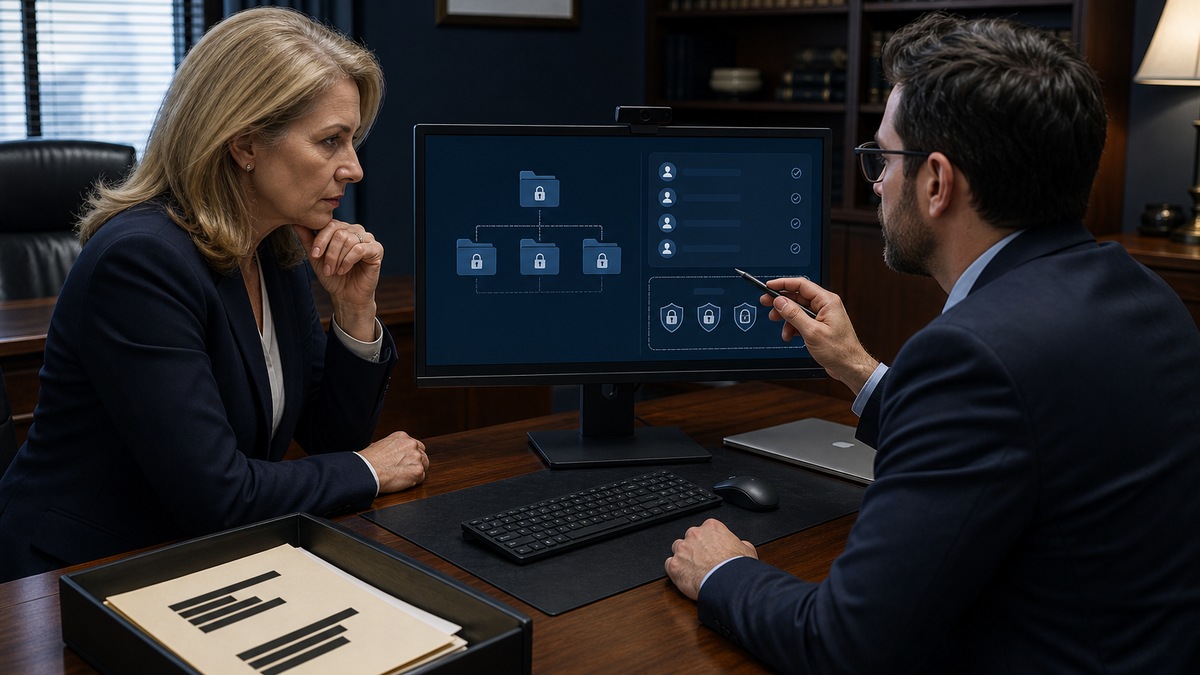
Lawcus supports two-factor authentication with a time-based code from an authenticator application. Make enrollment a verified onboarding step for every applicable internal user, not an optional instruction buried in a welcome email. The user should sign in, enable two-factor authentication, complete a fresh login, and confirm the result with the onboarding owner. Record completion without collecting the user’s seed, QR code, password, or live token.
Recovery needs equal attention. Lawcus’s current help article says a firm administrator may contact Lawcus support to disable two-factor authentication for a user. Define who may request that change, how the requester and affected user will be verified, who approves the exception, and how quickly two-factor authentication must be restored. A support-mediated bypass without a firm-side verification log can become an undocumented path around the control.
Do not claim controls the tenant has not configured or the vendor documentation does not establish. Password manager use, workstation security, email-account protection, device encryption, patching, and safe browser sessions remain part of the surrounding control environment even though they are not Lawcus role settings. Review connected email, calendar, storage, accounting, and automation accounts because access through an integration can persist as a separate dependency during an incident or departure.
- Require a successful post-enrollment login and retain only the completion record, date, and verifier.
- Create a two-factor recovery runbook with identity checks, authorized requesters, approval, vendor contact path, and re-enrollment deadline.
- Protect the user’s primary email and authenticator device because both influence invitation and recovery risk.
- Include connected applications and API tokens in access reviews, incident containment, and departures.
Test Matter, Client, Co-Counsel, and File Exposure

Role permissions are not the whole access story. Lawcus allows a matter to be restricted, and matter membership determines who participates in the record. Build a sensitive-matter procedure that identifies who can request restriction, who approves membership, how new members are added, and when access is reviewed. Test search, list, dashboard, task, calendar, report, interaction, and file behavior with an account that should not see the matter, absence from one screen is not sufficient evidence.
External participation requires its own checklist. Lawcus describes Client users as limited to tasks, documents, and messages related to assigned matters, while Co-counsel users receive limited matter access for shared work. The vendor also notes that documents uploaded or messages sent by client users through the Client Portal are visible to everyone added to the respective matter. Before inviting anyone, verify the correct contact, matter, role, internal sponsor, permitted folders, expected end date, and communication expectations.
File sharing must be tested at the content level. Lawcus documents that a matter must first be shared with a client user before a folder can be shared, and the folder-sharing action can target selected client users or all users. Use a harmless sample file to confirm what each external account can open, upload, download, or discuss. Remove test content, record the result, and never assume that a restricted matter automatically corrects an overly broad folder selection or recipient list.
- Maintain a sensitive-matter roster with sponsor, members, role, reason, approval, start date, and review or end date.
- Test restricted-matter visibility through search, lists, dashboards, tasks, calendars, reports, interactions, and files.
- Review client and co-counsel access after milestones, team changes, representation changes, and closure.
- Use non-sensitive test files and accounts to validate folder sharing before placing confidential material in a portal workflow.
Run Joiners, Movers, Leavers, and Reviews as One Lifecycle
For a new user, verify the email address, assign the approved role, send the Lawcus invitation, complete two-factor enrollment, and test required access. Grant matter membership only from an authorized list, then connect integrations according to job need. Capture the sponsor, role, matters, external relationships, equipment, and training completion in one onboarding record so future reviewers can explain the starting state.
A mover may be riskier than a new hire because old access can remain while new privileges are added. When a person changes team or responsibility, compare the prior and future role matrices, remove obsolete matter membership, transfer workflow or report ownership, and retest access. For a departure, inventory open matters, leads, tasks, calendar events, documents, client communications, financial responsibilities, connected applications, API keys, and recovery dependencies before choosing the account action.
Lawcus distinguishes deactivation from deletion. Deactivation removes system access while retaining the user’s name on contributions and can be reversed, deletion removes the account and replaces the user’s name with N/A on retained contributions. Choose deliberately according to the firm’s records and operational requirements, and complete work transfer first. Review active users, roles, restricted matters, client and co-counsel participants, integrations, and two-factor completion at least quarterly and after significant personnel or incident events. For implementation help, consult ALLMSP’s [Software Support](https://www.allmsp.com/category/software-support/) guidance or [contact ALLMSP](https://www.allmsp.com/contact-us/).
- Use an approved invitation record with identity, sponsor, role, required matters, integration needs, start date, and verifier.
- Treat job changes as remove-and-add events, then validate that obsolete access disappeared before closing the ticket.
- Transfer open work and integration ownership before deactivation or deletion, and verify the former user can no longer sign in.
- Conduct quarterly access reviews with explicit keep, change, deactivate, delete, or investigate decisions and preserved evidence.
Official product documentation and ALLMSP resources
- Lawcus: Understanding User Roles and Permissions
- Lawcus: Understanding User Account Management
- Lawcus: Set Up Two-Factor Authentication
- Lawcus: Add, Close, Reopen, and Restrict a Matter
- Lawcus: Manage Files and Folders in a Matter
- ALLMSP Lawcus
- ALLMSP Law Firm IT Services
- ALLMSP Cybersecurity
- ALLMSP Software Support
- Contact ALLMSP
Frequently Asked Questions
What default user roles does Lawcus provide?
Lawcus documents Admin, Member, Client, and Co-counsel roles. Admin has the broadest organizational authority, Member supports internal legal work, Client and Co-counsel provide limited participation associated with assigned matters. Validate the actual configured behavior before relying on a role name.
Can a firm create custom roles in Lawcus?
Yes. Administrators can create custom roles and select feature permissions such as accounting, reports, contacts, leads, matters, workflows, intake forms, templates, tasks, interactions, and user management. Custom roles can also include IP restriction, which should be tested against the firm’s real work locations.
Can every permission be removed from the Lawcus Admin and Member roles?
No. Lawcus says certain core permissions on the default Admin and Member roles cannot be unticked. Use a custom role when a person needs a narrower duty set than those defaults allow.
Does Lawcus support two-factor authentication?
Yes. A user can enable two-factor authentication with a supported authenticator application and then supply a time-sensitive code at login. Firms should verify enrollment and maintain a controlled recovery procedure rather than merely asking users to turn it on.
How is Lawcus two-factor authentication recovered if a user loses the authenticator?
The Lawcus help center says a firm administrator can contact Lawcus support to disable two-factor authentication for a user. The firm should define authorized requesters, identity verification, approval evidence, and a prompt re-enrollment deadline for that recovery path.
What is a restricted matter in Lawcus?
It is a matter whose access is limited to the appropriate users. A firm should define who authorizes restriction and membership, then test visibility through search, lists, tasks, calendar, reports, interactions, and files with accounts that should and should not have access.
Who can see client-portal messages and uploads in Lawcus?
Lawcus states that documents uploaded or messages sent by client users through the Client Portal are visible to everyone added to the respective matter. Review matter membership and recipient expectations before using the portal for sensitive communications.
What is the difference between deactivating and deleting a Lawcus user?
Deactivation removes access but keeps the user’s name on contributions and can be reversed. Deletion removes the account, and Lawcus says the user’s name is replaced with N/A on retained contributions. Transfer work and consider attribution requirements before choosing.
What should a Lawcus offboarding checklist include?
Include open matters and leads, task and calendar ownership, documents, client communications, billing responsibilities, restricted-matter membership, external users sponsored by the employee, connected applications, API keys, two-factor recovery dependencies, account action, and a failed-login verification.
How often should Lawcus access be reviewed?
Perform a structured review at least quarterly and after departures, role changes, sensitive-matter events, or incidents. Require a documented keep, change, deactivate, delete, or investigate decision for users, roles, matter memberships, external access, integrations, and authentication status.


