






























































































































































Stripe access is not limited to people who can open the Dashboard. A payment integration can also be reached through secret API keys, restricted keys, webhook signing secrets, installed applications, deployment systems, third-party connectors, support procedures, and recovery channels. Removing an employee from the Team page closes one path, but it does not prove that a credential they handled has been rotated or that a vendor integration has lost access.
Retail and restaurant businesses often have overlapping finance, operations, ecommerce, marketing, support, and developer duties. Giving every participant an Administrator or Developer role makes routine work easy at the cost of weak accountability and a large blast radius. The stronger model assigns individual identities, maps tasks to Stripe’s current role capabilities, separates human access from machine credentials, and records a responsible owner for every privileged path.
Use this guide with ALLMSP’s [Stripe software support library](https://www.allmsp.com/category/software-support/software-support-stripe/), [Cybersecurity resources](https://www.allmsp.com/category/cybersecurity/), and [Software Support guidance](https://www.allmsp.com/category/software-support/). Stripe changes role capabilities and product surfaces over time, so review the current official role table and test the selected role in a non-live environment before approving access.
Our in-house team delivers Stripe access, ownership, and security review for businesses around Lawrenceville, Suwanee, Gwinnett County, Metro Atlanta, and the rest of Georgia, while coordinating the applications, identities, devices, data, security controls, and employees affected by the work.
Key decisions at a glance
- Give each Stripe user an individual identity and the narrowest current role that supports documented duties, never operate through a shared owner login.
- Require two-step authentication for the team and favor passkeys or security keys where supported, with controlled recovery and verified backup methods.
- Issue separate restricted API keys for separate workloads, constrain permissions and source IPs where practical, and keep secret values in managed storage.
- Verify every Stripe webhook from the raw request body with the endpoint-specific signing secret, and rotate secrets without disabling verification.
- Offboarding is complete only when human access, sessions, recovery factors, vendor relationships, keys, webhooks, applications, and evidence have all been reviewed.
Build a Human Access Model From Duties, Not Titles

List the Stripe actions required by each business process: viewing payments, issuing refunds, changing bank details, downloading reports, responding to disputes, editing products or prices, managing API keys, changing event destinations, inviting users, reviewing security history, or administering connected accounts. Assign a business owner and backup for each action, then map the duties to Stripe’s current account or organization roles. A job title such as manager is not a permission specification, and a role that is appropriate for one account might be excessive across an organization.
Use individual invitations tied to company-controlled identities. Do not share the account owner’s credentials, generic finance mailbox, authenticator device, or recovery codes. Separate day-to-day payment operations from account ownership and security administration. High-impact changes,bank account edits, key creation, team administration, and broad export access,should require a documented request and independent review even when Stripe technically allows one user to complete the action.
Maintain an access register with the person, company identity, Stripe account or organization, assigned role, business justification, approver, invitation and acceptance dates, authentication status, review date, and planned expiry for temporary access. Include agencies, developers, accountants, franchise partners, and emergency administrators. Compare the register with Stripe’s Team view and identity provider at least quarterly and more often for seasonal or high-turnover workforces. Resolve dormant, pending, duplicated, and unexpectedly broad access rather than carrying it forward.
- Map concrete Stripe actions to current role capabilities and preserve the approved task-to-role decision with the access record.
- Keep account ownership, security administration, development, support, finance, and routine refund duties distinct where staffing permits.
- Invite named company identities, prohibit shared passwords, shared second factors, and unowned generic accounts.
- Time-limit vendor and project access, name an internal sponsor, and review it again when the engagement or scope changes.
Require Strong Authentication and Controlled Recovery
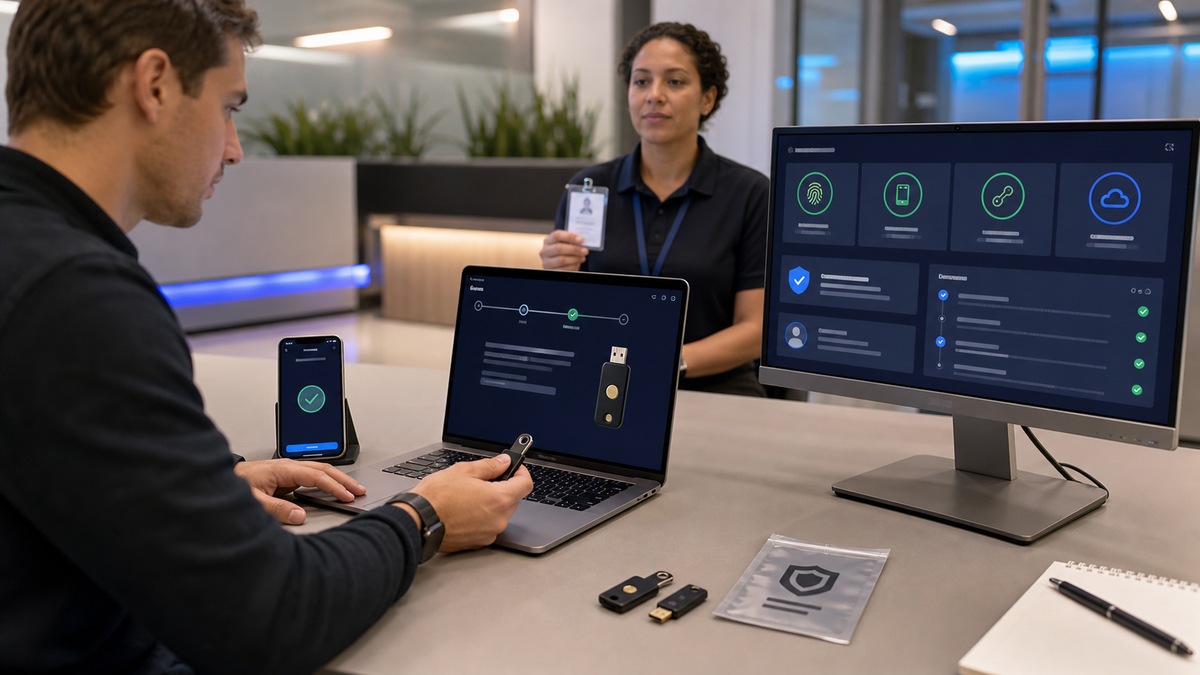
Require two-step authentication across the Stripe team rather than leaving enrollment to individual preference. Stripe supports passkeys, security keys, authenticator applications, and SMS, and its organization guidance recommends phishing-resistant passkeys or security keys over SMS when possible. Define the accepted factors for privileged roles, issue at least one managed backup method, and record completion without collecting the user’s private authenticator seed or recovery material in an ordinary ticket.
Treat recovery as a privileged access workflow. Before an administrator resets a user’s authentication, verify identity through a separate trusted channel, confirm the request with the user’s manager or system owner, record the administrator and timestamp, and review recent security history for unusual actions. The user should enroll a new factor promptly and invalidate a lost factor. A rushed reset based only on an email from the affected mailbox can turn a stolen password into an account takeover.
If the business uses an identity provider and Stripe configuration supports centralized authentication for the account structure, align joiner, mover, and leaver events with that source. Still keep Stripe-native recovery, owner access, and exceptional accounts in the register. Test emergency access at scheduled intervals: confirm that designated administrators can authenticate with independent factors, that recovery contacts are current, and that the exercise produces an auditable trail without exposing live credentials.
- Require Stripe two-step authentication and prefer managed passkeys or security keys for administrators and other high-impact users.
- Give privileged users a controlled backup factor so one lost device does not force an improvised recovery exception.
- Verify identity out of band before a reset, record the approval, and inspect security history around the event.
- Exercise emergency access and recovery regularly, then close any temporary privilege granted during the test.
Separate, Restrict, Verify, and Rotate Machine Credentials

Create a credential inventory for every Stripe-connected workload. Record a non-secret key name or fingerprint, account and mode, key type, permitted resources, IP restriction when used, secret-store location, consuming service, deployment path, technical and business owners, creation date, last-use evidence, last rotation, and emergency revocation procedure. Separate checkout, order synchronization, reporting, dispute monitoring, and third-party connectors. One unrestricted secret shared across them prevents selective revocation and hides which system made a request.
Use restricted keys when the workload does not require the broad authority of a secret key, and grant only the read or write capabilities it needs. Where the service has stable egress addresses, evaluate Stripe’s IP restrictions as an additional control. Never place secret or restricted keys in a mobile application, browser bundle, source repository, container image, exported log, or vendor support message. Monitor Workbench request logs for unexpected endpoints, IP addresses, errors, API versions, and account context associated with each workload.
Webhook signing secrets are a separate credential class. Verify Stripe-Signature against the exact raw request body and the secret for that specific endpoint and environment. Plan rotation so deployments can accept the active and retiring secrets only for the intended overlap, then remove the old value and prove that invalid signatures fail. Rotating an API key does not rotate a webhook secret, and changing a team member’s role does not revoke a key copied into an external system, each path needs its own action and test.
- Give each service its own Stripe credential and scope so use, rotation, and revocation remain attributable and independent.
- Use restricted keys and supported IP limits where they fit the workload, then test both allowed and denied operations.
- Search repositories, build output, configuration, and logs for live secret patterns without printing any discovered value.
- Rotate API keys and webhook secrets through separate runbooks with overlap, verification, expiry, and rollback evidence.
Close Every Path During Review, Offboarding, and Incidents
Start offboarding from the access register, not from memory. Remove the user from the relevant Stripe accounts and organization, terminate or reassign owned sessions and recovery methods, review pending invitations, transfer operational ownership, and preserve required audit evidence. Then trace the systems they administered: API keys, secret stores, webhook destinations, deployment platforms, installed Stripe Apps, ecommerce plugins, automation tools, accounting connectors, shared runbooks, vendor portals, and break-glass materials. Rotate credentials when the departing person could retrieve or export them, even if no misuse is suspected.
Run the same review when a person changes duties or a vendor’s scope shrinks. Compare the current Stripe Team table, organization access, two-step status, security history, API keys, event destinations, installed applications, and request logs with approved records. Investigate keys without an owner, users without a current business sponsor, integrations that call resources outside their declared purpose, and dormant webhook endpoints. Removal is safer after dependencies are identified, an unexplained key should be quarantined and monitored before abrupt expiry if disabling it could interrupt live payments.
For a suspected compromise, preserve timestamps, user and key identifiers, source IPs, request IDs, affected Stripe objects, event deliveries, deployment history, and business records without copying customer payment data unnecessarily. Contain the specific path, rotate or expire exposed credentials, verify webhook integrity, compare financial actions with authorized operations, and contact Stripe support when unrecognized activity appears. Coordinate wider response through ALLMSP’s [Retail and Restaurants resources](https://www.allmsp.com/category/retail-and-restaurants/) or [contact team](https://www.allmsp.com/contact-us/) when customer, operational, or financial systems may also be affected.
- Use one offboarding checklist for human identities, factors, sessions, applications, vendor access, credentials, endpoints, and ownership records.
- Rotate any secret the departing party could retrieve, do not assume removing Dashboard access invalidates exported credentials.
- Reconcile security history and API request logs with approved changes before declaring an access review or incident closed.
- Retain enough non-secret evidence to reconstruct who acted, through which access path, on which Stripe object, and with what outcome.
Official product documentation and ALLMSP resources
- Stripe: User Roles
- Stripe: Manage Organization Access
- Stripe: Account Checklist
- Stripe: API Keys
- Stripe: Secret API Key Best Practices
- Stripe: Receive Events in a Webhook Endpoint
- Stripe: Resolve Webhook Signature Errors
- Stripe: Workbench Overview
- ALLMSP Stripe Software Support
- ALLMSP Retail and Restaurants
- ALLMSP Software Support
- ALLMSP Cybersecurity
- Contact ALLMSP
Frequently Asked Questions
Should Stripe team members share one administrator login?
No. Invite each person with a company-controlled identity and assign the narrowest role that supports approved duties. Individual accounts preserve attribution, allow independent two-step authentication, and can be removed without disrupting others. Keep the account owner and emergency administrators separate from routine finance, refund, support, or development access whenever the team structure permits.
How do we choose the right Stripe role for a user?
List the exact actions the person must perform, compare them with Stripe’s current role table, and test the proposed role in a non-live environment. Record the justification and approver. Avoid selecting a role solely from a job title, because Stripe product capabilities and organization-level reach can make two similarly named business roles materially different.
Which two-step authentication method is best for Stripe?
Stripe’s organization guidance recommends phishing-resistant passkeys or security keys when possible and describes SMS as a last resort. Choose methods compatible with your managed devices and recovery process, require enrollment for the team, and provide a controlled backup factor for privileged users. Never copy authenticator seeds or recovery codes into ordinary tickets or shared documents.
Who should be allowed to reset Stripe two-step authentication?
Limit resets to designated administrators following a documented verification process. Confirm the request through a separate trusted channel, obtain the appropriate approval, inspect recent security history, record the action, and require prompt enrollment of a replacement factor. A reset request originating only from the inaccessible or possibly compromised mailbox is not sufficient identity proof.
When should we use a Stripe restricted API key?
Use a restricted key when a service or third party needs only a defined subset of Stripe API resources. Grant the minimum read or write permissions, apply supported IP restrictions where practical, and give each workload a separate key. Test that required calls succeed and out-of-scope calls fail before replacing an existing production credential.
Are Stripe webhook signing secrets the same as API keys?
No. A webhook endpoint has its own signing secret used to verify that a delivered payload came from Stripe. The secret is specific to an endpoint and environment. It does not authenticate general API requests, and rotating an API key does not rotate it. Inventory, store, deploy, rotate, and test webhook secrets as a separate credential class.
Why must Stripe webhook verification use the raw request body?
Stripe computes the signature over the exact payload bytes it sends. A framework that parses, reformats, or re-encodes the body before verification can cause a valid delivery to fail. Capture the raw body, Stripe-Signature header, and correct endpoint secret, use Stripe’s official library where available, and reject deliveries that do not verify.
How often should Stripe access be reviewed?
Perform a documented review at least quarterly and after role changes, vendor changes, security incidents, or major reorganizations, high-turnover or high-risk environments may need it more often. Compare the approved register with Stripe Team and organization access, authentication status, API keys, event destinations, applications, security history, and request logs. Resolve every unowned or excessive path.
Does removing a Stripe user revoke API keys they handled?
Not necessarily. User access and machine credentials are separate paths. If the person could reveal, export, deploy, or administer a secret or restricted key, assess and rotate that credential through its workload runbook. Also review webhook secrets, CI/CD variables, ecommerce plugins, accounting connectors, installed applications, and emergency materials rather than stopping at Team removal.
What should we preserve during a suspected Stripe credential incident?
Preserve the user or non-secret key identifier, request IDs, timestamps, source IP evidence, Stripe object and event IDs, security history, deployment changes, and corresponding business records. Do not paste full secrets or unnecessary customer data into the incident record. Contain and rotate the affected path, reconcile financial actions, and use ALLMSP’s [Cybersecurity resources](https://www.allmsp.com/category/cybersecurity/) for broader response planning.


