





























































































































































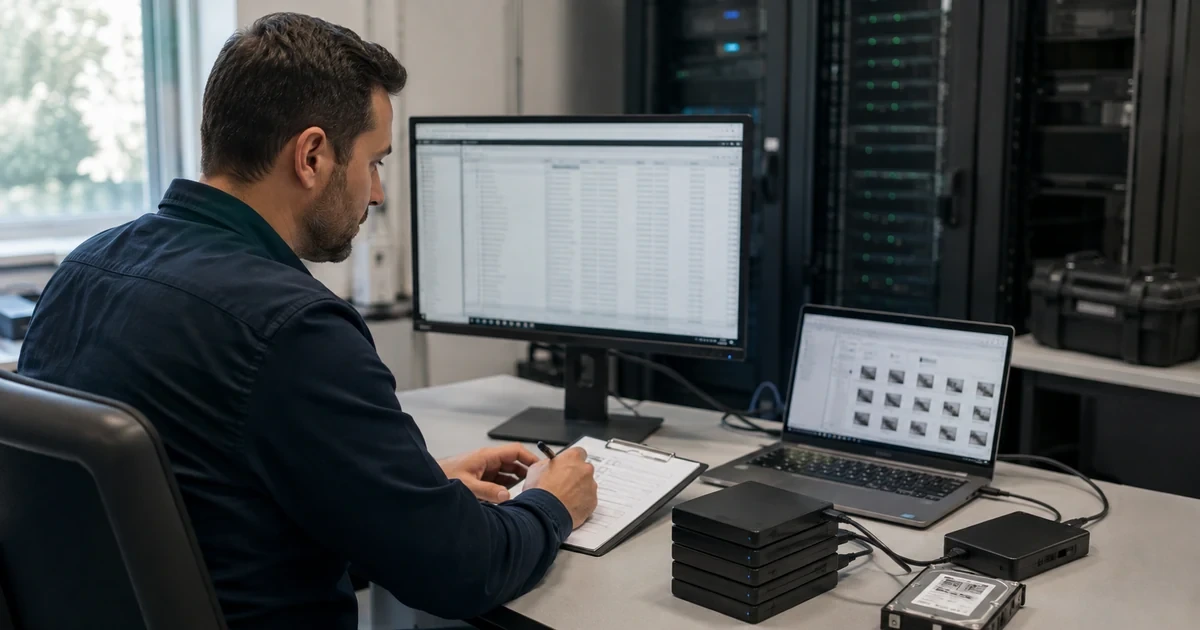
Backblaze Computer Backup can report a healthy endpoint while a business-critical recovery gap remains. A file may live on an excluded network share, be locked by an application, reside in an excluded path, disappear beyond the selected Version History, or belong to an external drive that has not been attached recently. Recovery assurance begins by mapping the business records people expect to recover to the exact local drive, path, file state, retention setting, and backup evidence that protects them.
Retention needs the same precision. Computer Backup keeps earlier or deleted file versions for thirty days by default, with one-year and forever choices available on supported clients. Increasing retention applies going forward and does not bring back versions that were already removed. Decreasing it can immediately prevent recovery outside the shorter window. Computer Backup remains a live mirror of supported source data rather than an archival repository, so source deletion is not a migration strategy.
A monthly restore sample turns those settings into evidence. The test should cover a recent local file, a prior version, a deleted file within the available window, an external-drive file, a large file, and one expected exclusion. A separate annual or semiannual exercise should rehearse a larger recovery using the chosen application, web ZIP, Save Files to B2, or shipped USB path, with enough destination and temporary space and with any required private encryption passphrase available under controlled custody.
Businesses can use ALLMSP for Backblaze Business Backup backup and recovery validation for organizations in Lawrenceville and Suwanee, throughout Gwinnett County and Metro Atlanta, and across Georgia, with local assistance available when device, network, office, or employee work needs an on-site component.
Key decisions at a glance
- Validate what Computer Backup can actually protect because operating-system files, applications, network shares, NAS devices, Time Machine data, and other exclusions can create silent recovery gaps.
- Choose thirty-day, one-year, or forever Version History against business recovery requirements and understand that an increase cannot resurrect versions already removed.
- Track external-drive attachment and backup state independently, and never delete the source merely because files appear in the Backblaze web console.
- Restore representative local and external-drive files every month, verify contents and metadata, and preserve evidence that names the source, restore point, method, result, and reviewer.
- Select web ZIP, Save Files to B2, Restore App, or USB drive paths by size, time, network, temporary space, security, and operational constraints before a major incident.
Prove that required files are eligible and present in the backup

Create a recovery coverage matrix from business process to endpoint path. Backblaze automatically selects supported local data across user profiles and can back up internal drives and selected connected USB or FireWire drives. It does not simply capture an image of the whole computer. Operating-system and application files, temporary data, empty folders, caches, several virtual-drive formats, network shares, NAS devices, remotely mounted volumes, Time Machine data, aliases, shortcuts, symlinks, and other documented exclusions need separate handling.
Test files that are easy to miss. Backblaze cannot back up a file while another program has it locked, so validate locally stored email databases, accounting files, creative project packages, and other long-running application data after an appropriate close or supported quiescing procedure. On Mac, FileVault-protected files can be backed up while the computer is unlocked. Record the source application, path, expected close behavior, last changed time, Backblaze evidence, and alternate method for any file that cannot be made eligible.
Keep network and server recovery evidence separate. A NAS share can be protected through a Backblaze B2 integration, but that bucket and integration do not appear as an ordinary Computer Backup endpoint. Its application key, job schedule, retention, alerts, immutability, and restore test belong to the B2 control set. In the Computer Backup report, identify the NAS or server as an excluded workload with a linked alternate-control owner rather than counting it as green because a nearby workstation is backed up.
- Map each required record to its computer, user profile, drive, path, application state, retention need, and recovery owner.
- Sample exclusions and locked-file behavior so the coverage review verifies absence as deliberately as presence.
- Confirm direct-attached drive selection and distinguish it from network, NAS, server, Time Machine, and removable-media limits.
- Link every excluded workload to independently tested B2 integration or alternate backup evidence without merging the status reports.
Align Version History and external-drive behavior with recovery objectives
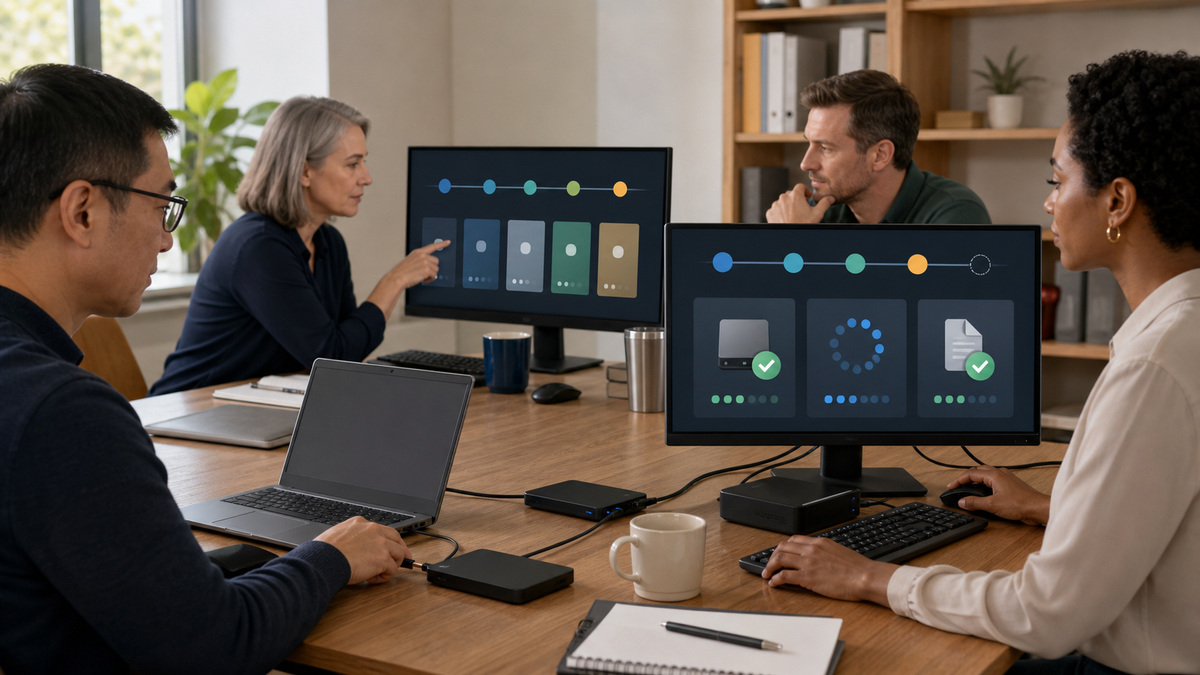
Choose Version History from a written recovery requirement. The default thirty-day setting retains modified or deleted versions for thirty days. One-year history extends that period to 365 days, and forever history retains versions indefinitely while the option and account remain in good standing, with applicable storage charges for older modified or deleted data. Record the approved setting per population, effective date, cost owner, required legal holds, and earliest recovery date that the chosen configuration can satisfy.
Understand prospective changes. Increasing from thirty days to one year or forever protects versions from the time the setting is enabled, it cannot restore file versions that were already cleared. Decreasing retention immediately limits recoverable history to the new shorter period. Require change approval, show the data-loss consequence, export evidence of the prior setting, and complete any urgent restore before reduction. A dashboard setting is a policy decision because it changes which historical states exist during a future incident.
Track external drives with their own calendar and evidence. Backblaze recommends keeping them attached when possible and reconnecting them at least once within thirty days, alert emails can occur after fourteen, twenty-one, and twenty-eight days. Extended Version History can preserve older drive content for the selected period, but a long-disconnected drive may need a new upload and requires rolling the restore view back to when it was connected. Record serial or asset identity without exposing sensitive filenames, attachment date, scan completion, last backup, and next due date.
- Approve Version History against the longest required recovery interval, cost, legal, privacy, and operational obligations.
- Treat retention increases as prospective and complete necessary restores before any decrease shortens available history.
- Maintain an external-drive register with owner, endpoint, selected state, last attachment, scan result, backup result, and due date.
- Never use Computer Backup as an archive by deleting source data after upload, regardless of the visible online listing.
Run monthly sample restores and preserve useful evidence

Build a rotating sample that represents the business instead of repeatedly restoring one tiny document. Include a current local file, an earlier version, a deleted item that should still be in history, a selected external-drive file, a large item, a path with meaningful permissions or metadata, and one excluded record expected to be absent. Use synthetic or low-sensitivity samples where possible, but keep file types, sizes, applications, and drive relationships realistic enough to expose operational failures.
Start the test from the same authority and device path expected during an incident. A managed administrator may restore for a member only when group and Enterprise Control settings permit it, a decentralized user may use their own account, a centralized population may depend on IT. If a private encryption passphrase is enabled, retrieve it under the approved custody process. Select the correct computer and restore point, deliver the result to an isolated destination, scan it, and compare hash, size, content, timestamps, and application readability with the expected sample.
Retain evidence without copying sensitive content into the ticket. Record test date, requester, approver, source endpoint, drive class, selected restore point, version-history setting, method, file types and sizes, start and finish time, destination, passphrase-custody participants, integrity result, metadata result, application-open result, exceptions, remediation owner, and independent reviewer. Delete test copies according to policy. Trend failures by cause so recurring locked files, disconnected drives, stale clients, or insufficient space become managed problems.
- Rotate samples across local, historical, deleted, external-drive, large-file, metadata-sensitive, and deliberately excluded cases.
- Use the real member or administrator authority path and exercise private-passphrase custody when the backup requires it.
- Verify file integrity, size, metadata, permissions, malware-scan result, and application readability at a controlled destination.
- Keep secret values and recovered sensitive contents out of evidence while preserving enough metadata to reproduce the test.
Choose and rehearse the large-restore path before the recovery clock starts
Match the restore method to volume and deadline. Backblaze’s web-console guidance allows free ZIP downloads up to 500 GB and no more than twenty active ZIP downloads. Saving restored files to Backblaze B2 supports a maximum restore size of 10 TB and can add B2 storage or transfer costs. A mailed USB hard drive supports up to 8 TB. The current standalone Restore App can be more suitable for large online restores, but it still needs authentication, destination capacity, network time, and operational monitoring.
Calculate usable destination and temporary space instead of comparing only source size. The Restore App downloads parts into a temporary location and assembles them at the destination. Current versions generally manage temporary data automatically, but a space error may require a different temporary drive. Test the target file system, free space, permissions, antivirus interaction, sleep behavior, bandwidth, and application dependencies. For a shipped drive, define recipient verification, delivery location, custody, encryption handling, return deadline, and secure erasure after use.
Run a timed large-restore exercise with a representative data set and a written decision tree. Measure request approval, restore preparation, download or shipment, passphrase retrieval, transfer, integrity check, malware scan, permissions, application validation, and user handoff. Compare the result with the recovery-time objective and identify which steps dominate. Keep a documented alternate path in case internet capacity, temporary space, B2 limits, shipment timing, or authentication fails during the real event.
- Select web ZIP, Restore App, Save Files to B2, or USB drive by tested size, time, cost, security, and destination constraints.
- Verify destination and temporary capacity, file-system compatibility, endpoint sleep, network bandwidth, and application dependencies.
- Define physical custody, delivery verification, return timing, and secure disposal for shipped USB restore media.
- Time every recovery phase, compare it with the objective, document bottlenecks, and retain a tested alternate restore path.
Official product documentation and ALLMSP resources
- Backblaze supported backup data
- Backblaze Computer Backup best practices
- Backblaze Version History
- Backblaze external hard drives
- Backblaze create a restore in the web UI
- Backblaze Restore App temporary data drive
- Backblaze Computer Backup encryption
- Backblaze B2 integration guides
- ALLMSP data backup and recovery
- ALLMSP managed IT services
- ALLMSP cybersecurity services
- ALLMSP IT consulting
- ALLMSP software support
Frequently Asked Questions
Does Backblaze Computer Backup create a complete system image?
No. Computer Backup automatically selects supported local data, but it excludes operating-system files, applications, caches, temporary data, network shares, NAS devices, Time Machine data, and other documented items. Build a coverage matrix and use separate methods for workloads that require system, application-consistent, server, or NAS recovery.
Can Backblaze back up a file while an application has it locked?
No. Backblaze says files in use by another program cannot be backed up at that moment. Test locally stored email, accounting databases, creative projects, and similar data with the application safely closed or quiesced, then verify the file’s backup and restore result rather than assuming later capture.
What Version History does Backblaze Computer Backup use by default?
The default is thirty days for modified or deleted file versions. Supported clients can use one-year or forever history. Select the setting from written recovery requirements, record its effective date and cost owner, and verify older and deleted samples within the actual configured window.
Does increasing Backblaze Version History restore versions already deleted from the service?
No. An increase applies from the time it is enabled and cannot resurrect versions that were previously cleared. Complete urgent restores before a retention change, preserve configuration evidence, and never represent a newly enabled one-year or forever setting as historical protection that existed earlier.
What happens if an external drive stays disconnected from Backblaze?
Backblaze recommends reconnecting selected external drives within thirty days and sends warnings at documented intervals. Extended Version History can retain older content for its selected period, but the drive may need re-uploading and older files may require rolling the restore view back to a connected date.
Can a business delete source files after Backblaze uploads them?
No. Backblaze describes Computer Backup as a live mirror rather than archival storage. When source data is deleted or a drive disappears, retention follows the configured Version History and device behavior. Preserve the source and maintain a separate local backup instead of treating the online copy as a storage migration.
How often should a business test Backblaze restores?
Backblaze recommends signing in monthly and restoring a few files from local and external drives. Use a rotating sample of current, prior-version, deleted, external, large, metadata-sensitive, and expected-exclusion cases, then verify integrity and application readability while recording scope, timing, authority, result, and remediation.
How large can a free Backblaze web ZIP restore be?
Current Backblaze web-console guidance limits a free ZIP restore to 500 GB and allows no more than twenty active ZIP downloads. Test the Backblaze Downloader, destination capacity, bandwidth, security controls, and elapsed time before depending on that path for a business recovery deadline.
What options does Backblaze offer for a larger restore?
Depending on size and constraints, use the standalone Restore App, save restored files to Backblaze B2 up to the documented 10 TB limit, or request a USB hard drive up to the documented 8 TB limit. Evaluate cost, authentication, passphrase custody, temporary space, delivery, and recovery time.
What evidence should a Backblaze recovery test retain?
Retain the approved requester, source computer and drive class, restore point, retention setting, method, file types and sizes, timing, destination, custody participants, integrity and metadata checks, malware scan, application-open result, exceptions, remediation owner, and reviewer. Do not store private passphrases or sensitive recovered contents in the ticket.


