A camera system can appear healthy on a live-view wall while failing the moment someone needs evidence. Common problems include a face that is too small to identify, a doorway washed out by daylight, night video blurred by motion, a camera that reboots when infrared turns on, intermittent streams, incorrect timestamps, recordings that end earlier than expected, and alerts that nobody receives. Each symptom points to a different combination of scene, lens, mounting, cable, power, network, recorder, storage, or configuration causes.
Effective troubleshooting preserves evidence before changing settings and tests the complete signal path. Replacing a camera will not fix a damaged cable, an exhausted PoE budget, a congested uplink, a failing disk, or a recorder profile that is dropping frames. Increasing resolution will not rescue a subject that occupies too little of the image or a shutter setting that creates motion blur at night.
ALLMSP diagnoses and corrects commercial camera systems for businesses in Lawrenceville, Suwanee, Gwinnett County, Metro Atlanta, and across Georgia. Our in-house technicians connect field-of-view testing with structured cabling, switching, PoE, recorder performance, storage, cybersecurity, and user access so the repair addresses the actual failure instead of moving it elsewhere.
Start with the failed outcome and trace the entire recording path
- Preserve evidence: Export relevant clips, screenshots, logs, timestamps, switch data, storage health, and current settings before disruptive changes.
- Reproduce the symptom: Record the exact camera, scene, time, lighting, user action, interface, playback mode, and failure frequency.
- Separate the layers: Test image formation, mounting, cable, PoE, switch port, VLAN, uplink, recorder, storage, client, identity, and remote access.
- Correct one cause: Change the smallest justified variable, retest the original scenario, and watch for effects on bandwidth, storage, analytics, and retention.
- Prove recovery: Validate live view, recording, playback, export, alerts, day and night detail, uptime, time, and authorized access.
- Prevent recurrence: Update labels, maps, settings baselines, capacity records, monitoring, maintenance, spare strategy, and escalation procedures.
Correct blind spots, glare, low-light blur, focus, and unusable detail
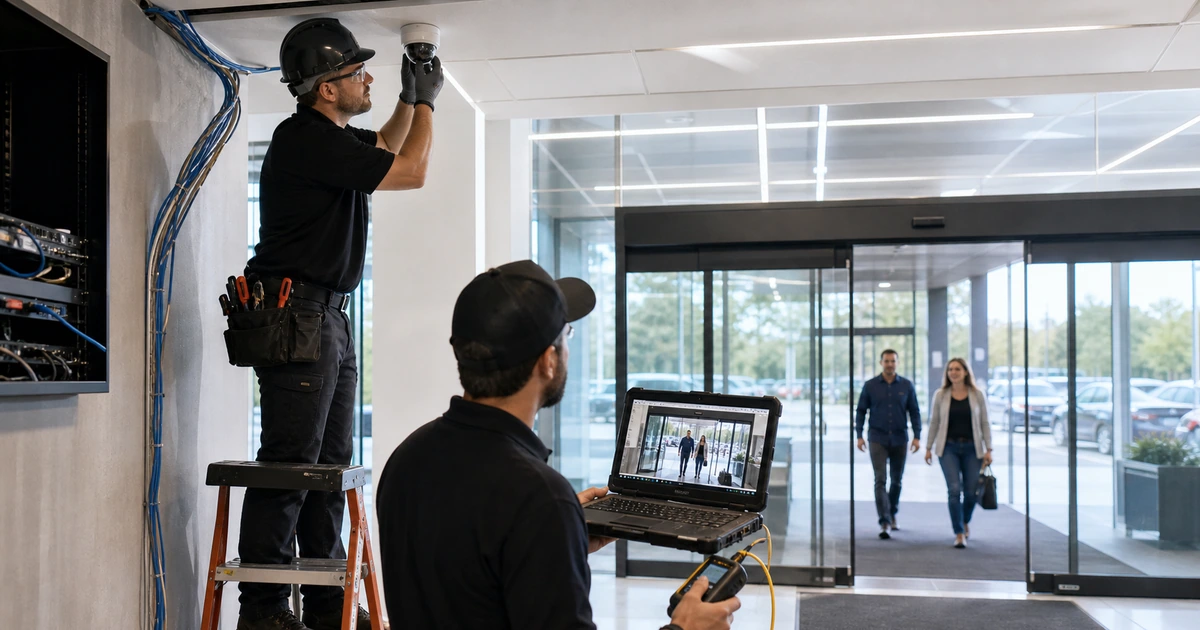
Begin with the original business question. If the recording cannot answer it, compare the current view with the required subject position and detail. Check physical movement, loose mounts, changed shelving, new signs, growing vegetation, parked vehicles, door swing, and any construction since commissioning. Review focus, zoom, orientation, exposure zones, wide dynamic range, day and night transition, infrared reflection, shutter behavior, compression, frame rate, and privacy masking. Clean an approved exterior or dome surface using the manufacturer’s procedure before diagnosing an image through dirt, moisture, scratches, or an aging cover.
Test with a real person, vehicle, package, or process at the expected distance and speed. Pause recorded frames rather than judging only a smooth live display. A static subject can look sharp while a moving face becomes unreadable because the camera lengthens exposure in low light. Strong backlight can preserve the room while losing the person at the door. Built-in infrared can reflect from a wall, eave, dome, insect web, or nearby object and reduce the rest of the scene. Correct lighting, placement, lens choice, and scene design before forcing aggressive digital settings that increase noise or storage.
When the original position cannot deliver the necessary detail, redesign the view. A dedicated entrance or lane camera may be more useful than increasing resolution on a broad overview. Retain overview context with one camera and capture identification detail with another where justified. Recheck privacy boundaries after any movement or wider field of view, and document the accepted day and night reference image so future drift is easy to recognize.
- Physical condition: Inspect mount, aim, focus, cover, moisture, vibration, obstruction, lighting, infrared reflection, and environmental change.
- Recorded detail: Review paused frames of representative moving subjects at the required distance during difficult conditions.
- Image settings: Test exposure, shutter, WDR, day and night mode, illumination, noise reduction, compression, stream, and orientation.
- Scene redesign: Use a narrower dedicated view when the existing overview cannot provide the required evidence.
- Reference capture: Save approved daytime and nighttime frames with the date, camera, purpose, and acceptance result.
Image remediation is successful when recorded video answers the defined question in difficult real conditions, not when the live thumbnail merely looks brighter or sharper.
Trace intermittent cameras through cable, PoE, switch, and network evidence
For a camera that disappears, reboots, or drops frames, record the time and correlate camera logs, switch-port state, PoE events, link negotiation, errors, temperature, uplink utilization, recorder events, and utility history. Determine whether the device loses power, Ethernet link, IP reachability, stream delivery, recording, or only a particular client’s view. Those are different failures. A local live image with a recording gap points in a different direction from a complete device reboot.
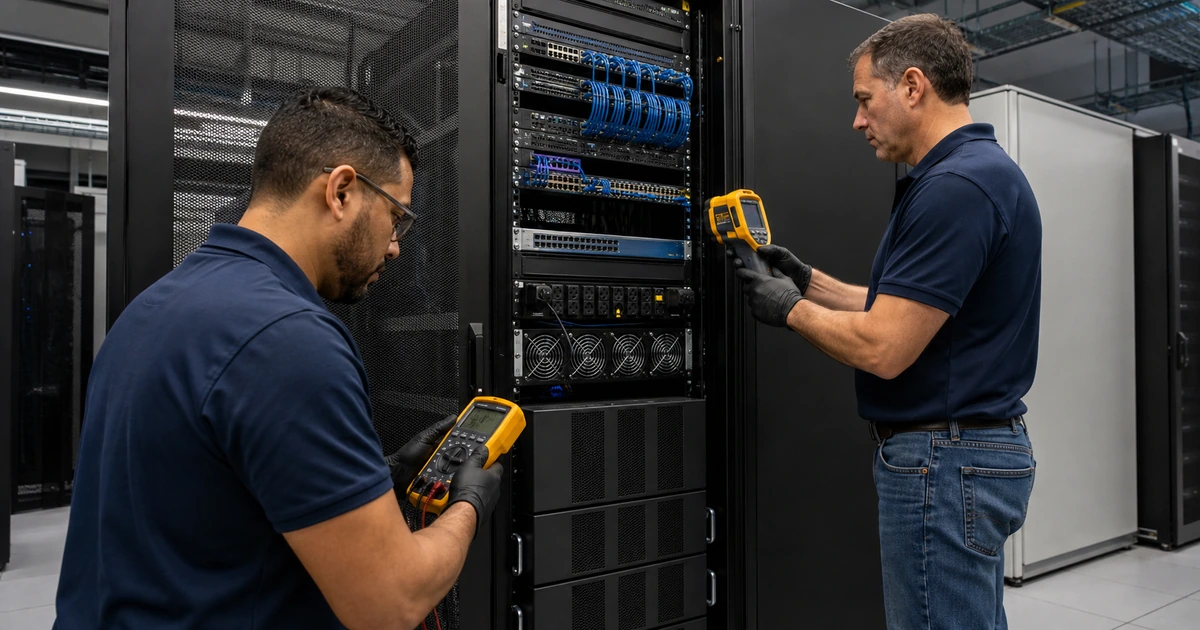
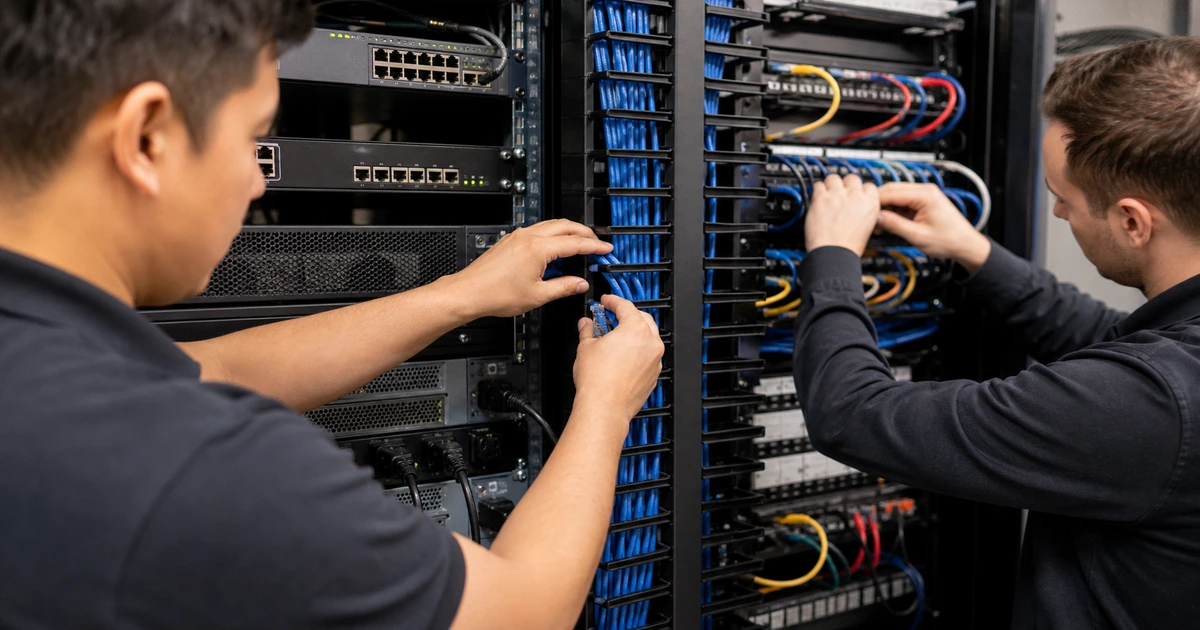
Inspect the permanent link, patch cords, connectors, couplers, surge devices, intermediate equipment, outdoor transitions, and areas exposed to moisture, movement, heat, or construction. Verify wiremap, pair length, link performance, and the PoE measurements appropriate to the test equipment and project requirement. Fluke Networks notes that resistance and pair-to-pair unbalance matter for power delivery. A marginal connection can become visible only when a heater, infrared illuminator, speaker, or pan-tilt-zoom motor raises demand.
At the switch, verify the port’s negotiated speed, duplex, VLAN, errors, flaps, spanning-tree state, security controls, and actual versus allocated power. Compare the full switch PoE budget with all powered devices, not only the failing camera. Cisco guidance shows that power requests can be denied or ports shut down when available or configured capacity is exceeded. Test a known-good port or temporary certified link only as a controlled comparison, then restore labeling and configuration after the fault is isolated.
- Timeline: Correlate camera, switch, recorder, storage, UPS, and monitoring events to the same trusted time source.
- Permanent link: Inspect and test every component from camera jack through patching to the serving switch port.
- Power demand: Compare idle and feature-active device demand with port capability, switch budget, and upstream power.
- Port health: Review negotiation, errors, drops, flaps, VLAN, security policy, temperature, and uplink behavior.
- Controlled substitution: Change one cable, port, injector, power source, or device at a time and document the result.
The physical and network repair is proven when the original failure no longer occurs under peak feature load and the monitored path remains stable through an appropriate observation period.
Repair recording gaps, short retention, slow playback, and missing alerts
Confirm whether the recorder received the intended stream during the incident window. Review camera stream profiles, codec, resolution, frame rate, target bitrate, motion or event rules, pre-event and post-event settings, schedules, time zone, time synchronization, credentials, licenses, and recording assignment. Validate recorder service health, input limits, network interfaces, database state, storage volume health, free space, retention behavior, and any archive or cloud connection. A camera thumbnail can remain available while its assigned recording job is stopped or writing to a degraded volume.
Compare current bitrate and scene activity with the original storage model. A change to resolution, frame rate, codec, compression, analytics, continuous recording, or retention can consume capacity far faster than expected. Axis streaming guidance explains that lower compression can improve image quality while increasing bandwidth and storage, and that activity affects variable bitrate. Use measured data from representative busy and quiet periods, then balance evidence quality, retention, network capacity, and recorder performance without silently sacrificing the original security objective.
Test the operator workflow from alert to evidence. Trigger a safe test event, confirm that it is recorded, verify the right people receive an actionable message, open the event from an authorized account, search by time and camera, play multiple views, export a standard case package, and confirm timestamps and playback on another approved device. Repair stale recipients, blocked mail, expired credentials, broken mobile access, and undocumented export steps. Record the final settings and monitoring thresholds so a future drift or capacity warning becomes visible before an incident.
- Recording assignment: Verify the intended stream, schedule, trigger, buffer, retention, license, credentials, and destination.
- Recorder capacity: Check input throughput, processing, database, storage health, free capacity, protection, and export performance.
- Time integrity: Confirm synchronized camera, recorder, switch, directory, and client time with the correct time zone.
- Alert path: Trigger a test and prove event detection, notification delivery, ownership, escalation, and acknowledgment.
- Evidence workflow: Practice search, synchronized playback, export, validation, secure transfer, and case documentation.
A recorder repair is complete when the business can find, play, export, and trust the expected evidence for the promised retention period and receives timely warning when that capability is threatened.
Camera-system troubleshooting and corrective work from ALLMSP
ALLMSP can assess the failed outcome, preserve evidence, test camera views, inspect and certify cabling, analyze PoE and switch behavior, review recorder and storage health, correct configuration, and validate alerts and exports. We keep the diagnosis connected from the physical scene through the authorized user’s playback screen.
Our team can also improve labeling, documentation, monitoring, backup power, network segmentation, access controls, maintenance schedules, and capacity planning after the immediate repair. The result is a supportable camera environment with clear evidence of what failed, what changed, and how successful operation was proven.
- Diagnose: Reproduce the exact symptom and isolate scene, device, cable, power, network, recorder, storage, or client causes.
- Correct: Repair the failed layer, tune the required view, restore recording and alerts, and protect existing evidence.
- Verify: Retest day and night detail, uptime, playback, retention, exports, notifications, and documentation.
Technical references for camera troubleshooting
Compare observed symptoms with current manufacturer and test-equipment guidance, but use the installed models, logs, measurements, and original operational requirements to make the repair decision.
- Axis image usability guidance. Connects motion, lighting, environment, mounting, field of view, and pixel density to useful recorded detail.
- Axis streaming configuration help. Documents compression, frame rate, bitrate controls, retention calculations, and the tradeoff between quality and storage.
- Cisco PoE operational guidelines. Explains allocation behavior, power requests, insufficient budget, port shutdown, and fault reporting.
- Fluke Networks PoE installation and test guide. Covers device compatibility, link certification, resistance unbalance, switch capability, and troubleshooting measurements.
- ONVIF Profile T feature overview. Identifies advanced streaming, imaging, event, metadata, HTTPS, and PTZ functions relevant to interoperability checks.
Security camera troubleshooting FAQs
Why does a security camera look clear during the day but blurry at night?
Lower light can force longer exposure, higher gain, infrared illumination, and heavier noise processing. Motion then blurs even if a stationary object looks sharp. Test recorded moving subjects under the real nighttime lighting.
What causes an IP camera to reboot at night?
Night features such as infrared, heaters, or movement can raise power demand. Investigate the PoE port, total switch budget, cable resistance, connections, power supply, temperature, firmware, and device logs before replacing hardware.
How can a camera be online but not recording?
The live stream and recording job may use different profiles, services, credentials, licenses, schedules, storage targets, or network paths. Check the recorder assignment and confirm playback from the exact incident period.
Why is camera retention shorter than expected?
Higher bitrate, resolution, frame rate, scene activity, continuous recording, new cameras, storage loss, protection overhead, or changed codec settings can consume capacity. Recalculate with measured data and verify actual usable storage.
Can increasing camera resolution fix a blind spot?
Not by itself. The target may still be too small, blocked, poorly lit, blurred, or outside the useful lens range. Correct placement, field of view, lighting, and required detail before increasing data load.
What should be saved before resetting a camera or recorder?
Preserve relevant clips, screenshots, logs, timestamps, configuration, stream settings, storage health, switch events, PoE state, network data, user reports, and recent change history.
How do technicians isolate a camera wiring fault?
They trace and test the permanent link, patch cords, connectors, port, power delivery, negotiation, errors, and environmental exposure. Controlled substitution can then separate cable, switch, injector, and camera causes.
Why do camera alerts stop arriving?
Possible causes include a disabled rule, changed recipient, blocked email, expired credential, failed integration, lost time sync, wrong schedule, disconnected analytics, notification limits, or an unmonitored recorder service.
Can ALLMSP troubleshoot camera, network, and recorder problems together?
Yes. ALLMSP handles field views, cabling, PoE, switching, networks, recorders, storage, access, monitoring, and user workflows with one in-house support team.
Does ALLMSP provide onsite camera support around Gwinnett County?
Yes. ALLMSP provides onsite camera and wiring service in Lawrenceville, Suwanee, Gwinnett County, and Metro Atlanta, with broader Georgia coverage based on the project.