Business wireless networks often accumulate several generations of access points, duplicate network names, temporary guest settings, undocumented passwords, mixed firmware, abandoned controllers, overlapping radio plans, inconsistent VLANs, and ceiling units whose cable or switch port nobody can identify. The network may still operate, but every change and support call takes longer because the current state is uncertain.
Optimization should begin with an inventory and measured baseline. Replacing every access point may be necessary when equipment is unsupported or incapable of meeting requirements, but many problems come from placement, cabling, PoE, configuration, identity, interference, WAN limits, or client behavior. The plan should standardize ownership and security, remove obsolete settings carefully, tune the design from survey evidence, and preserve service for known devices during transition.
ALLMSP standardizes and optimizes business Wi-Fi for organizations in Lawrenceville, Suwanee, Gwinnett County, Metro Atlanta, and throughout Georgia. Our in-house team can discover access points and networks, recover administration, survey the facility, repair cabling, update equipment, redesign segmentation, improve authentication, tune radios, validate devices, configure monitoring, document the environment, and provide ongoing support.
Turn an accumulated wireless environment into a documented service
- Discover the estate: Inventory access points, controllers, licenses, switches, cables, networks, devices, locations, versions, owners, and support status.
- Secure control: Recover company ownership, named administrators, multifactor authentication, least privilege, logs, backups, and vendor access.
- Simplify networks: Retire duplicate and temporary SSIDs, standardize names and roles, correct VLANs, and protect legacy-device transitions.
- Tune from evidence: Survey coverage and capacity, inspect interference and clients, then adjust placement, channels, width, power, and density.
- Monitor the service: Alert on access-point, radio, switch, PoE, authentication, DHCP, DNS, WAN, firmware, and license conditions.
- Manage the lifecycle: Document standards, spares, changes, validation, review dates, support procedures, firmware, and replacement plans.
Inventory ownership, hardware, software, networks, clients, and physical installation
Discover every access point and controller or cloud tenant. Record manufacturer, model, serial number, MAC address, name, physical location, mounting, antenna, radio capability, firmware, support status, license, warranty, adoption state, last contact, configuration source, and administrator owner. Reconcile controller inventory with switch neighbor information, DHCP, monitoring, ceiling observations, purchase records, and cable labels to find unmanaged, duplicate, missing, or abandoned equipment.
Map each network name to purpose, authentication, encryption, identity source, VLAN or role, address scope, DNS, gateway, firewall policy, internet access, client isolation, content policy, bandwidth policy, logging, support owner, and known devices. Identify temporary, duplicate, hidden, legacy, vendor, event, personal, and test networks. Do not remove an unknown network until the team identifies affected devices and a safe transition because building systems, scanners, displays, printers, or specialty hardware may depend on it.
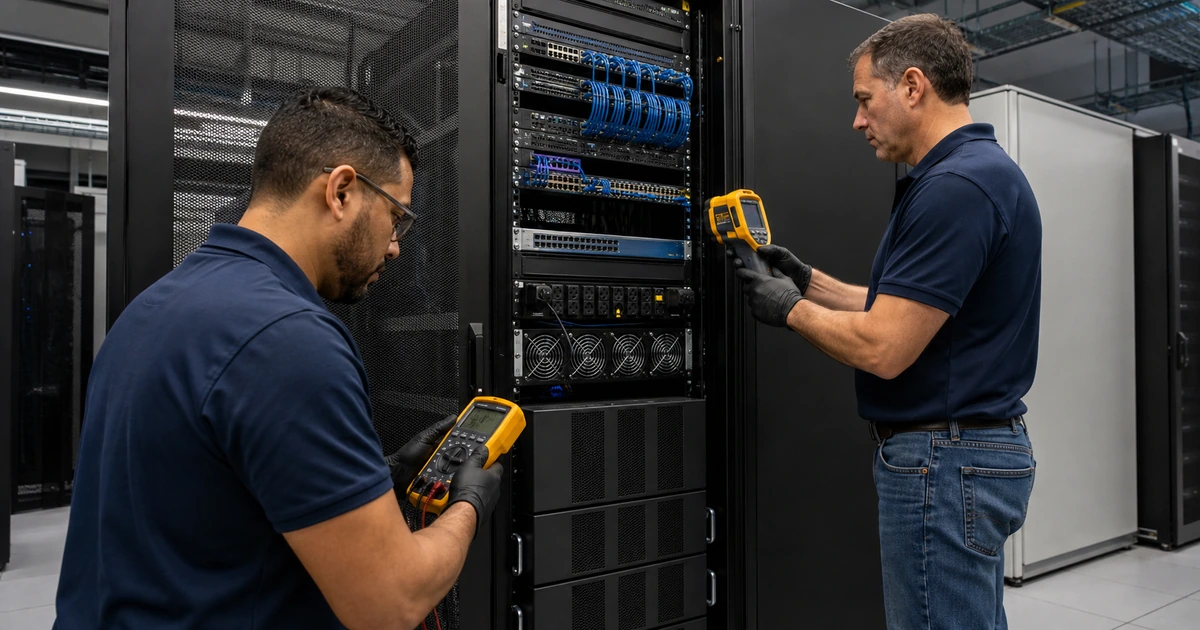
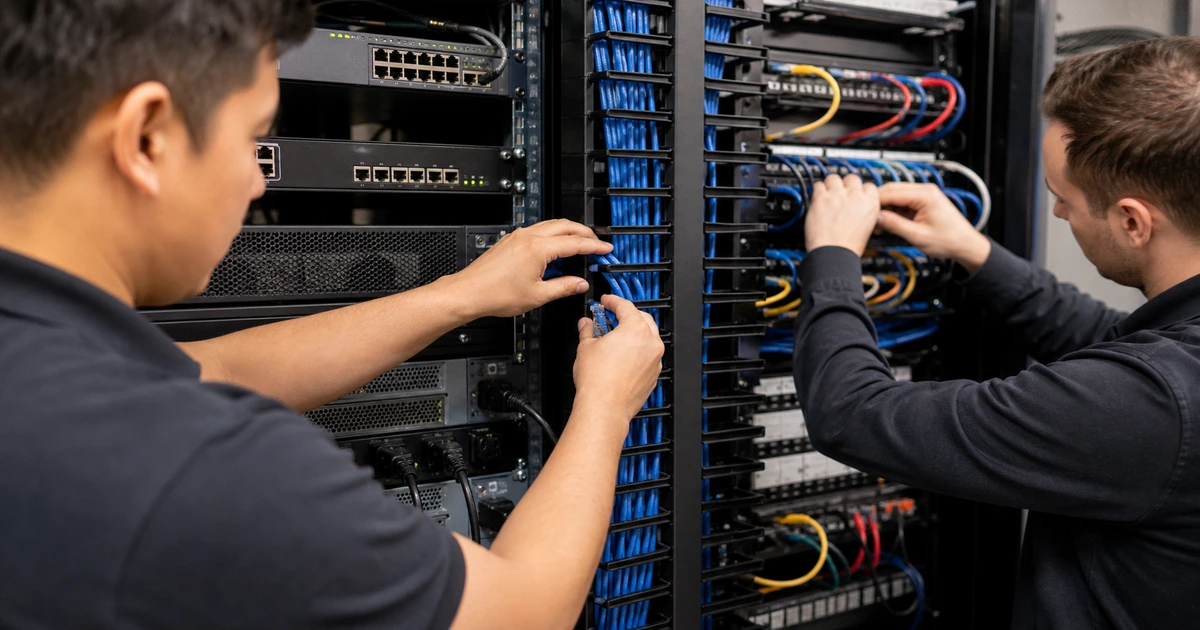
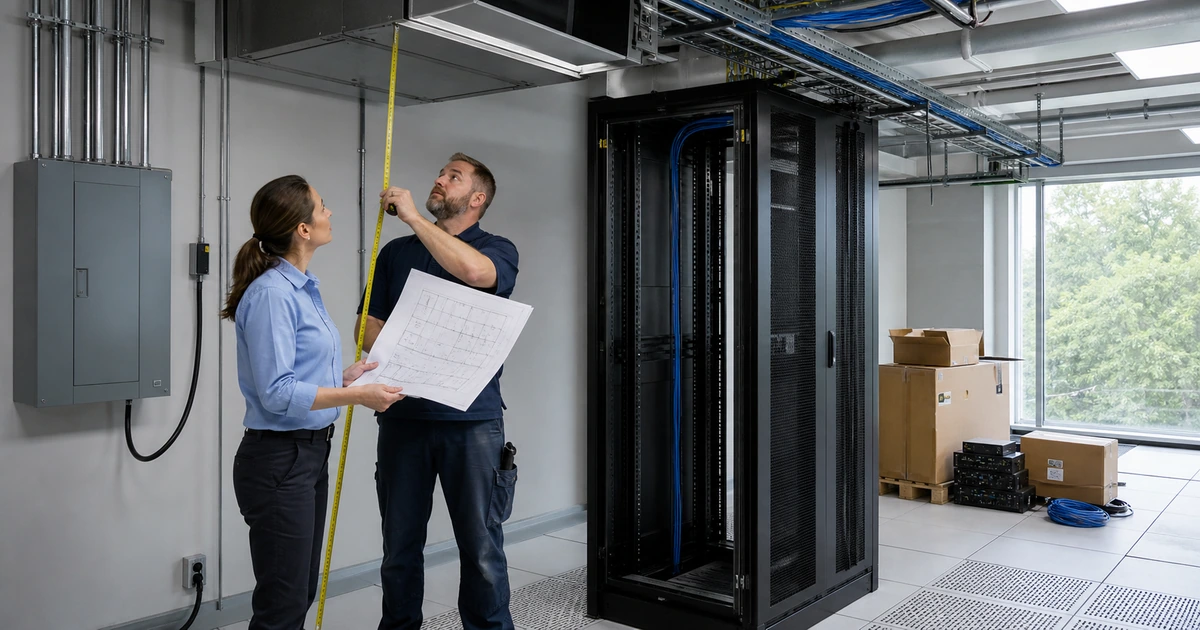
Inspect the physical and wired path. Confirm access-point placement and orientation, obstruction, damage, dust, heat, moisture, ceiling access, cable certification, patching, port, link rate, errors, PoE delivery, switch budget, uplink, UPS, closet environment, and label. Map clients by type, radio bands, security support, mobility, business owner, management status, and lifecycle. Unknown and unsupported clients often determine how quickly security and radio settings can be modernized.
- Access-point inventory: Record hardware, serial, address, name, location, mounting, radios, firmware, support, license, warranty, owner, and state.
- Control inventory: Identify controller or cloud tenant, company ownership, administrators, MFA, roles, logs, backup, vendor access, and renewal.
- Network inventory: Map name, purpose, security, identity, VLAN, DHCP, DNS, firewall, isolation, bandwidth, logging, clients, and owner.
- Client inventory: Group device, capability, driver, band, security, mobility, management, application, owner, exception, and replacement date.
- Physical inventory: Inspect placement, orientation, obstruction, environment, cable, patch, port, link, errors, PoE, uplink, UPS, and labels.
- Dependency inventory: Document switches, firewalls, identity, certificates, DHCP, DNS, internet, monitoring, vendors, licenses, and support.
A reconciled inventory makes hidden wireless dependencies visible before standardization changes remove access from a device the business still needs.
Standardize administration, security, segmentation, firmware, and radio configuration
Place the platform under company-controlled ownership. Use named administrator accounts, multifactor authentication, least privilege, separate emergency access, protected recovery methods, configuration backups, change logs, monitored alerts, and documented vendor support. Remove departed users, shared administrators, stale tokens, unused remote access, default credentials, and unknown integrations after verifying ownership. Restrict management reach and keep controller, access-point, switch, identity, and firewall time synchronized for reliable evidence.
Simplify networks around real use. Consolidate duplicate SSIDs because every broadcast consumes airtime and creates another configuration to secure and support. Use appropriate modern encryption and identity-based authentication for managed users where feasible. Separate guest and operational devices from business systems with VLANs or roles and explicit firewall policy. Plan staged migration for legacy hardware that cannot support the target security. Test onboarding, certificate renewal, password or identity changes, captive portals, device replacement, and offboarding.
Standardize supported firmware and a measured radio plan. Review release notes, dependencies, staged rollout, backup, acceptance, rollback, and client compatibility before updates. Survey occupied conditions and then tune channel selection, channel width, transmit power, bands, minimum rates, steering, load behavior, and roaming features according to device and application needs. Correct poor placement or density rather than forcing extreme power settings. Replace unsupported equipment according to risk, performance, interoperability, licensing, and lifecycle value.
- Administrative standard: Define ownership, named accounts, MFA, roles, emergency access, backup, logs, alerts, vendors, review, and removal.
- Security standard: Set encryption, authentication, certificates, identity, guest isolation, device policy, management protection, and exceptions.
- Segmentation standard: Map users and devices to VLANs or roles, DHCP, DNS, firewall rules, internet, isolation, monitoring, and owner.
- Firmware standard: Maintain supported versions, release review, staged deployment, client tests, backup, rollback, evidence, and lifecycle dates.
- Radio standard: Document bands, channels, widths, power, rates, steering, roaming, dynamic controls, exceptions, and validation method.
- Replacement standard: Prioritize unsupported, unreliable, insecure, incompatible, underpowered, unlicensed, and poorly placed equipment.
Standardization reduces support variables while preserving documented exceptions for devices that need a controlled path to replacement.
Validate the transition, configure monitoring, and maintain the wireless lifecycle
Pilot changes with representative users, devices, areas, shifts, and applications. Include ordinary laptops and phones plus scanners, voice, video, point of sale, printers, guests, operational equipment, and older devices that have approved exceptions. Test joining, authentication, roaming, address assignment, DNS, internal access, internet, application continuity, onboarding, offboarding, errors, and recovery. Communicate network-name or credential changes before transition and keep a bounded rollback path.
Perform a post-change survey and compare the baseline. Verify coverage, noise, utilization, retries, cell overlap, access-point load, busy areas, difficult transitions, and application behavior. Check nearby areas for side effects when channels, power, placement, or access-point count changes. Validate cable links, PoE, switches, VLANs, identity, DHCP, DNS, firewalls, WAN, controller health, firmware, licenses, logs, and configuration backups. Record accepted exceptions with an owner and review date.
Monitor the service and define recurring work. Alert on offline access points, radio failure, configuration drift, high utilization, unusual interference, excessive retries, unstable clients, authentication failures, DHCP capacity, DNS problems, switch errors, PoE events, uplink congestion, internet health, firmware exposure, expiring certificates, licenses, and cloud reachability. Review trends, user reports, facility changes, new devices, density, security, support status, and replacement needs. Keep maps and support procedures current after every move, addition, and change.
- Pilot coverage: Include representative people, clients, locations, shifts, networks, applications, roaming paths, and legacy exceptions.
- Transition plan: Communicate changes, provide onboarding, sequence networks, preserve required devices, set support coverage, and define rollback.
- Validation evidence: Compare survey, clients, applications, cables, PoE, switches, services, security, controller, monitoring, and baseline.
- Alert coverage: Monitor access points, radios, configuration, clients, identity, DHCP, DNS, switches, PoE, uplinks, WAN, firmware, and licenses.
- Support record: Maintain maps, equipment, settings, exceptions, known devices, issue questions, evidence sources, escalation, and spares.
- Lifecycle review: Reassess after facility, density, client, application, security, provider, support, firmware, or business changes.
Ongoing monitoring and current documentation keep a standardized wireless network from drifting back into a collection of unexplained settings and ceiling hardware.
Business Wi-Fi standardization and lifecycle support from ALLMSP
ALLMSP can inventory access points and clients, recover platform ownership, certify cabling, repair PoE and switching, modernize security, simplify SSIDs, redesign segmentation, update firmware, survey radio behavior, pilot changes, configure monitoring, document standards, and provide ongoing support with our in-house team.
We optimize business Wi-Fi in Lawrenceville, Suwanee, Gwinnett County, Metro Atlanta, and throughout Georgia for offices, warehouses, retail, hospitality, education, healthcare, professional services, and multi-site environments.
- Discover: Reconcile hardware, software, locations, cables, switches, networks, clients, identities, services, licenses, owners, and risk.
- Standardize: Secure control, simplify networks, modernize authentication, segment traffic, update equipment, and tune radios from evidence.
- Maintain: Pilot, validate, monitor, document, train, support, review changes, manage exceptions, and plan replacement.
Primary guidance for wireless standardization and lifecycle management
Use recognized wireless security and survey guidance together with current product documentation, then validate every standard against actual devices, applications, and facility conditions.
- NIST Guidelines for Securing WLANs. Frames wireless security across design, deployment, evaluation, maintenance, monitoring, clients, access points, and supporting components.
- Cisco Wireless Site Survey FAQ. Explains facility review, coverage, interference, placement, capacity, wiring, measurement, and documentation considerations.
- Cisco Access Point Deployment Guide. Provides a current example of model-specific radio configuration and survey support that should be verified for deployed hardware.
- ALLMSP Managed IT Services. Network ownership, cybersecurity, monitoring, lifecycle planning, help desk, documentation, procurement, and ongoing support.
Business Wi-Fi optimization FAQs
What should be inventoried in an existing Wi-Fi network?
Inventory access points, controllers, firmware, licenses, switches, cables, ports, PoE, SSIDs, VLANs, identity, clients, locations, owners, monitoring, and support status.
Why remove duplicate wireless network names?
Each unnecessary SSID consumes airtime, adds configuration and security exposure, complicates onboarding, and creates another variable during troubleshooting.
Can legacy Wi-Fi devices prevent security improvements?
Yes. Older devices may lack modern bands or authentication. Identify their owner and business need, then plan segmentation, replacement, or a time-limited exception.
Should every access point run the same firmware?
Use a supported controlled standard unless documented compatibility or staged-deployment needs require an exception. Test representative clients before broad updates.
How are abandoned access points discovered?
Reconcile controller data, switch neighbors, DHCP, monitoring, purchase records, cable labels, and physical inspection to find unknown or unmanaged units.
What wireless conditions should be monitored?
Monitor access-point and radio health, configuration drift, utilization, interference, retries, clients, authentication, DHCP, DNS, switches, PoE, uplinks, WAN, firmware, and licenses.
Can Wi-Fi settings be copied from another office?
Use common standards, but placement and radio settings must reflect the actual facility, interference, clients, density, applications, and wired network.
When should an access point be replaced?
Consider support status, security, reliability, radio capability, client compatibility, capacity, licensing, power, warranty, spare availability, and lifecycle cost.
Can ALLMSP standardize a mixed-vendor Wi-Fi environment?
Yes. ALLMSP can inventory and stabilize mixed equipment, then design a supported target, migrate safely, validate service, document exceptions, and manage replacement in house.
Where does ALLMSP optimize business wireless networks?
ALLMSP provides on-site and remote business Wi-Fi optimization in Lawrenceville, Suwanee, Gwinnett County, Metro Atlanta, and throughout Georgia.