





























































































































































Computer Overheating Repair
Computer overheating and cooling repair for Lawrenceville and Suwanee businesses
ALLMSP resolves heat-related shutdowns, loud fans, thermal throttling, hot laptops, and unstable desktops. We clean and inspect the cooling path, repair failed components, review workload and firmware, and confirm safe operating temperatures under load.
Heat can reduce performance, shorten component life, and cause unexpected business downtime
ALLMSP provides computer overheating repair for companies in Lawrenceville, Suwanee, Gwinnett County, and Metro Atlanta. Dust, blocked vents, failed fans, dried thermal material, poor placement, firmware, and workloads beyond the original design can all create similar symptoms.
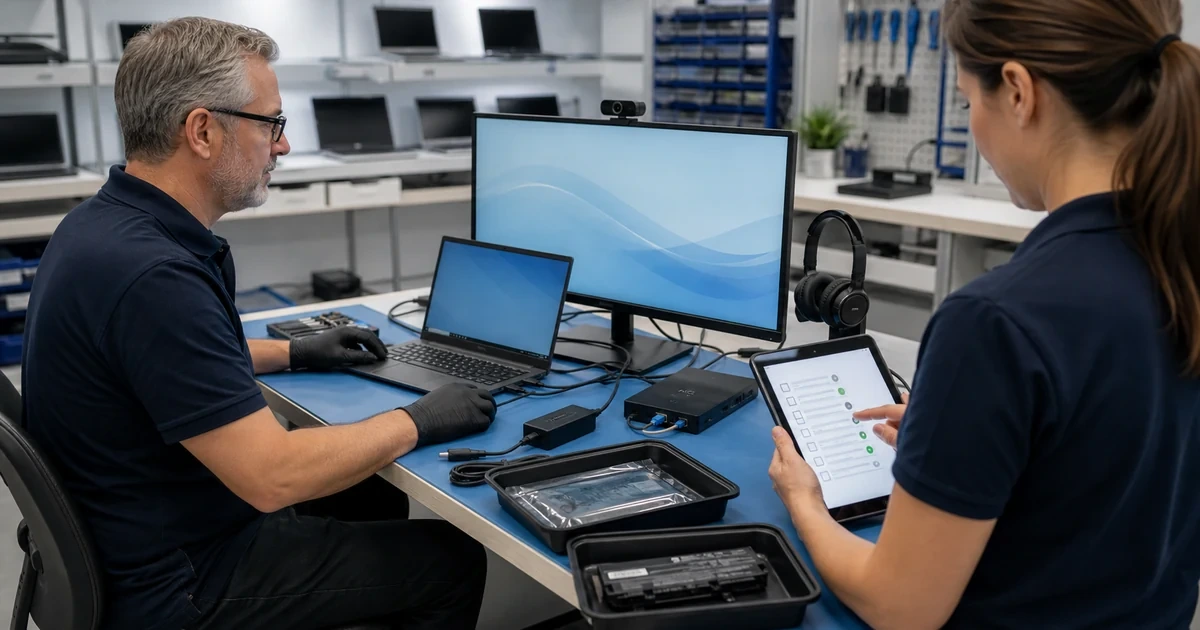
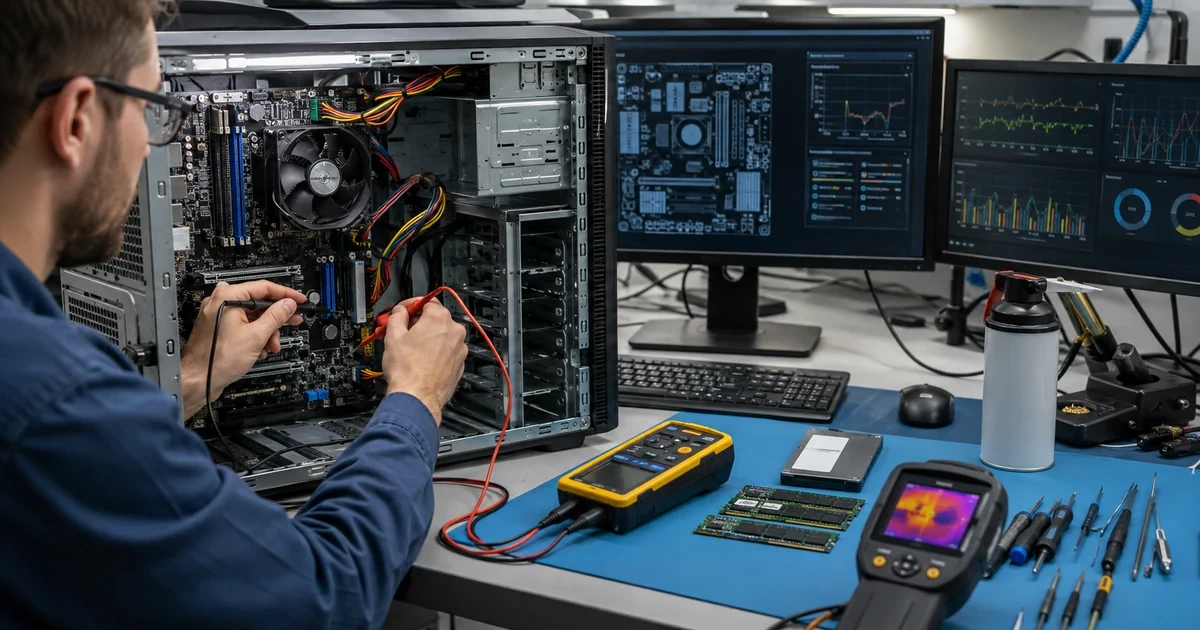
Our process measures temperature and performance before disassembly, inspects the complete airflow path, corrects the underlying cause, and repeats the same workload after service. When the computer needs broader component changes, we connect the recommendation with computer repair and hardware lifecycle support.
Measure the Heat
We record idle and workload temperatures, fan behavior, performance throttling, shutdown history, device placement, and the applications running when symptoms appear.
Restore Cooling
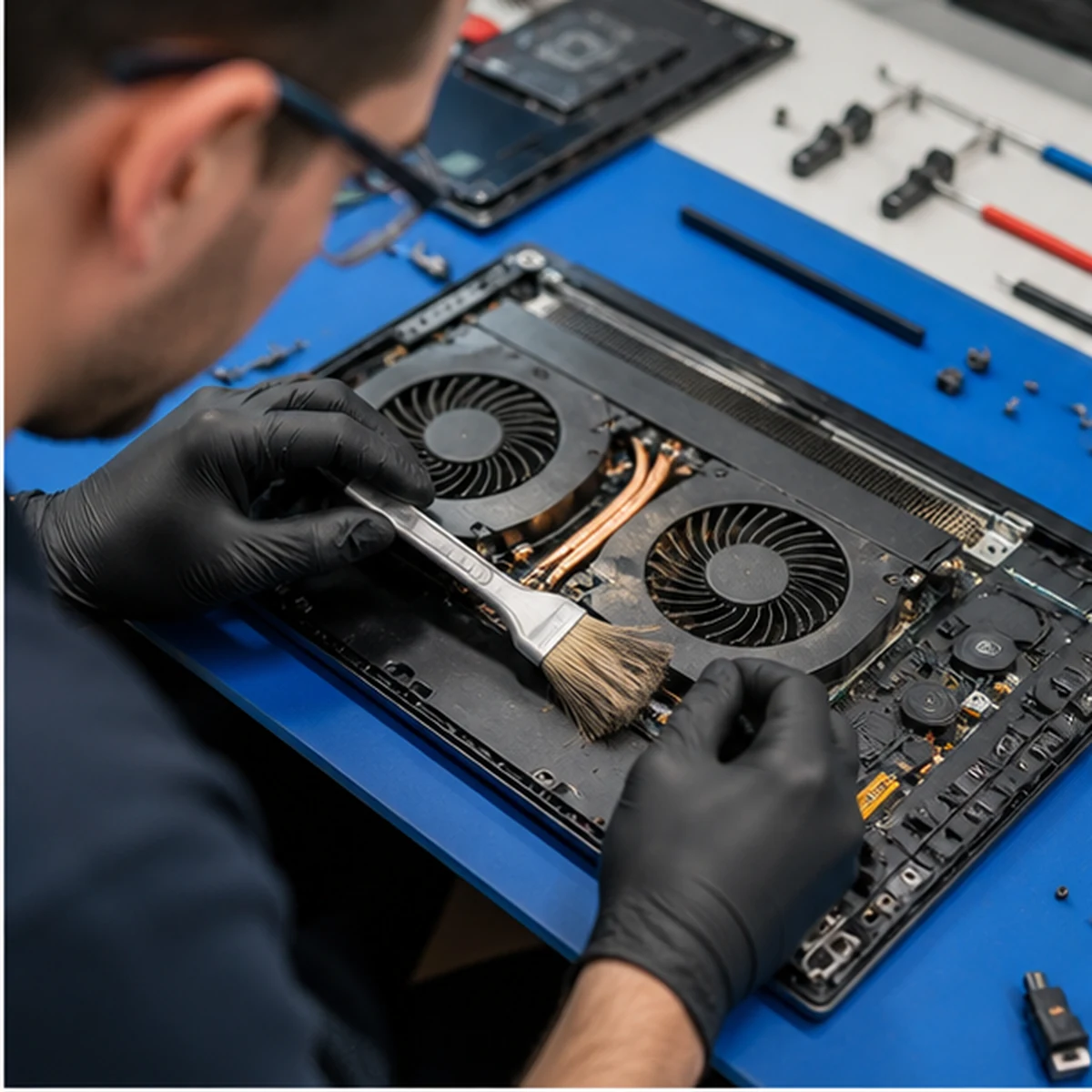
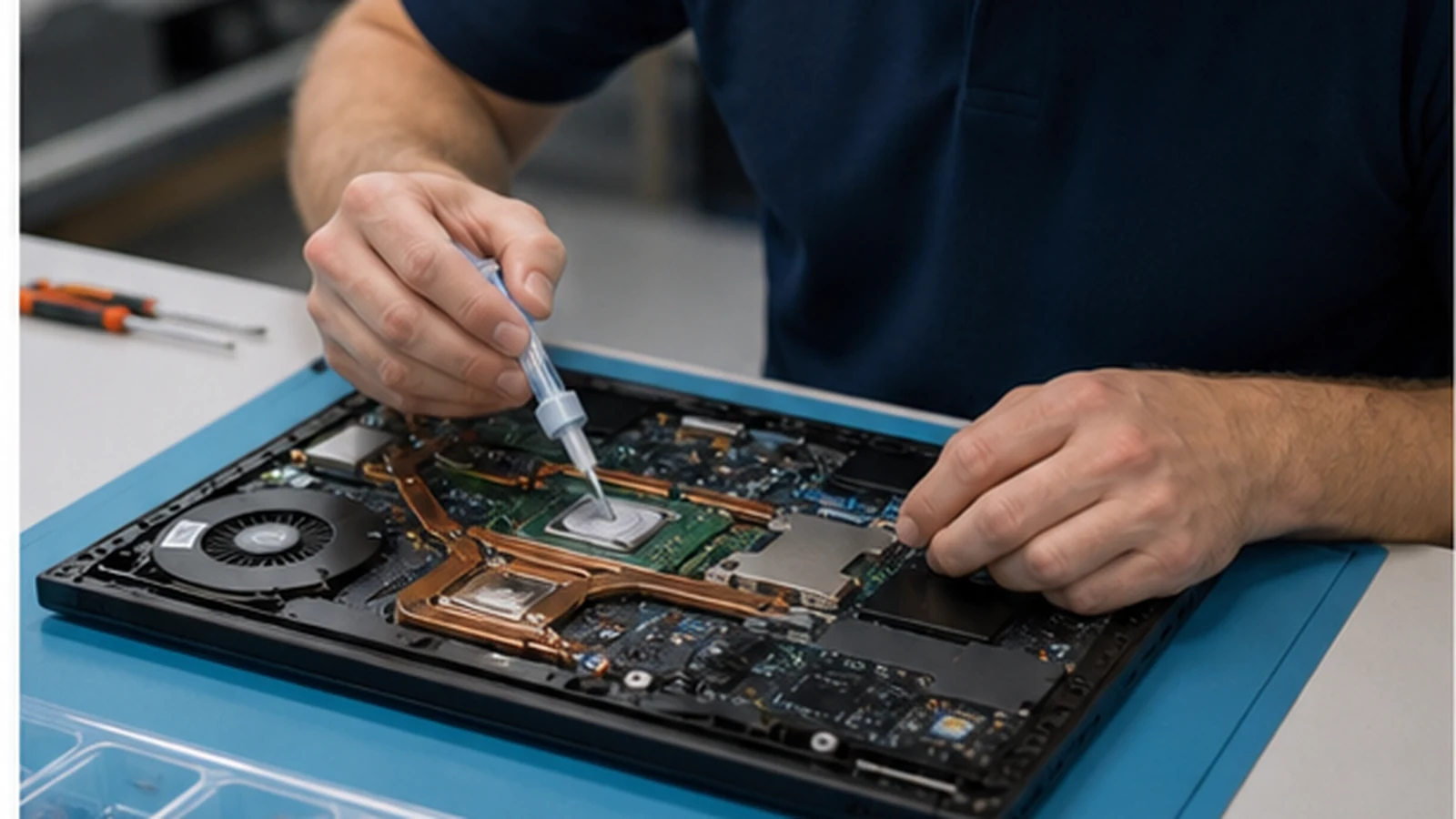
ALLMSP removes internal dust, clears vents, services fans, corrects cable obstructions, replaces failed cooling parts, and renews thermal material when appropriate.
Stress-Test the Repair
We repeat controlled workloads, monitor temperatures and clock speeds, verify fan response, and document any limits caused by the design or business workload.
Computer Overheating Repair
Cleaning alone is not always the answer. ALLMSP checks whether heat is the cause of the slowdown and whether cooling hardware, placement, firmware, or the workload must also change.
Related computer repair services
Fix the cause of overheating before heat damages another component
Overheating can look like a software problem because the computer slows down before it shuts off. ALLMSP combines temperature measurements with hardware inspection and workload testing so the repair addresses the actual source.
When the device is no longer suited to its workload, we can plan computer upgrades or a replacement through business hardware support instead of repeatedly servicing an undersized system.
Industry-Specific IT, Cybersecurity, Cloud, Marketing, and HR Support
Frequently Asked Questions
Q. What signs indicate that a business computer needs computer overheating repair?
A. Warning signs include loud or constantly running fans, a hot palm rest or chassis, sudden shutdowns, reduced speed during demanding work, graphics instability, battery drain, or heat warnings from vendor tools.
Q. How does ALLMSP diagnose computer overheating repair?
A. We measure temperatures at idle and under controlled load, inspect vents and fans, review event history and power settings, check firmware, and compare the device design with the workload producing the symptom.
Q. Is computer overheating repair worth completing instead of replacing the computer?
A. Cleaning or fan service is often worthwhile on an otherwise dependable computer. Damaged boards, warped parts, obsolete cooling assemblies, or a workload far beyond the design may favor replacement.
Q. How does ALLMSP protect business data during computer overheating repair?
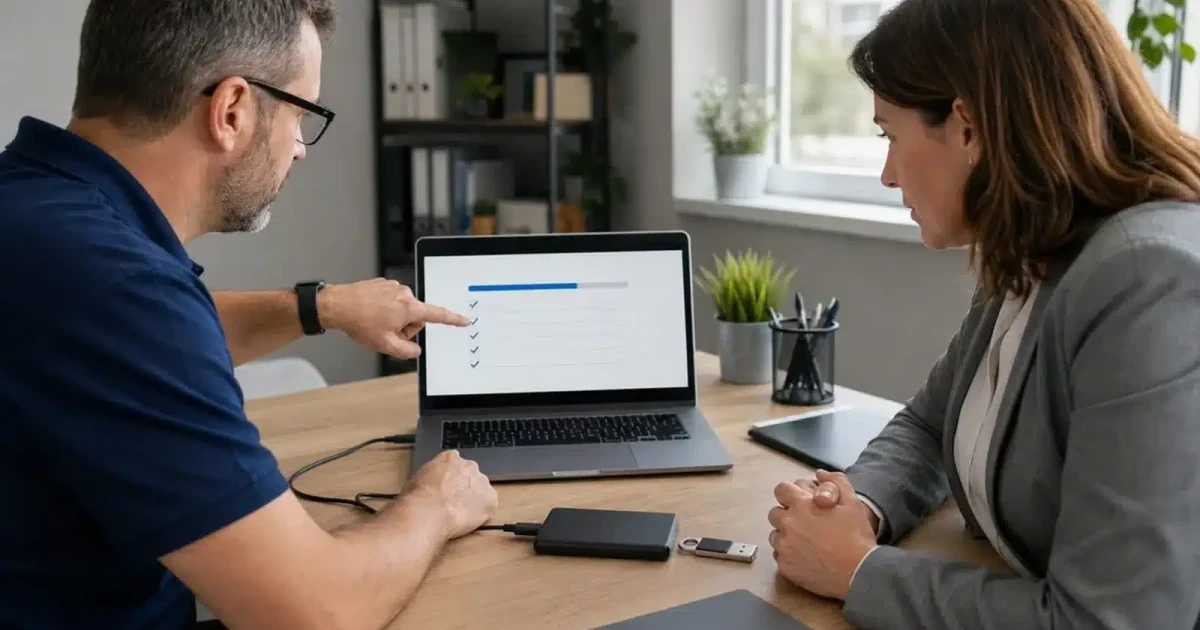
A. Cooling service normally leaves storage unchanged, but repeated thermal shutdowns can corrupt files. We review the condition of the device and recommend a current backup before stress testing when risk is elevated.
Q. Can ALLMSP coordinate computer overheating repair across multiple business devices?
A. Yes. We can identify hot-running models, inspect office placement, create cleaning and firmware standards, schedule service in groups, and track recurring thermal problems across a device fleet.
Q. Can computer overheating repair be completed remotely or onsite?
A. Physical cleaning and cooling repair require the computer. Initial symptom review may happen remotely, followed by onsite or coordinated bench work and measured post-service testing.
Q. Does ALLMSP provide computer overheating repair in Lawrenceville and Suwanee?
A. Yes. ALLMSP diagnoses overheating desktops and laptops for businesses in Lawrenceville and Suwanee, with service throughout Gwinnett County and Metro Atlanta. We inspect airflow, fans, thermal interfaces, dust buildup, and component temperatures before recommending repairs.
Q. How long does computer overheating repair usually take?
A. Basic cleaning and fan diagnosis can be completed quickly when parts are available. Specialized laptop cooling assemblies, hidden damage, or heavy testing can extend the schedule.
Q. What affects the cost of computer overheating repair?
A. Cost depends on disassembly complexity, cleaning, cooling components, thermal materials, firmware work, and testing. The estimate distinguishes routine maintenance from a repair that requires parts.
Q. What can a business do to reduce the need for future computer overheating repair?
A. Keep vents unobstructed, place laptops on firm surfaces, control office dust, apply approved firmware updates, monitor demanding workloads, and schedule cleaning before fans remain at full speed every day.