





























































































































































Blue Screen and Windows Repair
Blue-screen and Windows repair for Lawrenceville and Suwanee businesses
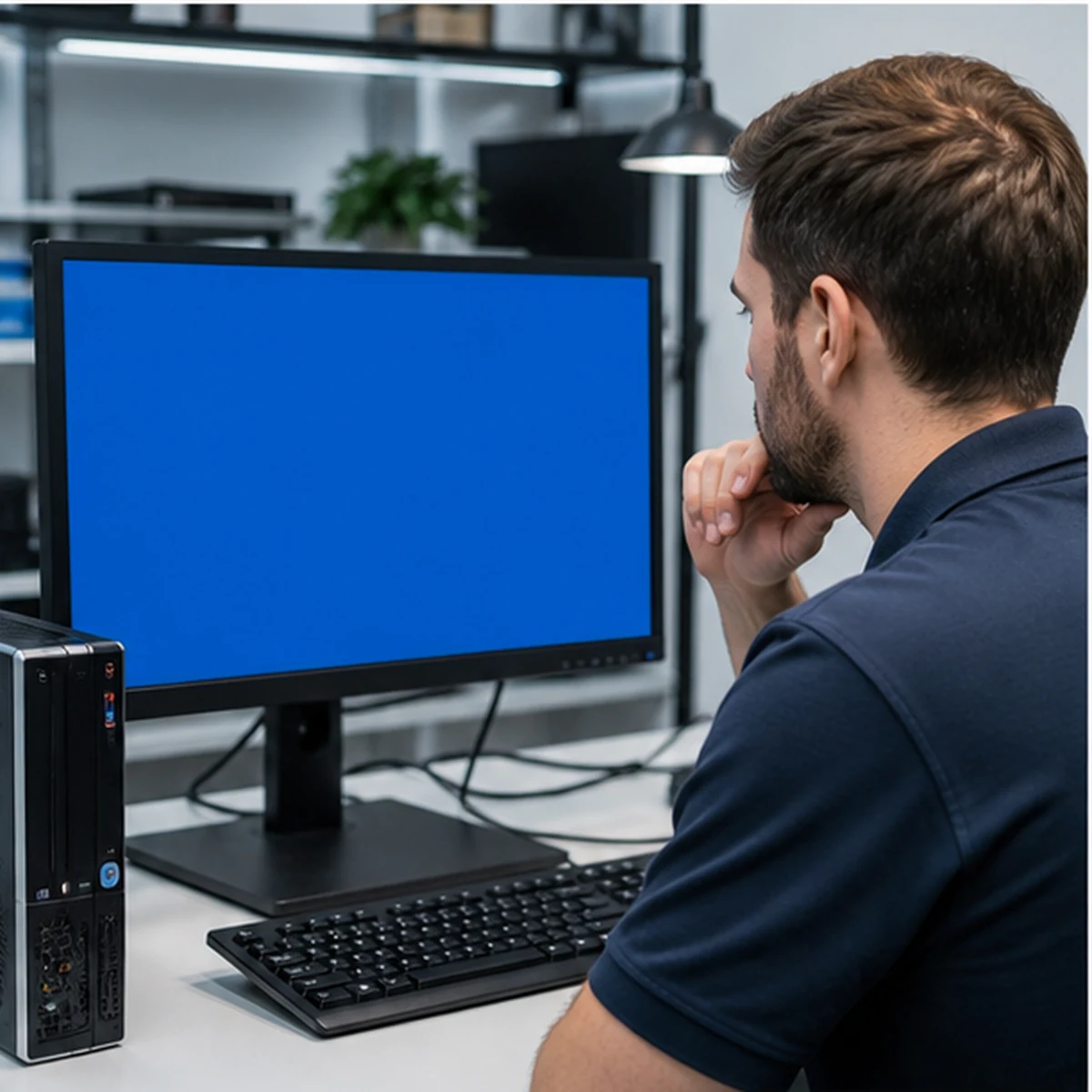
ALLMSP diagnoses blue screens, failed Windows updates, boot loops, corrupt system files, driver conflicts, and crashes caused by storage, memory, power, or heat. We protect important data, isolate the cause, repair the system, and verify stable business use.
A blue screen is an error record, not a diagnosis by itself
ALLMSP provides blue-screen and Windows repair for businesses in Lawrenceville, Suwanee, Gwinnett County, and Metro Atlanta. The same stop code can be triggered by drivers, updates, storage, memory, firmware, security software, overheating, or failing hardware.
We collect the error history, review recent changes, test the hardware that Windows depends on, and protect business data before major repair. The final path may include system-file repair, driver rollback, update correction, component replacement, or a controlled reinstall. Related needs can be connected to data recovery and software support.
Capture the Evidence
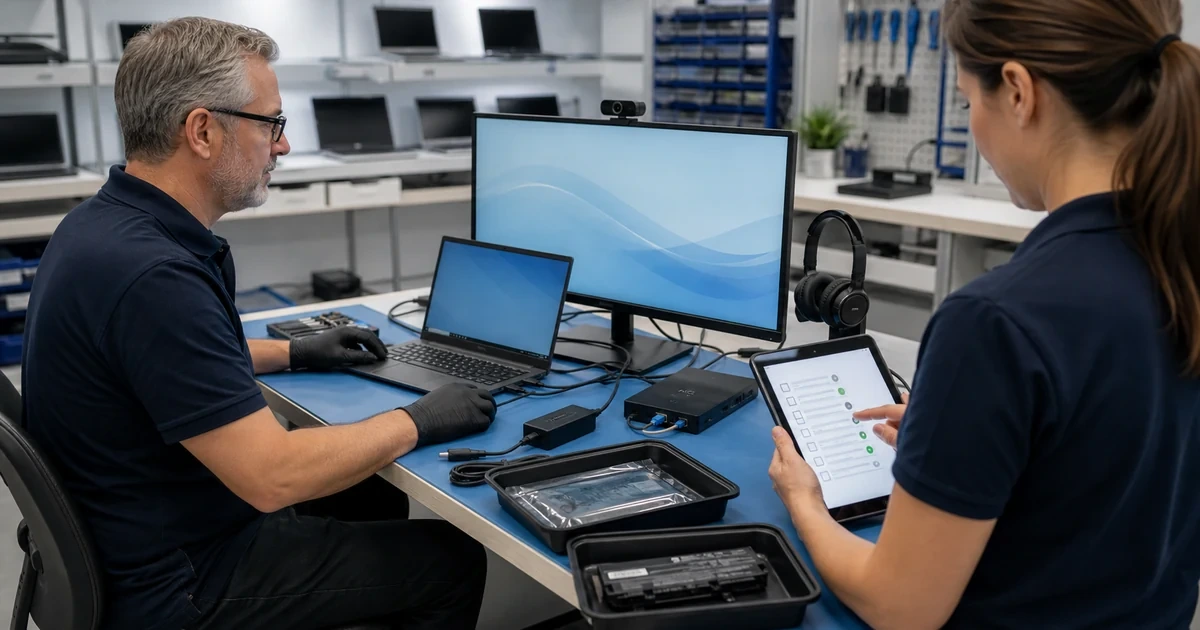
We collect stop codes, dump information, event history, recent updates, driver and application changes, startup behavior, and the workload running before the crash.
Test and Repair
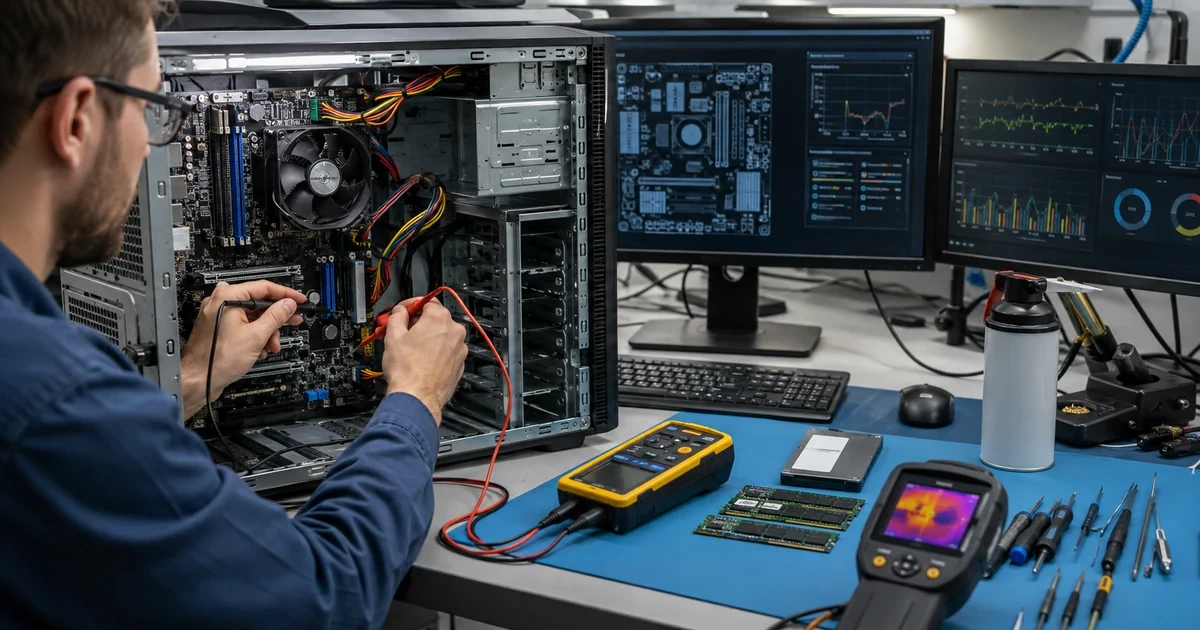
ALLMSP checks storage, memory, temperatures, firmware, drivers, Windows files, updates, and security software, then repairs the confirmed cause in a controlled sequence.
Prove Stability
We repeat startup, updates, sleep, peripherals, business applications, and sustained workloads while reviewing logs for signs that the failure remains.
Blue Screen and Windows Repair
ALLMSP avoids jumping directly to a Windows reinstall when a failing drive, memory problem, driver, or heat issue would remain afterward. Hardware and software evidence are reviewed together.
Hardware Replacement
If the blue screen error is hardware-related, it typically takes 3 to 5 days to receive the replacement part and another 24 hours to install it. However, ALLMSP provides expedited emergency repair services to get you back online as quickly as possible.
Data Recovery
If a blue screen error leads to system corruption, our data recovery experts at ALLMSP will work diligently to recover as much data as possible before it becomes inaccessible or irreparably damaged. Our team is committed to safeguarding your valuable information during this critical time.
Related computer repair services
Resolve the cause of Windows crashes without sacrificing business data or repeating the failure
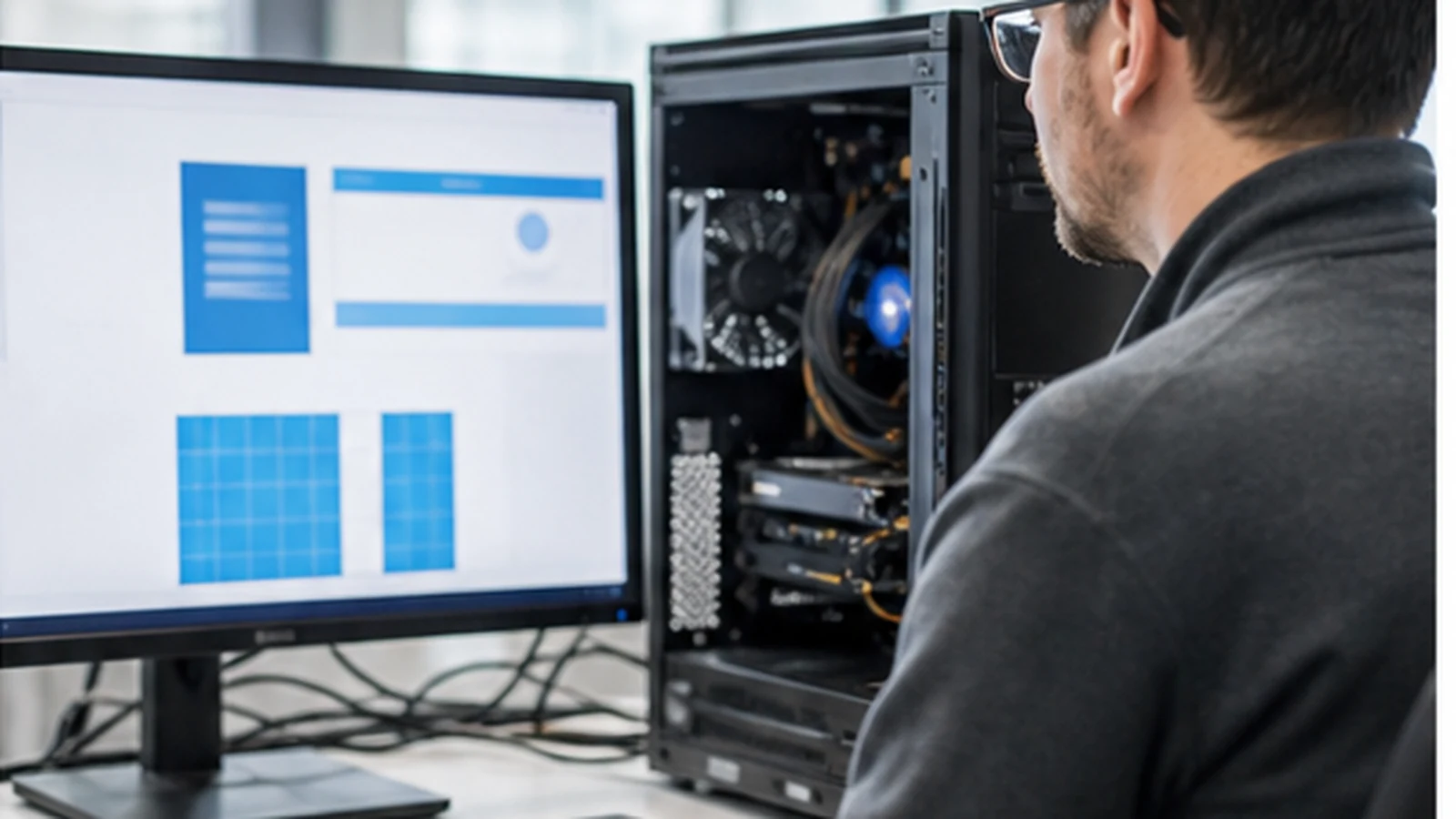
A quick reset can hide the evidence needed to identify failing hardware, and a hardware replacement alone will not correct a damaged Windows environment. ALLMSP works through both sides of the problem and validates the repaired system under normal business use.
When the device needs a larger refresh, we can add computer upgrades, software installation, and continuing help desk support.
Industry-Specific IT, Cybersecurity, Cloud, Marketing, and HR Support
Frequently Asked Questions
Q. What signs indicate that a business computer needs blue screen and Windows repair?
A. Repeated blue screens, boot loops, failed updates, recovery-screen messages, freezing, sudden restarts, corrupted profiles, or crashes after a new driver or peripheral all justify a structured diagnosis.
Q. How does ALLMSP diagnose blue screen and Windows repair?
A. We collect stop codes and logs, review updates and recent changes, test storage and memory, monitor temperatures, inspect firmware and drivers, check security software, and confirm data protection.
Q. Is blue screen and Windows repair worth completing instead of replacing the computer?
A. Repair is appropriate when the cause can be isolated and Windows remains supportable. A clean reinstall may be safer after deep corruption, while failing hardware or an obsolete device can make replacement the better path.
Q. How does ALLMSP protect business data during blue screen and Windows repair?
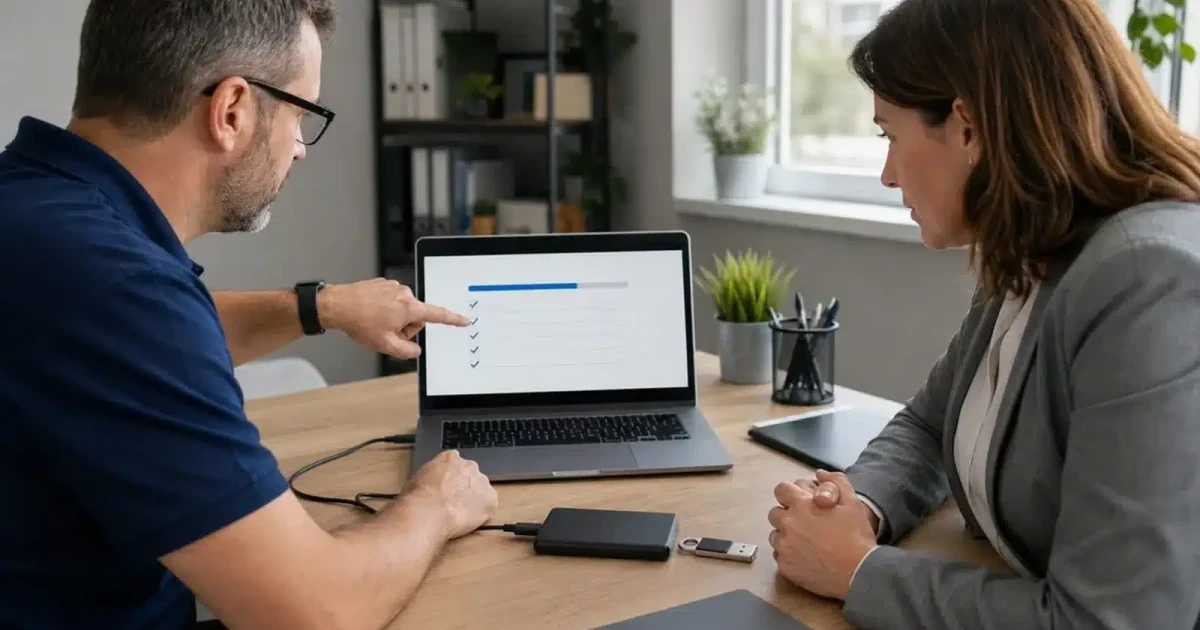
A. We identify priority files and available backups before repairs that could affect Windows or storage. If the drive is unstable, data recovery comes before repeated startup or reinstallation attempts.
Q. Can ALLMSP coordinate blue screen and Windows repair across multiple business devices?
A. Yes. ALLMSP can investigate repeated crashes across a model or update group, compare logs, standardize drivers and firmware, stage corrections, and track results across the device fleet.
Q. Can blue screen and Windows repair be completed remotely or onsite?
A. Many Windows problems can be diagnosed remotely when the system starts reliably. Boot failures, hardware testing, unstable storage, and repeated crashes may require onsite or coordinated bench service.
Q. Does ALLMSP provide blue screen and Windows repair in Lawrenceville and Suwanee?
A. Yes. ALLMSP resolves Windows blue screens, startup failures, and recurring system crashes for businesses in Lawrenceville and Suwanee, with service throughout Gwinnett County and Metro Atlanta. Diagnosis focuses on the underlying driver, hardware, update, or operating system cause.
Q. How long does blue screen and Windows repair usually take?
A. Timing depends on crash frequency, data condition, hardware testing, update history, parts, and whether Windows must be rebuilt. We provide a repair path after the evidence and data risk are reviewed.
Q. What affects the cost of blue screen and Windows repair?
A. Cost depends on diagnostic depth, data protection, Windows repair, hardware testing, parts, application restoration, and the number of affected computers.
Q. What can a business do to reduce the need for future blue screen and Windows repair?
A. Maintain supported Windows versions, current drivers and firmware, monitored backups, storage-health alerts, adequate cooling, tested updates, endpoint security, and standardized business applications.