





























































































































































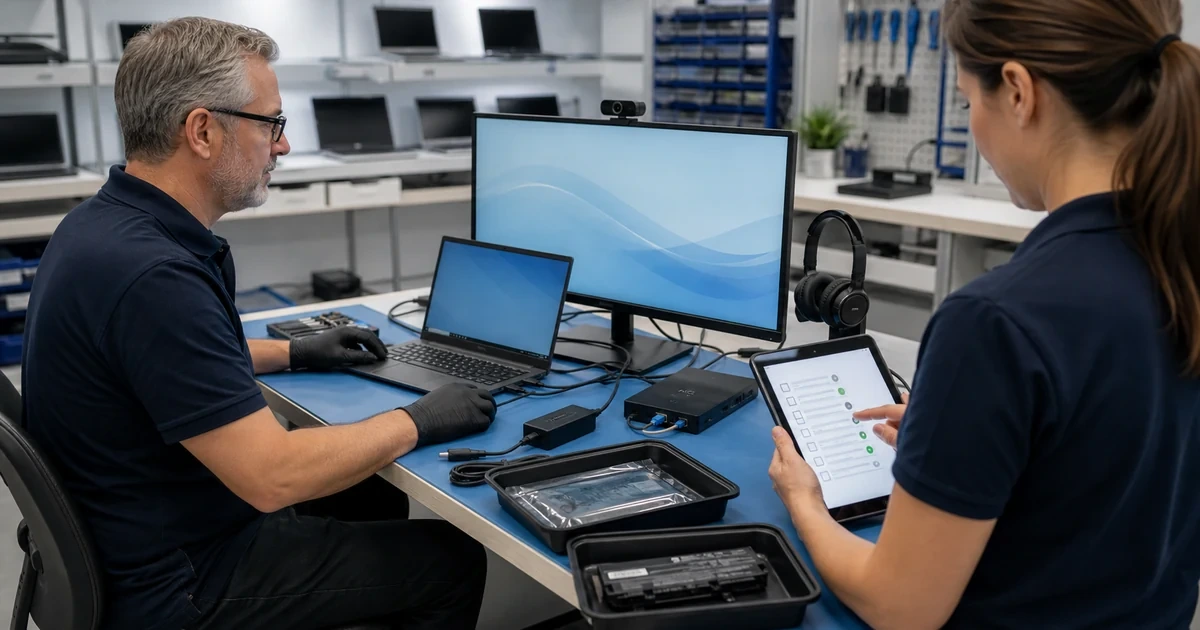

Software Installation and Upgrades
Business software installation and upgrades for Lawrenceville and Suwanee organizations
ALLMSP installs, upgrades, configures, and tests Windows and business applications with attention to licensing, compatibility, data, security, integrations, and employee workflow. The result is a usable business system, not a collection of unchecked installers.
Software changes should be planned around compatibility, security, and the work employees perform
ALLMSP provides business software installation and upgrades for Lawrenceville, Suwanee, Gwinnett County, and Metro Atlanta. We review operating system support, device requirements, licensing, user roles, integrations, security controls, and data before scheduling a change.
Work can include Windows 11 readiness, application deployment, drivers, firmware, Microsoft 365 desktop apps, browser and PDF tools, line-of-business software, and cleanup of unsupported programs. Microsoft Office applications are covered in depth on our Microsoft 365 support page, while wider application needs can be coordinated through software support.
Review Compatibility
We confirm operating system support, processor and memory requirements, licensing, data paths, integrations, user roles, and security controls before scheduling the change.
Install and Configure
ALLMSP installs approved software, applies updates, configures business settings, connects required services, migrates user preferences where practical, and tests key workflows.
Standardize and Support
We document versions and licenses, remove conflicting software, create repeatable deployment steps, train users where needed, and support the environment after rollout.
Software Installation and Upgrades
ALLMSP treats installation as a complete business change. Compatibility, access, licensing, updates, integrations, user settings, and rollback considerations are addressed before employees are expected to use the software.
Bulk Installation
ALLMSP is your one-stop-shop for software upgrades, our experts can upgrade multiple programs in one session, and can ensure that all of your newly upgraded software integrates properly for a seamless computing experience.
Managed Installation
We know that software installation can be time-consuming and complicated, so we offer managed installation services to make it easier for you. Just let us know which programs you'd like to have installed, and we'll take care of everything, ensuring they're ready to use as soon as your machine is returned to you.
Related computer repair services

Install software with the licensing, settings, updates, and integrations needed for real work
A successful installer does not prove that an application is ready for business use. ALLMSP checks sign-in, permissions, data paths, printing, email, browser behavior, integrations, security tools, and the employee workflow that depends on the software.
Organizations that need continuing application assistance can combine this work with managed software support and the ALLMSP IT Help Desk.
Industry-Specific IT, Cybersecurity, Cloud, Marketing, and HR Support
Frequently Asked Questions
Q. What signs indicate that a business computer needs software installation and upgrades?
A. Common triggers include unsupported Windows versions, failed updates, application crashes, missing features, licensing errors, incompatible drivers, slow startup, or a new business application that must be deployed consistently.
Q. How does ALLMSP diagnose software installation and upgrades?
A. We review device specifications, operating system version, storage, updates, licensing, application requirements, integrations, user roles, security tools, and the recovery path before making changes.
Q. Is software installation and upgrades worth completing instead of replacing the computer?
A. An in-place upgrade works when the device and applications are supported and a reliable rollback or backup exists. A clean installation or device replacement may be better when years of conflicts or unsupported hardware are involved.
Q. How does ALLMSP protect business data during software installation and upgrades?
A. Before operating system or major application changes, we identify user data, confirm backup status, record licensing and settings, and plan how profiles and files will be restored if the change must be reversed.
Q. Can ALLMSP coordinate software installation and upgrades across multiple business devices?
A. Yes. ALLMSP can stage deployments by department, standardize versions, automate appropriate installers, handle exceptions, verify business workflows, and document the resulting software baseline.
Q. Can software installation and upgrades be completed remotely or onsite?
A. Many installations can be completed remotely. Hardware-dependent software, failed operating systems, or devices without stable connectivity may require onsite or coordinated bench service.
Q. Does ALLMSP provide software installation and upgrades in Lawrenceville and Suwanee?
A. Yes. ALLMSP installs and upgrades business software in Lawrenceville and Suwanee, with service throughout Gwinnett County and Metro Atlanta. We check compatibility, protect important data, configure the application, and verify that users can work afterward.
Q. How long does software installation and upgrades usually take?
A. Timing depends on download size, device speed, licensing, compatibility testing, data protection, user scheduling, and the number of applications or computers involved.
Q. What affects the cost of software installation and upgrades?
A. Cost reflects application count, licensing, compatibility work, data and profile migration, integrations, testing, user scheduling, and whether a repeatable multi-device deployment must be created.
Q. What can a business do to reduce the need for future software installation and upgrades?
A. Maintain a supported software inventory, remove unused applications, standardize versions, schedule updates, protect user data, document licenses, and test major changes before broad deployment.