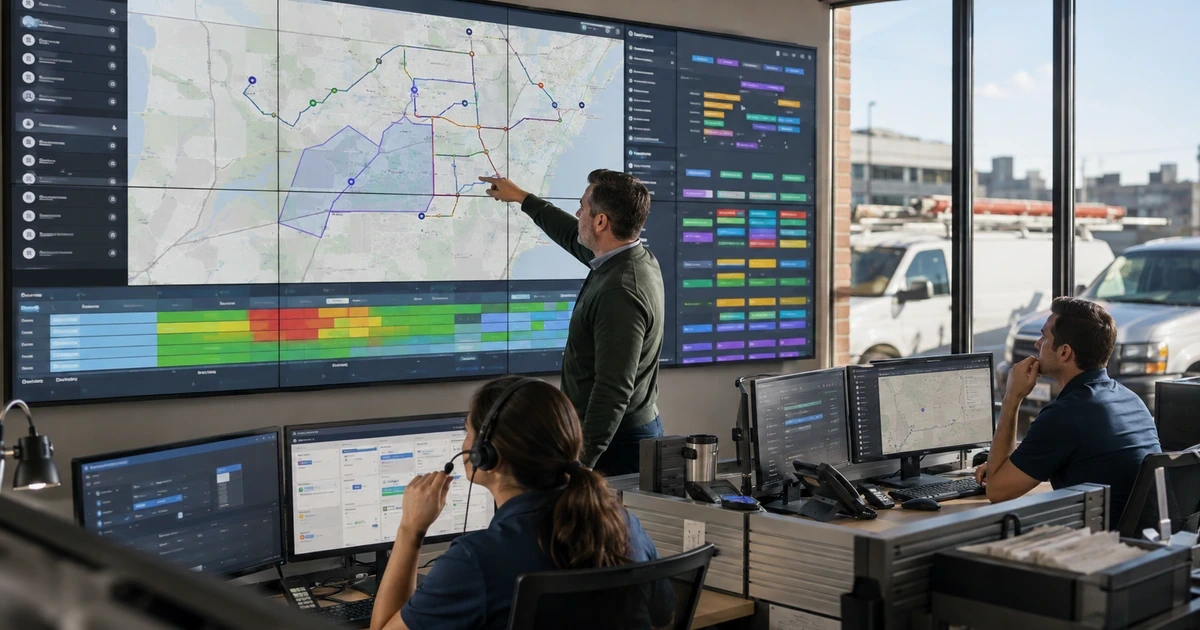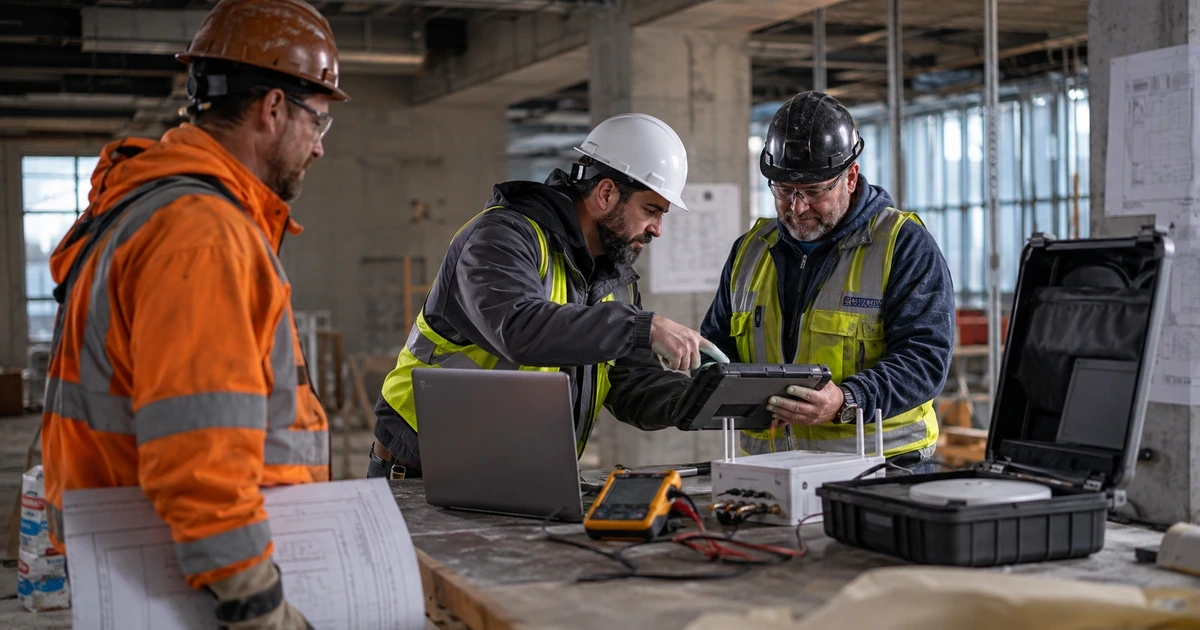
Construction technology cleanup should reveal project and people dependencies before removal. A former project manager may own a workspace, a subcontractor may retain current drawings, a field phone may hold the only photos, and an employee account may run accounting or reporting integrations. Find and transfer those dependencies first.
Preserve contract, project, financial, payroll, safety, training, closeout, warranty, and incident records according to current decisions. Transfer ownership and test replacement access before removing workers, subcontractors, providers, devices, or integrations. Coordinate changes with active bids, field operations, payroll, billing, inspections, and closeouts.
How to choose the right construction and contracting IT improvements
A successful cleanup leaves one accountable record for projects, people, companies, devices, applications, external access, drawings, integrations, finances, backups, closeouts, and exceptions. Stale access is removed, current project data is clear, and recovery is proven.
- Former workers, subcontractors, design users, providers, or unknown service identities remain active.
- Closed and canceled projects still have public links, active rooms, field synchronization, or unowned administration.
- Drawings, photos, changes, daily records, or approvals are split across email, local devices, and duplicate folders.
- Payments, payroll, reporting, or project integrations depend on one employee or personal credential.
- Devices, mobile applications, and remote-support tools do not match workers, vehicles, jobsites, or inventory.
- Backup dashboards show success without clean restoration of current project and accounting records.
Find project, identity, company, device, integration, and record dependencies
Unknown privileged and external access
Diagnosis: Export owners, administrators, recovery contacts, subcontractors, design users, owners, providers, service identities, local administrators, tokens, and sessions. Match each to a current sponsor, company, role, project, purpose, last use, and end date.
Construction and Contracting Firms IT improvement: Establish contractor-controlled recovery, separate office and field administration, close access for completed projects, narrow roles, rotate affected credentials, transfer project assets, enforce provider expiration, and alert on privilege changes.
Measurement: Track known privileged identities, MFA, external access removed, provider sessions, emergency recovery tests, time-limited roles, and approved exceptions.
Closed and canceled project access remains active
Diagnosis: Inventory project spaces, drawing sets, groups, invitations, public links, downloads, synchronized copies, service accounts, devices, administrators, archives, and last activity by project status.
Construction and Contracting Firms IT improvement: Transfer final ownership, preserve required records and indices, close links, remove external and obsolete users, stop synchronization, archive according to policy, and verify that warranty and business users retain approved access.
Measurement: Track projects with completed access closeout, stale users removed, links closed, archives verified, synchronized copies addressed, and days from status change to closure.
Current project records are scattered
Diagnosis: Sample drawings, specifications, RFIs, submittals, changes, photos, daily logs, meeting notes, approvals, cost records, and closeout across email, local folders, texts, consumer storage, duplicate platforms, and paper scans.
Construction and Contracting Firms IT improvement: Move required records into the approved project system, preserve history and context, mark current versions, correct mobile and scanner paths, close unsafe sharing, and train teams on the supported workflow.
Measurement: Track records migrated, duplicate and unsafe locations removed, current-version tests, field adoption, missing history, repeated exceptions, and search time for project decisions.
Correct access, drawings, files, authority, devices, and support paths
Broad financial and change authority
Diagnosis: Review accounting, payroll, vendor master, banking, payment, purchase order, commitment, change, pay application, release, reconciliation, local administrator, application administrator, and recovery roles by person and last use.
Construction and Contracting Firms IT improvement: Separate preparation, verification, approval, release, reconciliation, and administration, reduce standing authority, add known-channel callbacks, expire emergency roles, and monitor high-impact changes.
Measurement: Track high-impact roles reduced, dual approvals, callbacks completed, emergency duration, transaction alerts reviewed, test changes, and unresolved exceptions.
Employee-owned integrations and automation
Diagnosis: List accounting sync, estimating handoff, project connectors, scheduled exports, reports, time and payroll links, email rules, scripts, browser extensions, service identities, personal billing, credentials, and failure handling.
Construction and Contracting Firms IT improvement: Transfer critical ownership to managed identities where supported, reduce scopes, rotate secrets, document inputs and outputs, add failure monitoring and backup owners, remove abandoned connections, and test manual continuity.
Measurement: Track managed ownership, scopes reduced, secrets rotated, failures detected, orphaned automation retired, reports reconciled, and continuity tests.
Unmanaged field devices and remote tools
Diagnosis: Reconcile purchasing, workers, vehicles, jobsites, device and mobile management, endpoint security, encryption, networks, remote support, return, and disposal. Find unsupported systems, stale devices, shared-account history, unknown tools, and local administrators.
Construction and Contracting Firms IT improvement: Enroll, patch, encrypt, protect, replace, quarantine, recover, or retire each system. Configure supported shared modes, remove unauthorized remote access and local privilege, recover project data, and document disposal.
Measurement: Track device-to-worker and location match, encryption, patch and protection, unsupported systems, local administrators, unknown remote tools, returns, and disposal evidence.
Drawing and change workflows create duplicate truth
Diagnosis: Compare project-platform records with email attachments, local files, shared drives, drawing apps, printed sets, RFI and submittal logs, change spreadsheets, cost systems, field directions, and synchronization. Identify conflicting current versions.
Construction and Contracting Firms IT improvement: Designate the approved record, publish current versions, retain superseded history, link decisions to cost and schedule, correct notifications and roles, remove misleading duplicates, and test office, field, and offline use.
Measurement: Track current-version accuracy, duplicate sources retired, field retrieval, RFI and submittal aging, changes linked to cost and schedule, and direction without approved record.
Improve monitoring, backup, outage procedures, and project closeout
Monitoring and support lack project context
Diagnosis: Compare identity, email, endpoint, jobsite network, cloud, application, backup, and remote-support alerts with tickets and incidents. Identify noise, blind spots, unknown project or location, missed ownership, and recurring field failures.
Construction and Contracting Firms IT improvement: Route meaningful events to accountable queues, include project, location, worker, device, company, and deadline context, define severity and timing, add after-hours escalation, and correct recurring causes.
Measurement: Track critical coverage, alert-to-ticket linkage, response and containment time, project context, recurring events, missed escalations, and permanent fixes.
Backup and project export are unproven
Diagnosis: Map project platforms, drawings, email, accounting, payroll, estimates, photos, closeout, warranty, configurations, local data, and provider exports to protected copies. Inspect failures, permissions, immutability, retention, and restore evidence.
Construction and Contracting Firms IT improvement: Add missing scope, isolate backup administration, correct jobs, automate useful exports, run clean restores, document timing and dependencies, and repeat around project close, platform change, and accounting periods.
Measurement: Track protected critical records, clean restores, restore time, recovery-point gap, export currency, failures corrected, and unresolved provider dependencies.
Closeout and incident procedures are stale
Diagnosis: Compare project closeout, external removal, device return, archives, warranty, provider access, incident contacts, financial procedures, field continuity, support escalation, and recovery steps with current systems and recent projects.
Construction and Contracting Firms IT improvement: Update from verified current state, assign owners and review dates, connect procedures to project and departure checklists, run a closeout and incident exercise, train affected roles, and preserve approved versions.
Measurement: Track timely project closure, external access removed, devices returned, archives recovered, current contacts, exercise findings closed, and repeated support errors.
Measure project visibility and control after cleanup
Review cleanup with estimating, operations, project management, field leadership, accounting, payroll, safety, security, and support. Every action should name the project, location, company, dependency, preserved record, replacement owner, deadline, communication, verification, and follow-up.
- Known ownership: Projects, applications, accounts, administrators, companies, devices, integrations, providers, backups, and archives mapped to current owners.
- Project-access accuracy: Sampled worker and external permissions matching current company, role, active project, workflow need, approval, and expiration.
- Current-record confidence: Drawings, RFIs, submittals, changes, costs, photos, and closeout records with clear current versions and traceable history.
- Field device health: Assigned and shared systems managed, encrypted, protected, patched, supported, recoverable, and free of unknown remote access.
- Financial-control coverage: Vendor, payroll, bank, invoice, commitment, change, and payment actions using separated authority and independent verification.
- Recovery and closeout: Representative project records restored and closed projects archived and cleared of temporary access within approved time.
Frequently Asked Questions
How should contractors clean up unknown administrator and subcontractor access?
Begin by checking whether export owners, administrators, recovery contacts, subcontractors, design users, owners, providers, service identities, local administrators, tokens, and sessions. Match each to a current sponsor, company, role, project, purpose, last use, and end date. Establish contractor-controlled recovery, separate office and field administration, close access for completed projects, narrow roles, rotate affected credentials, transfer project assets, enforce provider expiration, and alert on privilege changes. Measure progress with track known privileged identities, MFA, external access removed, provider sessions, emergency recovery tests, time-limited roles, and approved exceptions.
What is the safest way to clean up access after a construction project closes?
Begin by checking whether inventory project spaces, drawing sets, groups, invitations, public links, downloads, synchronized copies, service accounts, devices, administrators, archives, and last activity by project status. Transfer final ownership, preserve required records and indices, close links, remove external and obsolete users, stop synchronization, archive according to policy, and verify that warranty and business users retain approved access. Measure progress with track projects with completed access closeout, stale users removed, links closed, archives verified, synchronized copies addressed, and days from status change to closure.
How can contractors clean up project files scattered across email and field devices?
Begin by checking whether sample drawings, specifications, RFIs, submittals, changes, photos, daily logs, meeting notes, approvals, cost records, and closeout across email, local folders, texts, consumer storage, duplicate platforms, and paper scans. Move required records into the approved project system, preserve history and context, mark current versions, correct mobile and scanner paths, close unsafe sharing, and train teams on the supported workflow. Measure progress with track records migrated, duplicate and unsafe locations removed, current-version tests, field adoption, missing history, repeated exceptions, and search time for project decisions.
How can construction firms reduce excessive financial and change-order authority?
Begin by checking whether review accounting, payroll, vendor master, banking, payment, purchase order, commitment, change, pay application, release, reconciliation, local administrator, application administrator, and recovery roles by person and last use. Separate preparation, verification, approval, release, reconciliation, and administration, reduce standing authority, add known-channel callbacks, expire emergency roles, and monitor high-impact changes. Measure progress with track high-impact roles reduced, dual approvals, callbacks completed, emergency duration, transaction alerts reviewed, test changes, and unresolved exceptions.
How should contractors clean up employee-owned project and accounting automation?
Begin by checking whether list accounting sync, estimating handoff, project connectors, scheduled exports, reports, time and payroll links, email rules, scripts, browser extensions, service identities, personal billing, credentials, and failure handling. Transfer critical ownership to managed identities where supported, reduce scopes, rotate secrets, document inputs and outputs, add failure monitoring and backup owners, remove abandoned connections, and test manual continuity. Measure progress with track managed ownership, scopes reduced, secrets rotated, failures detected, orphaned automation retired, reports reconciled, and continuity tests.
How can construction firms clean up field devices and jobsite remote access?
Begin by checking whether reconcile purchasing, workers, vehicles, jobsites, device and mobile management, endpoint security, encryption, networks, remote support, return, and disposal. Find unsupported systems, stale devices, shared-account history, unknown tools, and local administrators. Enroll, patch, encrypt, protect, replace, quarantine, recover, or retire each system. Configure supported shared modes, remove unauthorized remote access and local privilege, recover project data, and document disposal. Measure progress with track device-to-worker and location match, encryption, patch and protection, unsupported systems, local administrators, unknown remote tools, returns, and disposal evidence.
How can contractors eliminate conflicting drawing and change records?
Begin by checking whether compare project-platform records with email attachments, local files, shared drives, drawing apps, printed sets, RFI and submittal logs, change spreadsheets, cost systems, field directions, and synchronization. Identify conflicting current versions. Designate the approved record, publish current versions, retain superseded history, link decisions to cost and schedule, correct notifications and roles, remove misleading duplicates, and test office, field, and offline use. Measure progress with track current-version accuracy, duplicate sources retired, field retrieval, RFI and submittal aging, changes linked to cost and schedule, and direction without approved record.
How can contractors make IT monitoring more useful to field teams?
Begin by checking whether compare identity, email, endpoint, jobsite network, cloud, application, backup, and remote-support alerts with tickets and incidents. Identify noise, blind spots, unknown project or location, missed ownership, and recurring field failures. Route meaningful events to accountable queues, include project, location, worker, device, company, and deadline context, define severity and timing, add after-hours escalation, and correct recurring causes. Measure progress with track critical coverage, alert-to-ticket linkage, response and containment time, project context, recurring events, missed escalations, and permanent fixes.
How should contractors prove that cloud project data can be recovered?
Begin by checking whether map project platforms, drawings, email, accounting, payroll, estimates, photos, closeout, warranty, configurations, local data, and provider exports to protected copies. Inspect failures, permissions, immutability, retention, and restore evidence. Add missing scope, isolate backup administration, correct jobs, automate useful exports, run clean restores, document timing and dependencies, and repeat around project close, platform change, and accounting periods. Measure progress with track protected critical records, clean restores, restore time, recovery-point gap, export currency, failures corrected, and unresolved provider dependencies.
When should construction firms update project closeout and incident procedures?
Begin by checking whether compare project closeout, external removal, device return, archives, warranty, provider access, incident contacts, financial procedures, field continuity, support escalation, and recovery steps with current systems and recent projects. Update from verified current state, assign owners and review dates, connect procedures to project and departure checklists, run a closeout and incident exercise, train affected roles, and preserve approved versions. Measure progress with track timely project closure, external access removed, devices returned, archives recovered, current contacts, exercise findings closed, and repeated support errors.