





























































































































































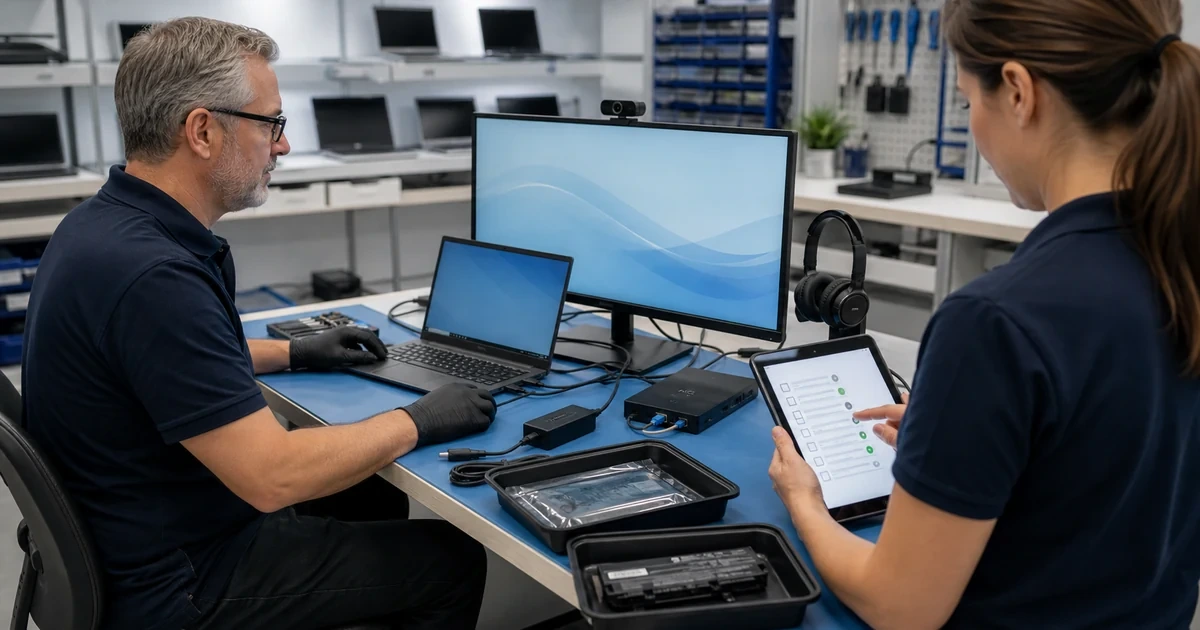
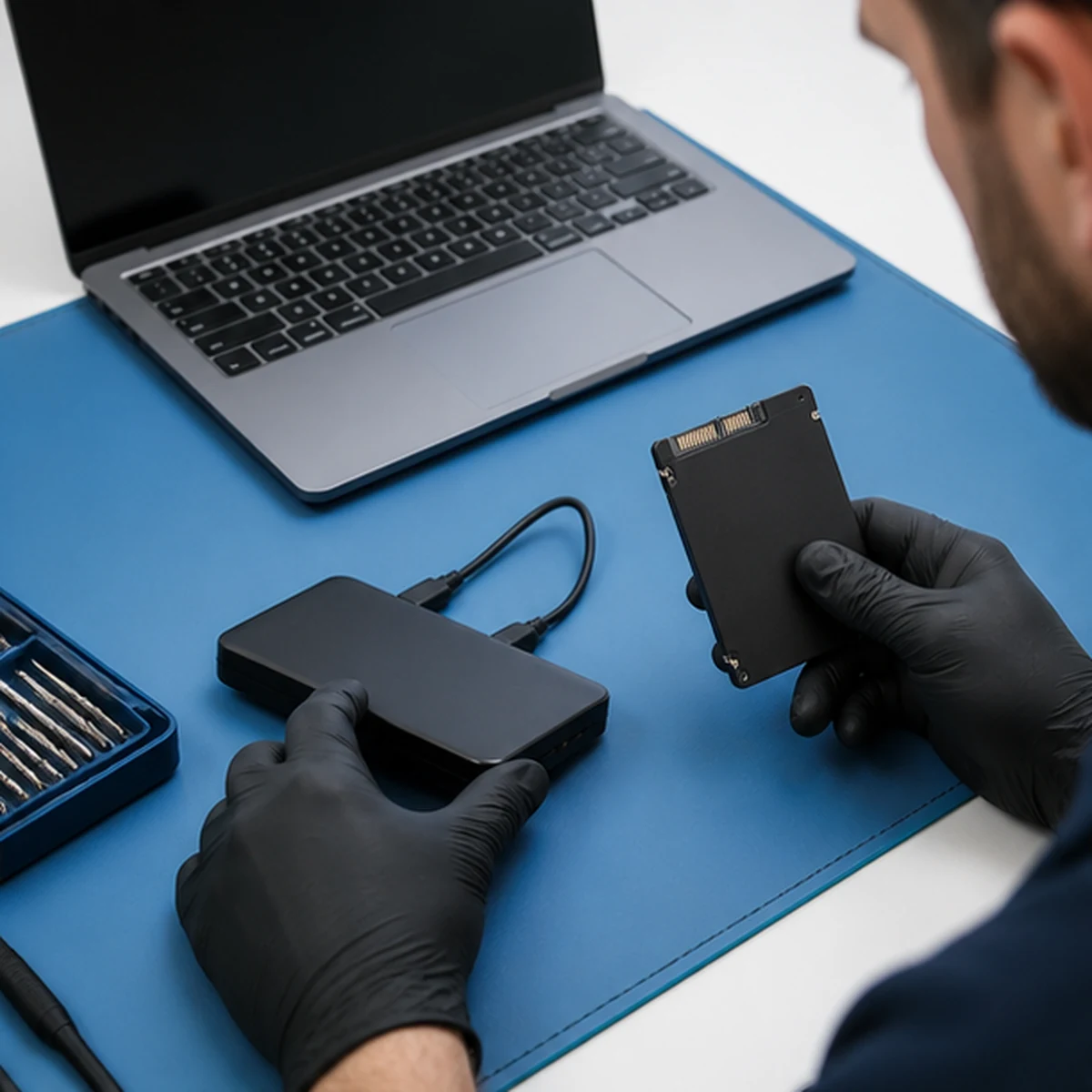
Data Recovery and Drive Replacement
Business data recovery and drive replacement for Lawrenceville and Suwanee organizations
ALLMSP helps businesses respond to failing drives, inaccessible files, corrupt Windows profiles, and computers that no longer start. We protect the original media, prioritize essential business data, move recoverable files to healthy storage, and build a clearer backup path after recovery.
A failing drive should be handled carefully before routine troubleshooting makes recovery harder
ALLMSP provides business data recovery and drive replacement for Lawrenceville, Suwanee, Gwinnett County, and Metro Atlanta organizations. Clicking, repeated disconnects, SMART warnings, extreme slowness, corrupted folders, and boot failures all require a measured response.
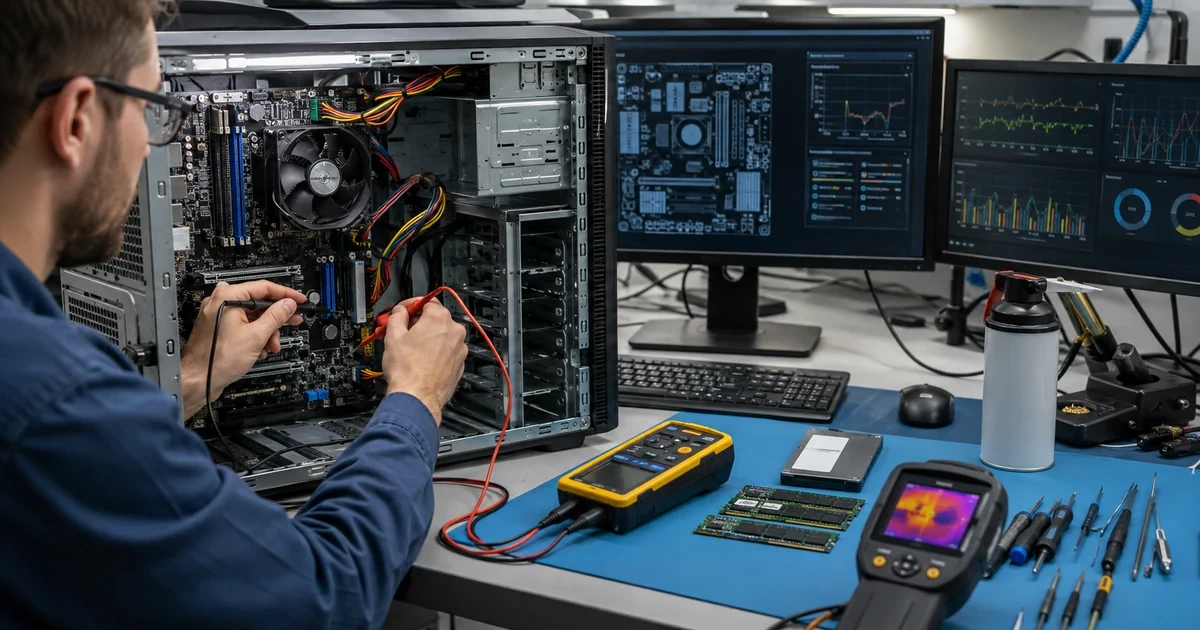
We begin with non-destructive triage, identify the files and systems that matter most, and separate logical recovery from signs of mechanical damage. Recoverable data can be transferred to a healthy SSD, secured, and restored to a working profile. For broader continuity, ALLMSP can connect the repair with managed data backup and recovery and managed IT services.
Protect the Original
We stop unnecessary writes, document symptoms, identify critical files, review encryption and backup status, and determine whether the media is safe for in-house logical recovery.
Recover and Replace
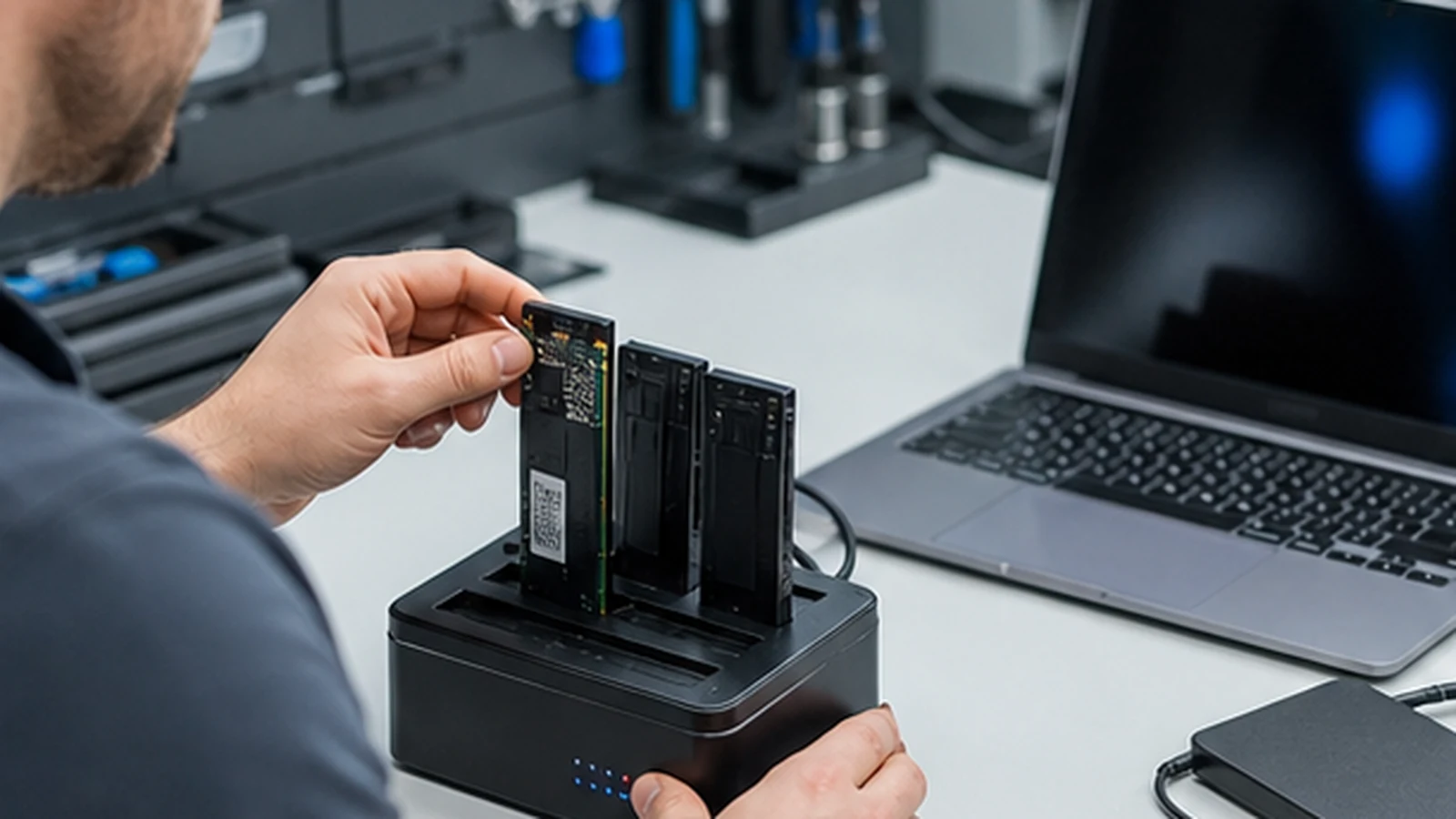
ALLMSP copies recoverable data to healthy storage, replaces failed or unreliable drives, configures the operating system, and restores approved files and profiles.
Reduce the Next Risk
We verify file access, review drive health and encryption, document the recovery, and recommend an appropriate local and cloud backup plan.
Data Recovery and Drive Replacement
The goal is not simply to make the computer start. ALLMSP protects the original media, identifies the most valuable data, and avoids unnecessary activity that can reduce the chance of recovery.
Related computer repair services
Recover the business data first, then restore a dependable working environment
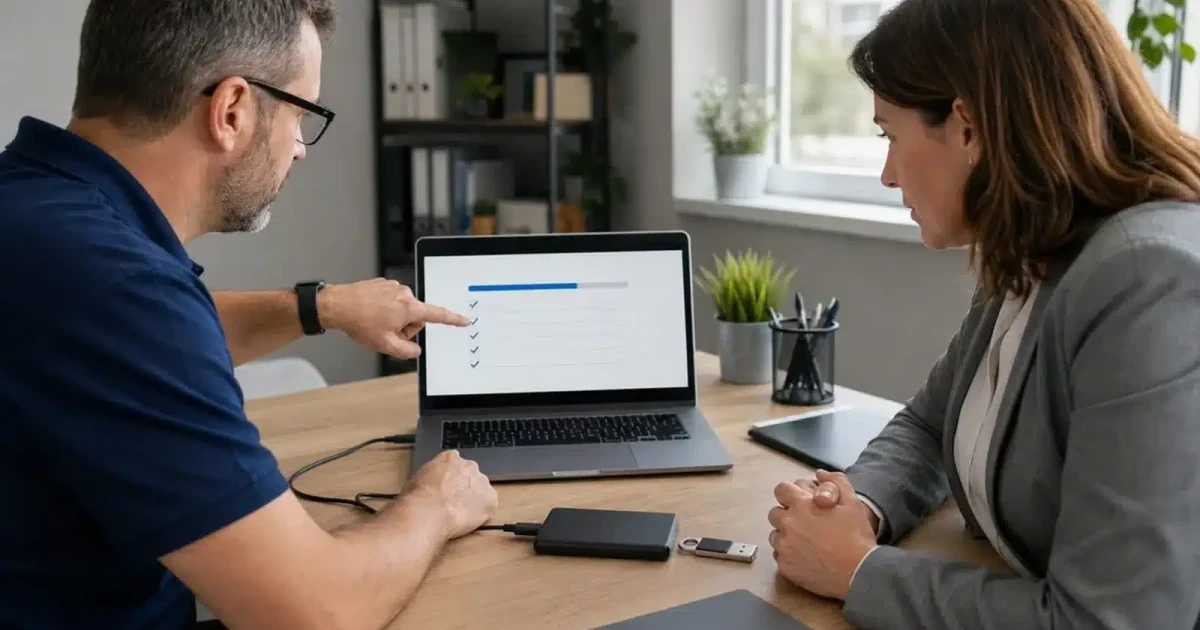
Successful recovery is only useful when employees can find, open, and protect the restored information. ALLMSP connects drive recovery with Windows, profiles, permissions, encryption, healthy replacement storage, and validation of the files that matter.
After recovery, our backup and disaster recovery services can protect endpoints, servers, and cloud platforms with documented retention and restore testing.
Industry-Specific IT, Cybersecurity, Cloud, Marketing, and HR Support
Frequently Asked Questions
Q. What signs indicate that a business computer needs data recovery and drive replacement?
A. Stop using a drive that clicks, disappears, reports health warnings, becomes extremely slow, shows corrupted folders, or prevents Windows from starting. Continued use can overwrite recoverable information or worsen physical damage.
Q. How does ALLMSP diagnose data recovery and drive replacement?
A. We document the failure, confirm the device and storage type, review encryption and backups, inspect drive health, identify priority data, and determine whether the problem appears logical, electrical, or mechanical.
Q. Is data recovery and drive replacement worth completing instead of replacing the computer?
A. Logical issues and readable but unstable drives may be candidates for controlled in-house recovery. Strong signs of internal mechanical damage require a different recovery path, and ALLMSP explains the risk before additional activity.
Q. How does ALLMSP protect business data during data recovery and drive replacement?
A. Protection of the original media guides the process. We limit writes, recover to separate healthy storage, preserve folder structure where possible, and validate priority files before the old drive is erased or retired.
Q. Can ALLMSP coordinate data recovery and drive replacement across multiple business devices?
A. Yes. We can coordinate drive-health reviews, replacement waves, profile migration, encryption, backup enrollment, and asset documentation across a business laptop or desktop fleet.
Q. Can data recovery and drive replacement be completed remotely or onsite?
A. Drive recovery normally requires physical access to the device or storage. File validation, restored profile support, and backup configuration can continue onsite or remotely after the data is secured.
Q. Does ALLMSP provide data recovery and drive replacement in Lawrenceville and Suwanee?
A. Yes. ALLMSP handles failed-drive diagnosis, drive replacement, and data recovery coordination for businesses in Lawrenceville and Suwanee, with service throughout Gwinnett County and Metro Atlanta. We explain recovery options and costs before proceeding.
Q. How long does data recovery and drive replacement usually take?
A. Timing depends on drive condition, capacity, encryption, the amount of data, replacement availability, and whether the operating system must be rebuilt. Unstable drives are prioritized carefully rather than rushed blindly.
Q. What affects the cost of data recovery and drive replacement?
A. Cost depends on the failure type, storage capacity, recovery time, encryption, replacement hardware, Windows and profile work, and the amount of data that must be validated.
Q. What can a business do to reduce the need for future data recovery and drive replacement?
A. Use monitored backups, test restores, replace drives with declining health, keep business data out of unmanaged local folders, use encryption responsibly, and document recovery keys before a failure occurs.