





























































































































































Liquid Damage Computer Repair
Liquid-damaged laptop and computer repair for Lawrenceville and Suwanee businesses
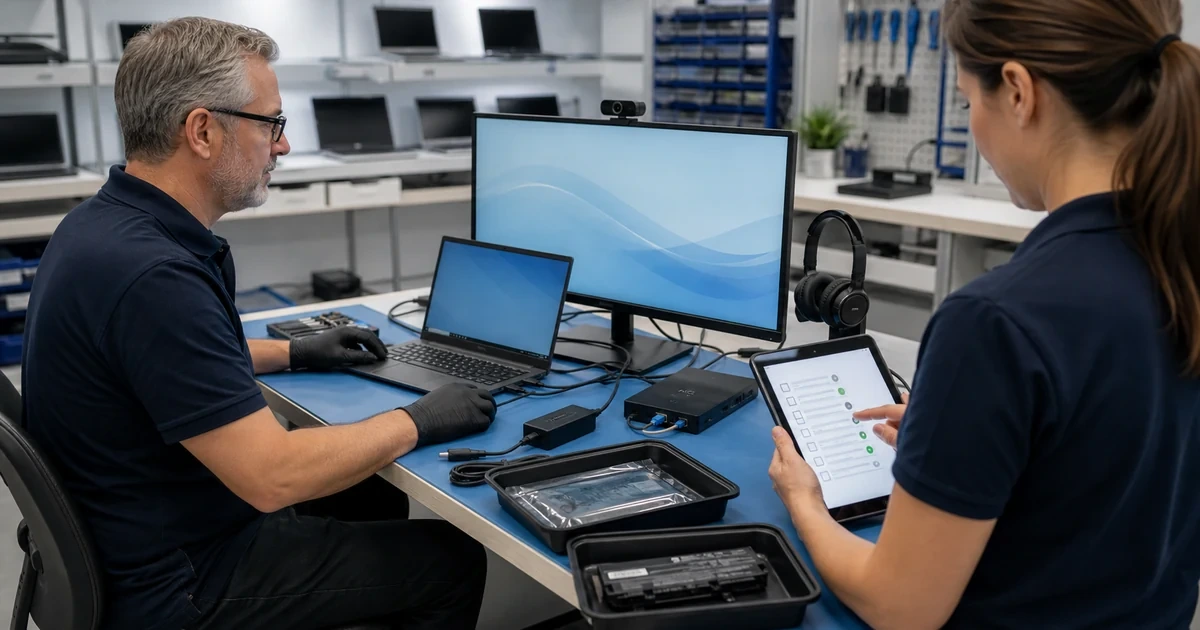
ALLMSP helps businesses respond quickly after liquid reaches a laptop or desktop. We guide safe shutdown, inspect the affected area, protect recoverable data, clean and replace damaged components where practical, and provide a clear repair-versus-replace recommendation.
The safest first step is to remove power and avoid testing a wet device
ALLMSP provides liquid damage computer repair for businesses in Lawrenceville, Suwanee, Gwinnett County, and Metro Atlanta. Coffee, water, cleaning fluid, and other spills can continue causing corrosion after the surface appears dry.
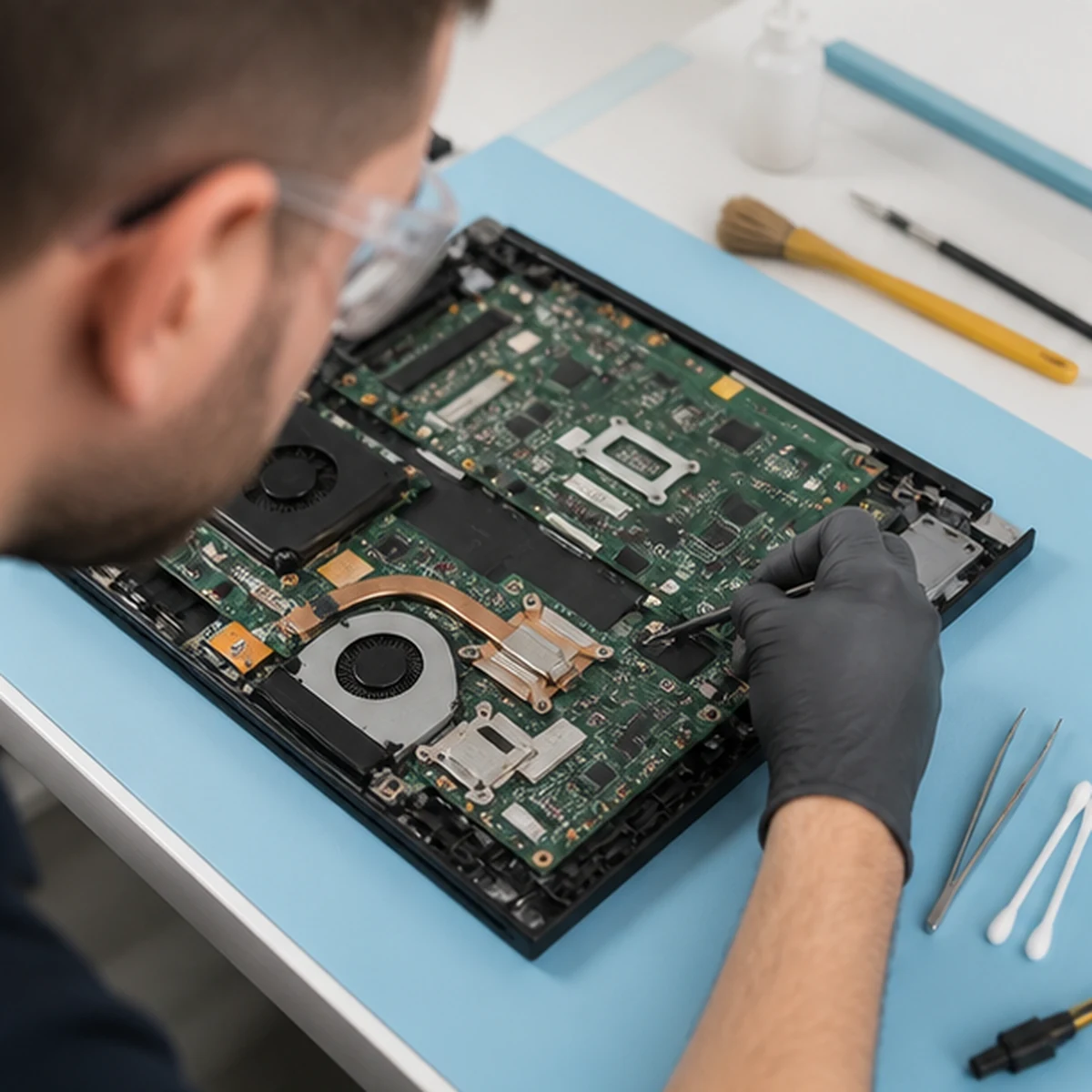
We document the spill, remove power safely, disassemble the device, inspect connectors and boards, and determine whether cleaning, part replacement, data recovery, or replacement is the responsible path. If storage has been affected, the work connects directly with computer data recovery and broader hardware support.
Stop Further Damage
We advise immediate shutdown, removal of external power when safe, no charging or repeated startup attempts, and careful transport without shaking liquid deeper into the device.
Inspect and Repair
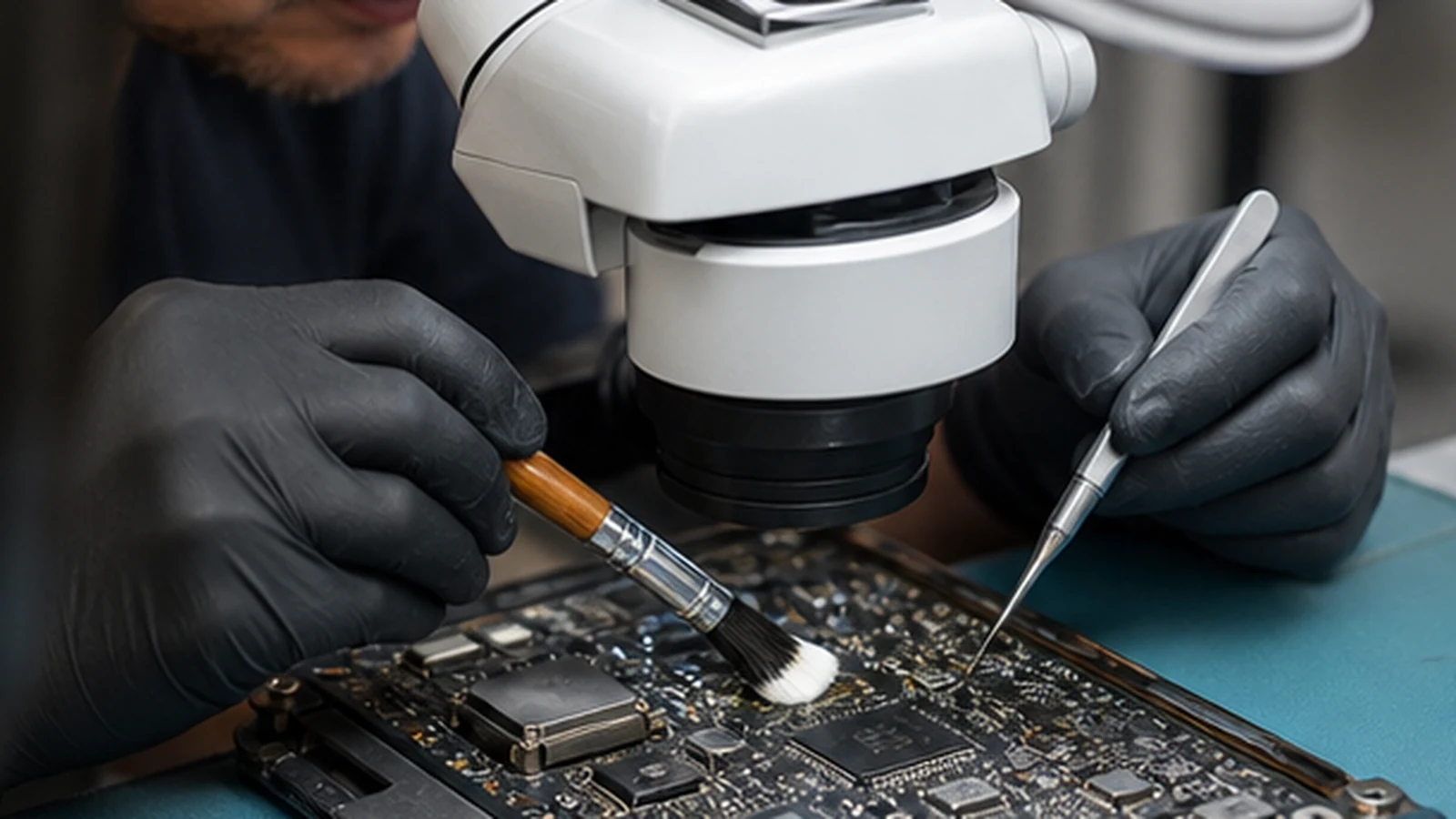
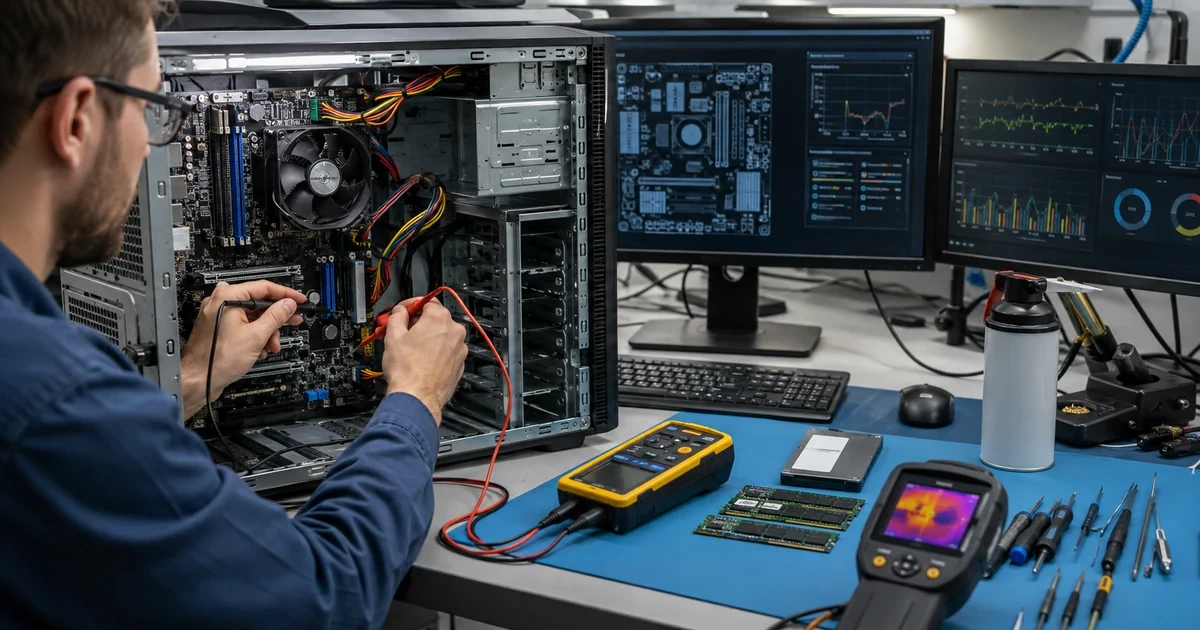
ALLMSP disassembles the computer, maps the affected area, checks corrosion and connectors, cleans appropriate components, and replaces damaged parts when the repair is supportable.
Recover and Decide
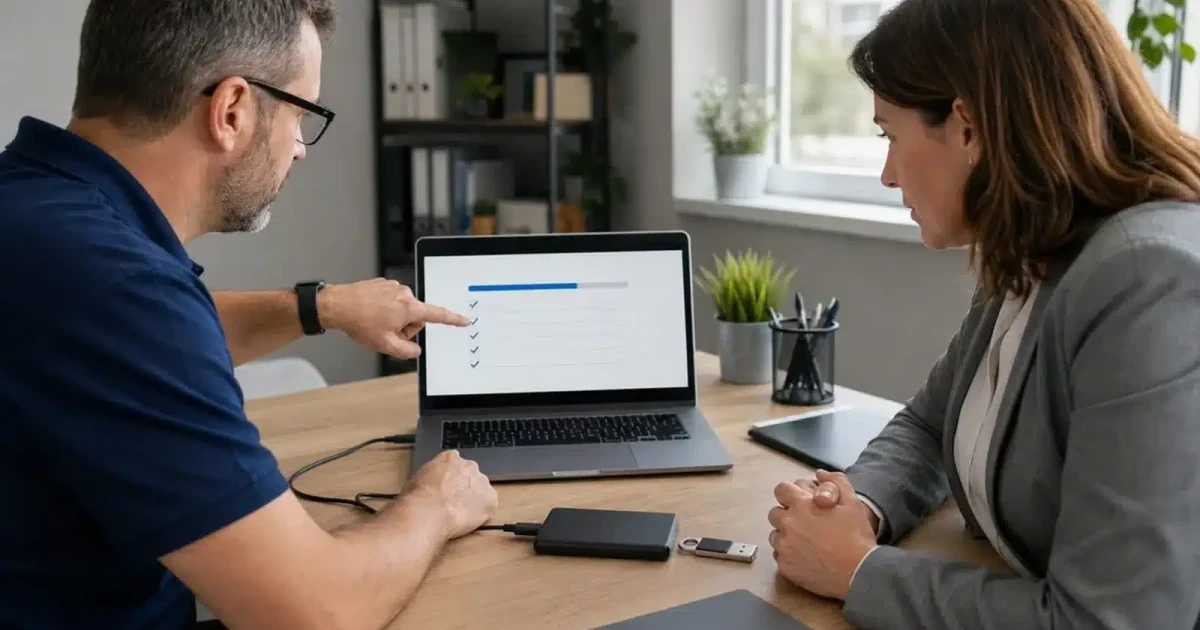
We test the device carefully, protect accessible data, document remaining risk, and compare the complete repair with replacement and business downtime.
Liquid Damage Computer Repair
Liquid damage is evaluated by location, liquid type, powered state, corrosion, parts availability, data importance, and device value. A quick surface cleanup is not treated as proof that the computer is safe.
Related computer repair services
Treat liquid exposure as both a hardware event and a business data risk
A device may power on after a spill and still fail days later as corrosion progresses. ALLMSP looks beyond the first successful startup, documents residual risk, and helps the business decide how much trust to place in the repaired computer.
When replacement is the better option, we can coordinate a new device, restore approved data, and complete software installation so the employee returns to a working environment.
Industry-Specific IT, Cybersecurity, Cloud, Marketing, and HR Support
Frequently Asked Questions
Q. What signs indicate that a business computer needs liquid damage computer repair?
A. Any spill near a keyboard, vent, charging port, desktop case, dock, or power adapter deserves attention. Warning signs include sticky keys, no charging, random input, screen artifacts, odor, heat, shutdowns, or a device that will not start.
Q. How does ALLMSP diagnose liquid damage computer repair?
A. We document the liquid and timing, remove power, inspect the affected path, check corrosion and connectors, evaluate storage and battery safety, and identify which parts can be cleaned or replaced.
Q. Is liquid damage computer repair worth completing instead of replacing the computer?
A. Repair makes sense when damage is localized, important boards remain stable, parts are available, and the cost is reasonable. Widespread board corrosion or a high chance of delayed failure may favor replacement.
Q. How does ALLMSP protect business data during liquid damage computer repair?
A. Storage is assessed separately and powered only when appropriate. Priority files can be transferred to healthy media, and recovery is completed before risky testing when the data is more valuable than the device.
Q. Can ALLMSP coordinate liquid damage computer repair across multiple business devices?
A. Yes. We can coordinate incidents across employee devices, keep spare-device and replacement records, restore approved software and data, and document the outcome for asset and insurance purposes.
Q. Can liquid damage computer repair be completed remotely or onsite?
A. Liquid-damaged devices require physical inspection. ALLMSP can provide immediate phone guidance, followed by onsite pickup arrangements or coordinated bench service and later remote user support.
Q. Does ALLMSP provide liquid damage computer repair in Lawrenceville and Suwanee?
A. Yes. ALLMSP evaluates liquid-damaged computers for businesses in Lawrenceville and Suwanee, with service throughout Gwinnett County and Metro Atlanta. We assess corrosion and component damage before recommending repair, data recovery, or replacement.
Q. How long does liquid damage computer repair usually take?
A. Timing depends on the liquid, affected area, corrosion, part availability, data condition, and testing. The device may need observation after cleaning or component replacement before it is trusted again.
Q. What affects the cost of liquid damage computer repair?
A. Cost depends on disassembly, cleaning, affected components, parts, data work, testing, and the device value. ALLMSP presents the full repair-versus-replace comparison before major expense.
Q. What can a business do to reduce the need for future liquid damage computer repair?
A. Use drinks with secure lids, keep liquids away from docks and power strips, maintain current device backups, enable cloud file protection, and keep a documented spare-device process for critical employees.