Reliable business Wi-Fi begins with the work that must happen over the air. Floor area alone cannot determine the number or placement of access points. Walls, glass, metal shelving, machinery, neighboring networks, ceiling height, people, device density, antennas, mounting position, channel use, wired uplinks, power, roaming, and application requirements all affect the result. A site survey connects those conditions to measured coverage and capacity.
The design also needs business context. Voice calls, video meetings, barcode scanners, point-of-sale devices, warehouse tablets, guest access, classrooms, conference rooms, outdoor work, Internet of Things devices, and ordinary laptops have different mobility, latency, throughput, security, and availability needs. The network should separate users and systems appropriately, authenticate them reliably, protect management access, and remain supportable after installers leave.
ALLMSP designs, cables, installs, secures, commissions, and supports business Wi-Fi for organizations in Lawrenceville, Suwanee, Gwinnett County, Metro Atlanta, and throughout Georgia. Our in-house team can complete discovery, surveys, access-point placement, structured cabling, PoE switching, firewall and VLAN configuration, identity integration, testing, documentation, training, monitoring, and ongoing optimization.
Build wireless coverage, capacity, security, and support as one system
- Define requirements: Map users, devices, applications, areas, density, mobility, security, availability, growth, and support expectations.
- Survey the facility: Inspect construction, interference, mounting, power, cabling, neighboring networks, occupied conditions, and restricted spaces.
- Design the radio plan: Model bands, channels, widths, power, antennas, cell overlap, capacity, roaming, and likely access-point locations.
- Prepare the wired edge: Verify cable paths, link speed, PoE budget, switching, VLANs, firewall policy, internet service, UPS, and management.
- Secure each use: Separate corporate, guest, operational, voice, and device traffic with suitable identity, encryption, policy, and monitoring.
- Validate after installation: Measure coverage and performance, test representative devices and applications, document results, and correct exceptions.
Translate users, devices, applications, and spaces into wireless requirements
Inventory who connects, what they use, where they work, and which tasks must continue. Record employee and guest counts, managed and unmanaged devices, laptops, phones, tablets, scanners, printers, cameras, sensors, voice handsets, point-of-sale equipment, meeting systems, and specialty hardware. Map peak density by room and time, expected growth, mobility paths, temporary events, outdoor areas, after-hours operation, and devices that support only certain bands or security methods.
Classify applications by sensitivity to delay, loss, variation, and interruption. Voice and interactive video need stable movement and airtime, while large file transfers and cloud synchronization consume capacity differently. Operational devices may send little data but require reliable reach in difficult locations. Guest traffic needs internet access without exposure to internal systems. Define acceptable behavior for authentication, roaming, upload and download, latency, availability, failover, support, logging, and degraded conditions without promising one speed to every device.
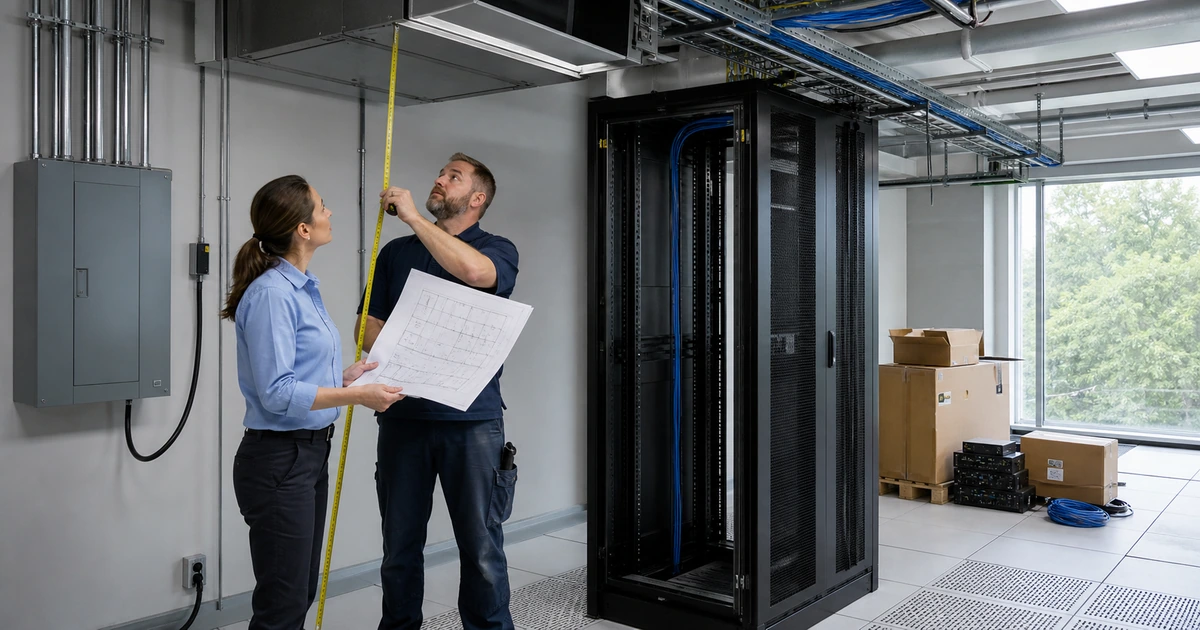
Walk the facility with current drawings. Note wall and door materials, glass treatments, elevators, stairwells, racks, shelving, inventory, machinery, kitchens, break areas, loading docks, high ceilings, outdoor transitions, secure rooms, neighboring tenants, and known radio sources. Identify approved mounting positions, aesthetics, access equipment, plenum and fire requirements, cable routes, pathways, closets, switch ports, PoE capacity, grounding, UPS protection, environmental exposure, and future construction.
- User profile: Record roles, counts, locations, shifts, mobility, guest use, remote support, accessibility, and peak-density conditions.
- Device profile: List model, radio bands, capabilities, management, security support, antenna behavior, power use, mobility, and lifecycle.
- Application profile: Define voice, video, files, cloud, scanners, point of sale, operations, guests, and tolerance for delay or loss.
- Facility profile: Inspect construction, glass, metal, height, inventory, machinery, neighbors, outdoor zones, changes, and restricted access.
- Installation profile: Confirm mounting, pathways, cable distance, closets, ports, PoE, UPS, grounding, code, permits, and appearance.
- Success profile: Set measurable coverage, capacity, roaming, application, security, availability, monitoring, and support acceptance.
Requirements prevent the design from being reduced to signal bars and make it possible to test whether the completed network supports the work it was purchased to carry.
Survey, design, cable, mount, configure, and secure the wireless system
Use predictive design to prepare likely locations and capacity, then verify assumptions on site. Passive measurements reveal existing networks, channel use, noise, and radio conditions. Active or validation testing with representative equipment and clients can show association, throughput, roaming, and application behavior. Survey occupied conditions when people, inventory, machinery, and neighboring networks create the normal environment. Use the planned access-point family and mounting orientation where practical because radio behavior varies by model and installation.
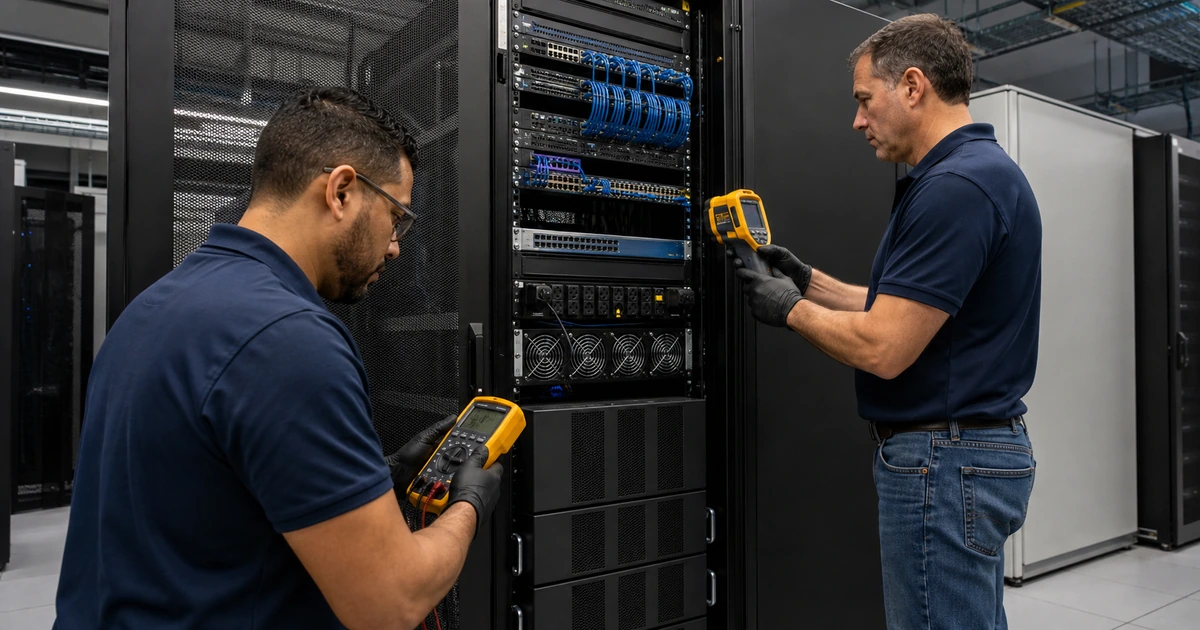
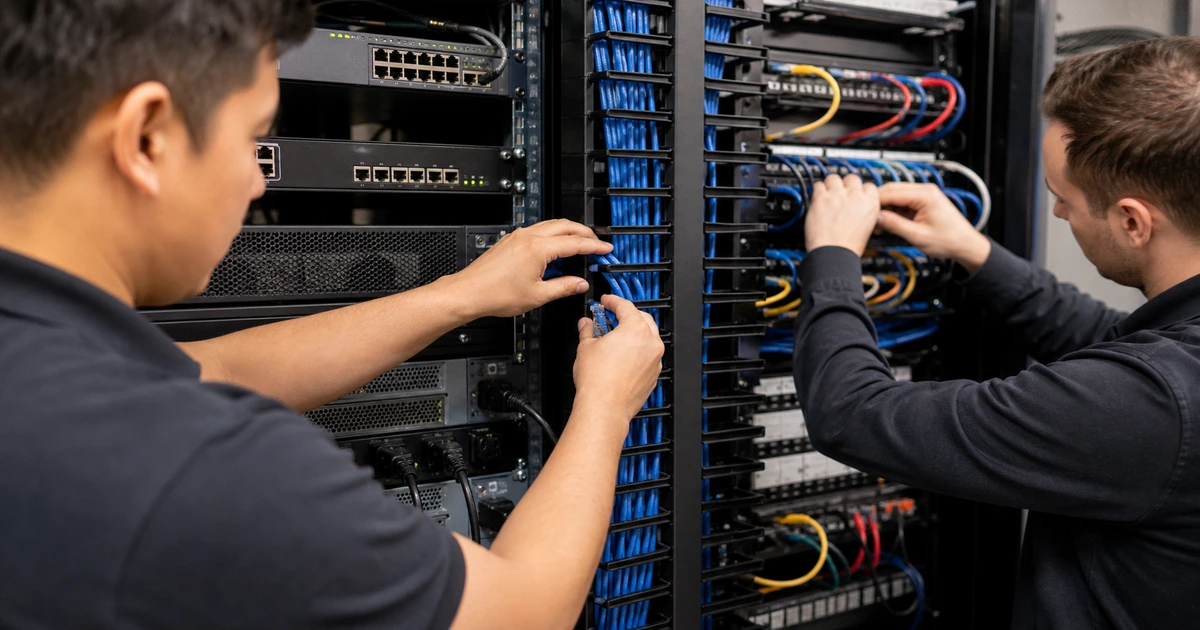
Build the wired foundation for every access point. Install and certify suitable structured cabling, label both ends, protect pathways, respect distance and environmental requirements, and document the exact ceiling or wall location. Confirm switch link capability, PoE class and total budget, VLANs, trunks, quality-of-service requirements, spanning-tree behavior, UPS runtime, controller or cloud reachability, firewall rules, DNS, DHCP, routing, internet capacity, and management access. Wireless performance cannot compensate for a damaged cable, exhausted PoE budget, congested uplink, or slow WAN circuit.
Configure the radio and security plan as one controlled standard. Use supported encryption and authentication appropriate to the client population, preferably identity-based access for managed business users where feasible. Separate guest, corporate, operational, voice, and device networks according to risk and communication need. Restrict management, protect administrator identities with multifactor authentication, use least privilege, retain logs, keep firmware supported, and document legacy exceptions. Tune bands, channels, channel width, power, minimum rates, client steering, roaming features, and load behavior from measured conditions rather than copying universal values.
- Predictive design: Model floor plan, materials, antenna, mounting, bands, channels, power, cell size, capacity, overlap, and growth.
- On-site survey: Measure occupied conditions, interference, neighboring use, candidate locations, client behavior, roaming, and difficult areas.
- Structured cabling: Install, certify, label, protect, and document each access-point cable, pathway, patch, port, and mounting location.
- Switch readiness: Verify link rate, PoE class and budget, VLANs, trunks, uplinks, UPS, management, monitoring, and expansion capacity.
- Network separation: Apply identity, encryption, VLAN, firewall, isolation, bandwidth, content, logging, and lifecycle policy by use.
- Radio configuration: Set bands, channels, widths, power, data rates, steering, roaming, and load behavior from the design and survey.
A business wireless network is the combined result of radio design, cabling, switching, identity, security, internet service, device behavior, and disciplined configuration.
Commission applications, roaming, security, monitoring, and support
Validate the installed design with a post-installation survey and representative devices. Measure required areas, cell edges, interference, channel use, overlap, and capacity under realistic occupancy. Test joining, authentication, address assignment, DNS, internet, internal applications, printing, voice, video, scanners, point of sale, guest isolation, captive portal where used, device onboarding, and movement along normal paths. Confirm behavior at entrances, conference rooms, corners, stairwells, warehouses, outdoor transitions, and other areas that were difficult during design.
Test failure and support conditions. Restart an access point, disconnect an uplink in a controlled window, verify alerts, observe client recovery, confirm spare and replacement processes, and test how administrators reach the system when cloud or internet service is impaired. Review unauthorized access-point detection, configuration changes, authentication failures, overloaded radios, unstable clients, excessive retries, DHCP exhaustion, switch errors, PoE events, and WAN health. Define who acknowledges alerts and how user reports are connected to controller, switch, and client evidence.
Deliver an operating record. Include current floor plans, installed locations, photos where useful, cable and port IDs, models, serial numbers, licenses, warranties, controller or cloud ownership, SSIDs, VLANs, authentication, firewall policy, radio settings, survey files, acceptance results, exceptions, administrator roles, backup, monitoring, escalation, spare strategy, firmware process, and review dates. Train support staff to collect location, time, device, network name, movement, application, and scope before restarting equipment or changing radio settings.
- Validation survey: Verify required areas, edge behavior, interference, channel use, overlap, capacity, and differences from the design.
- Application test: Exercise voice, video, cloud, files, scanners, point of sale, printing, guests, operations, and identity as applicable.
- Mobility test: Walk representative routes and inspect association, roaming, interruption, application continuity, and client-specific behavior.
- Security test: Confirm authentication, separation, guest isolation, management protection, logging, legacy exceptions, and unauthorized-device response.
- Operations test: Verify monitoring, alert routing, controller access, switch and PoE evidence, backups, replacement, escalation, and controlled failure.
- Handover record: Provide maps, hardware, cables, settings, survey results, tests, exceptions, ownership, credentials, support, and lifecycle dates.
Commissioning turns installed access points into a supported business service with measured acceptance, known exceptions, and enough evidence to troubleshoot future changes.
Business Wi-Fi design and installation from ALLMSP
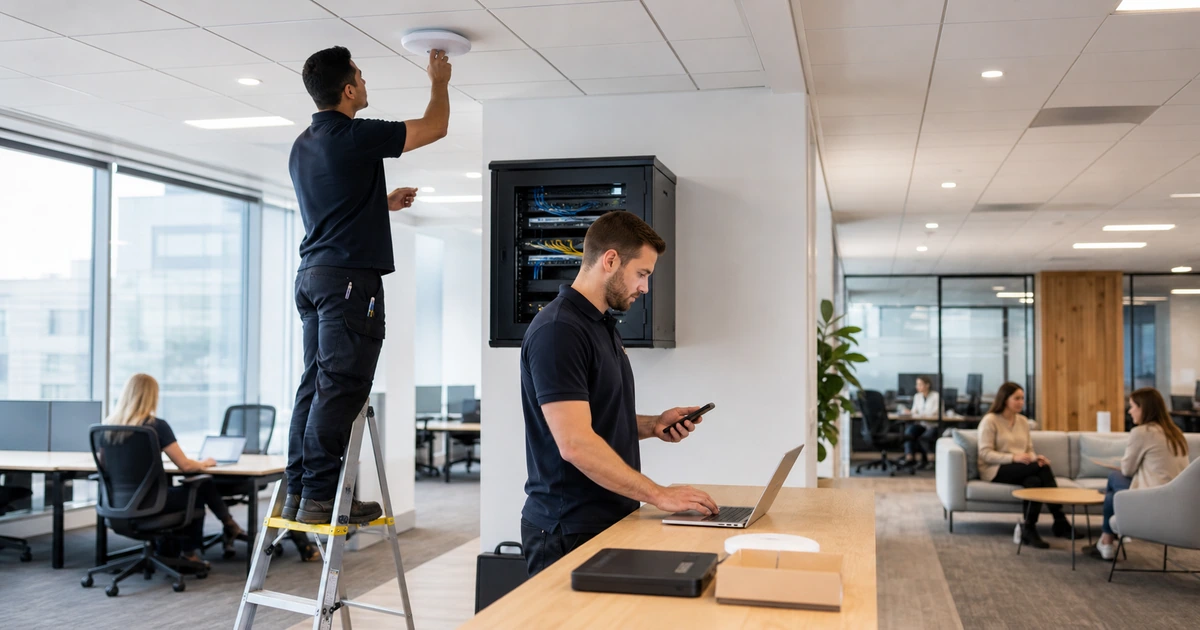
ALLMSP can define requirements, survey facilities, design radio coverage and capacity, install structured cabling, configure switching and firewalls, mount access points, secure networks, integrate identity, test applications and roaming, document the environment, train staff, and provide ongoing support with our in-house team.
We install and support business wireless networks in Lawrenceville, Suwanee, Gwinnett County, Metro Atlanta, and throughout Georgia for offices, warehouses, retail locations, restaurants, schools, healthcare sites, professional services, and multi-location organizations.
- Survey: Map facilities, users, devices, applications, density, interference, mounting, cabling, power, security, and measurable acceptance.
- Install: Cable, certify, mount, switch, power, configure, segment, authenticate, secure, label, and document the system.
- Support: Validate, monitor, troubleshoot, update, optimize, replace, train, preserve evidence, and review the wireless lifecycle.
Primary guidance for business Wi-Fi design and security
Use current product documentation and recognized wireless security guidance, then validate the final design in the actual facility with representative devices and applications.
- NIST Guidelines for Securing WLANs. Provides lifecycle guidance for wireless design, security configuration, evaluation, maintenance, and monitoring.
- Cisco Wireless Site Survey FAQ. Explains how surveys inform coverage, interference, placement, power, wiring, documentation, and business requirements.
- Cisco Access Point Deployment Guide. Shows how current enterprise access points can support model-specific survey and deployment validation.
- ALLMSP Low Voltage Wiring. Wireless design, data cabling, access-point installation, racks, pathways, testing, labeling, and support.
Business Wi-Fi installation FAQs
How many access points does a business need?
The number depends on facility materials, area, device density, applications, radio bands, interference, mounting, capacity, roaming, and measured acceptance rather than square footage alone.
Why is a wireless site survey important?
A survey tests how radio signals, interference, construction, neighboring networks, devices, and candidate locations behave in the actual facility.
Should access points be installed in hallways?
Placement should follow the measured design and intended user areas. A convenient hallway location may not provide the required capacity or signal path into rooms.
Does every access point need a network cable?
Most business deployments benefit from certified wired uplinks and appropriate PoE. Wireless mesh can serve specific constraints but changes capacity, reliability, and troubleshooting.
What should be separated on business Wi-Fi?
Separate corporate users, guests, operational systems, voice, and devices according to identity, risk, communication need, support, and applicable policy.
Can one Wi-Fi network support voice and video meetings?
Yes, when coverage, capacity, roaming, airtime, switching, internet service, client behavior, and quality requirements are designed and tested together.
What is checked during Wi-Fi commissioning?
Check coverage, interference, capacity, roaming, authentication, segmentation, applications, guests, alerts, access-point failure, switch behavior, documentation, and support readiness.
Should Wi-Fi be tested when the building is occupied?
Yes where practical. People, devices, inventory, machinery, neighboring networks, and normal activity can change radio conditions and demand.
Can ALLMSP install cabling and access points together?
Yes. ALLMSP handles surveys, structured cabling, certification, switching, PoE, mounting, configuration, security, testing, documentation, and support in house.
Where does ALLMSP install business Wi-Fi?
ALLMSP serves Lawrenceville, Suwanee, Gwinnett County, Metro Atlanta, and organizations throughout Georgia with local and remote network support.