
















































































































Slack Notifications Not Arriving? Test App, Schedule and Device
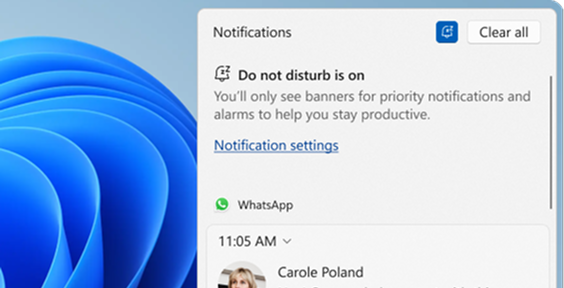
Isolate a missed Slack banner, delayed mobile alert or silent notification with a controlled message, the right workspace and platform-specific checks.
Read article
Type at least two characters
Type at least two characters
Browse business hardware first, then explore software by the work it supports.
Managed technology, AI integration, marketing, infrastructure, and business support.
Support, protection, devices, and dependable daily operations
AI systems, integrations, automation, analytics, and governance
Marketing, websites, hosting, print, signs, and brand visibility
Cloud, backup, cabling, planning, leadership, and business support
Technology, security, automation, and marketing aligned to the way your organization works.
ALLMSP supports businesses across Lawrenceville, Suwanee, Gwinnett County, Metro Atlanta, and nationwide remote environments.
Discuss Your Environment Isolate a missed Slack banner, delayed mobile alert or silent notification with a controlled message, the right workspace and platform-specific checks.
Read article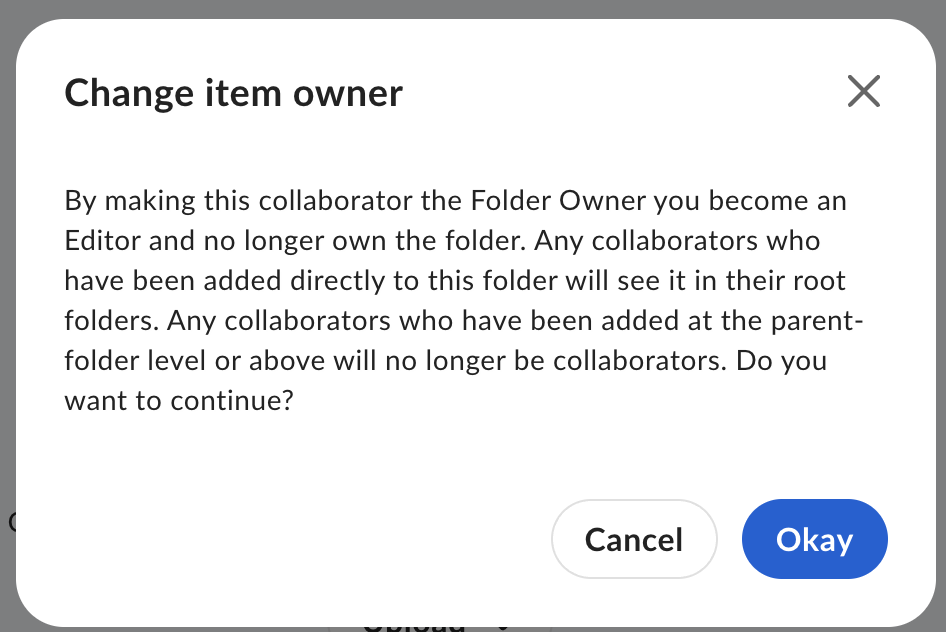
Plan a Box managed-user handover with verified ownership, collaboration, workflow, retention and recipient checks before approving deletion or declaring the transfer complete.
Read article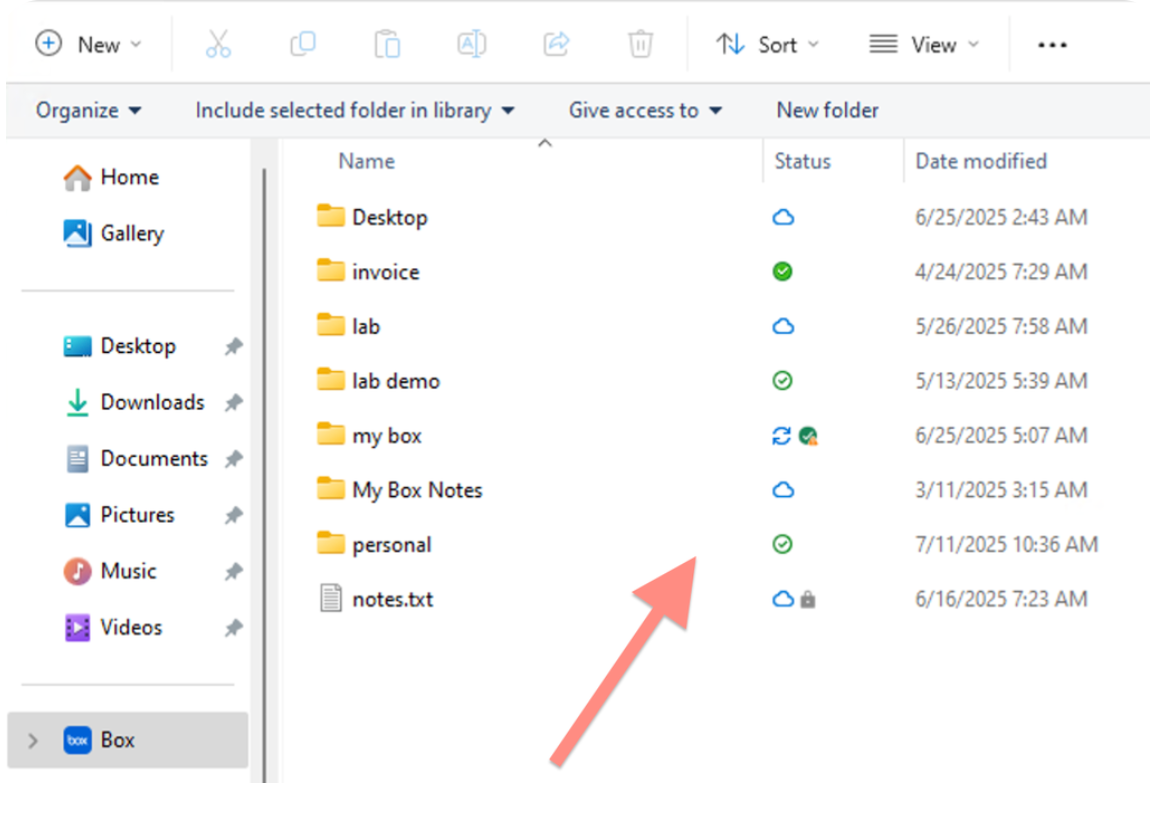
Troubleshoot installed Box Drive on Windows using its actual architecture, download state, file permissions and local space while protecting unsynced work.
Read article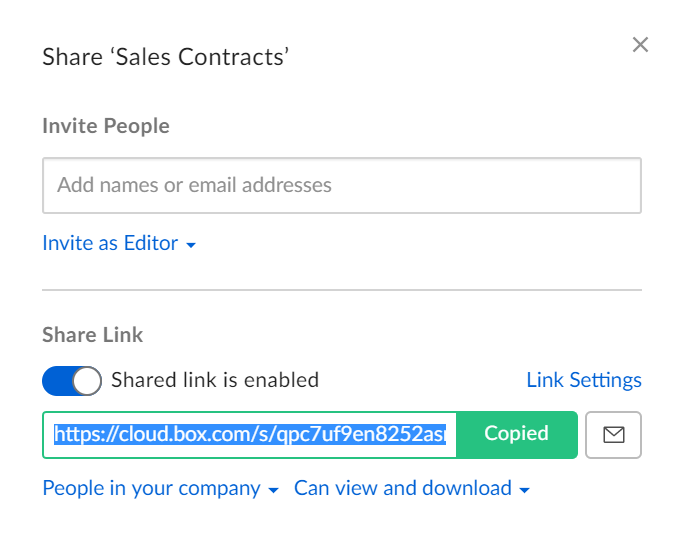
Find which account, link audience, item permission or organization setting blocks a Box recipient, then test the intended access without opening the link to everyone.
Read article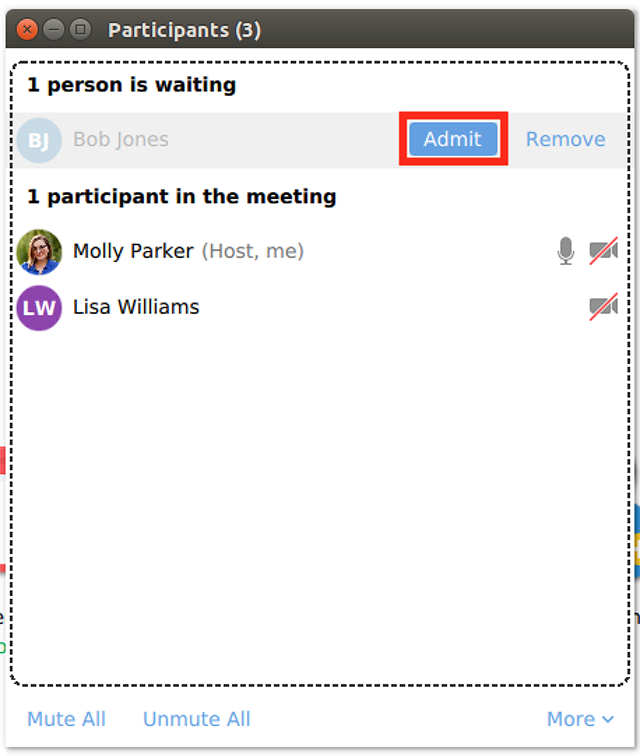
Separate a waiting-room delay, old invitation, required Zoom account and domain restriction. Rehearse the real external-client path without weakening organization-wide meeting policy.
Read article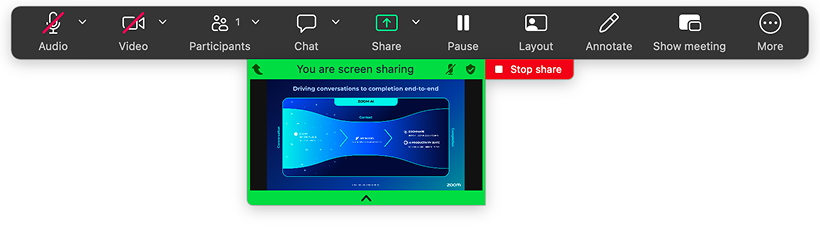
Find whether Zoom screen sharing is blocked by the host, an administrator or Mac permissions. Then verify the right window, readable text, shared sound and the stop-sharing result.
Read article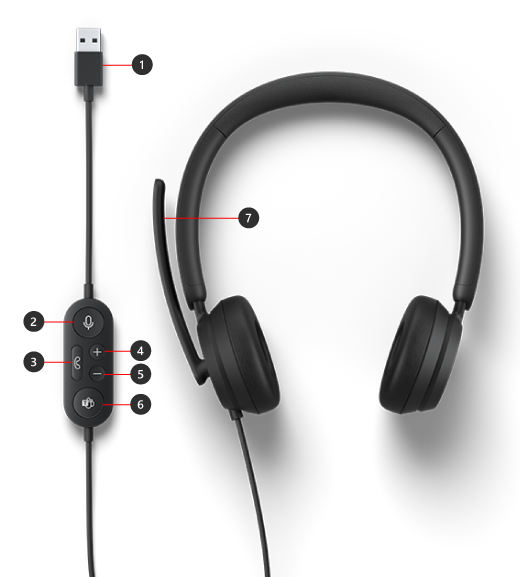
Separate a silent microphone, wrong speaker, missing permission and room echo before a Zoom meeting. Use local playback and a real two-way check to find what still fails.
Read article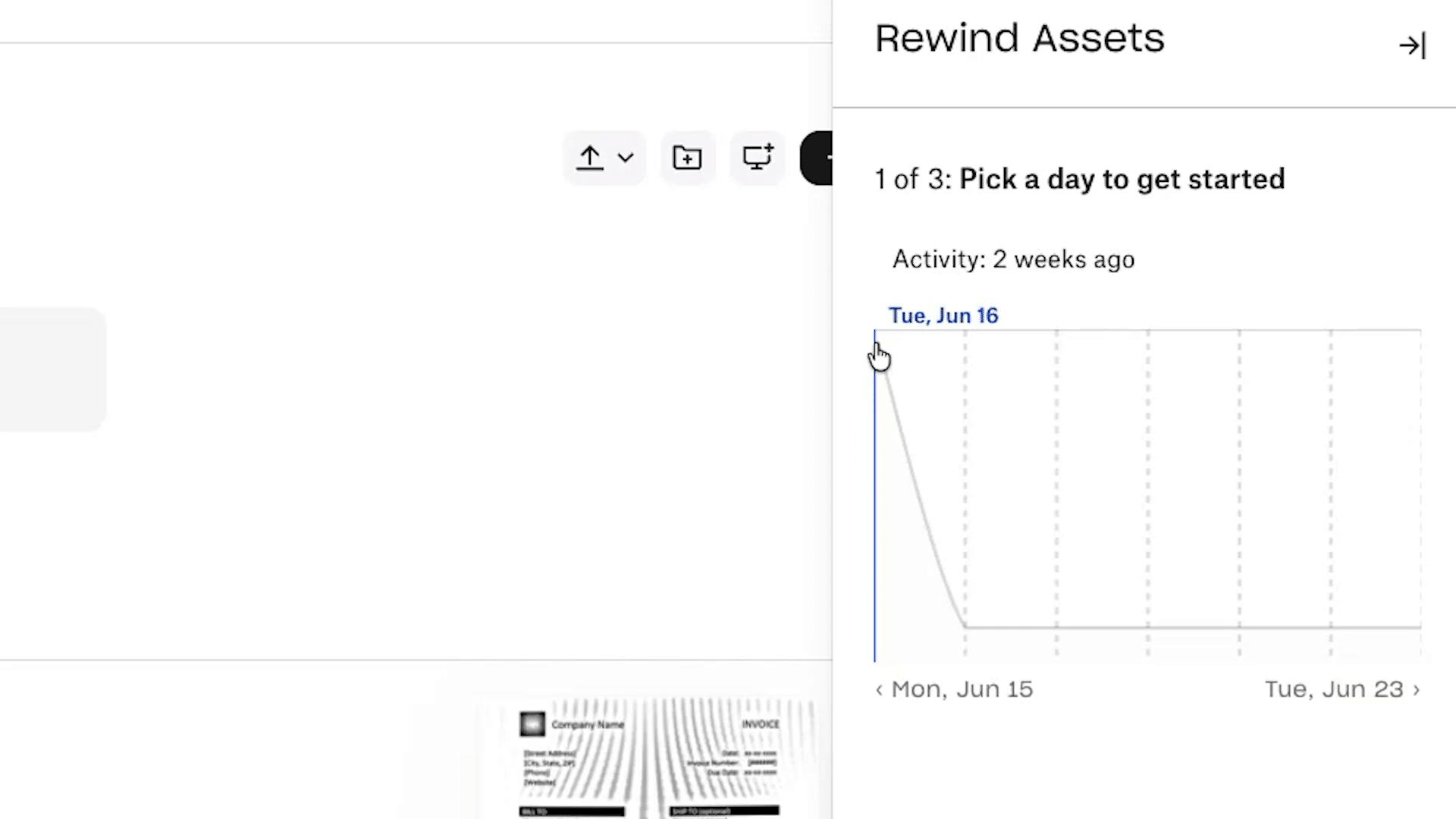
Find the right Dropbox recovery route for a deleted item, an overwritten file or many unwanted changes. Check permissions, history limits and the actual restored content.
Read article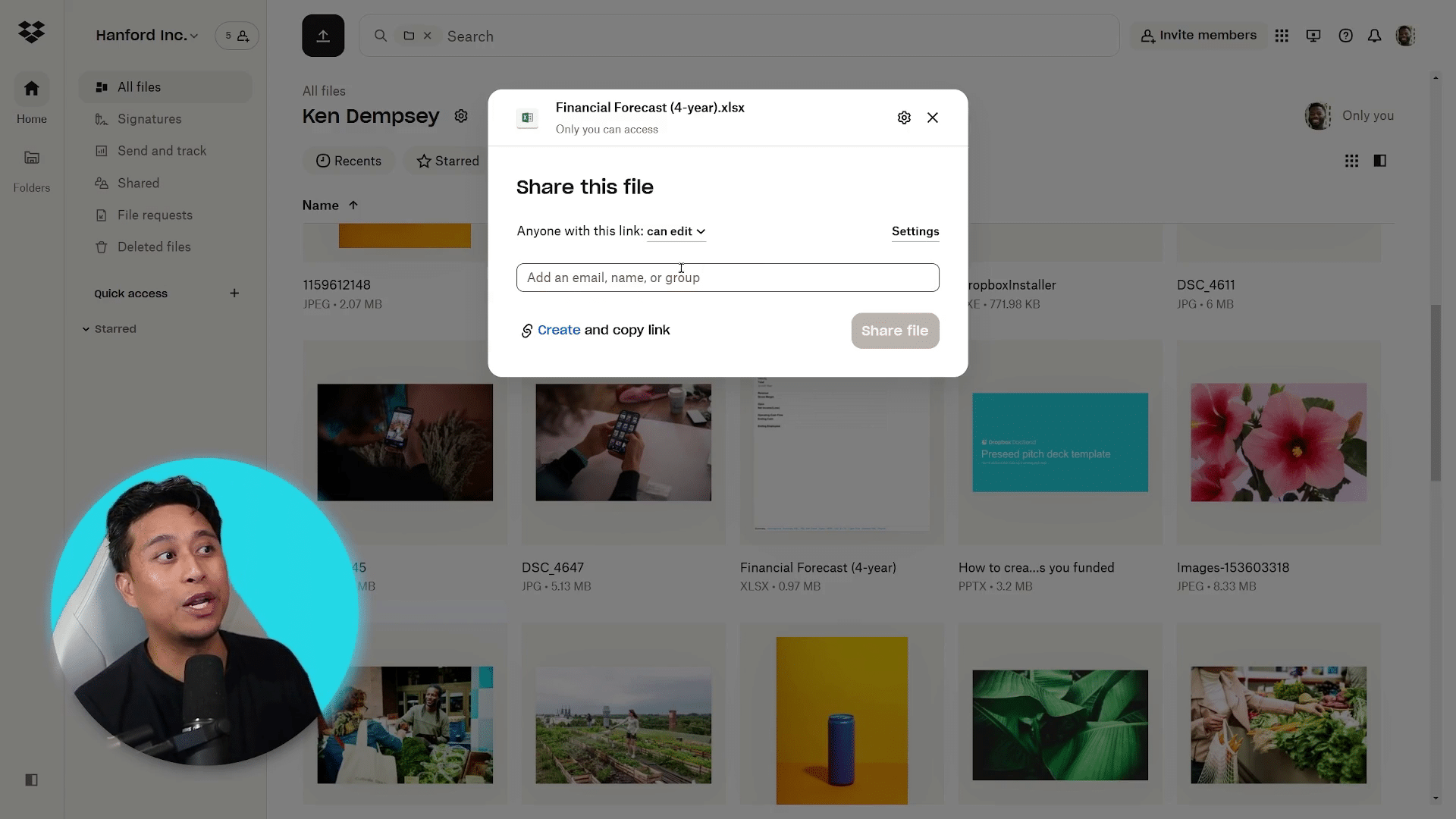
Choose between folder membership and a shared link, test the recipient’s actual access, and remove every access route when a Dropbox collaboration ends.
Read article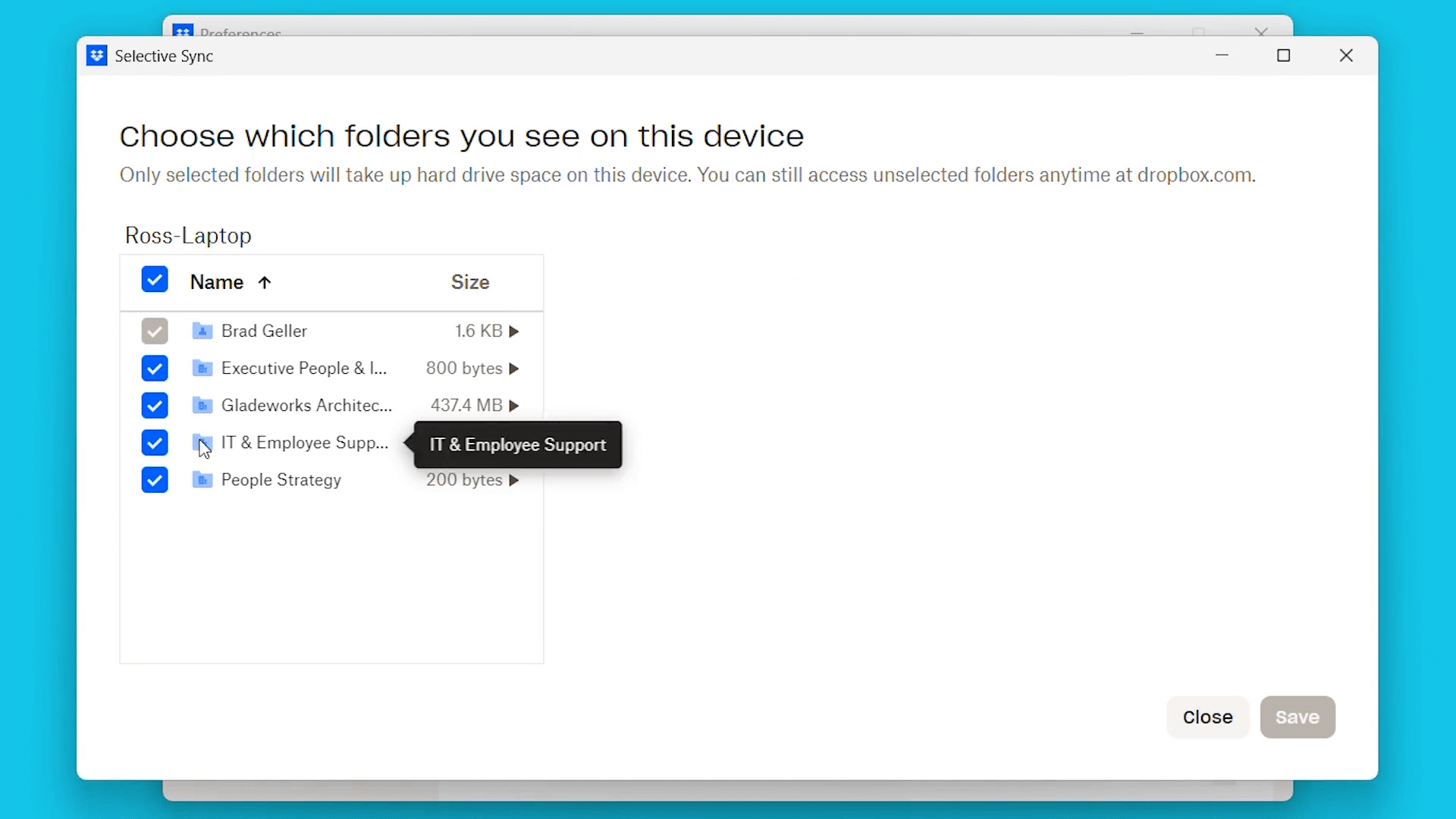
Locate a missing Dropbox file without deleting a local edit. Separate account, selective-sync, online-only, permission and conflict problems, then test the actual file path.
Read article