




























































































































































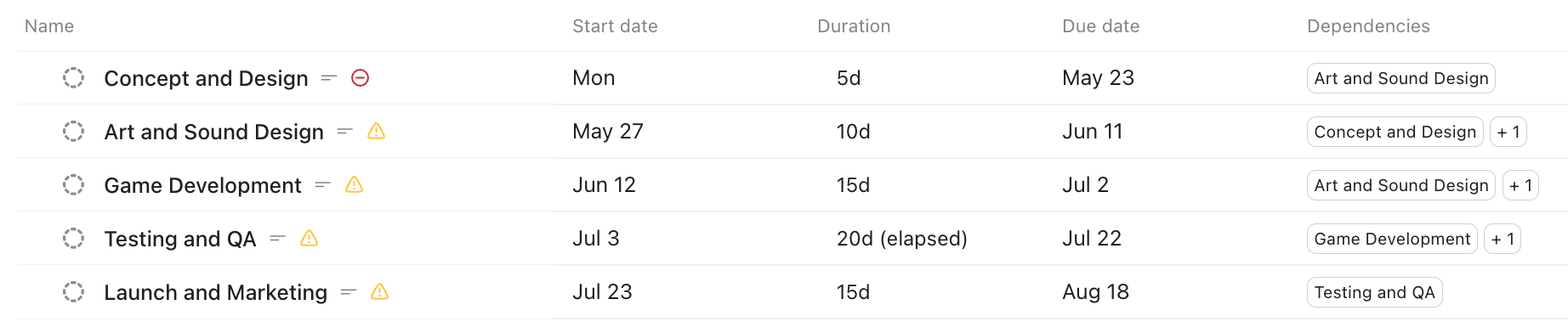
ClickUp Dependency Dates Not Moving? Check the Relationship and Scheduling Mode
Separate ClickUp dependency relationships from automatic rescheduling, verify the required dates and Space settings, then test one controlled date shift.
Read article
Type at least two characters
Type at least two characters
Browse business hardware first, then explore software by the work it supports.
Managed technology, AI integration, marketing, infrastructure, and business support.
Support, protection, devices, and dependable daily operations
AI systems, integrations, automation, analytics, and governance
Marketing, websites, hosting, print, signs, and brand visibility
Cloud, backup, cabling, planning, leadership, and business support
Technology, security, automation, and marketing aligned to the way your organization works.
ALLMSP supports businesses across Lawrenceville, Suwanee, Gwinnett County, Metro Atlanta, and nationwide remote environments.
Discuss Your Environment Separate ClickUp dependency relationships from automatic rescheduling, verify the required dates and Space settings, then test one controlled date shift.
Read article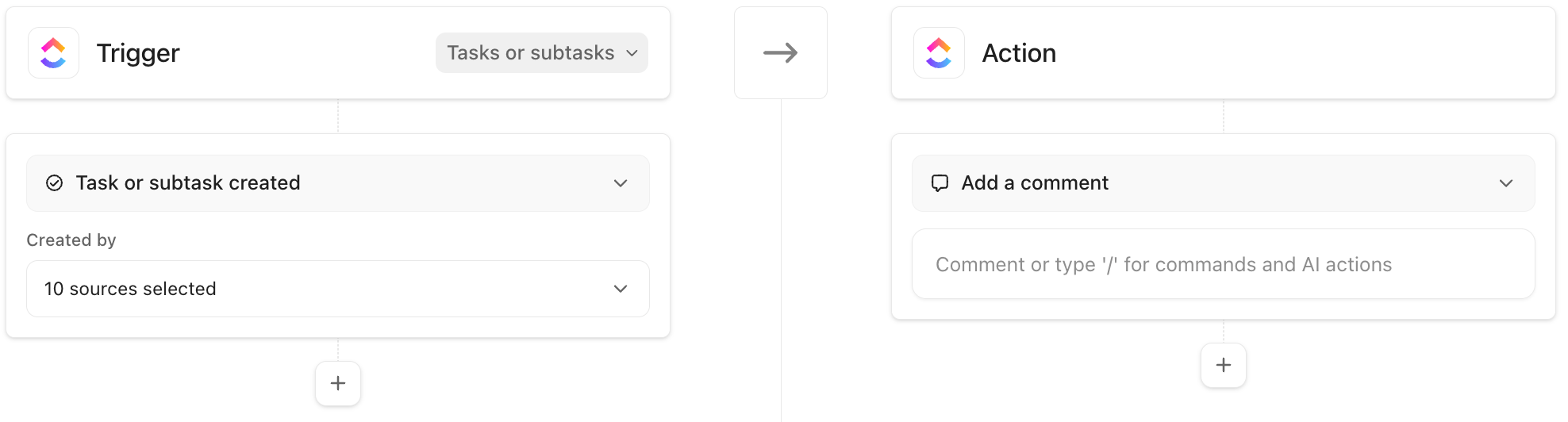
Follow one ClickUp Automation from its location and creation source through conditions, usage limits and Activity, using harmless positive and negative tests.
Read article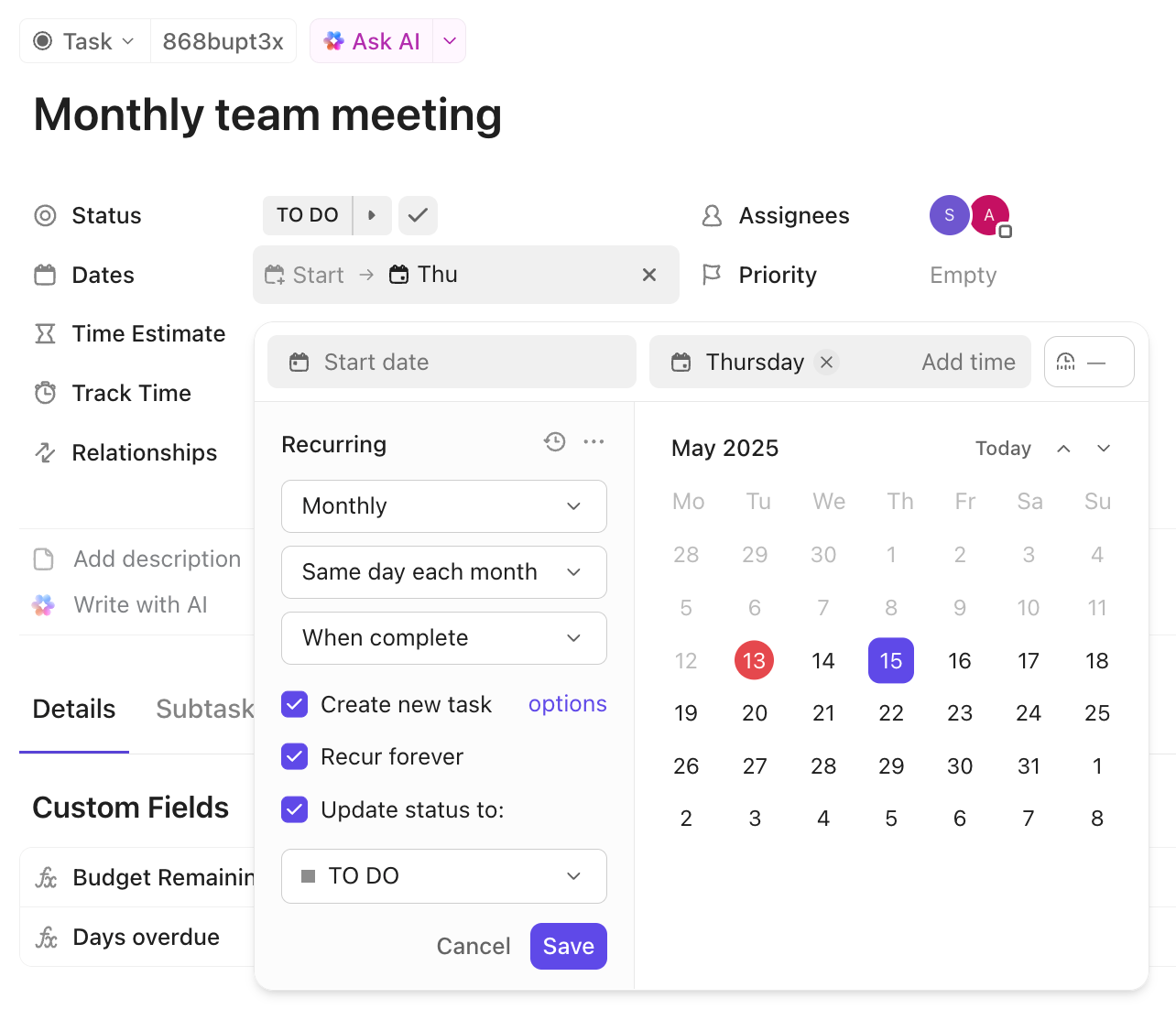
Trace a ClickUp recurrence by task ID, due date, recurrence mode and creation options before adding another repeat or deleting apparent duplicates.
Read article