




























































































































































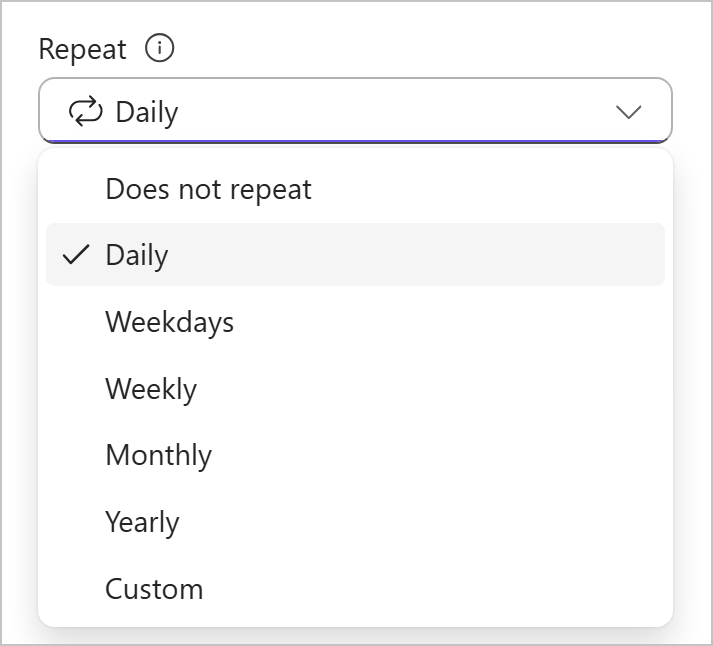
Planner Recurring Task Not Appearing? Check Completion and Due Dates
Troubleshoot a Basic Planner recurring task by checking the current occurrence, completion, due date, repeat pattern and any rollout-specific time display.
Read article
Type at least two characters
Type at least two characters
Browse business hardware first, then explore software by the work it supports.
Managed technology, AI integration, marketing, infrastructure, and business support.
Support, protection, devices, and dependable daily operations
AI systems, integrations, automation, analytics, and governance
Marketing, websites, hosting, print, signs, and brand visibility
Cloud, backup, cabling, planning, leadership, and business support
Technology, security, automation, and marketing aligned to the way your organization works.
ALLMSP supports businesses across Lawrenceville, Suwanee, Gwinnett County, Metro Atlanta, and nationwide remote environments.
Discuss Your Environment Troubleshoot a Basic Planner recurring task by checking the current occurrence, completion, due date, repeat pattern and any rollout-specific time display.
Read article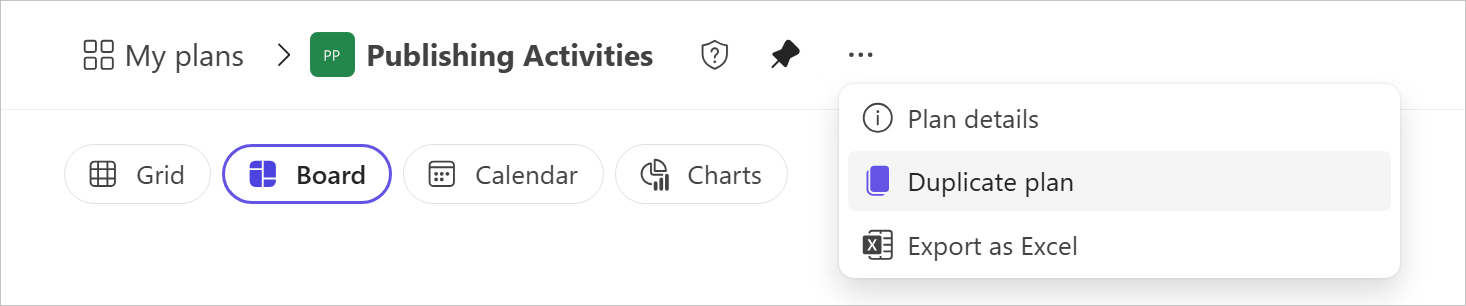
Duplicate a Planner plan with deliberate Basic or Premium checks, then reconcile reset status, selected fields, file access and the destination group.
Read article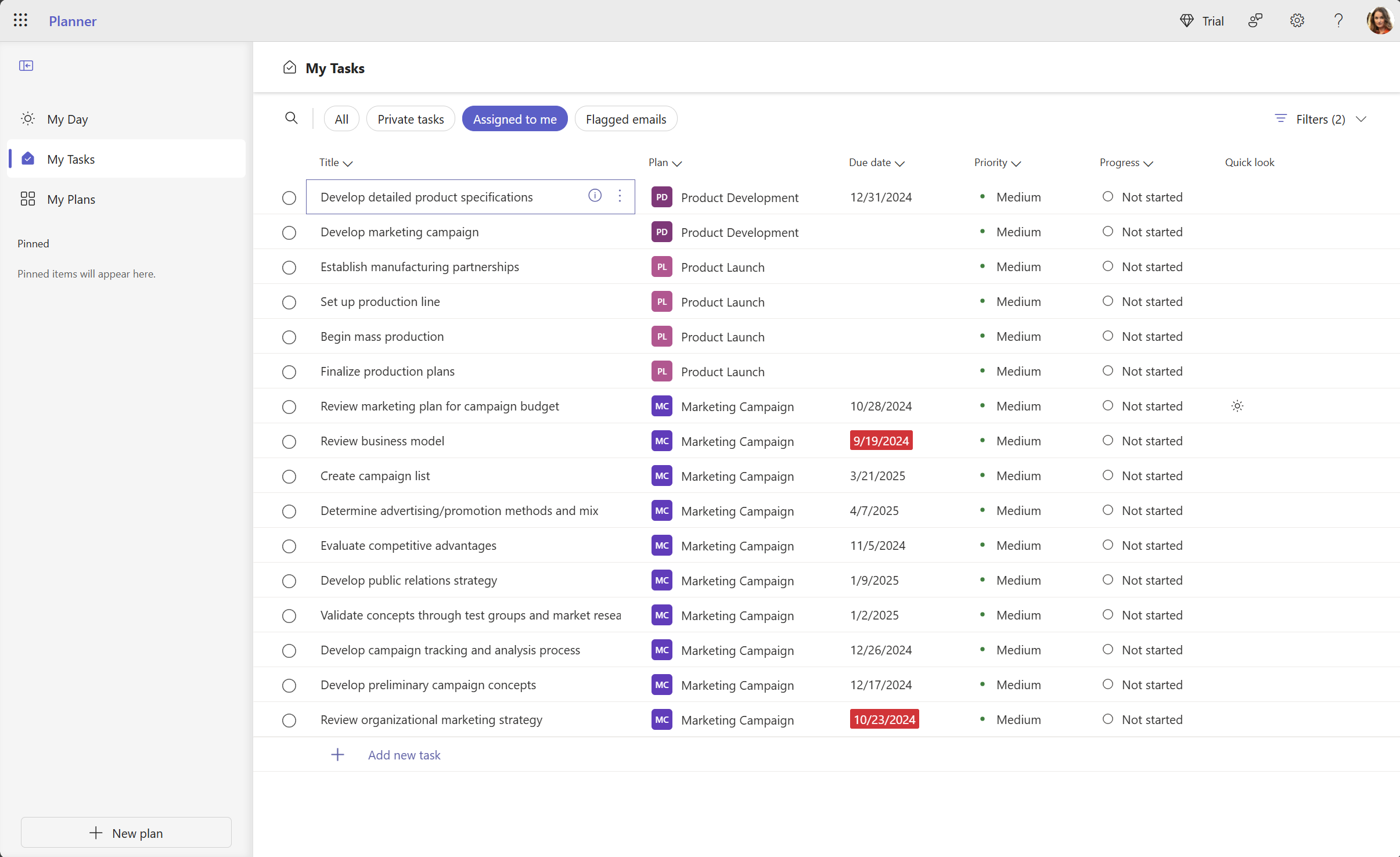
Find a missing Planner task by checking the source plan, assignment, filters and My Day, including the group-membership limit for Premium tasks.
Read article