

















































































































Poly Lens Not Detecting a Device? Check HP Poly Studio Desktop
Check the current HP Poly Studio Desktop app, device and connection support, installed version and managed policy before reinstalling an older Poly Lens app.
Read article
Type at least two characters
Type at least two characters
Browse business hardware first, then explore software by the work it supports.
Managed technology, AI integration, marketing, infrastructure, and business support.
Support, protection, devices, and dependable daily operations
AI systems, integrations, automation, analytics, and governance
Marketing, websites, hosting, print, signs, and brand visibility
Cloud, backup, cabling, planning, leadership, and business support
Technology, security, automation, and marketing aligned to the way your organization works.
ALLMSP supports businesses across Lawrenceville, Suwanee, Gwinnett County, Metro Atlanta, and nationwide remote environments.
Discuss Your Environment Check the current HP Poly Studio Desktop app, device and connection support, installed version and managed policy before reinstalling an older Poly Lens app.
Read article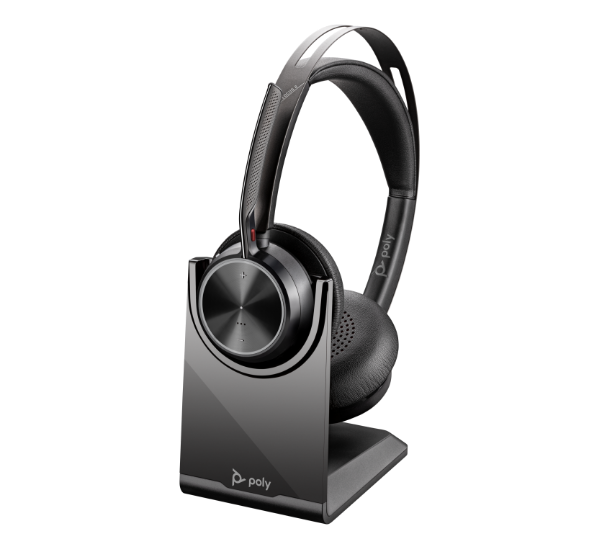
Find the active Voyager Focus 2 audio path, check BT700 pairing and physical mute, then compare a documented USB corded test before replacing the headset.
Read article
Identify whether the laptop or the room appliance owns the call, separate USB camera/audio from HDMI display, and verify the room before and after a guest meeting.
Read article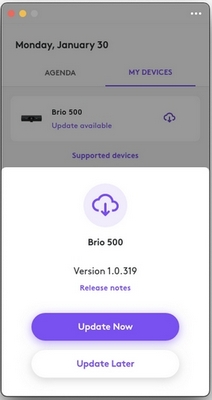
Separate USB detection from Tune compatibility, compare one setting at a time, and use a Brio 500 example to distinguish device firmware from an app update.
Read article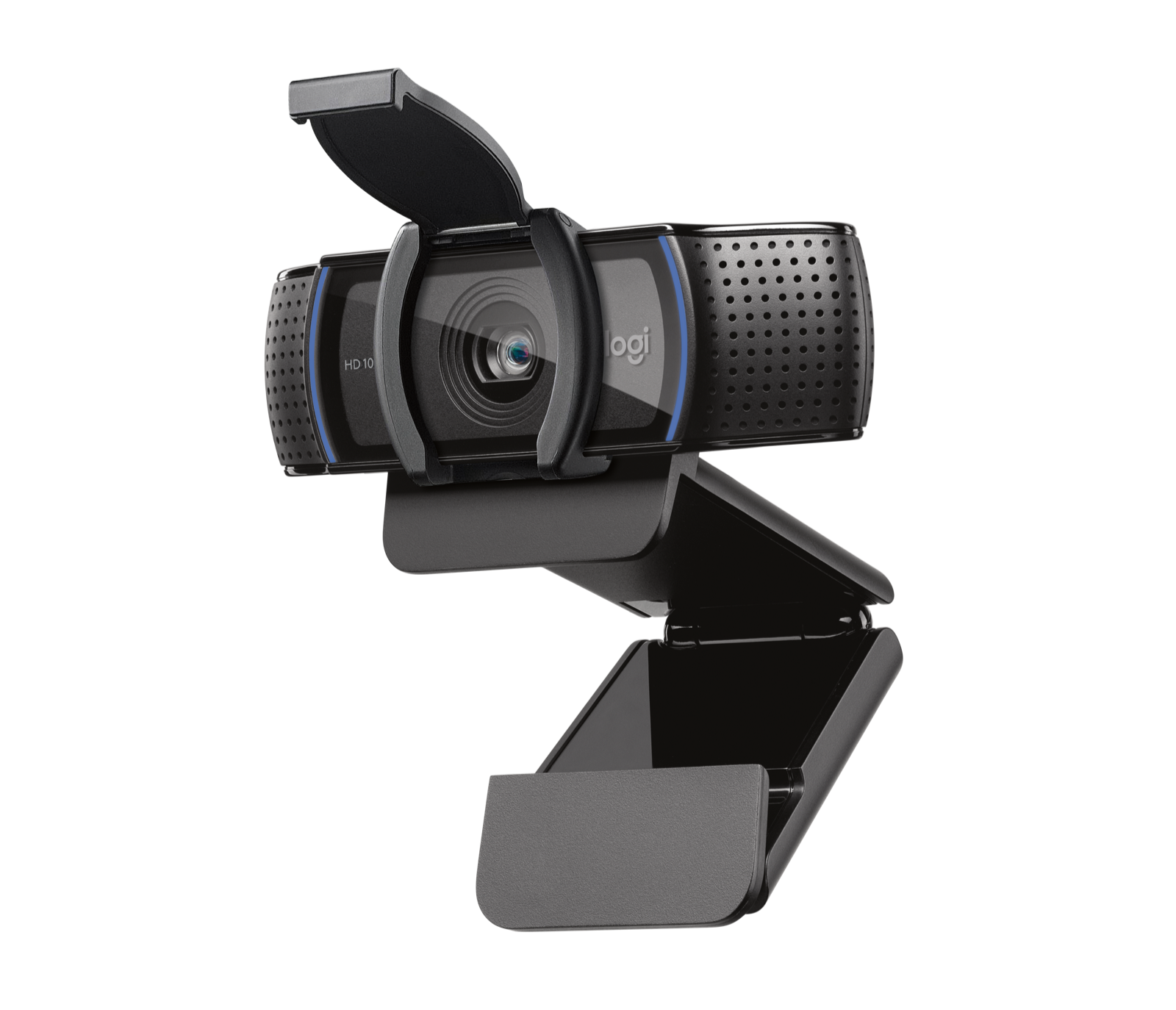
Separate an absent USB camera, a closed C920s shutter, denied access and a meeting-app problem with a short sequence of repeatable comparisons.
Read article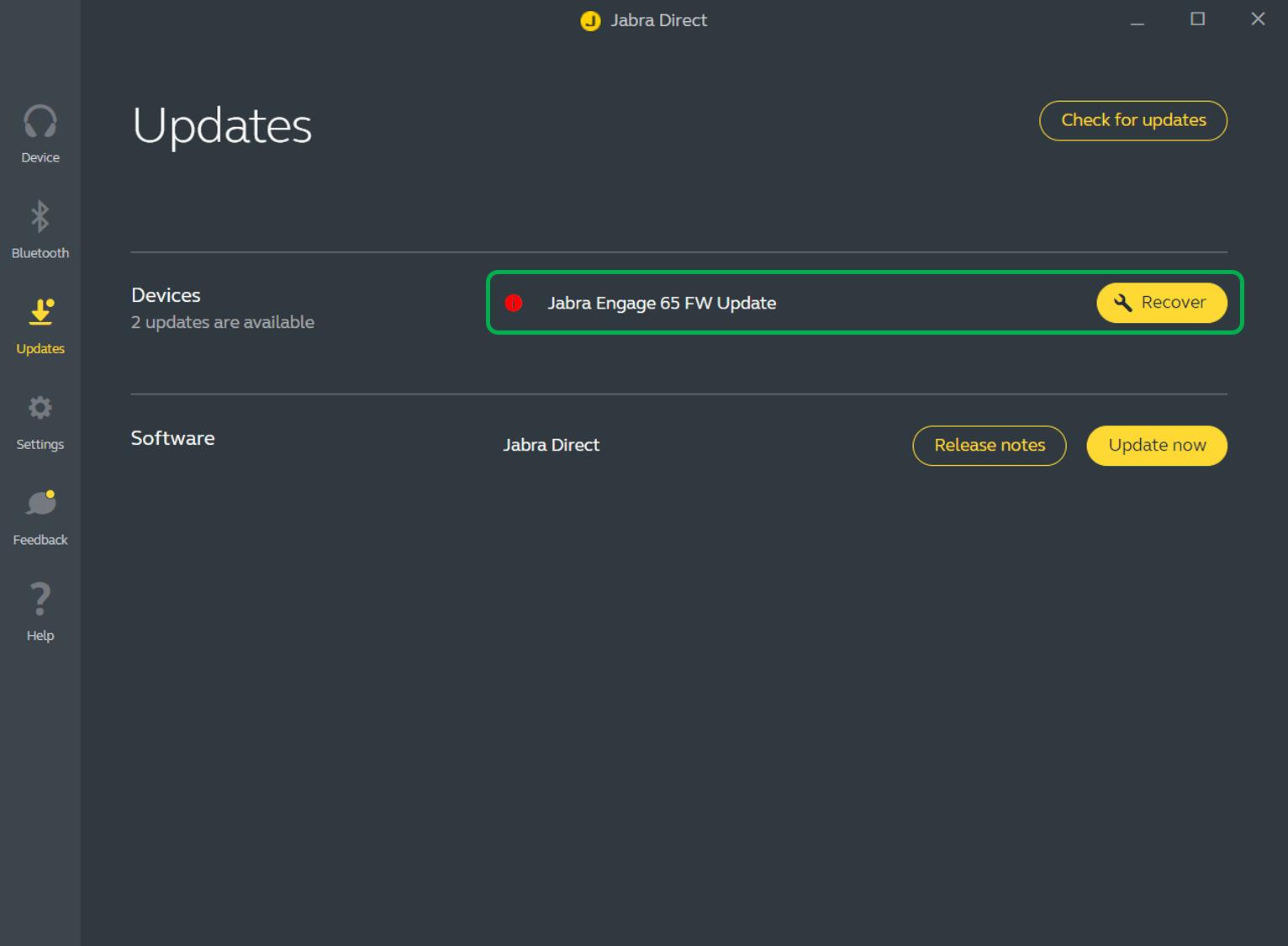
Separate the headset, adapter and Jabra Direct versions, check exact-model release notes, prepare a supported update window and use the documented Recover workflow if an update fails.
Read article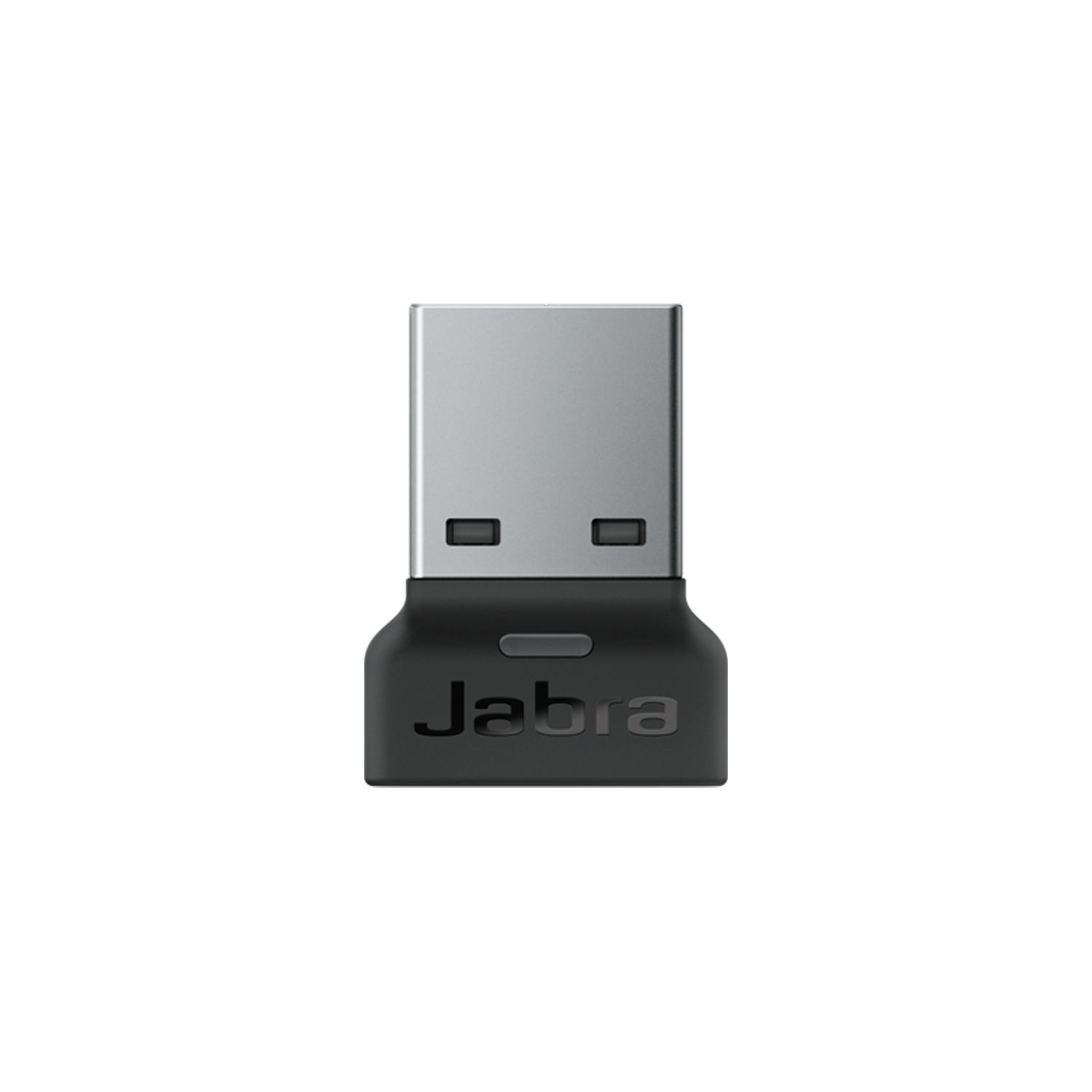
Separate phone pairing, native computer Bluetooth and the Jabra Link connection. Re-pair an Evolve2 65 deliberately, retest both audio directions and preserve settings until a reset is justified.
Read article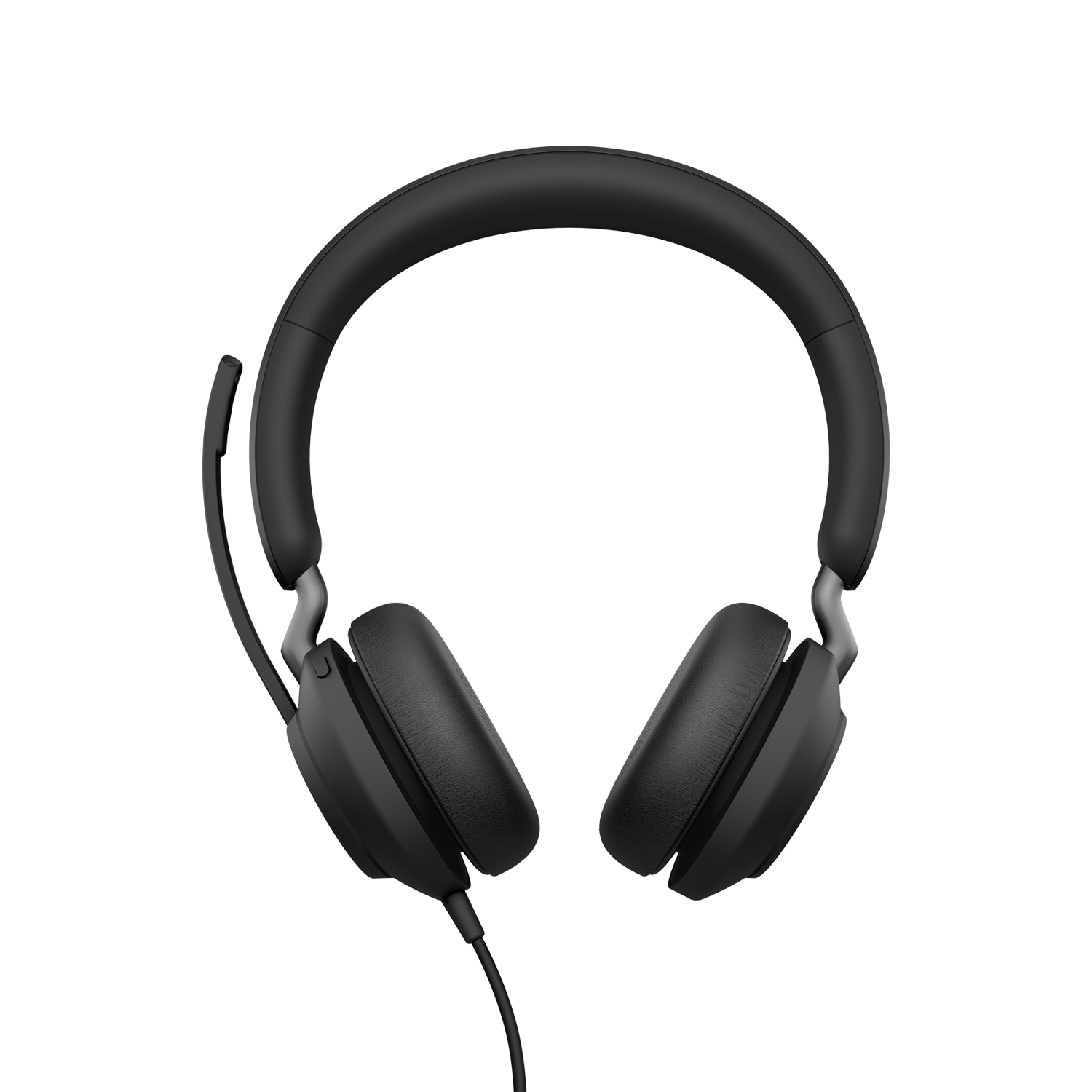
Identify the actual Jabra USB or Link audio path, separate physical mute from app settings, and compare a local recording with a two-way call before replacing equipment.
Read article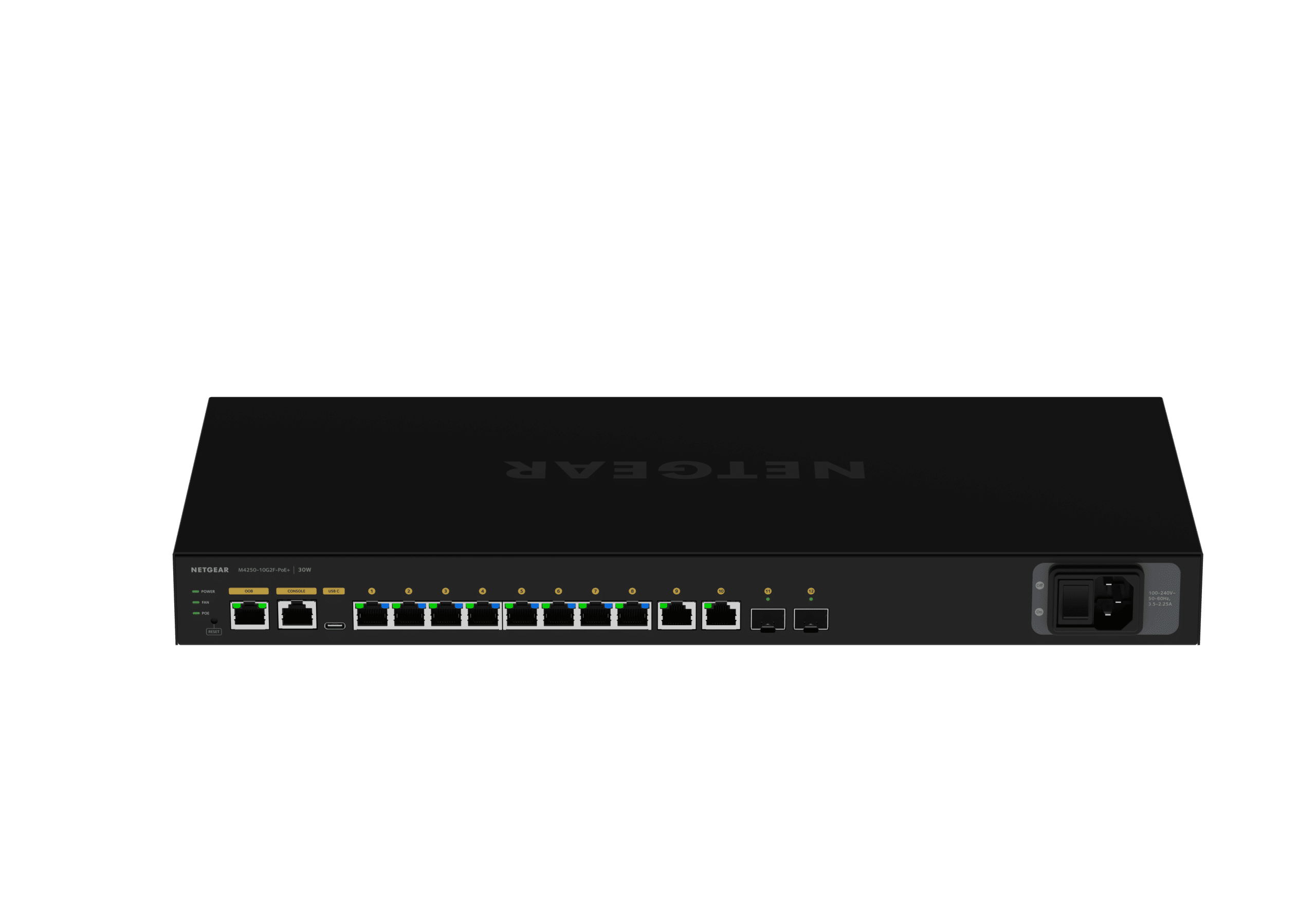
Commission an M4250 AV network by matching the endpoint protocol, checking VLAN and multicast state, exercising receivers and saving a recoverable configuration.
Read article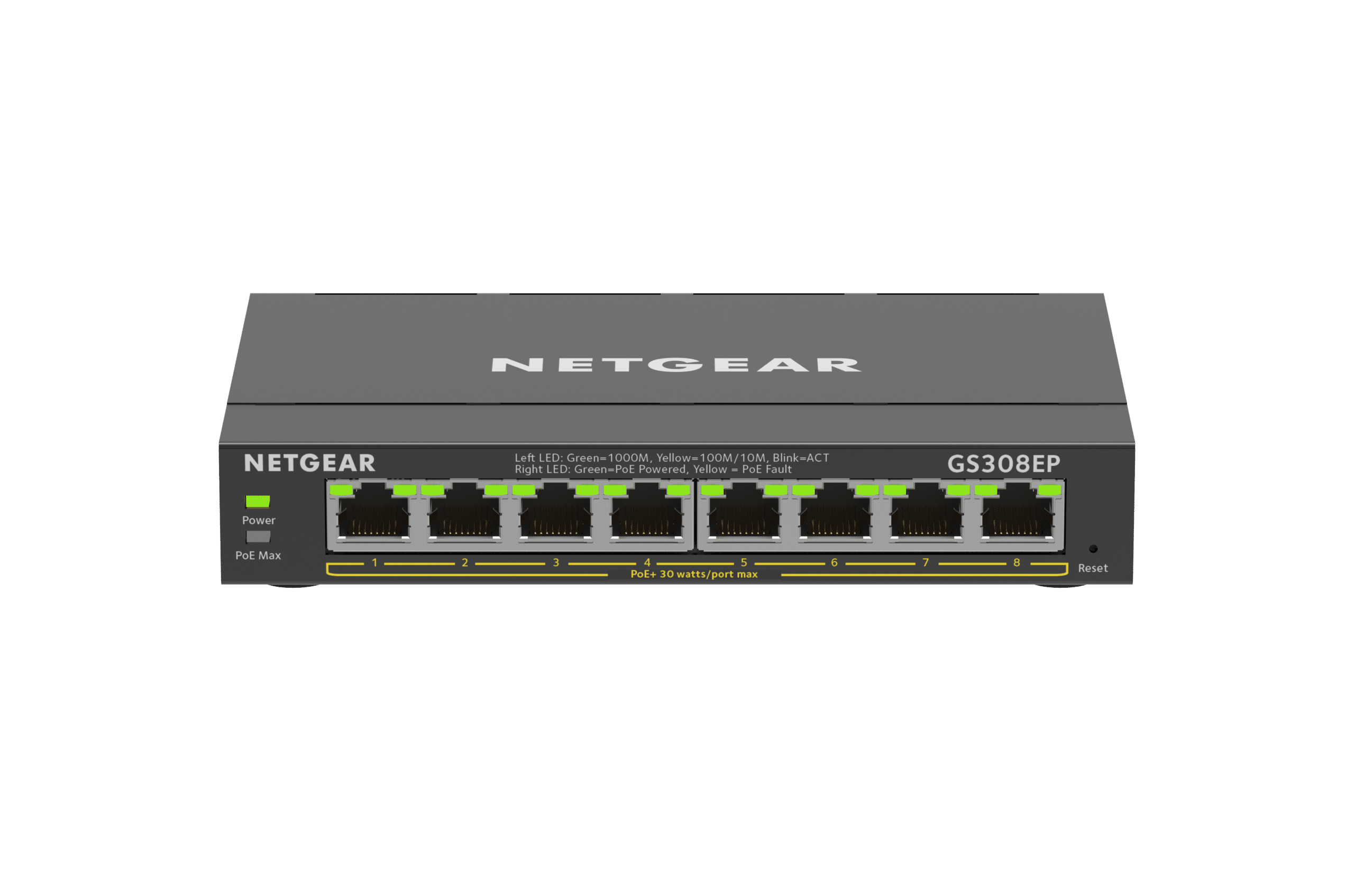
Separate power loss, Ethernet faults and VLAN mistakes on GS308EP/GS308EPP switches with a controlled port test and an end-to-end client check.
Read article